Sleep templates

Sleep and meditation app screenshot templates

Sleep apps are bought at night, by tired people. These templates use dark, quiet palettes and short headlines about how the user will feel, then show the library, the routine, and the morning results.

  • 3 templates
  • 1 free
  • App Store and Google Play
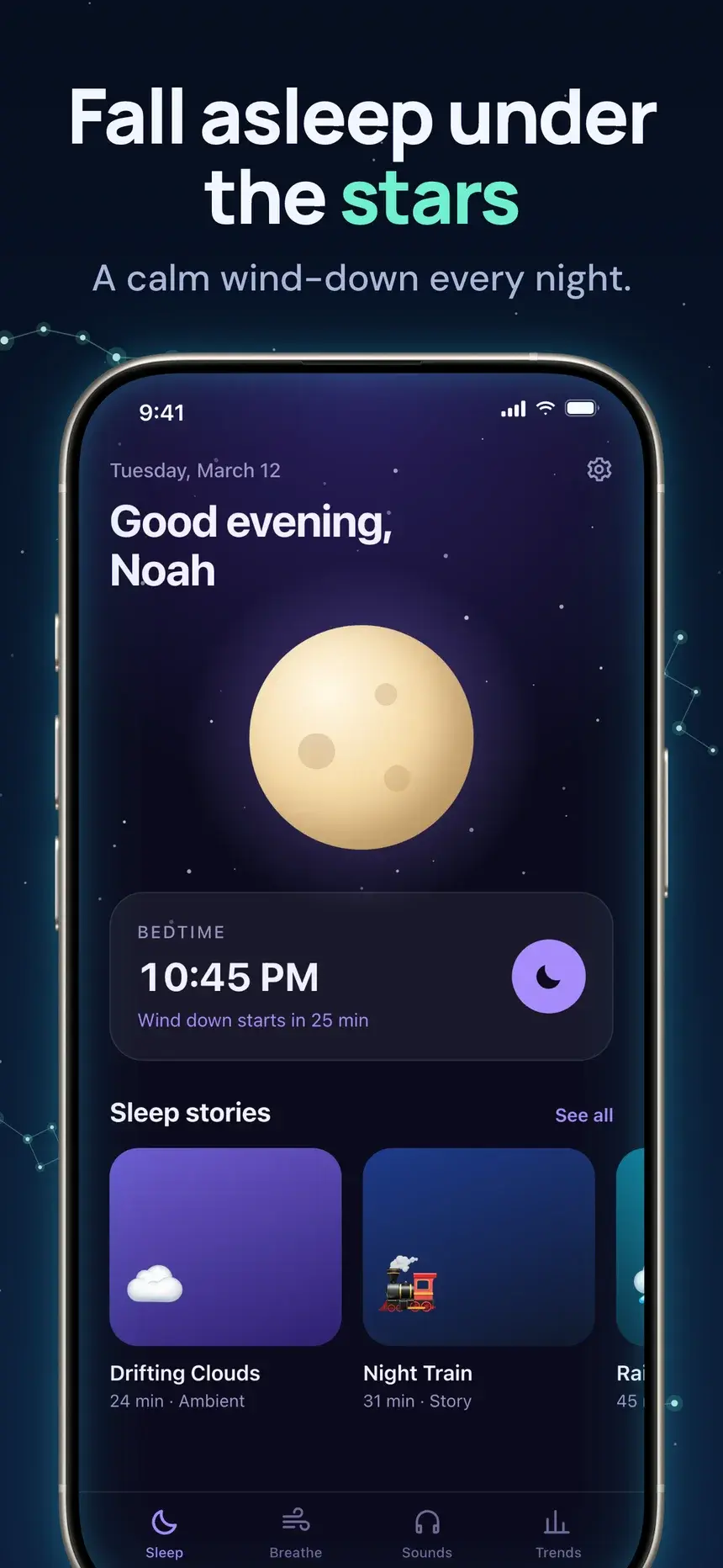
Fall asleep under the stars
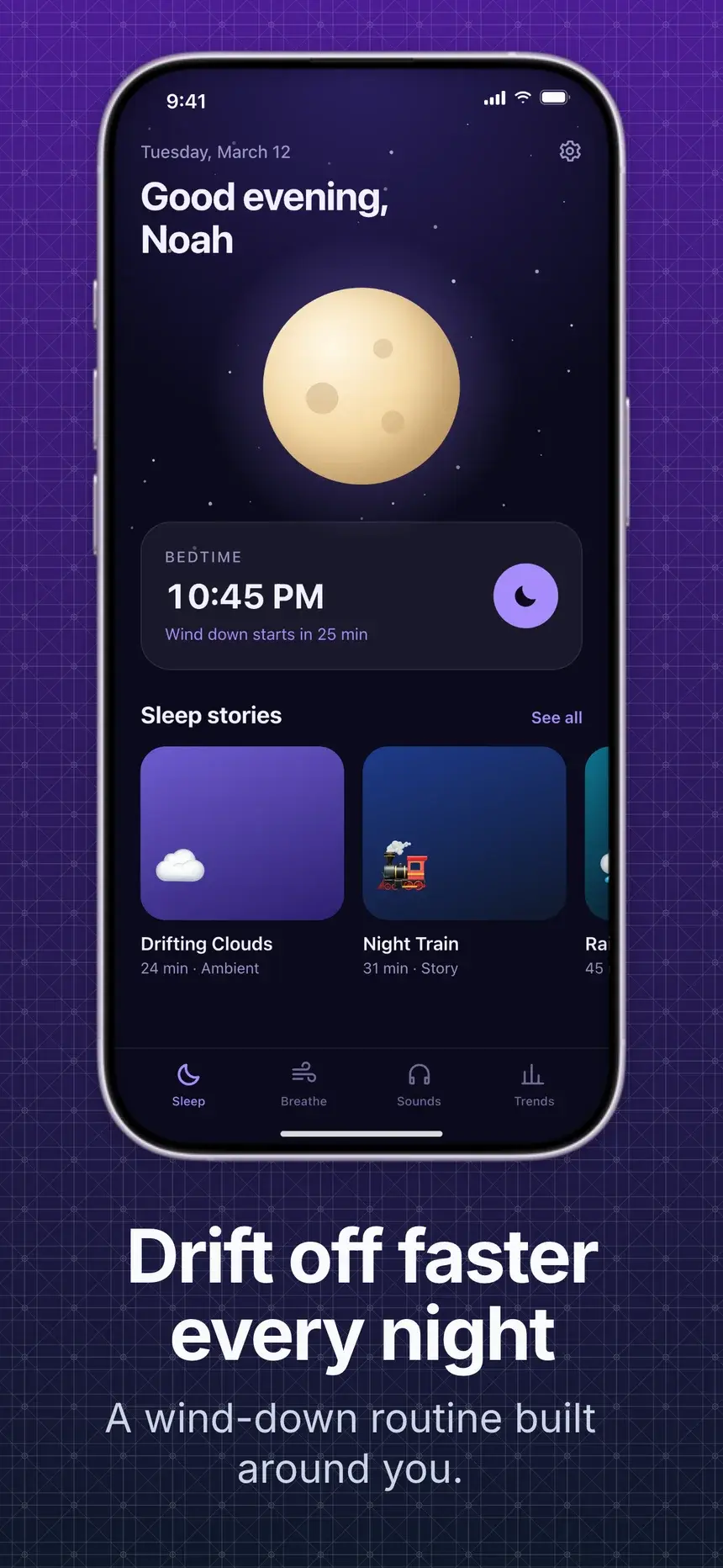
Drift off faster every night
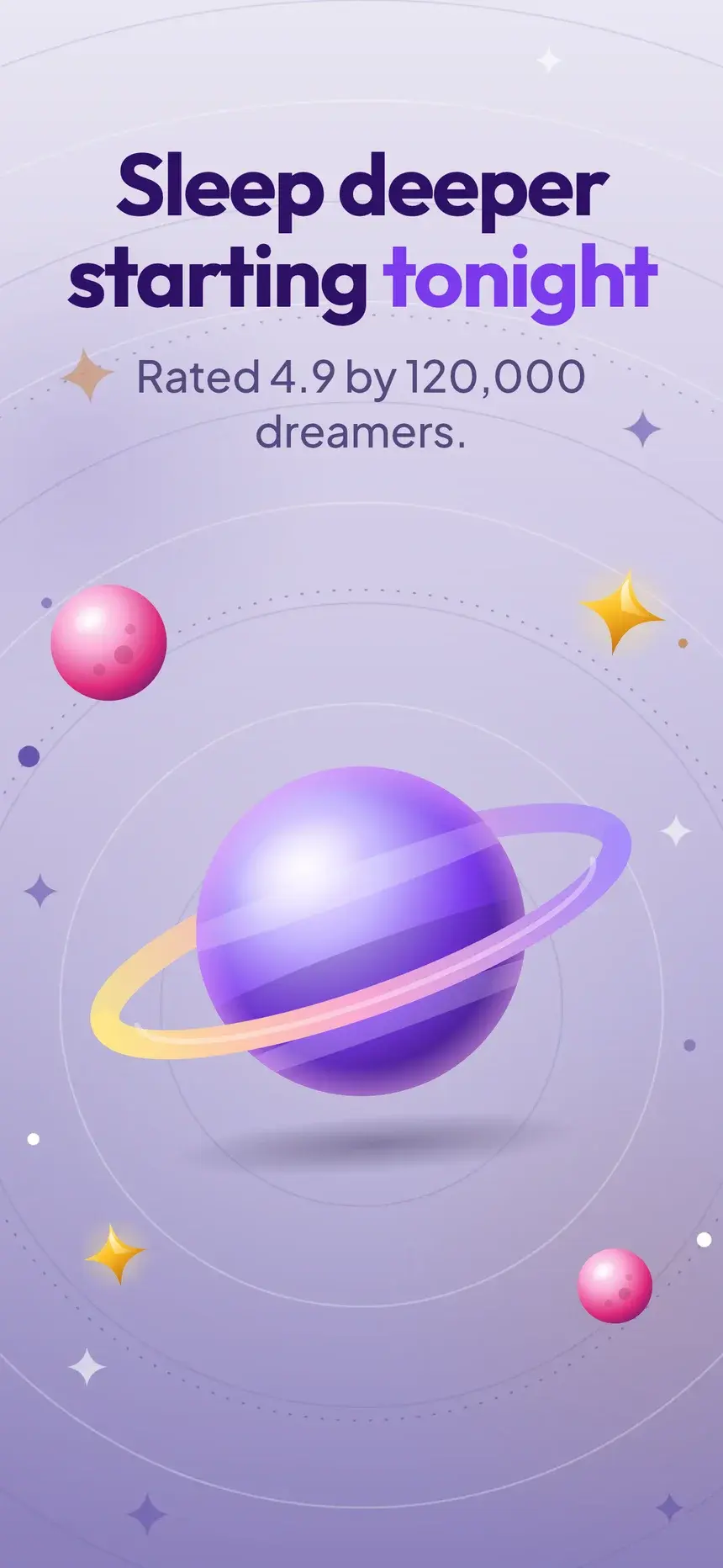
Sleep deeper starting tonight
Stories for a quiet mind
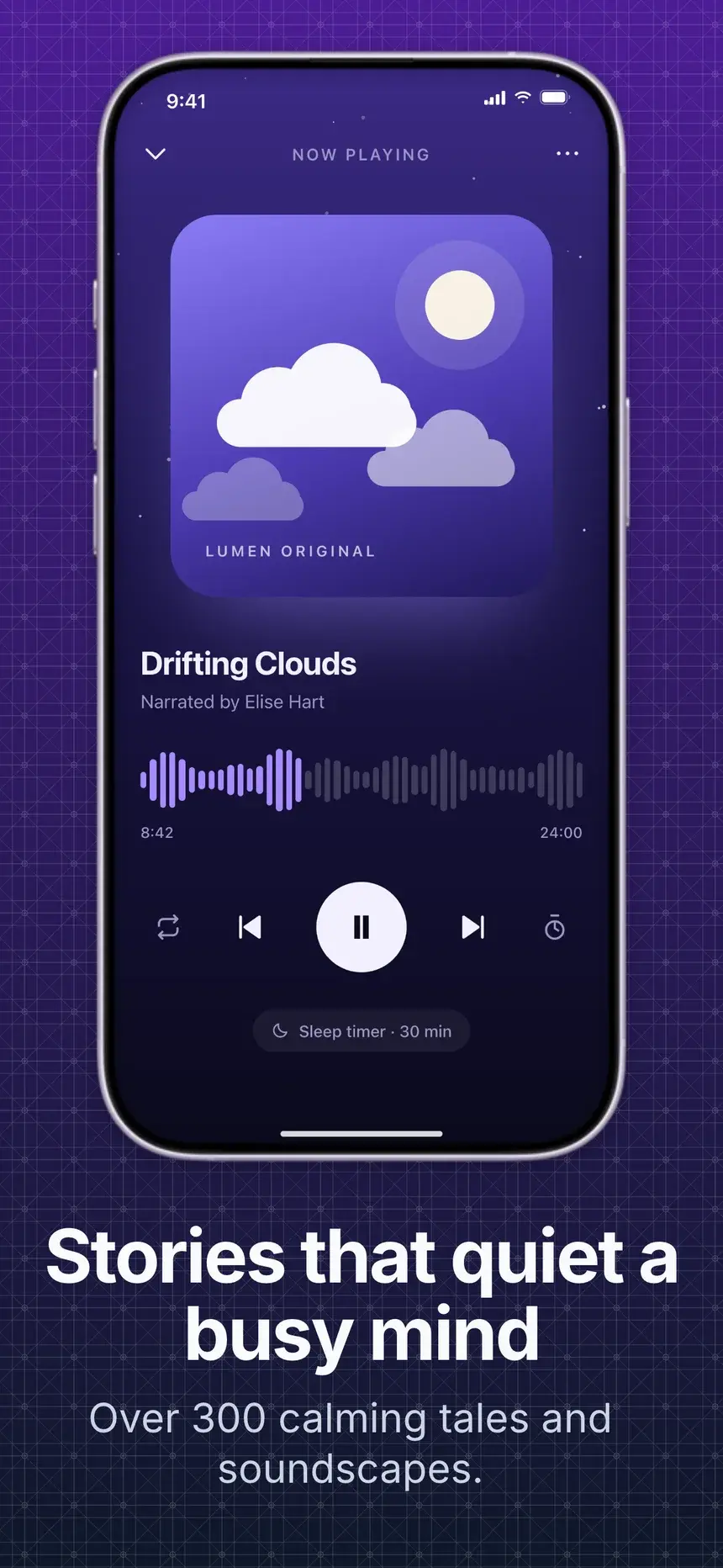
Stories that quiet a busy mind

Playbook

What works in sleep screenshots

01

Sell the feeling

"Drift off faster every night" works because it describes the outcome. Track lists and timers come later.

02

Dark and quiet

Deep blues and violets match the app and the moment people browse. Bright, busy slides fight both.

03

Show the library

Stories, sounds, and breathing sessions prove there is enough to come back to.

04

End on the morning

A sleep score or trend chart closes the story: you rested, and you can see it.

Every slide, with its headline

3 sleep templates

Each one is shown on a demo app. Your screenshots and words replace the demo when you open it.

Constellation template, slide 1: Fall asleep under the stars
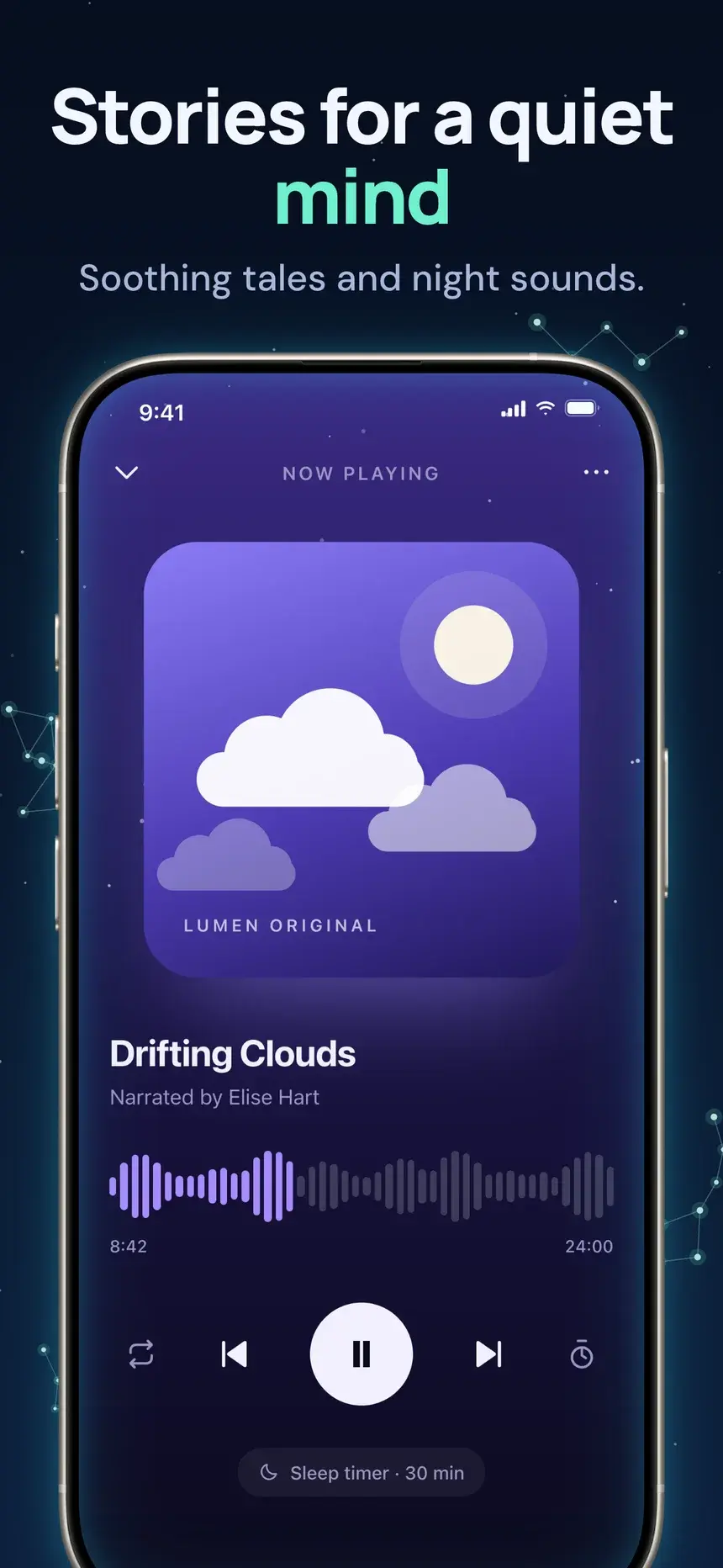
Constellation template, slide 2: Stories for a quiet mind
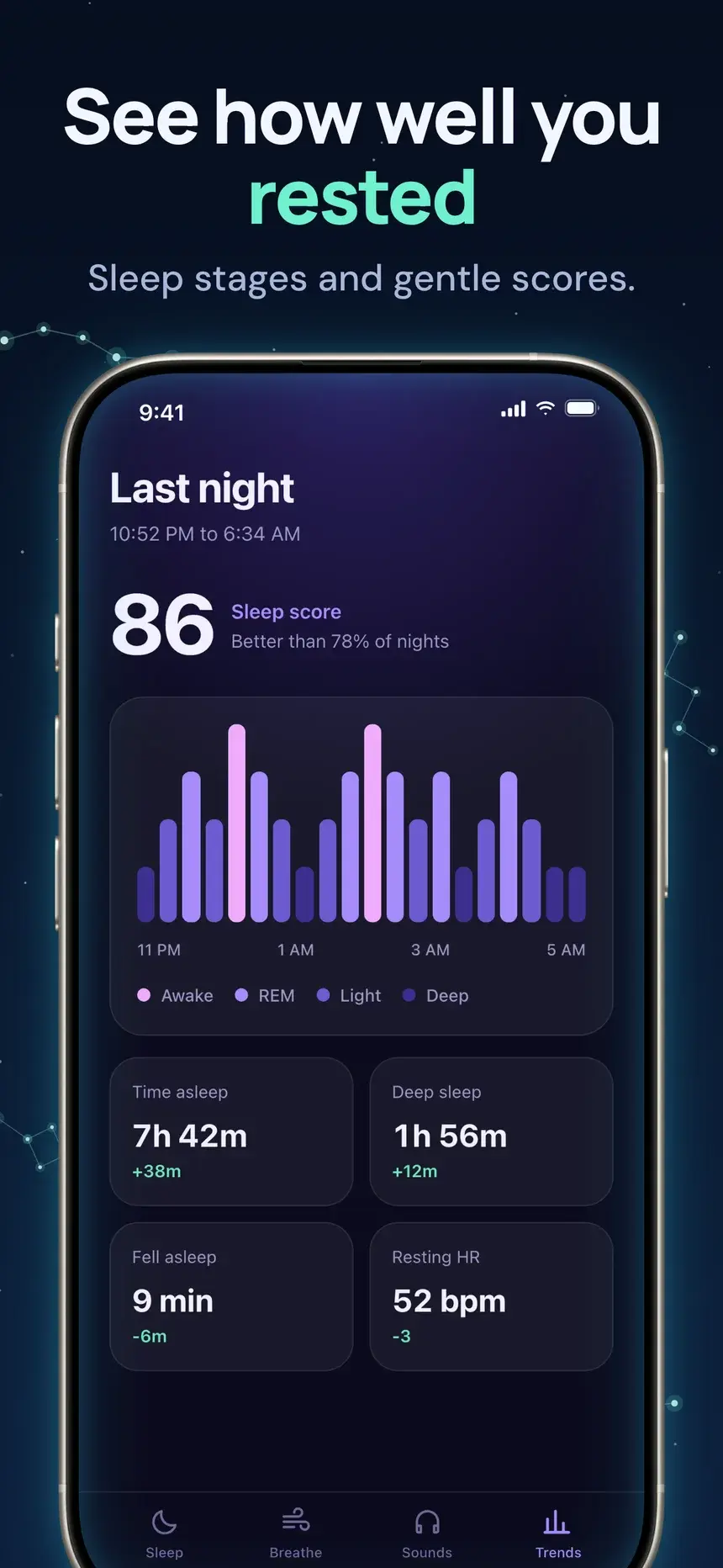
Constellation template, slide 3: See how well you rested
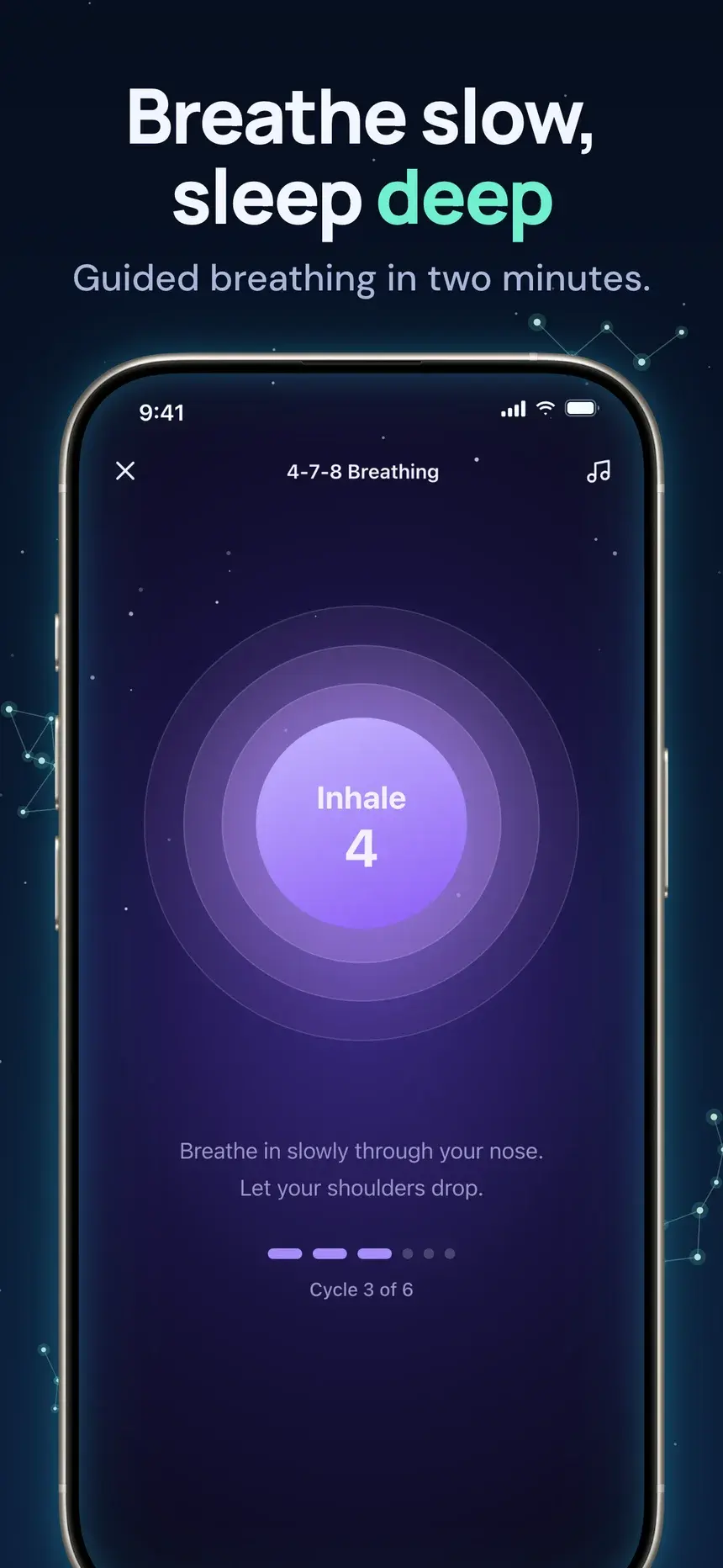
Constellation template, slide 4: Breathe slow, sleep deep

#32Constellation

Pro

Sleep·shown on Lumen

A clean night sky with fine constellation lines and a large phone under the copy.

  1. 1Fall asleep under the stars A calm wind-down every night.
  2. 2Stories for a quiet mind Soothing tales and night sounds.
  3. 3See how well you rested Sleep stages and gentle scores.
  4. 4Breathe slow, sleep deep Guided breathing in two minutes.
Dark Lavender template, slide 1: Drift off faster every night
Dark Lavender template, slide 2: Stories that quiet a busy mind
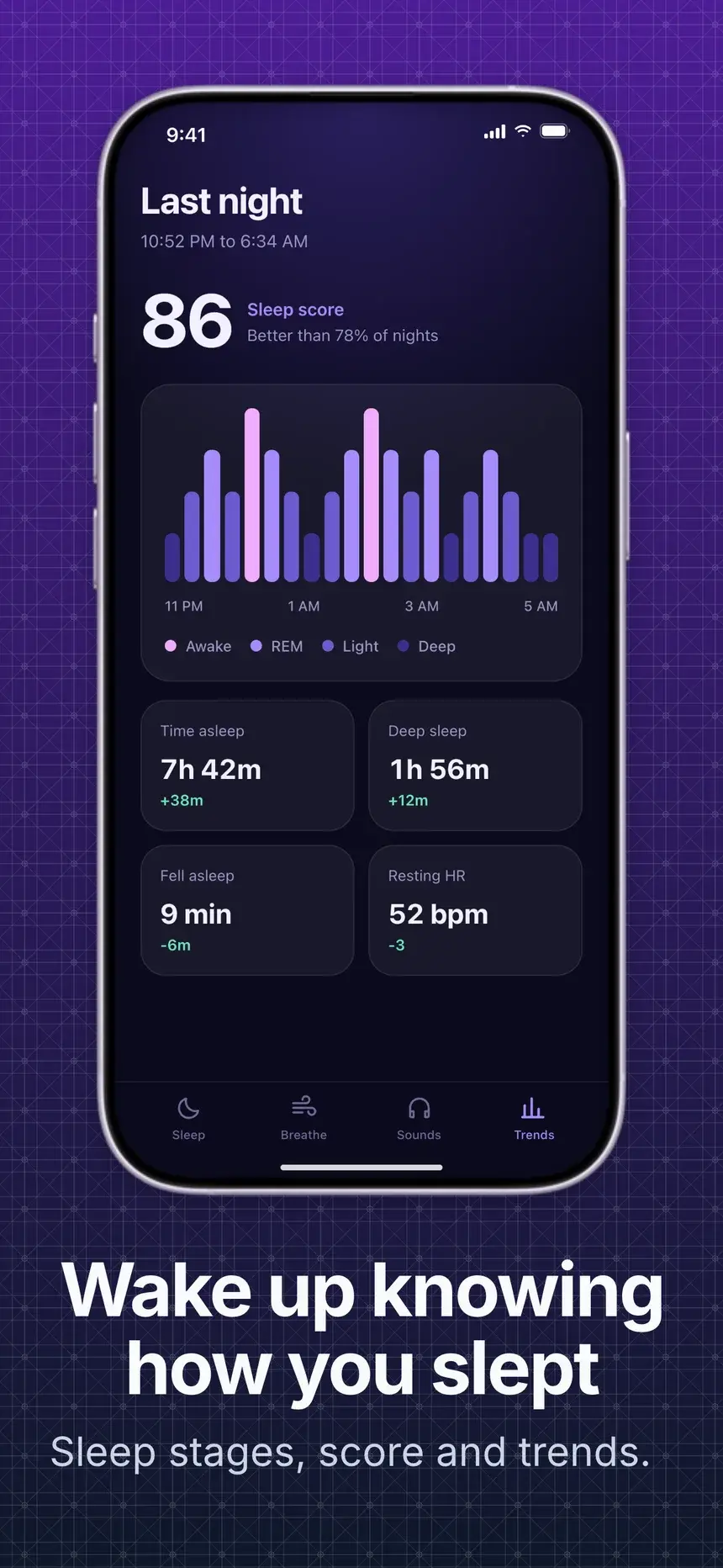
Dark Lavender template, slide 3: Wake up knowing how you slept
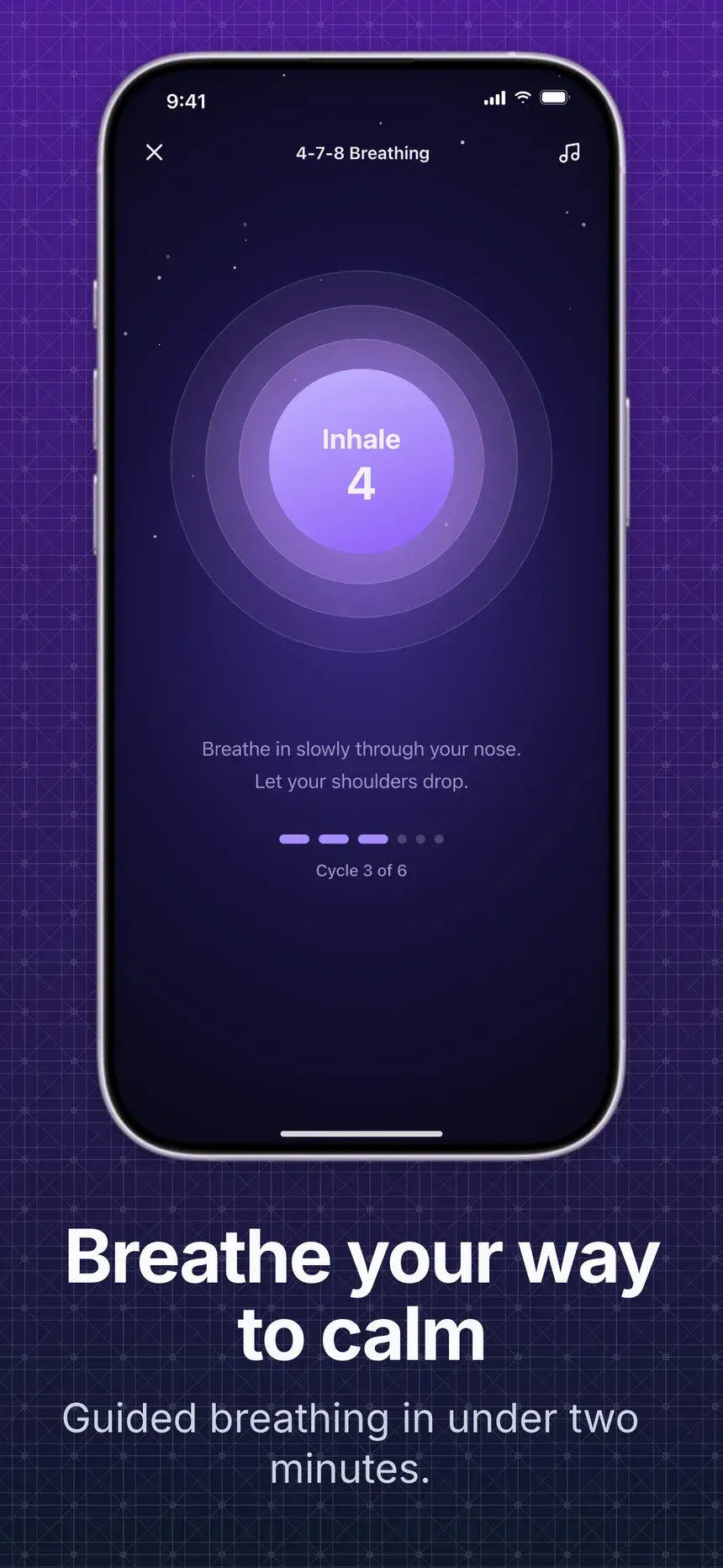
Dark Lavender template, slide 4: Breathe your way to calm

#2Dark Lavender

Free

Sleep·shown on Lumen

Copy at the bottom and a straight phone above, on deep violet.

  1. 1Drift off faster every night A wind-down routine built around you.
  2. 2Stories that quiet a busy mind Over 300 calming tales and soundscapes.
  3. 3Wake up knowing how you slept Sleep stages, score and trends.
  4. 4Breathe your way to calm Guided breathing in under two minutes.
Lilac Orbit template, slide 1: Sleep deeper starting tonight
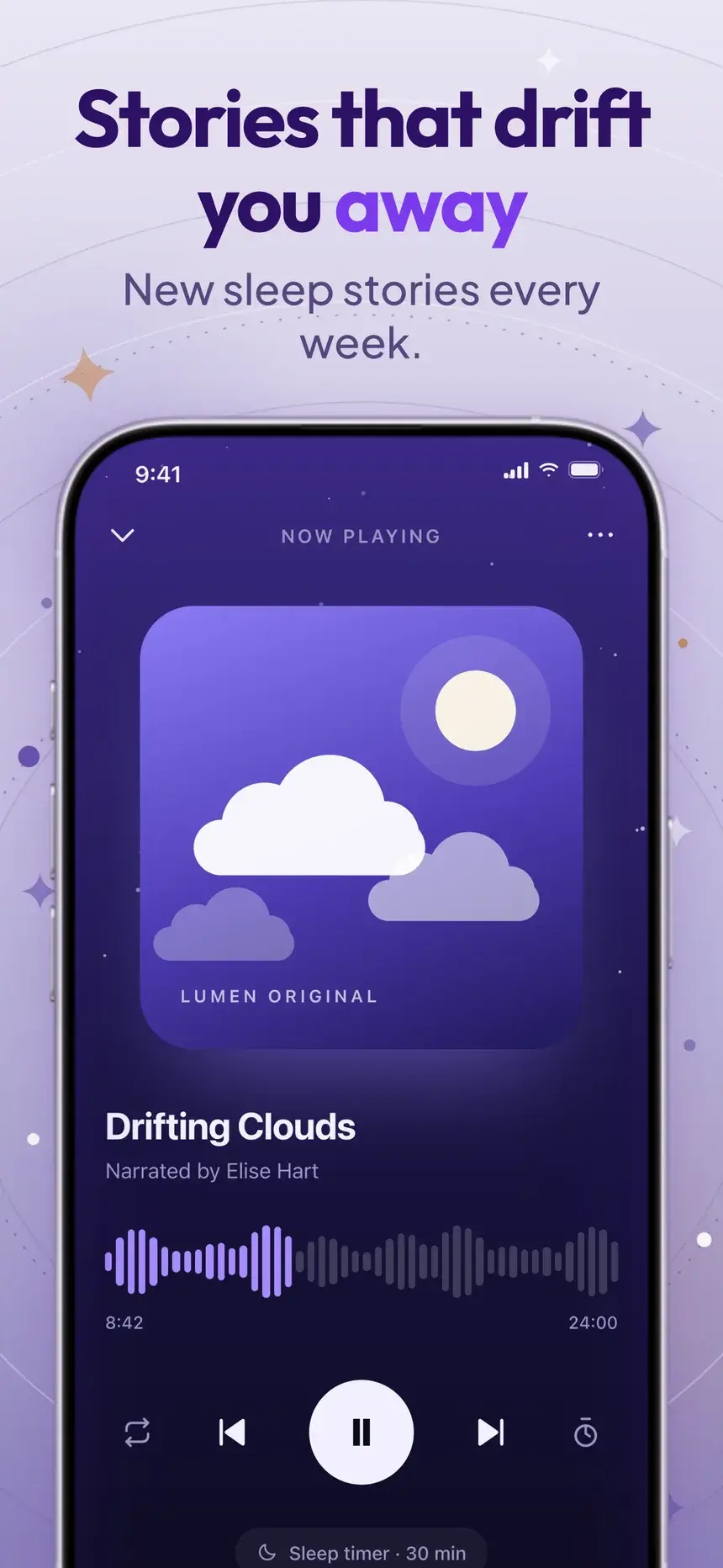
Lilac Orbit template, slide 2: Stories that drift you away
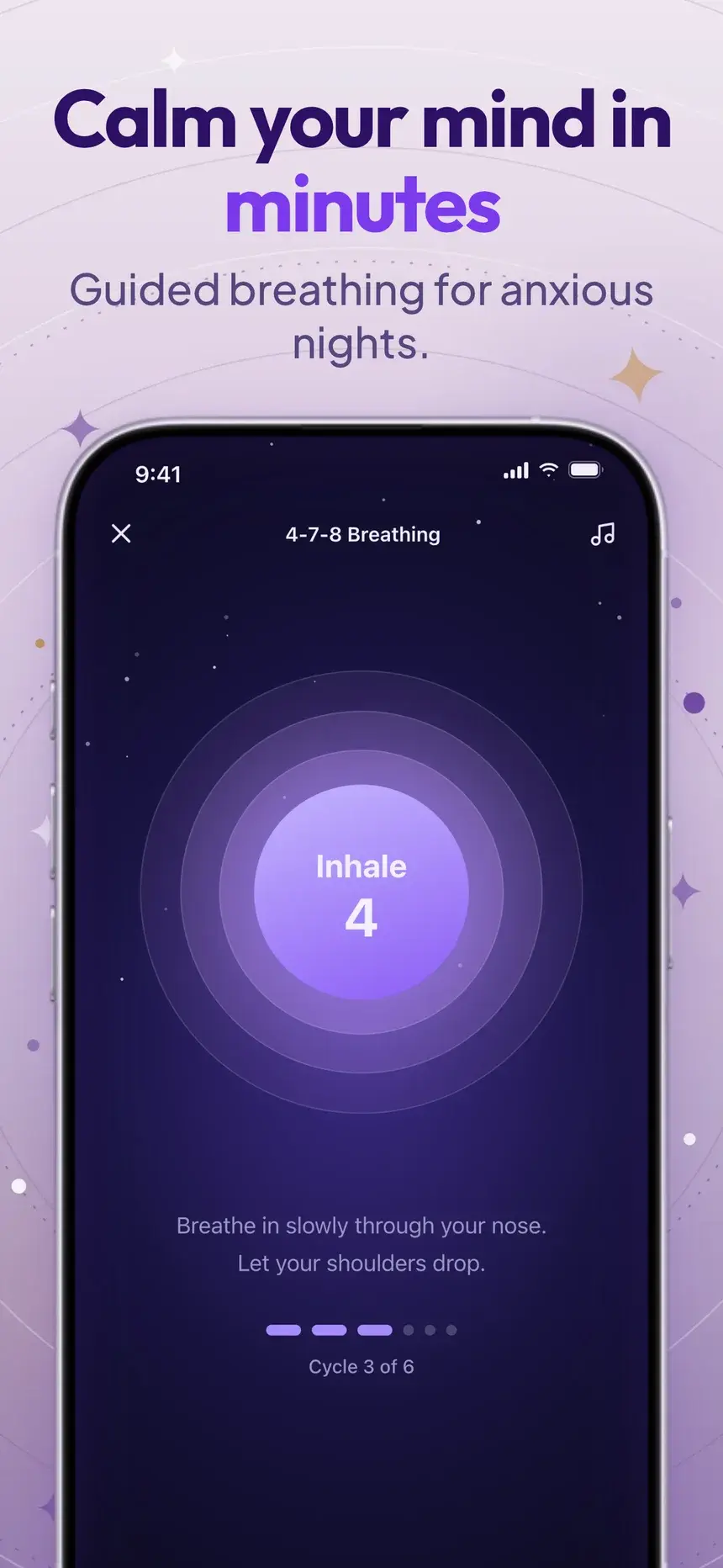
Lilac Orbit template, slide 3: Calm your mind in minutes
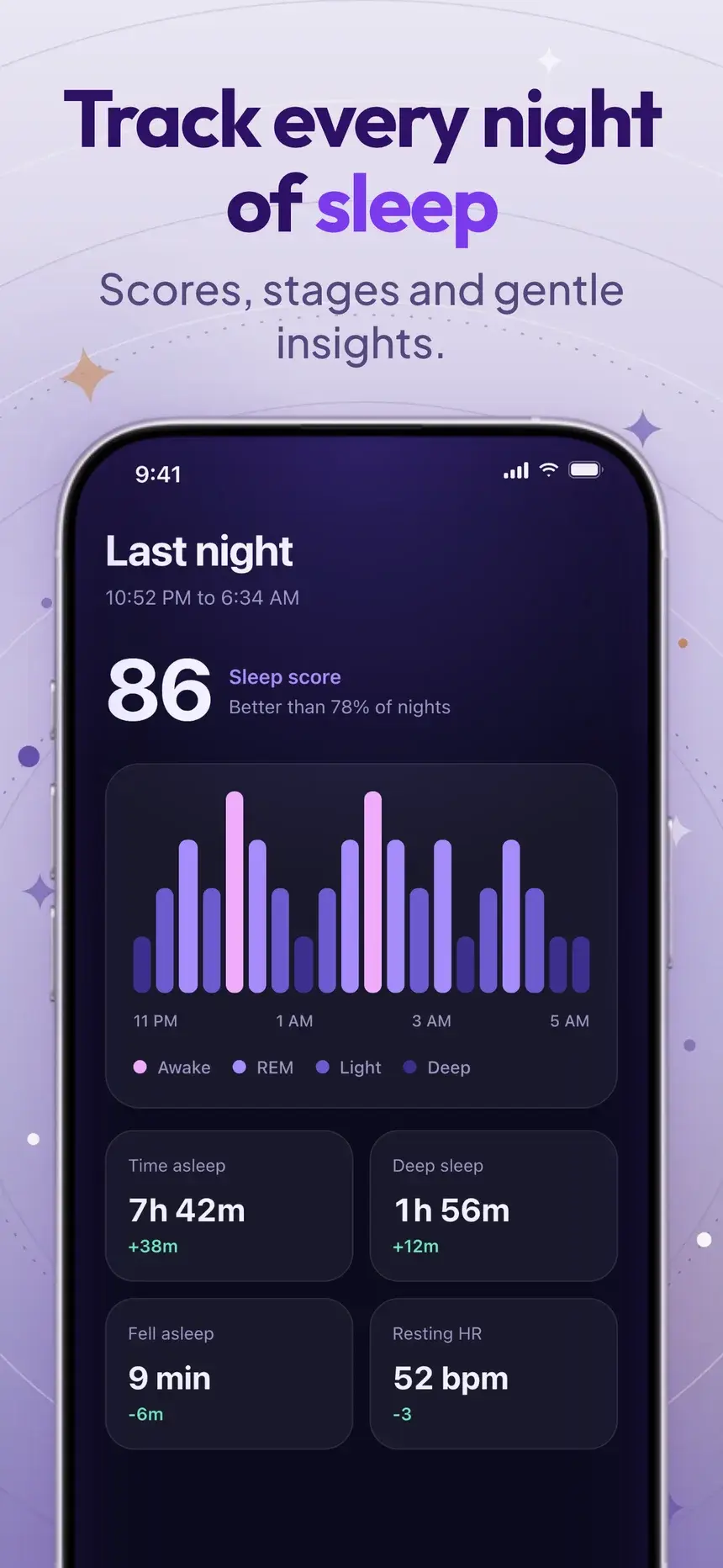
Lilac Orbit template, slide 4: Track every night of sleep

#5Lilac Orbit

Pro

Sleep·shown on Lumen

Lavender orbit slides with a 3D planet intro and large phones right under the copy.

  1. 1Sleep deeper starting tonight Rated 4.9 by 120,000 dreamers.
  2. 2Stories that drift you away New sleep stories every week.
  3. 3Calm your mind in minutes Guided breathing for anxious nights.
  4. 4Track every night of sleep Scores, stages and gentle insights.

Stuck on the words? What to put on listing screenshots.

FAQ

Questions, answered.

The questions sleep app makers ask most about their store screenshots.

Tonight's routine or the player, with a headline about falling asleep faster or waking up rested.

The App Store takes up to 10 per device size and Google Play up to 8 phone screenshots. Most visitors only see the first two or three, so put your strongest benefit first and treat the rest as proof.

Yes, for calm categories they often fit better. Keep headline contrast high so the text reads on small thumbnails.

Start your sleep listing today

Pick a template, add your screenshots, and export every App Store and Google Play size from one deck.