Games templates

Game screenshot templates

Players decide in a second whether a game looks fun. These templates put gameplay on the first slide, then show the rewards, progression, and competition that keep people playing.

  • 3 templates
  • Pro, $29 once
  • App Store and Google Play
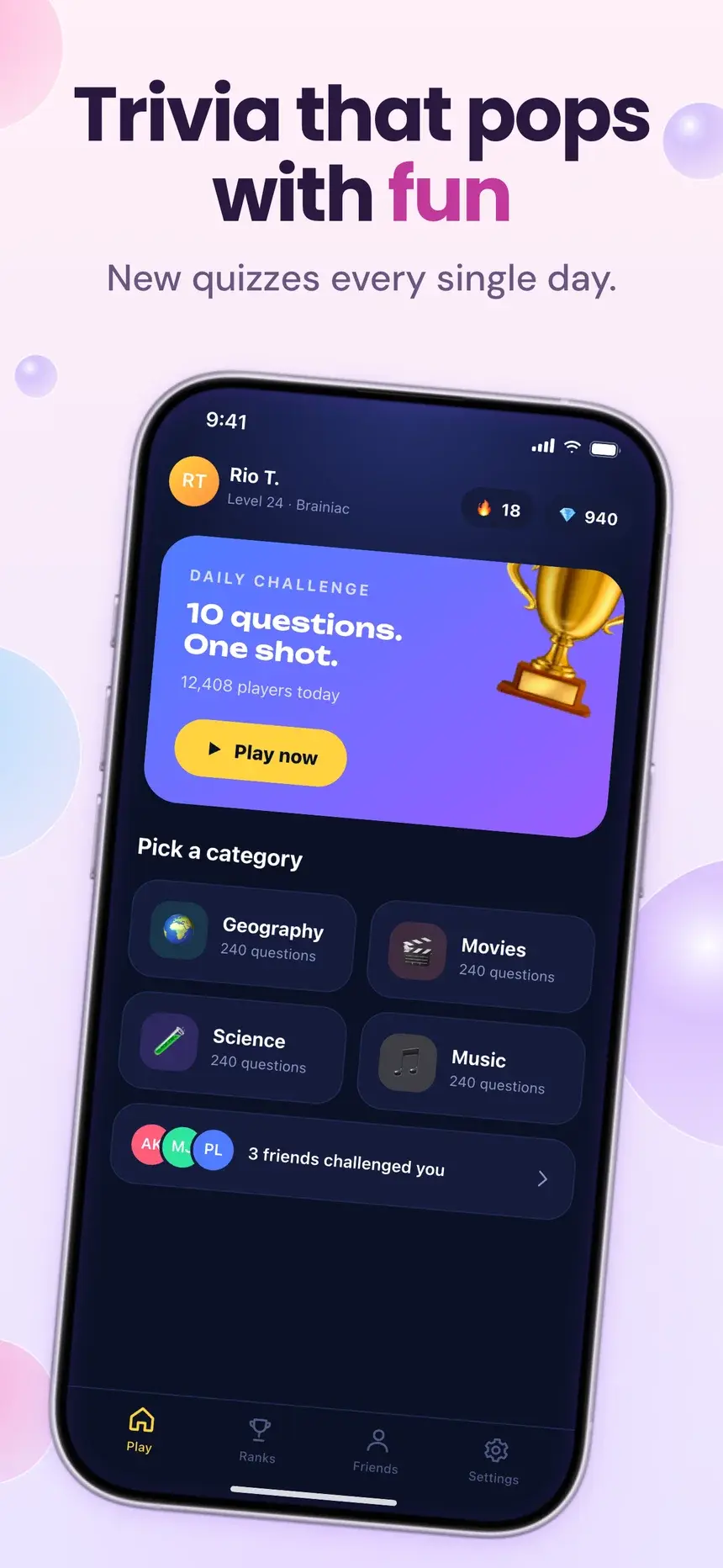
Trivia that pops with fun
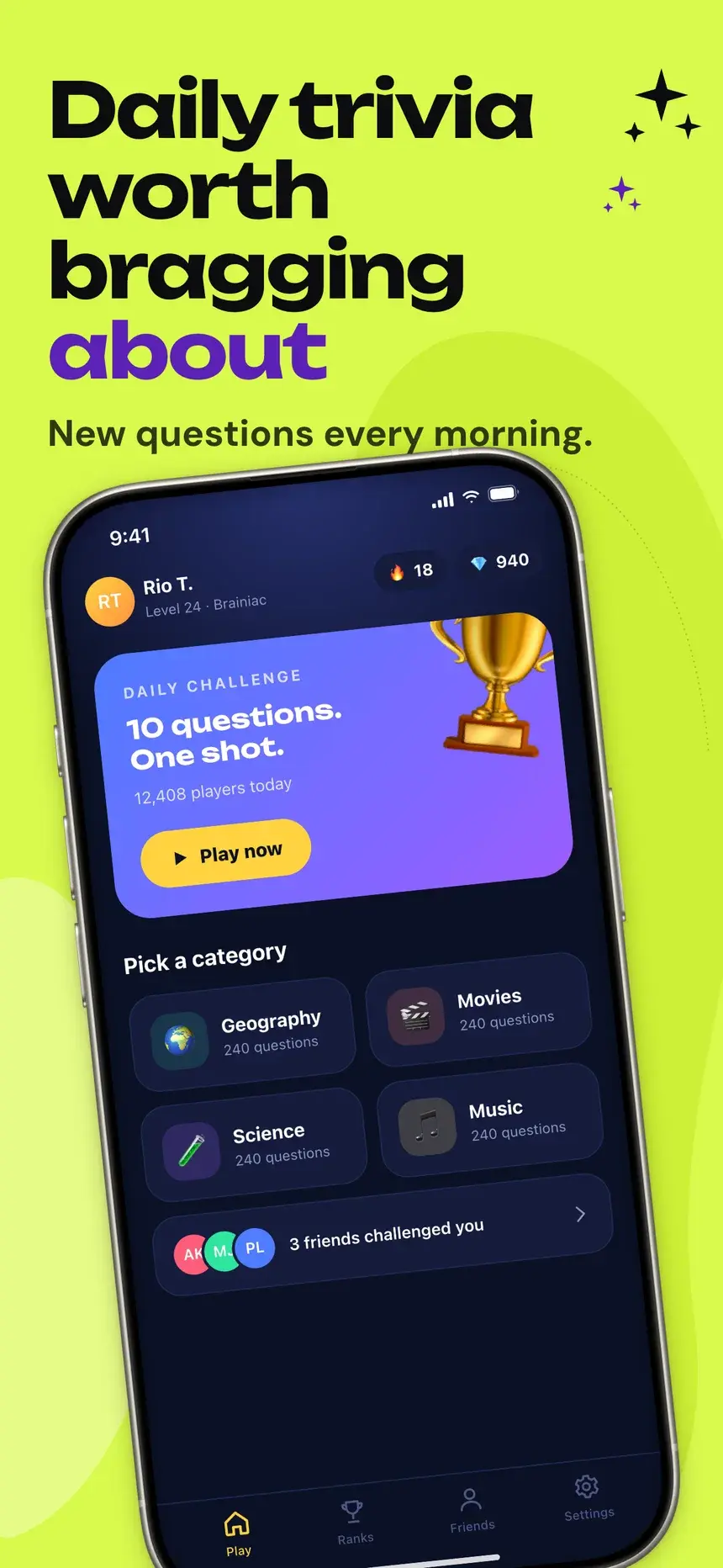
Daily trivia worth bragging about
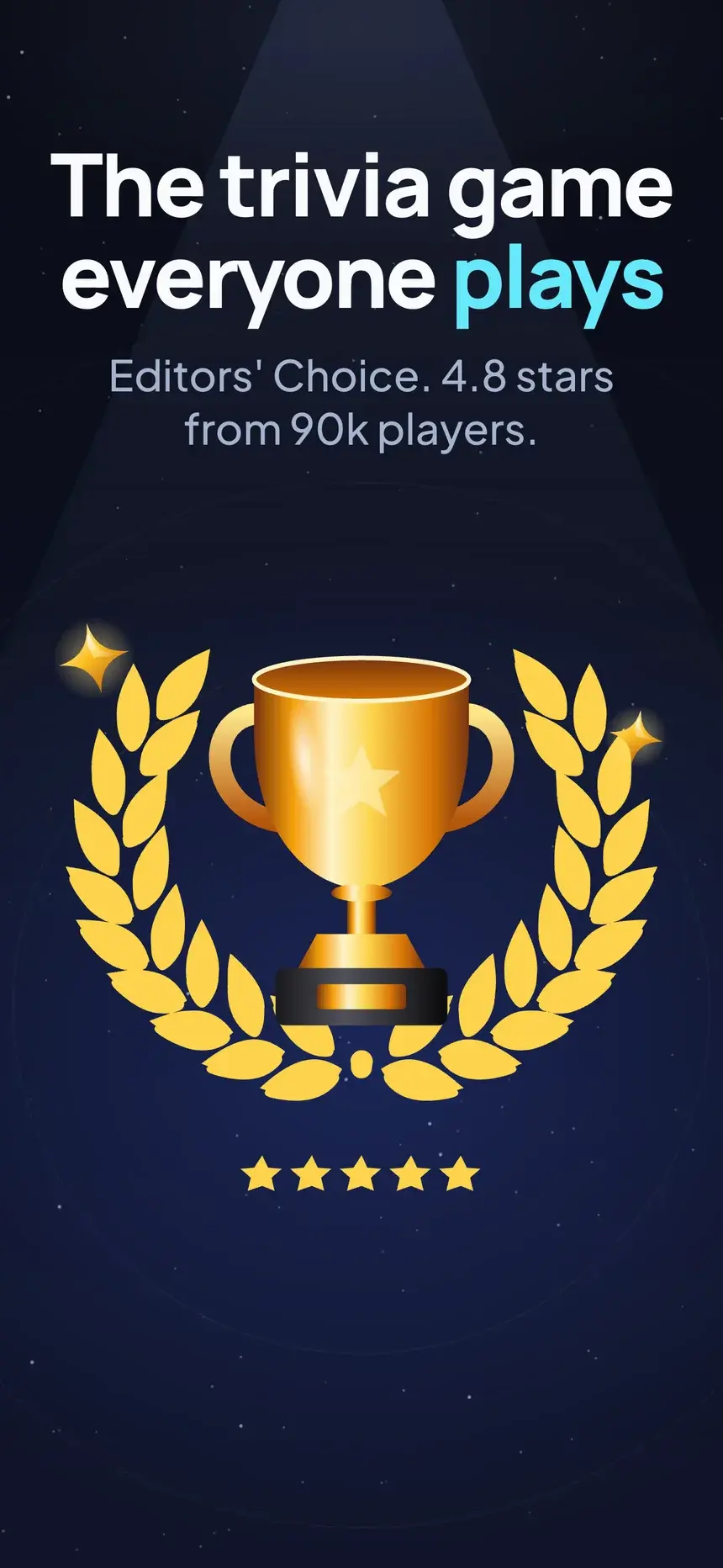
The trivia game everyone plays
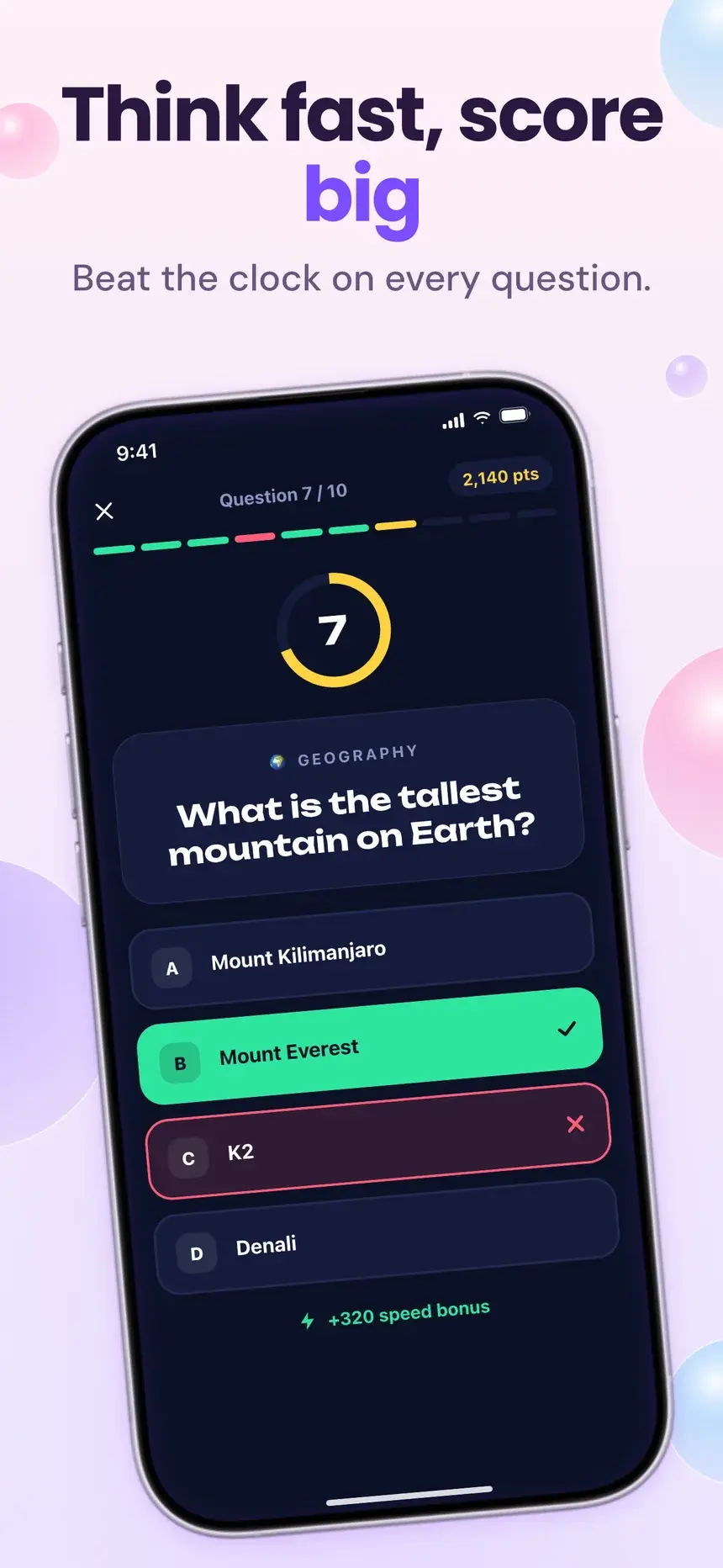
Think fast, score big
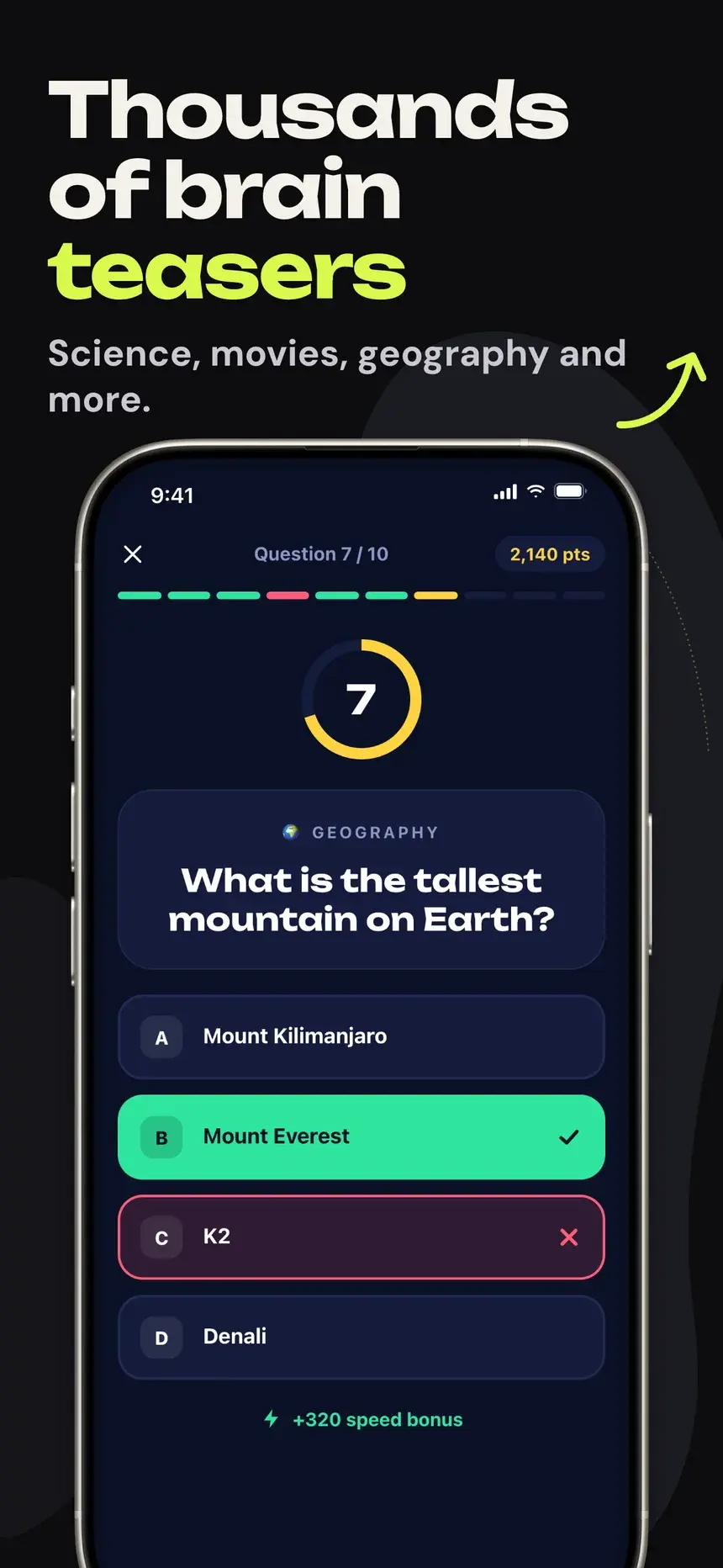
Thousands of brain teasers

Playbook

What works in games screenshots

01

Gameplay on slide one

Apple asks screenshots to show the app in use. For a game, that means real gameplay, not title art.

02

Energy in the design

Bold color, big type, and a little motion in the layout match the feel of the game.

03

Show the reward loop

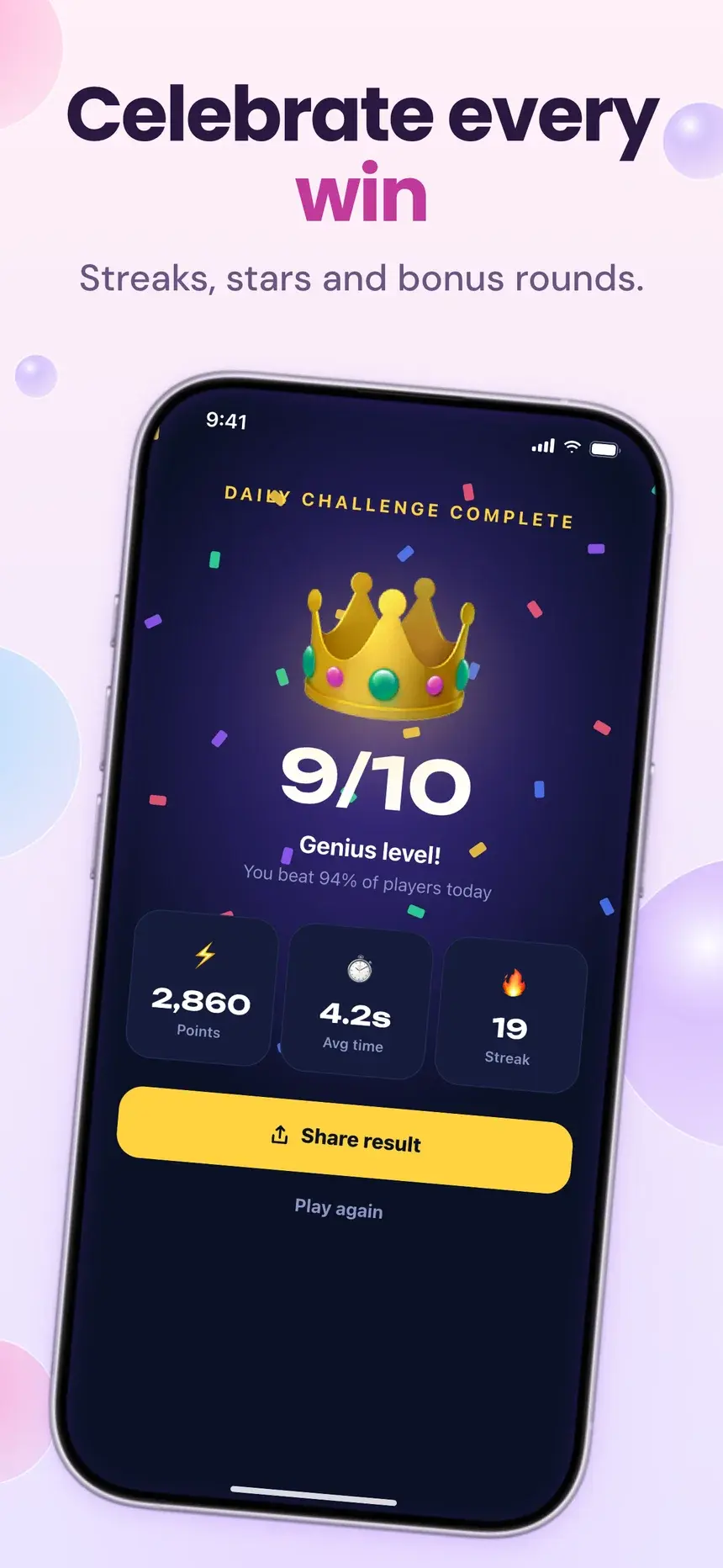
Wins, streaks, and level-ups tell players why they will keep coming back.

04

Competition sells

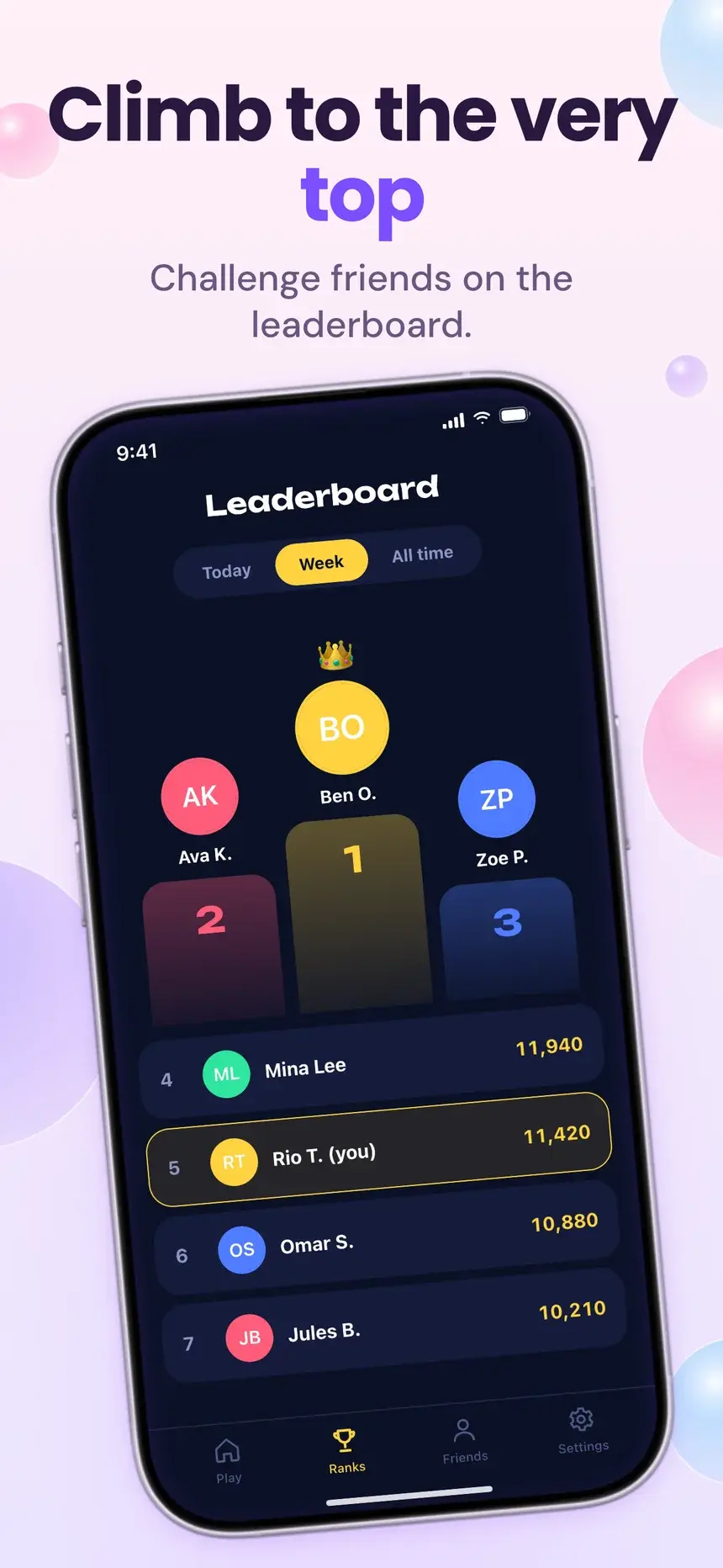
Leaderboards and challenges with friends are a reason to install today.

Every slide, with its headline

3 games templates

Each one is shown on a demo app. Your screenshots and words replace the demo when you open it.

Bubbles template, slide 1: Trivia that pops with fun
Bubbles template, slide 2: Think fast, score big
Bubbles template, slide 3: Celebrate every win
Bubbles template, slide 4: Climb to the very top

#35Bubbles

Pro

Games·shown on Quizzo

Glassy bubbles and a phone floating among them, swaying gently slide to slide.

  1. 1Trivia that pops with fun New quizzes every single day.
  2. 2Think fast, score big Beat the clock on every question.
  3. 3Celebrate every win Streaks, stars and bonus rounds.
  4. 4Climb to the very top Challenge friends on the leaderboard.
Inquira Limelight template, slide 1: Daily trivia worth bragging about
Inquira Limelight template, slide 2: Thousands of brain teasers
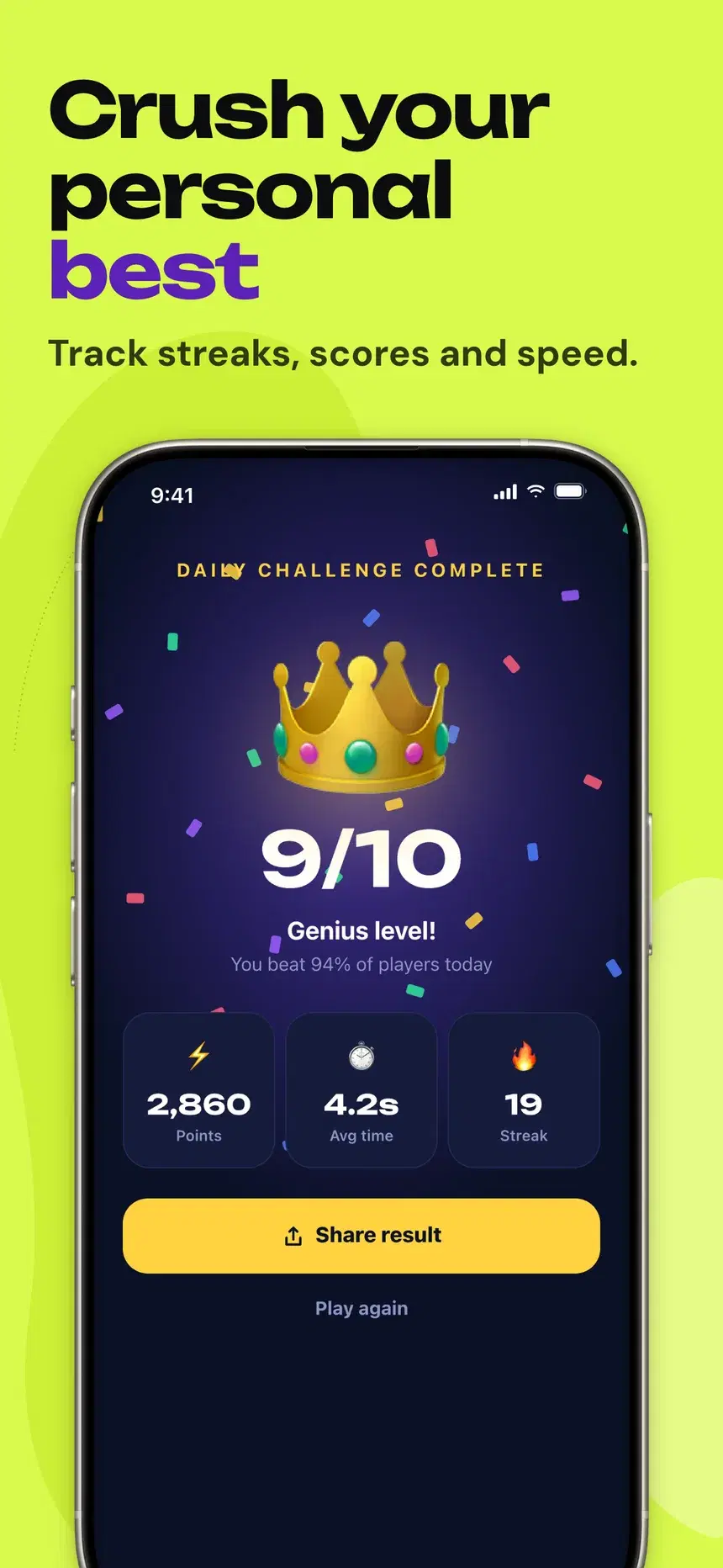
Inquira Limelight template, slide 3: Crush your personal best
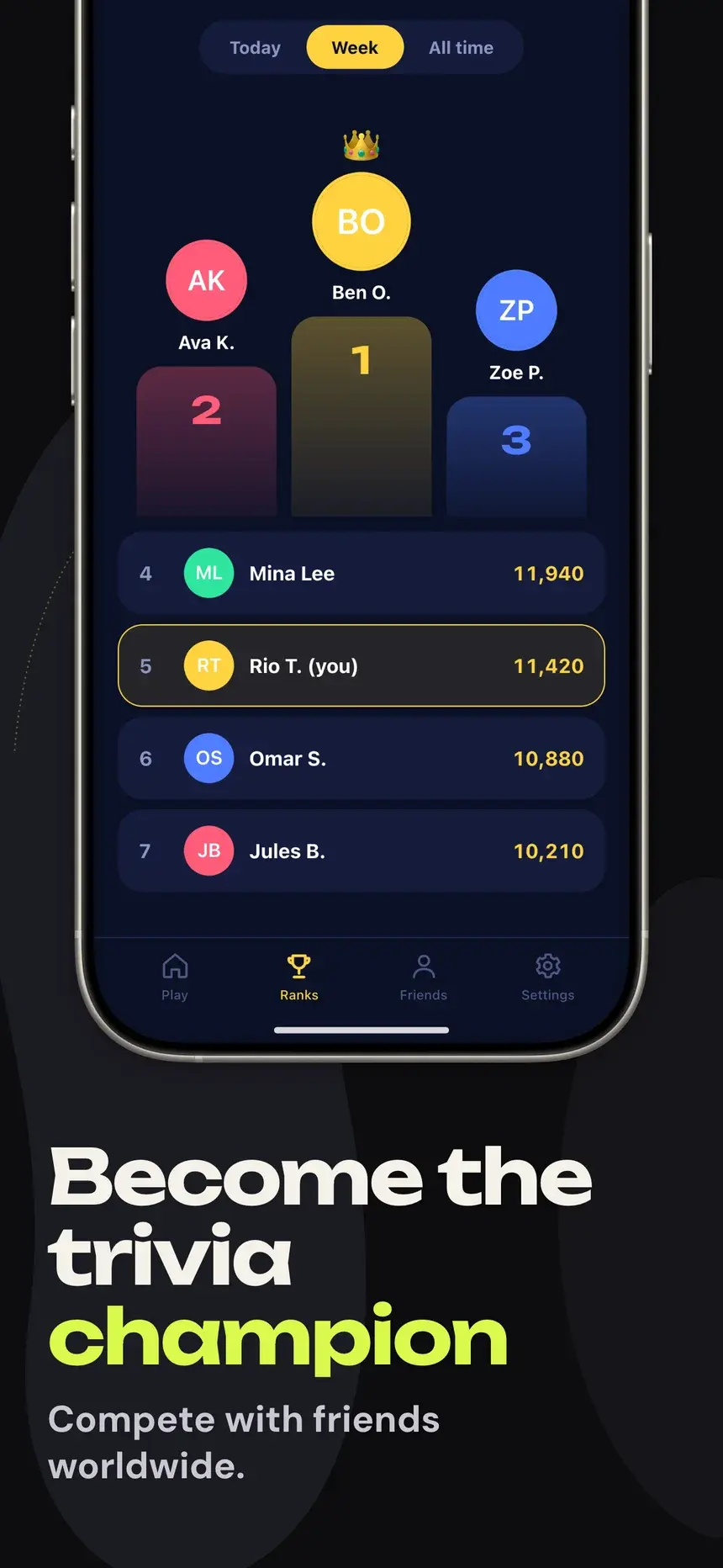
Inquira Limelight template, slide 4: Become the trivia champion

#17Inquira Limelight

Pro

Games·shown on Quizzo

Lime and ink slides with soft blobs, big left-set headlines, and a phone placed differently on every slide.

  1. 1Daily trivia worth bragging about New questions every morning.
  2. 2Thousands of brain teasers Science, movies, geography and more.
  3. 3Crush your personal best Track streaks, scores and speed.
  4. 4Become the trivia champion Compete with friends worldwide.
Midnight Spotlight template, slide 1: The trivia game everyone plays
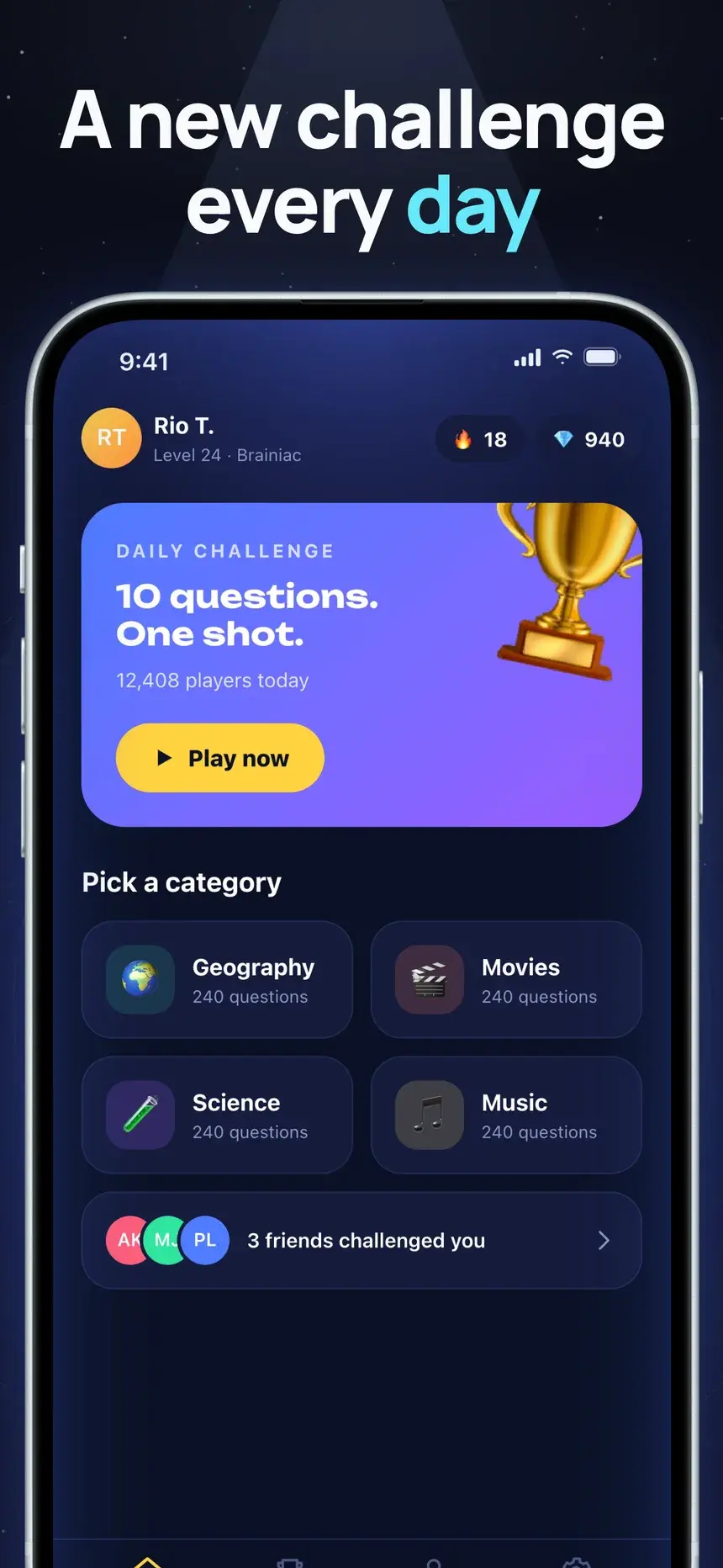
Midnight Spotlight template, slide 2: A new challenge every day
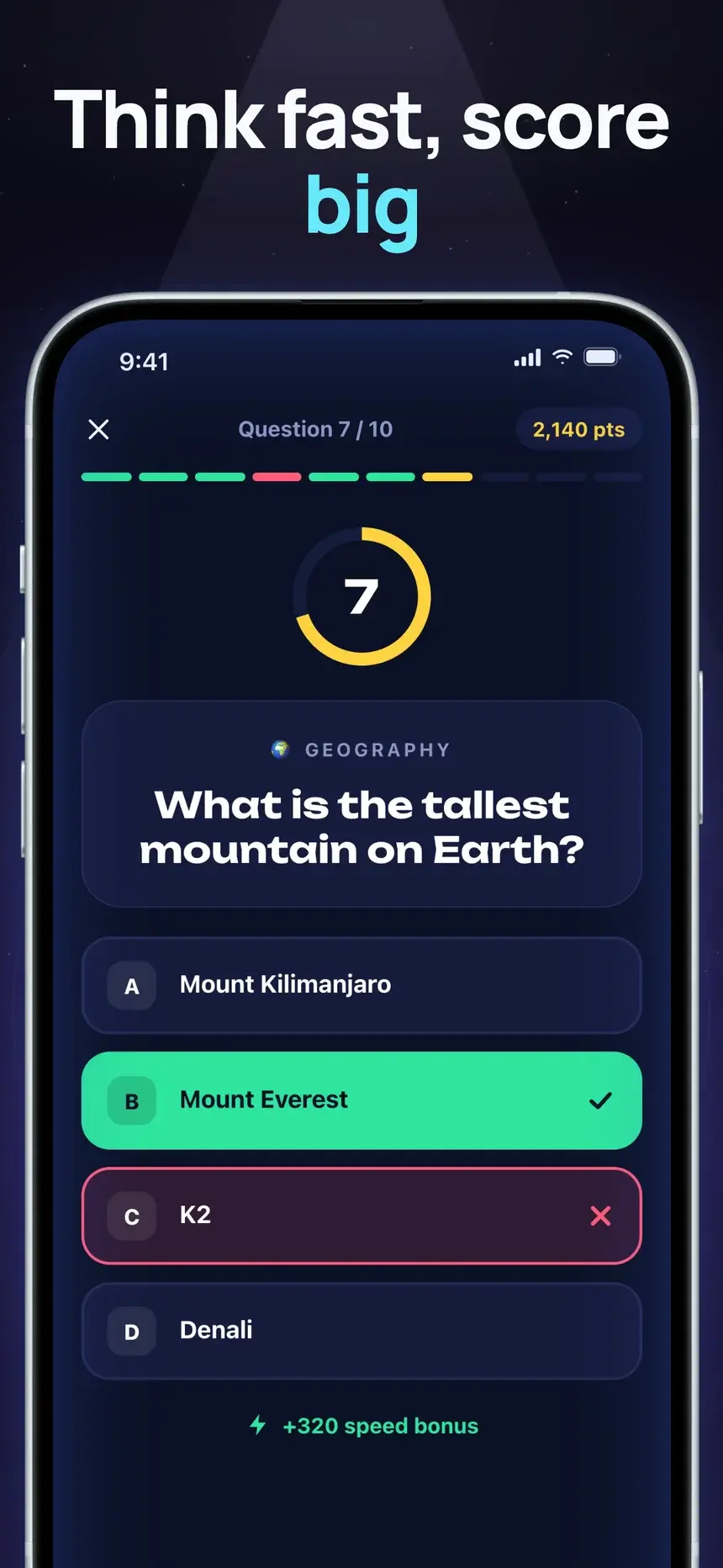
Midnight Spotlight template, slide 3: Think fast, score big
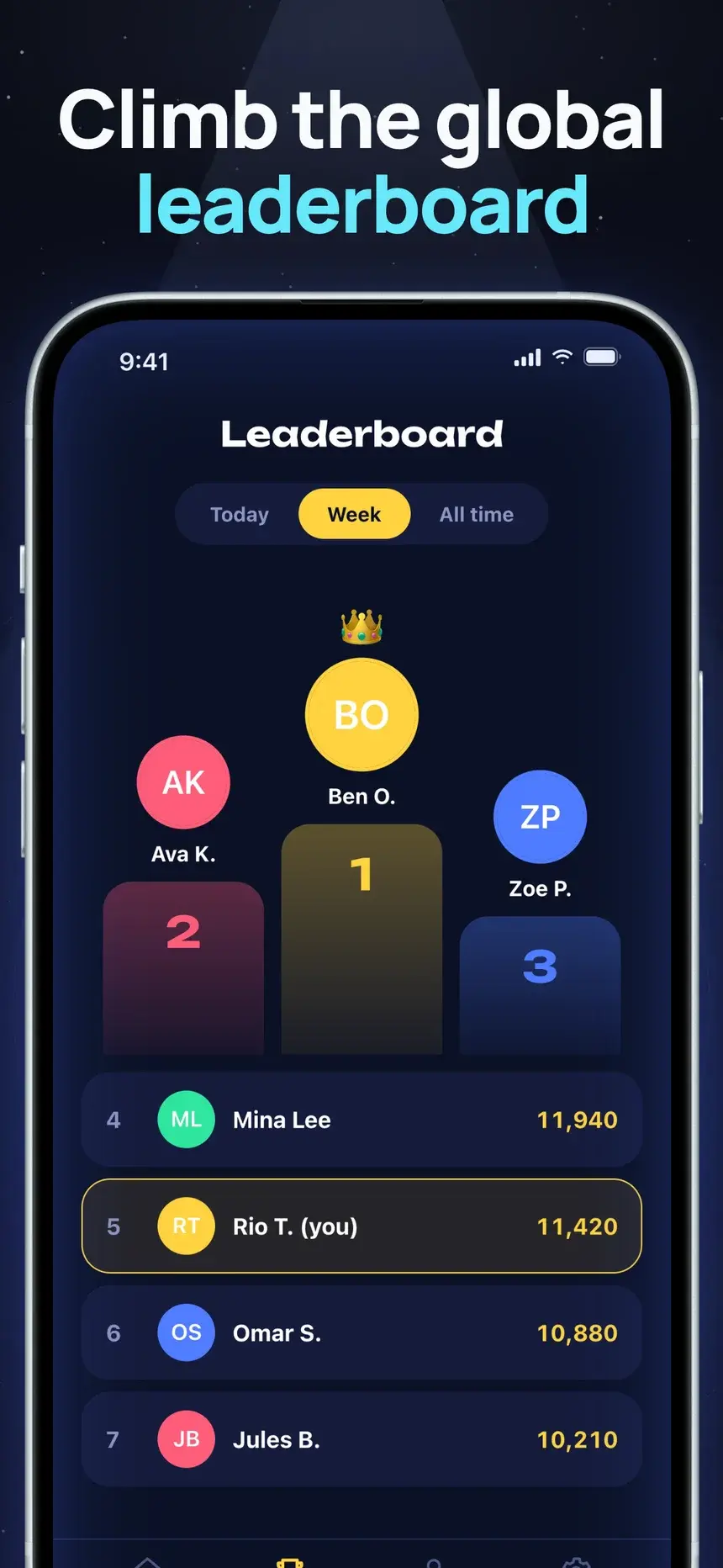
Midnight Spotlight template, slide 4: Climb the global leaderboard

#6Midnight Spotlight

Pro

Games·shown on Quizzo

Title-only stage slides under a spotlight with large phones, opening with a 3D award intro.

  1. 1The trivia game everyone plays Editors' Choice. 4.8 stars from 90k players.
  2. 2A new challenge every day Ten questions. One shot at glory.
  3. 3Think fast, score big Speed bonuses reward quick minds.
  4. 4Climb the global leaderboard Beat your friends every week.

Stuck on the words? What to put on listing screenshots.

FAQ

Questions, answered.

The questions games app makers ask most about their store screenshots.

A real gameplay moment, with a short headline about the fun, not the menu or the logo.

The App Store takes up to 10 per device size and Google Play up to 8 phone screenshots. Most visitors only see the first two or three, so put your strongest benefit first and treat the rest as proof.

Yes. Play requires a 1024×500 feature graphic. You can make it free in the feature graphic maker.

Start your games listing today

Pick a template, add your screenshots, and export every App Store and Google Play size from one deck.