
Finance templates

Finance app screenshot templates

Money apps win on trust. These templates use calm color, generous spacing, and one clear number per slide, so the listing feels as dependable as the app needs to be.

  • 5 templates
  • 1 free
  • App Store and Google Play
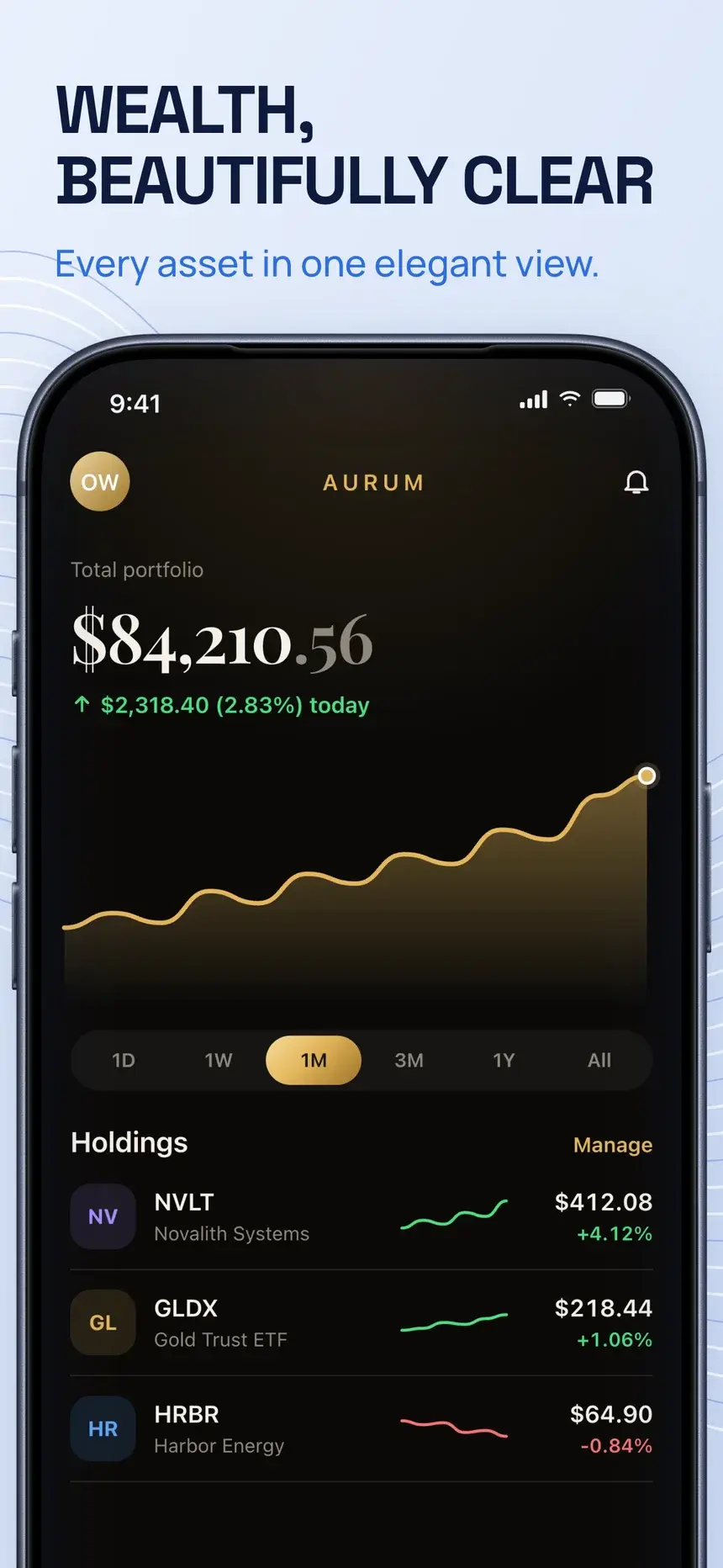
Wealth, beautifully clear
Money, finally under control
Wealth, beautifully managed
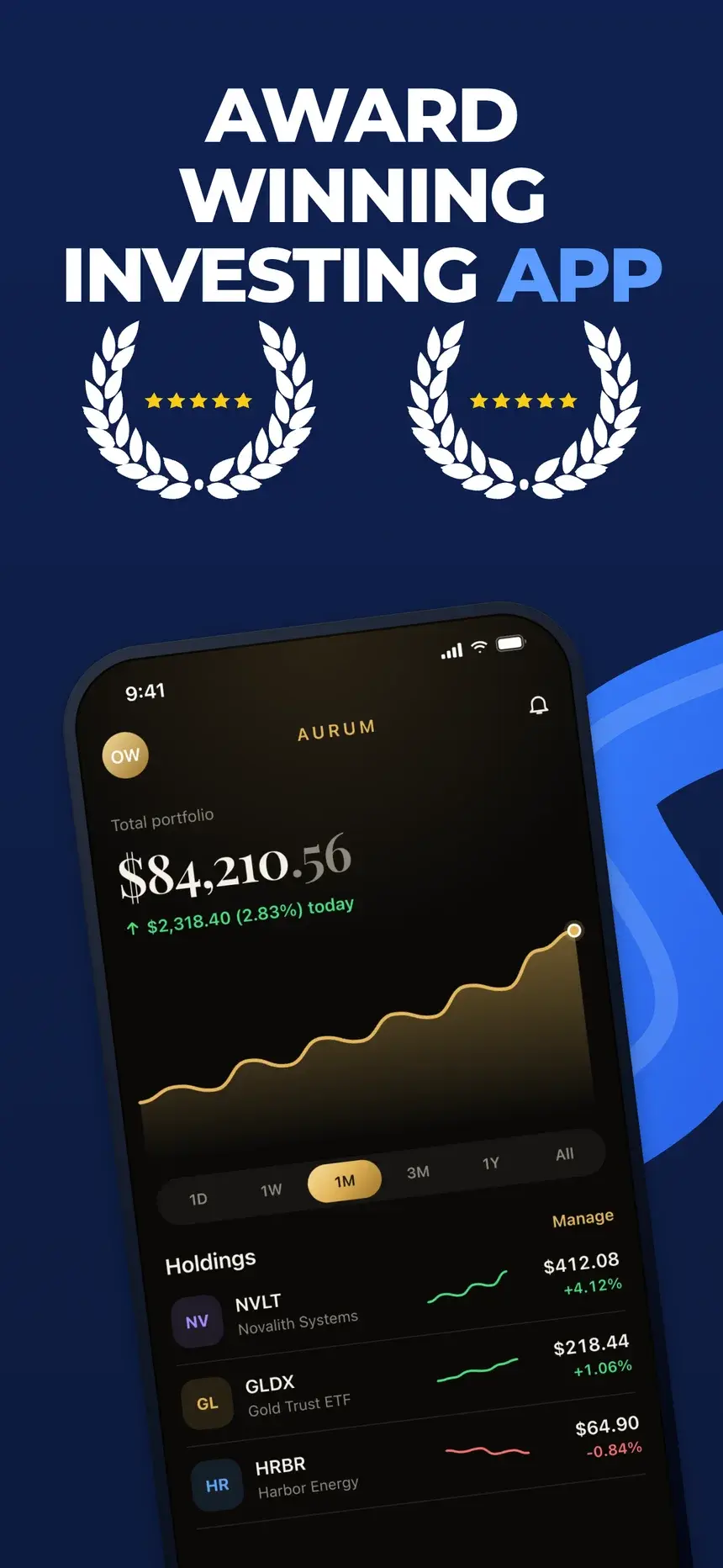
Award winning investing app
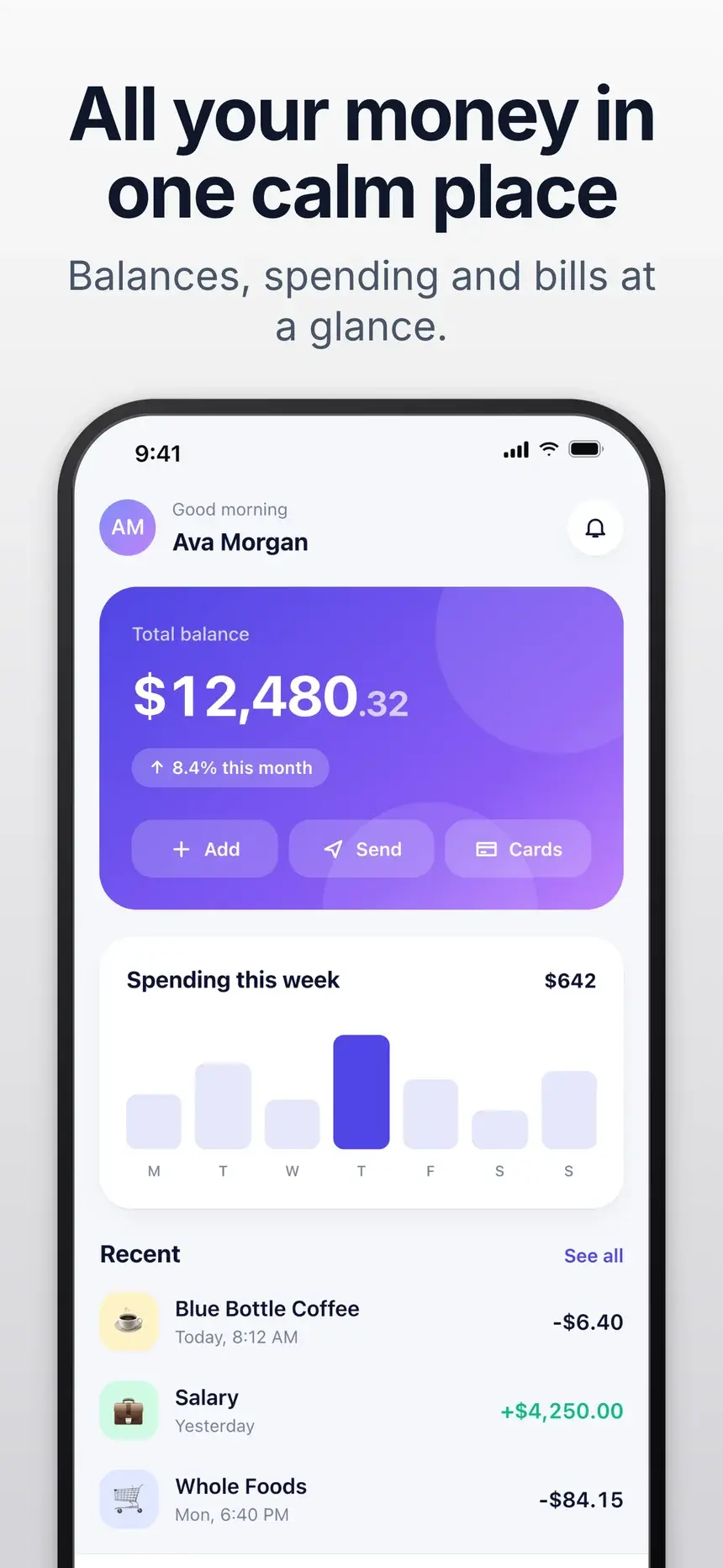
All your money in one calm place

Playbook

What works in finance screenshots

01

Clarity over excitement

"See where every dollar goes" earns more trust than exclamation marks. Calm type and color do the same.

02

Believable numbers

Use realistic balances and categories in the demo data. Round, perfect numbers look staged.

03

Give security a slide

Encryption, Face ID, and read-only access answer the question every visitor has before they install.

04

No return promises

Do not promise growth or returns on a screenshot. It sets an expectation you cannot control and undoes the trust you are building.

Every slide, with its headline

5 finance templates

Each one is shown on a demo app. Your screenshots and words replace the demo when you open it.

Silk template, slide 1: Wealth, beautifully clear
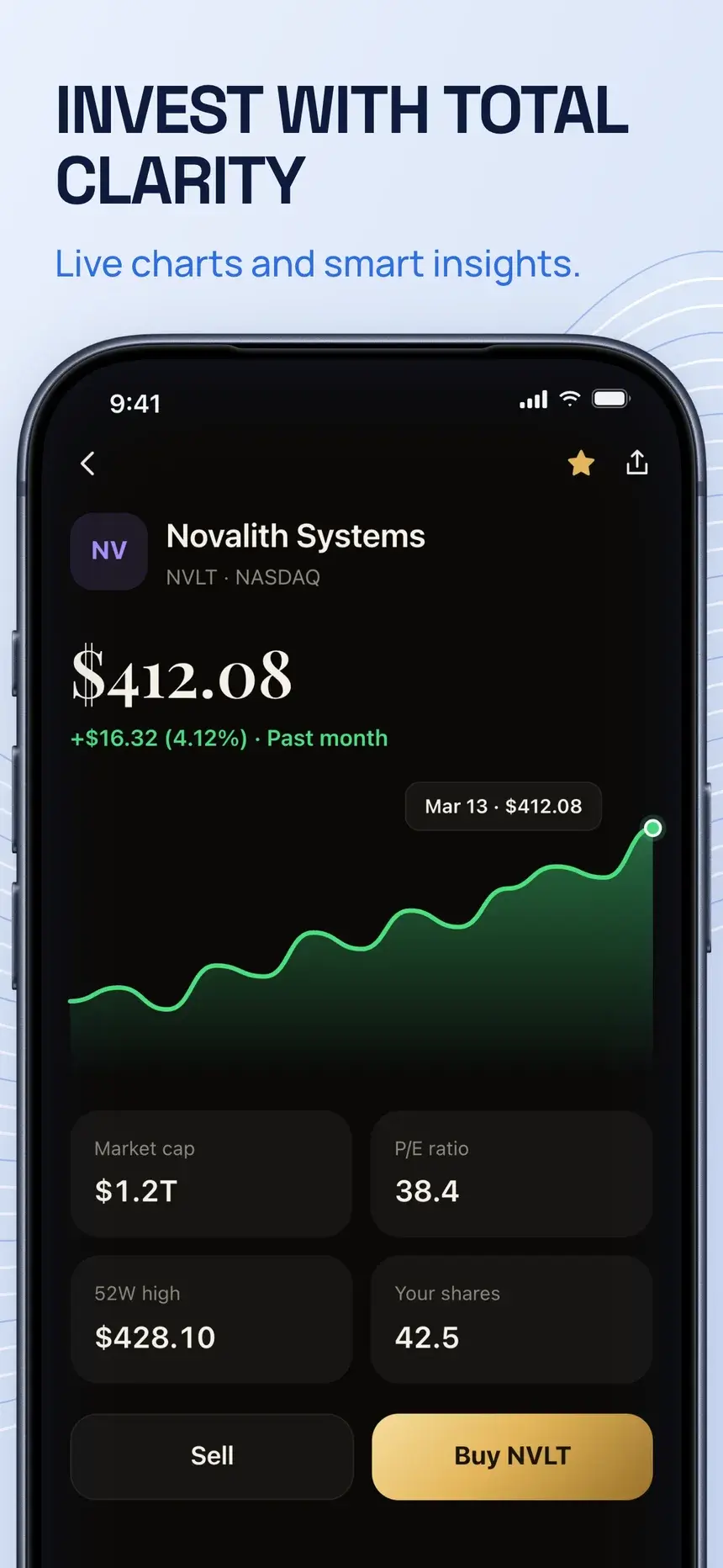
Silk template, slide 2: Invest with total clarity
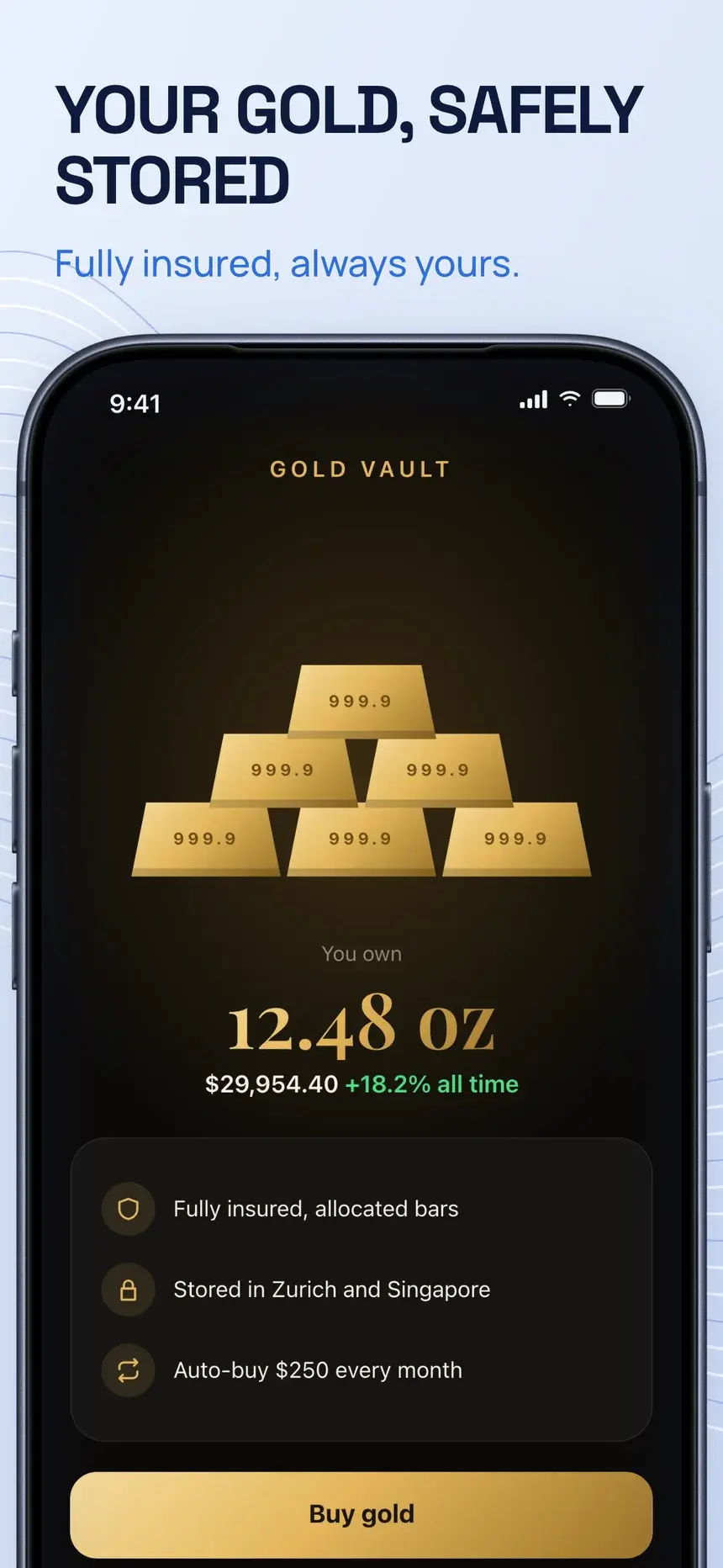
Silk template, slide 3: Your gold, safely stored
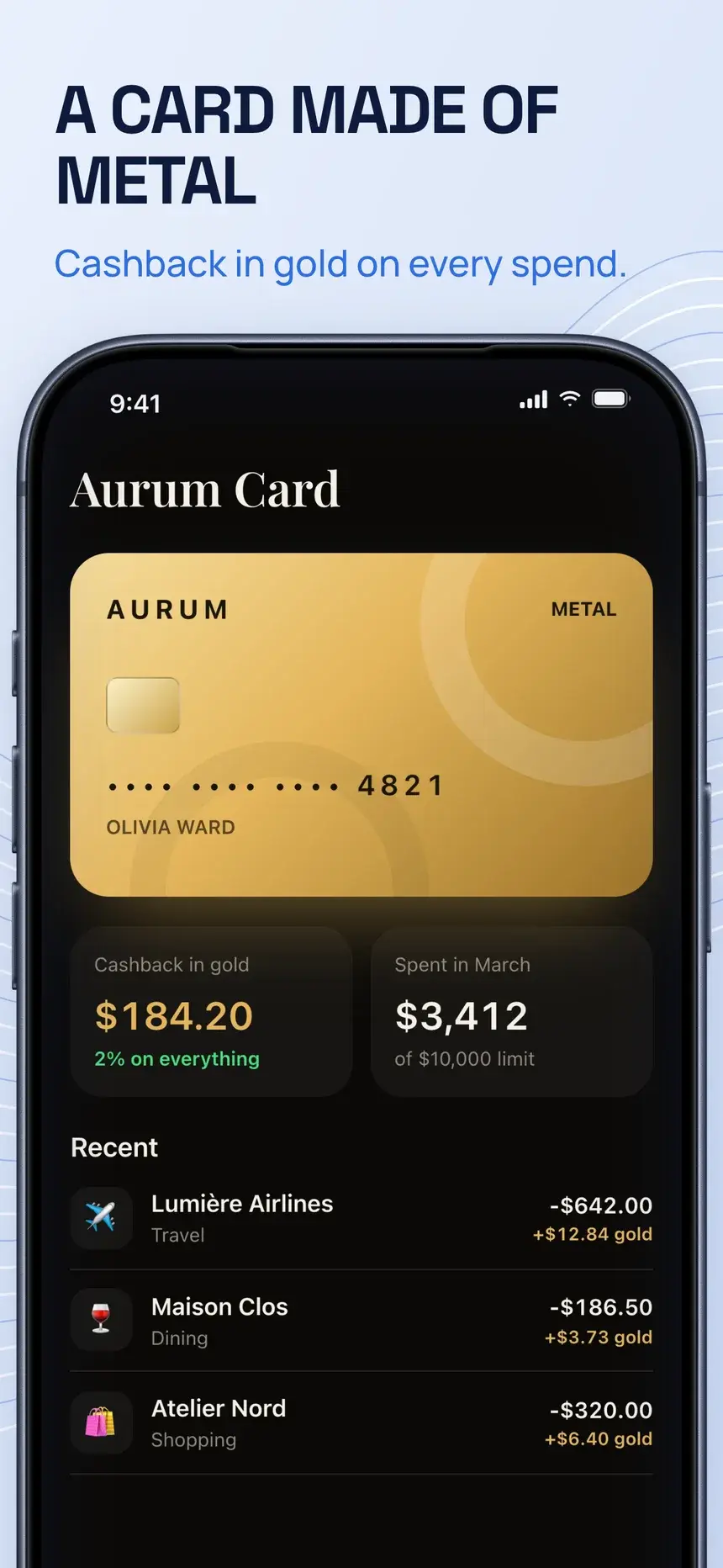
Silk template, slide 4: A card made of metal

#34Silk

Pro

Finance·shown on Aurum

Flowing silk lines and an oversized close-up phone under bold caps.

  1. 1Wealth, beautifully clear Every asset in one elegant view.
  2. 2Invest with total clarity Live charts and smart insights.
  3. 3Your gold, safely stored Fully insured, always yours.
  4. 4A card made of metal Cashback in gold on every spend.
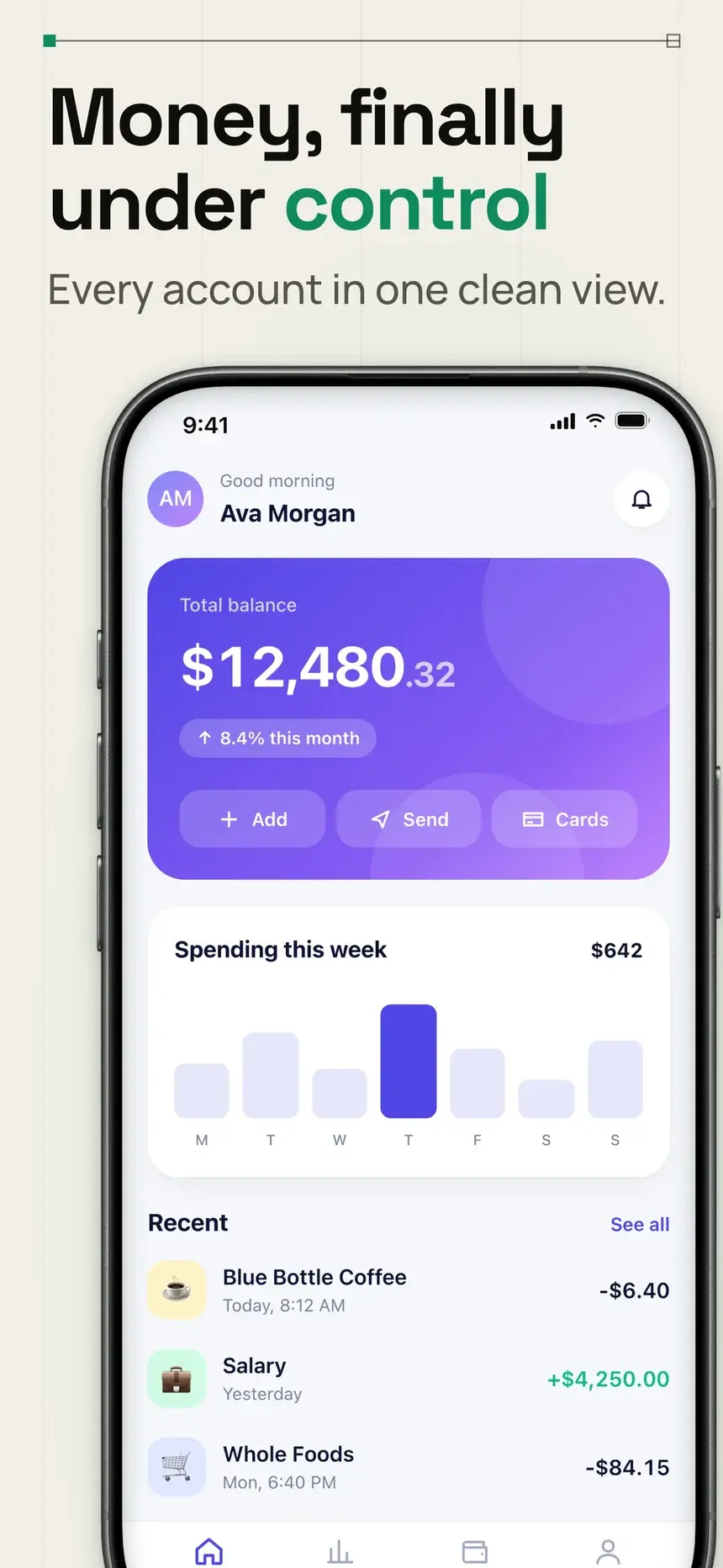
Ledger template, slide 1: Money, finally under control
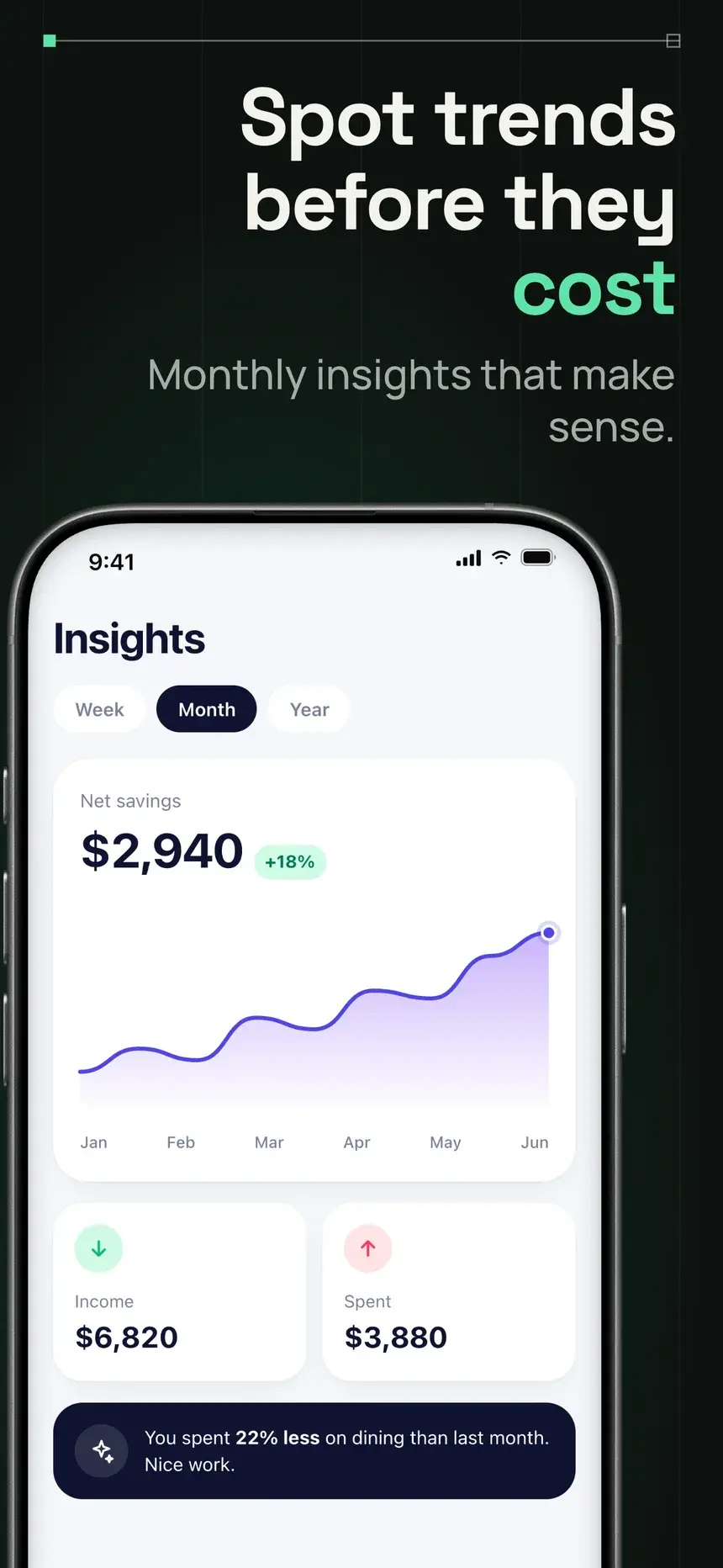
Ledger template, slide 2: Spot trends before they cost
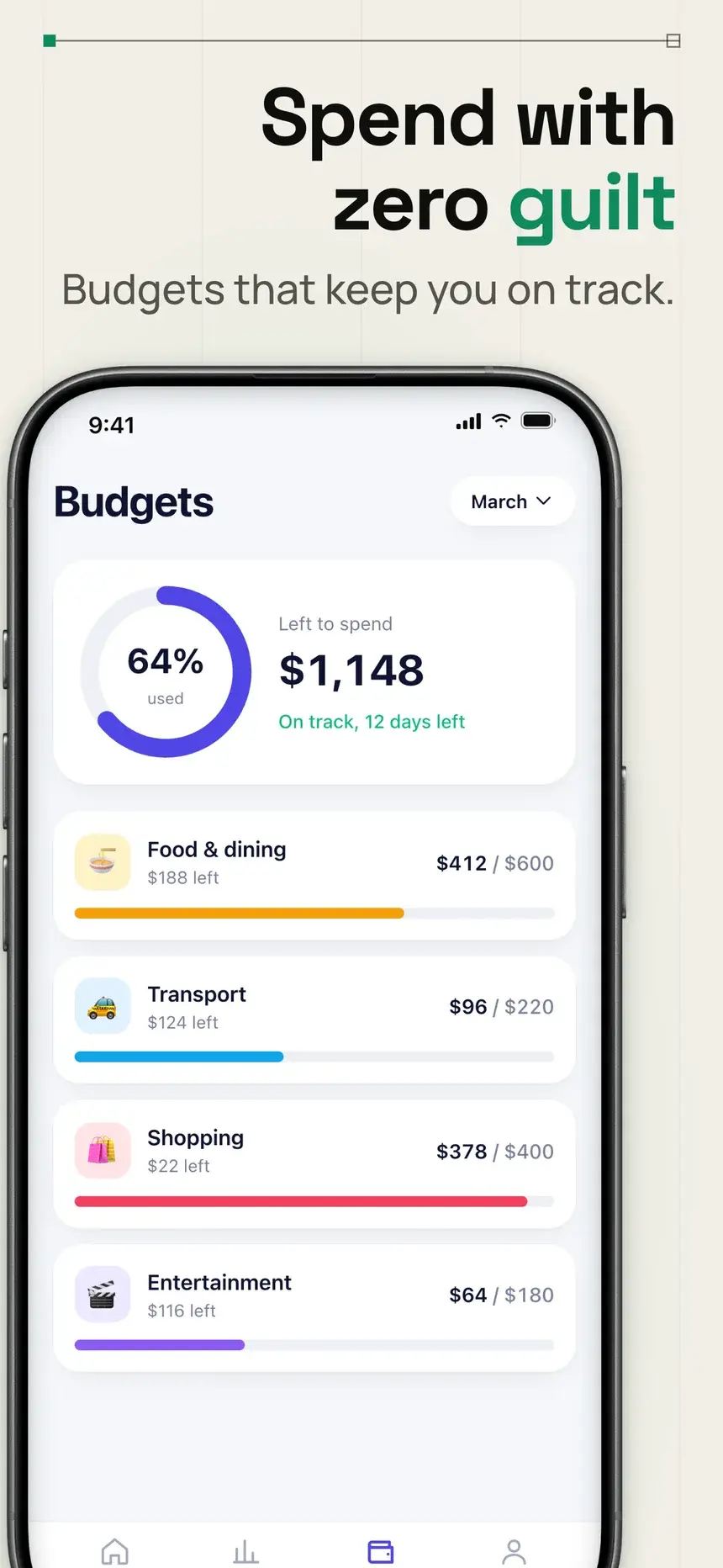
Ledger template, slide 3: Spend with zero guilt
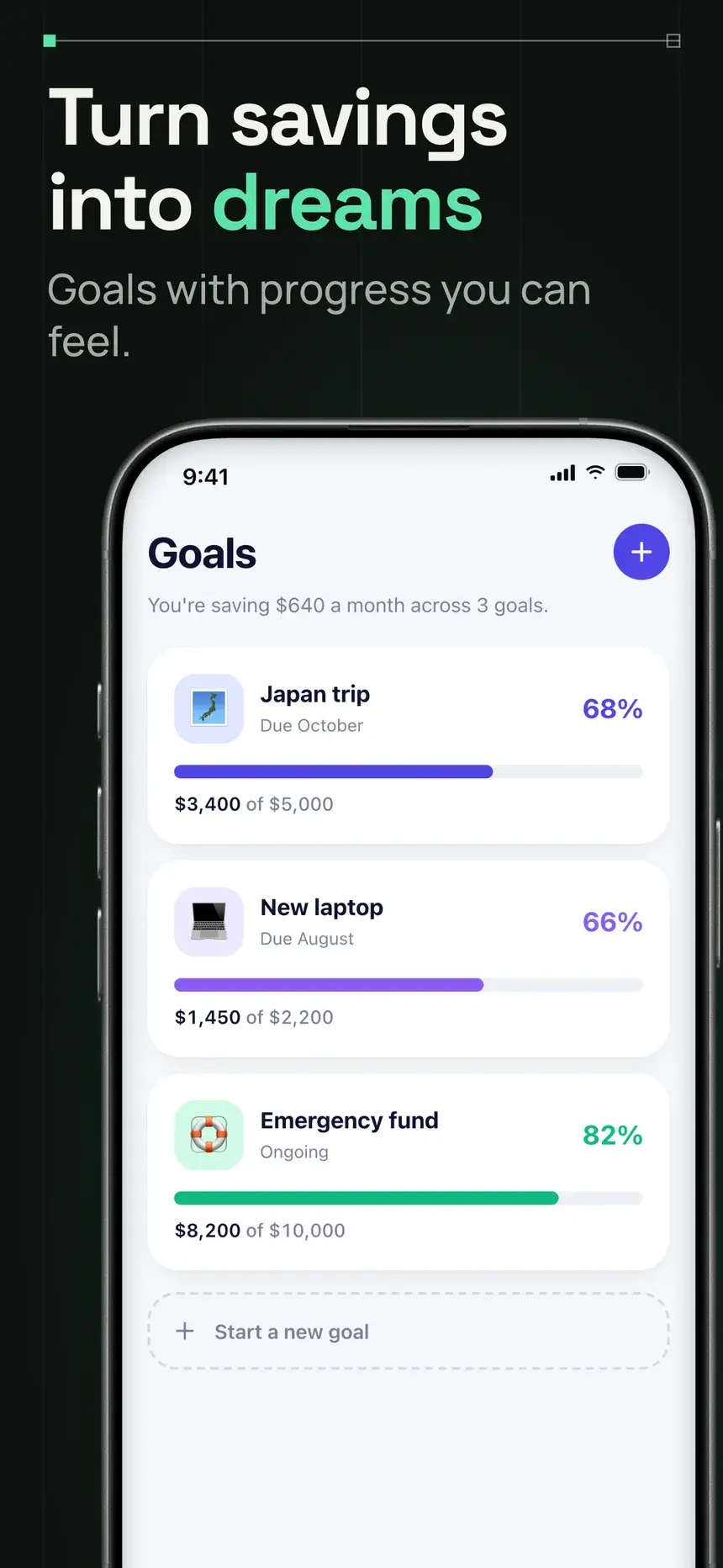
Ledger template, slide 4: Turn savings into dreams

#21Ledger

Pro

Finance·shown on Penny

Swiss grid on paper and ink, a side-bleeding phone, and floating finance cards.

  1. 1Money, finally under control Every account in one clean view.
  2. 2Spot trends before they cost Monthly insights that make sense.
  3. 3Spend with zero guilt Budgets that keep you on track.
  4. 4Turn savings into dreams Goals with progress you can feel.
Gold Reserve template, slide 1: Wealth, beautifully managed
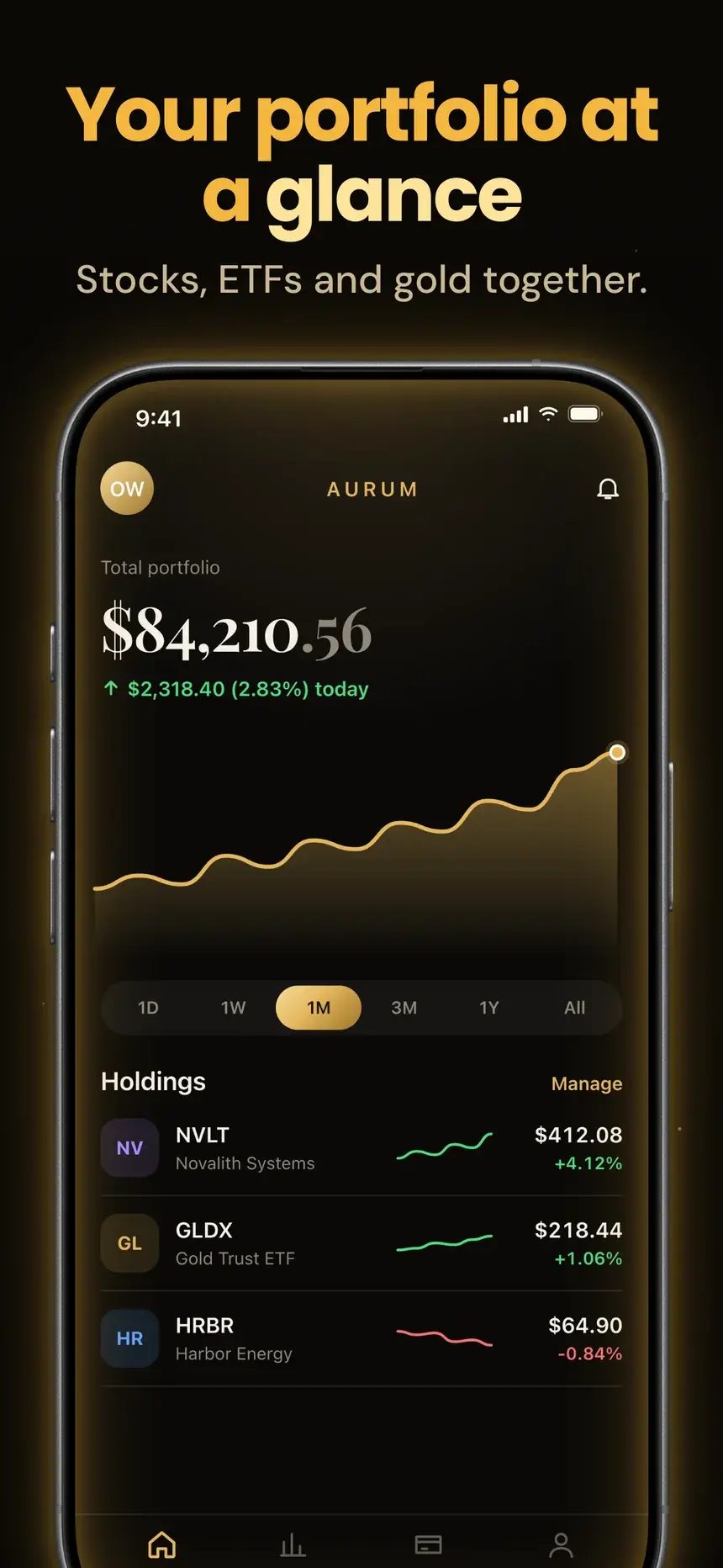
Gold Reserve template, slide 2: Your portfolio at a glance
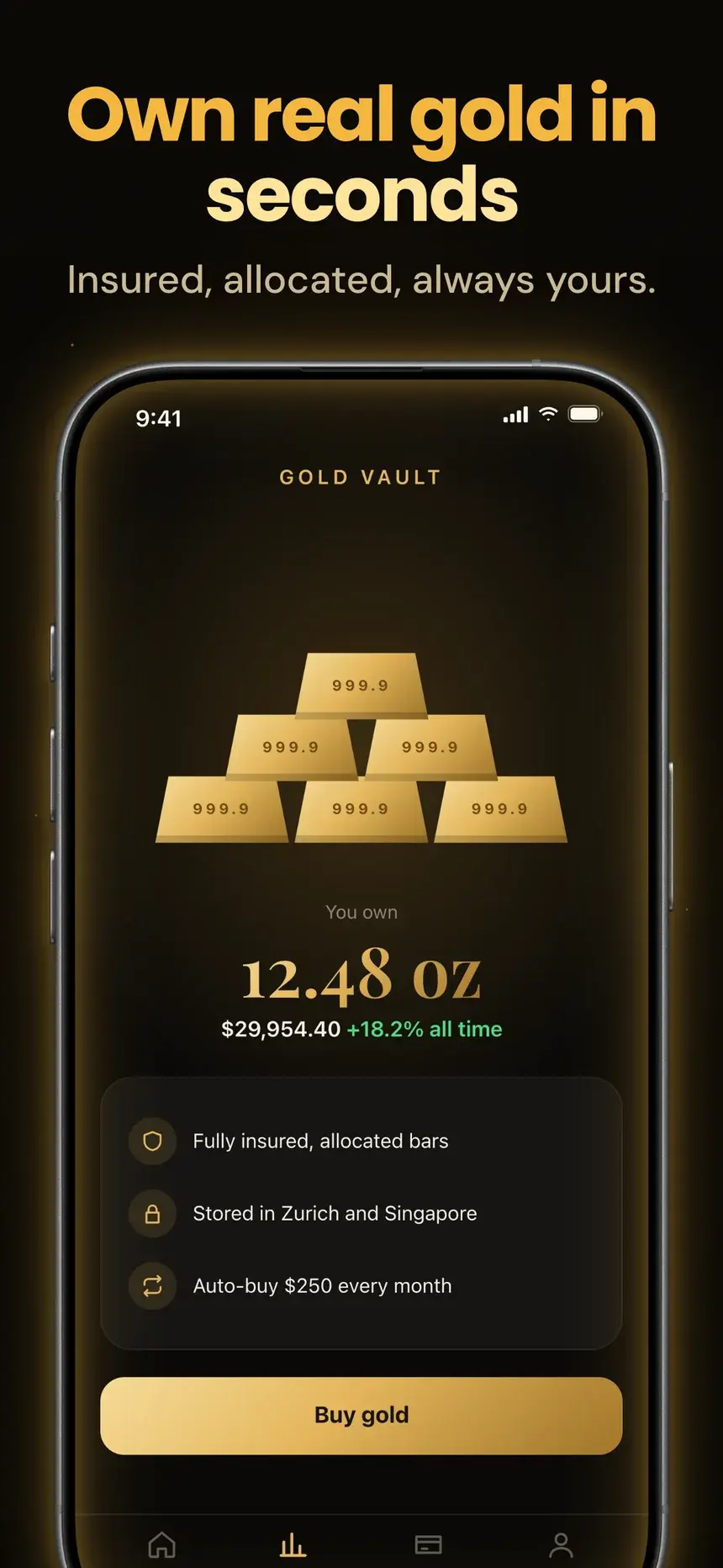
Gold Reserve template, slide 3: Own real gold in seconds
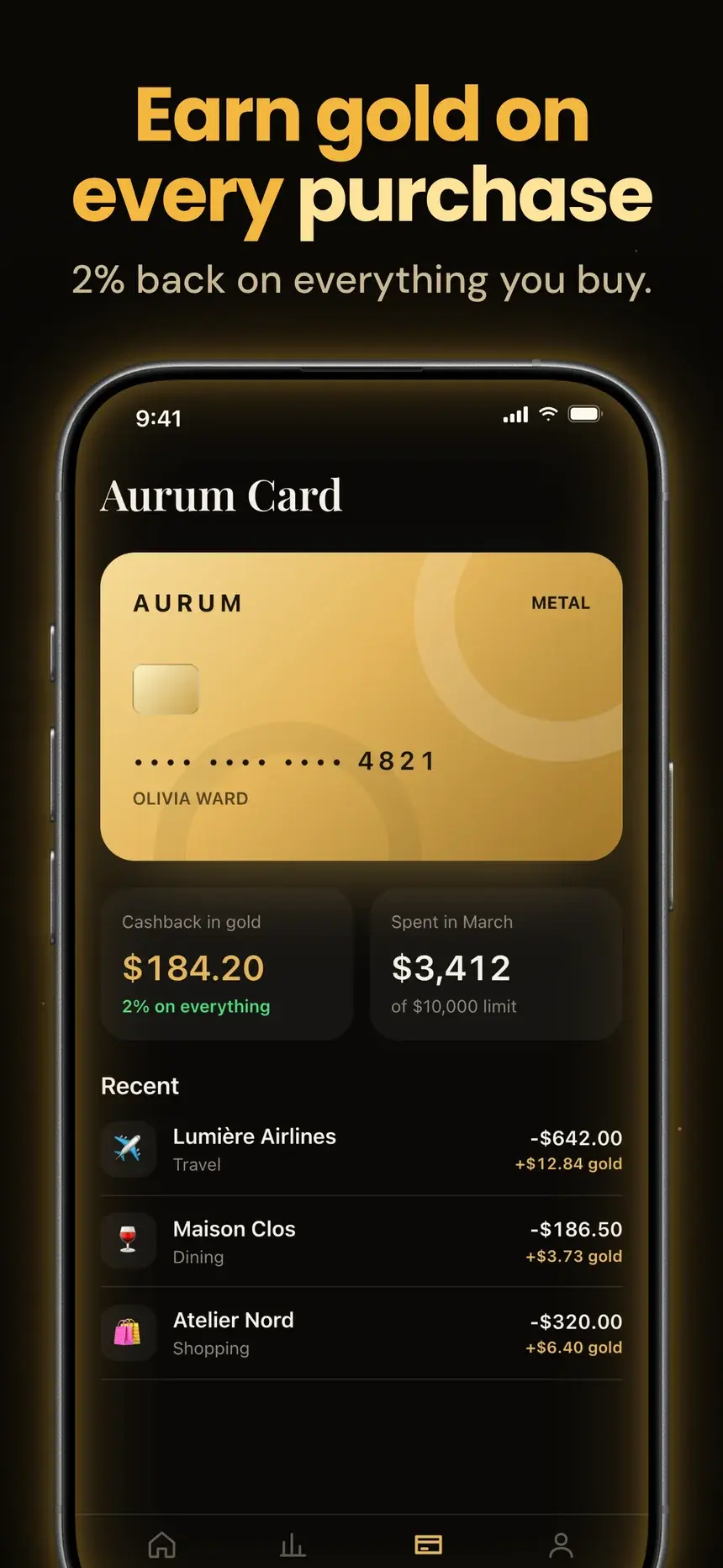
Gold Reserve template, slide 4: Earn gold on every purchase

#15Gold Reserve

Pro

Finance·shown on Aurum

Black and gold: big gold headlines, phones with a glowing gold rim, and an award intro with a golden orb.

  1. 1Wealth, beautifully managed Trusted by 2 million investors.
  2. 2Your portfolio at a glance Stocks, ETFs and gold together.
  3. 3Own real gold in seconds Insured, allocated, always yours.
  4. 4Earn gold on every purchase 2% back on everything you buy.
Navy Accolade template, slide 1: Award winning investing app
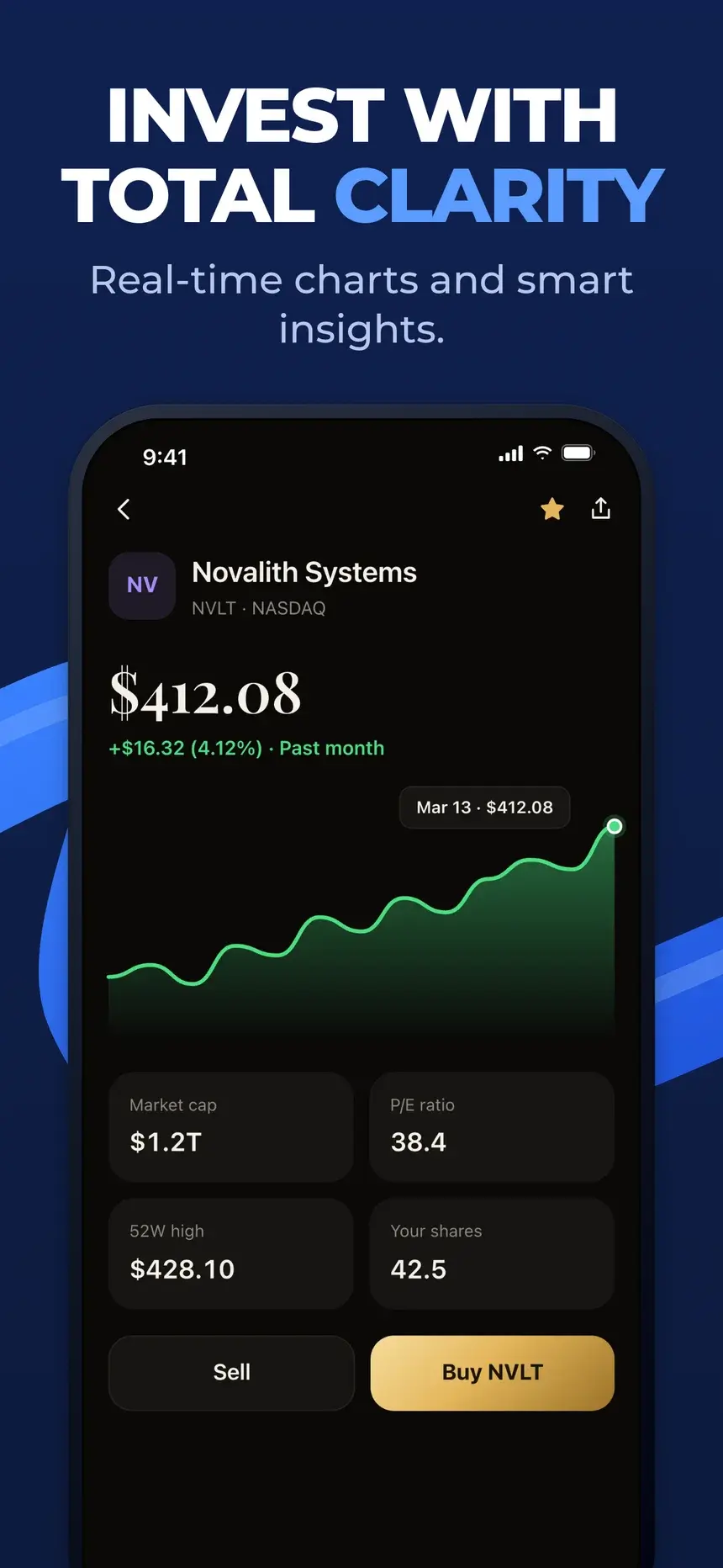
Navy Accolade template, slide 2: Invest with total clarity
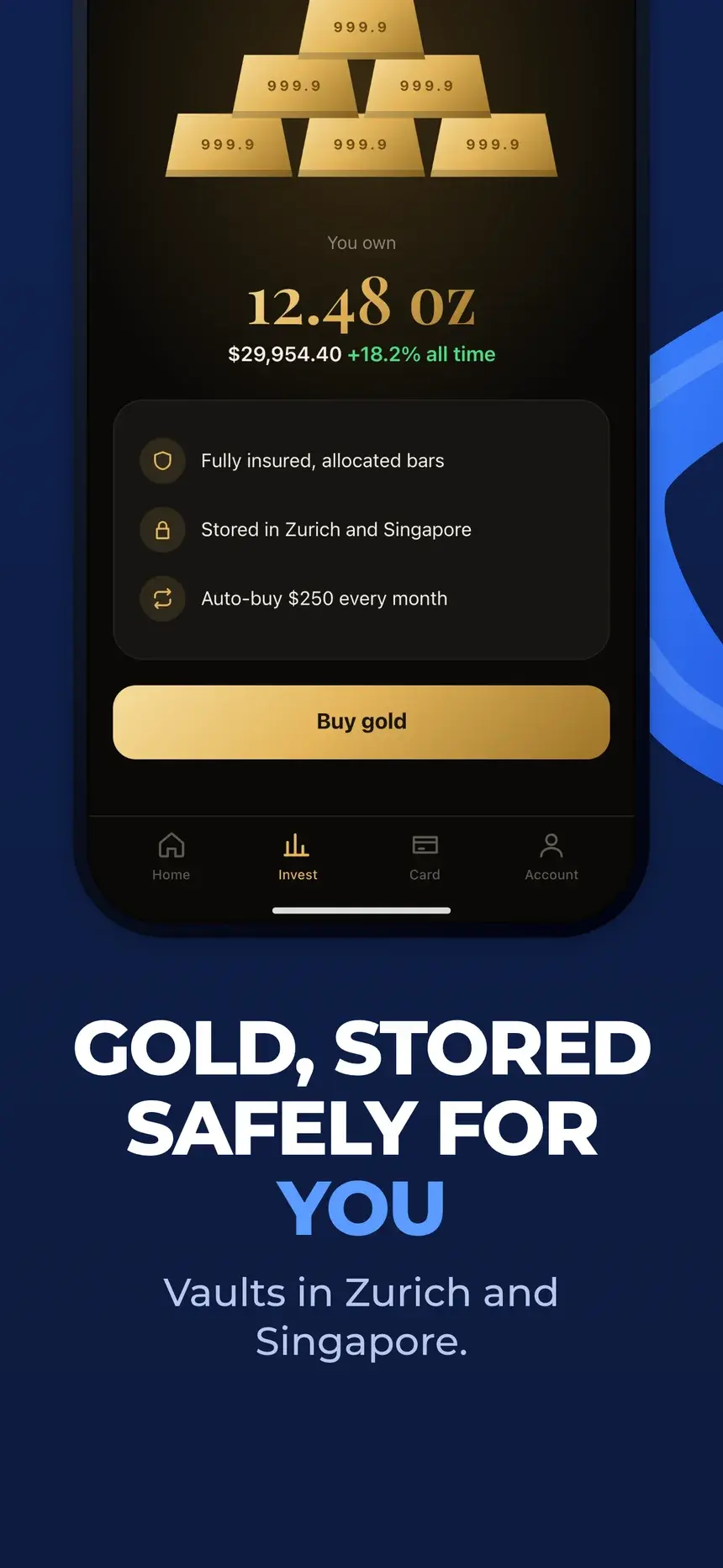
Navy Accolade template, slide 3: Gold, stored safely for you
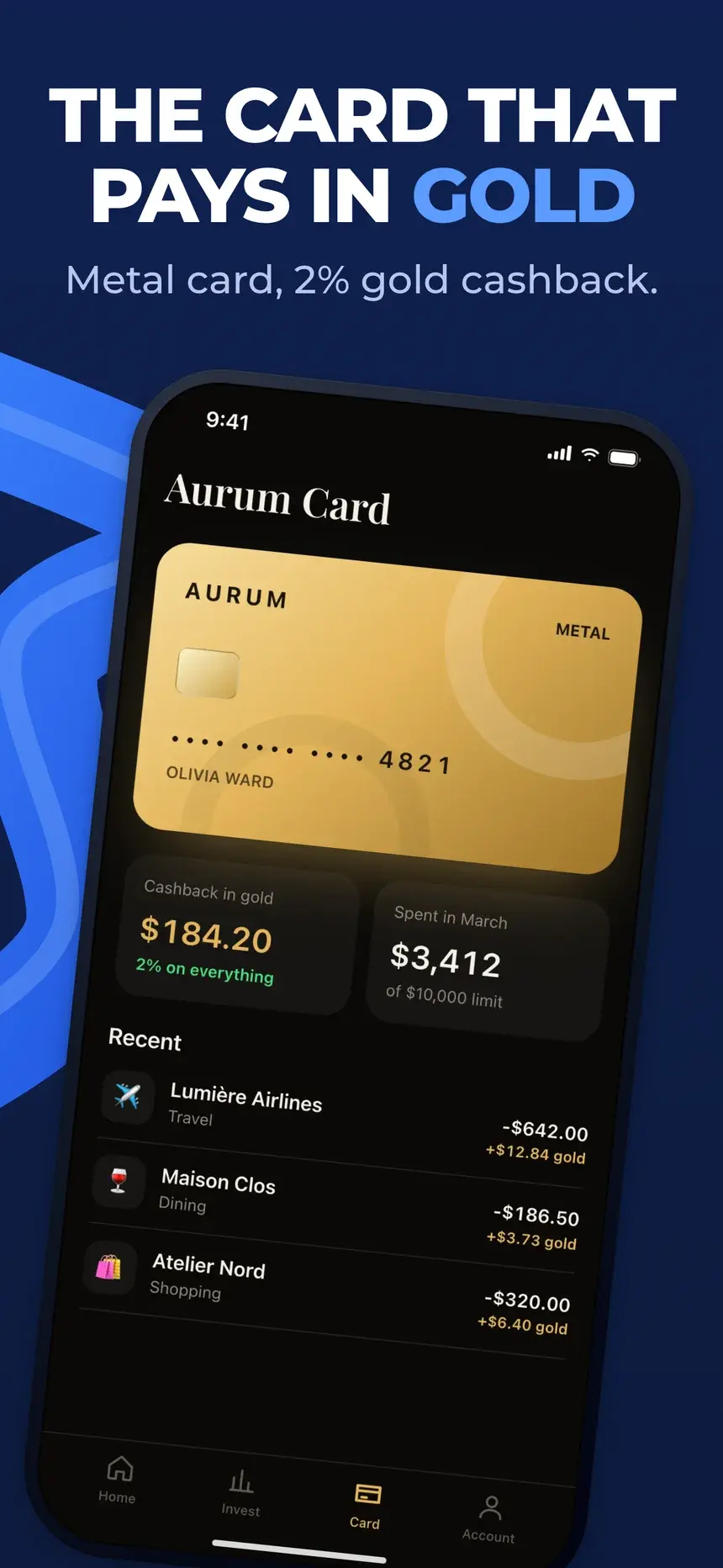
Navy Accolade template, slide 4: The card that pays in gold

#16Navy Accolade

Pro

Finance·shown on Aurum

Deep navy with blue brush swooshes, bold uppercase copy, and an award hero.

  1. 1Award winning investing app Best Finance App of the year.
  2. 2Invest with total clarity Real-time charts and smart insights.
  3. 3Gold, stored safely for you Vaults in Zurich and Singapore.
  4. 4The card that pays in gold Metal card, 2% gold cashback.
Clean Light template, slide 1: All your money in one calm place
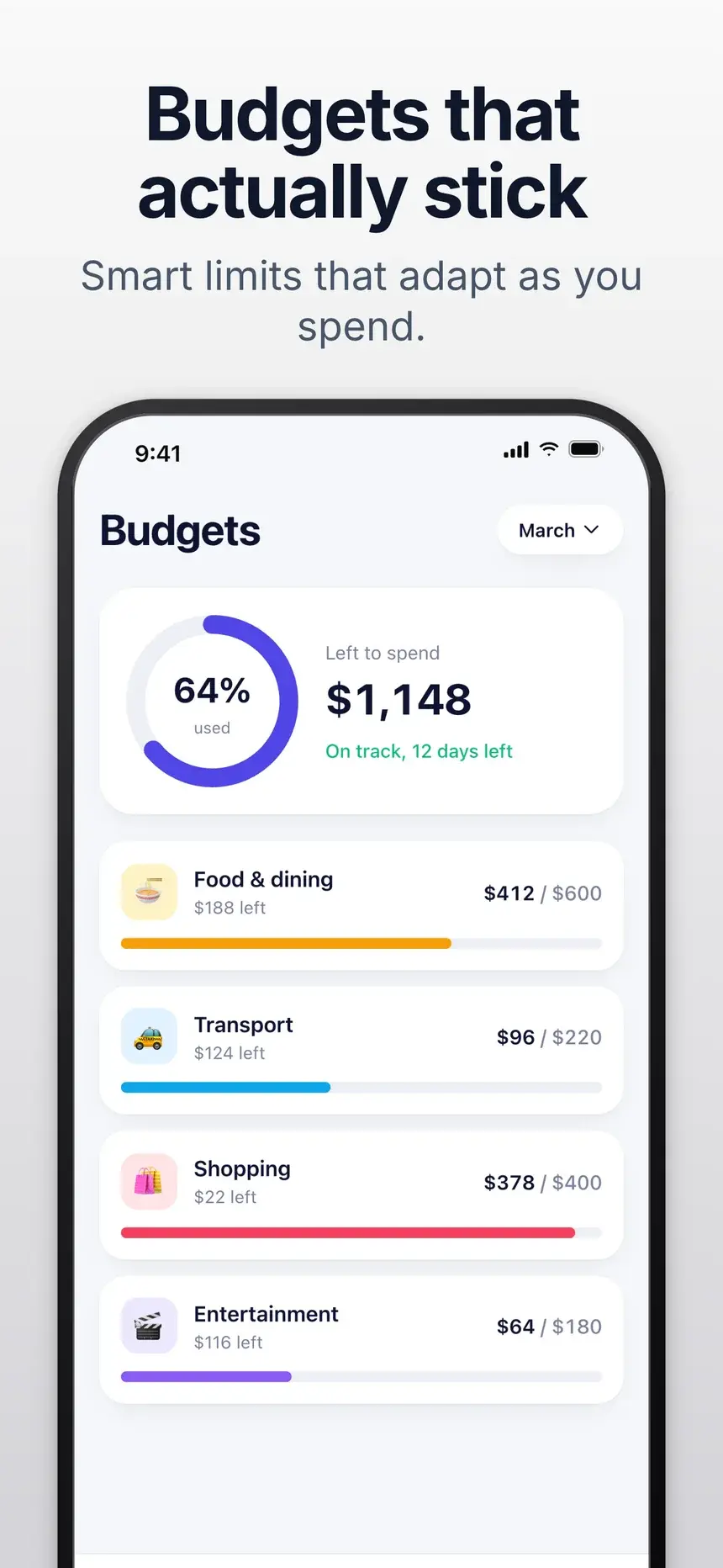
Clean Light template, slide 2: Budgets that actually stick
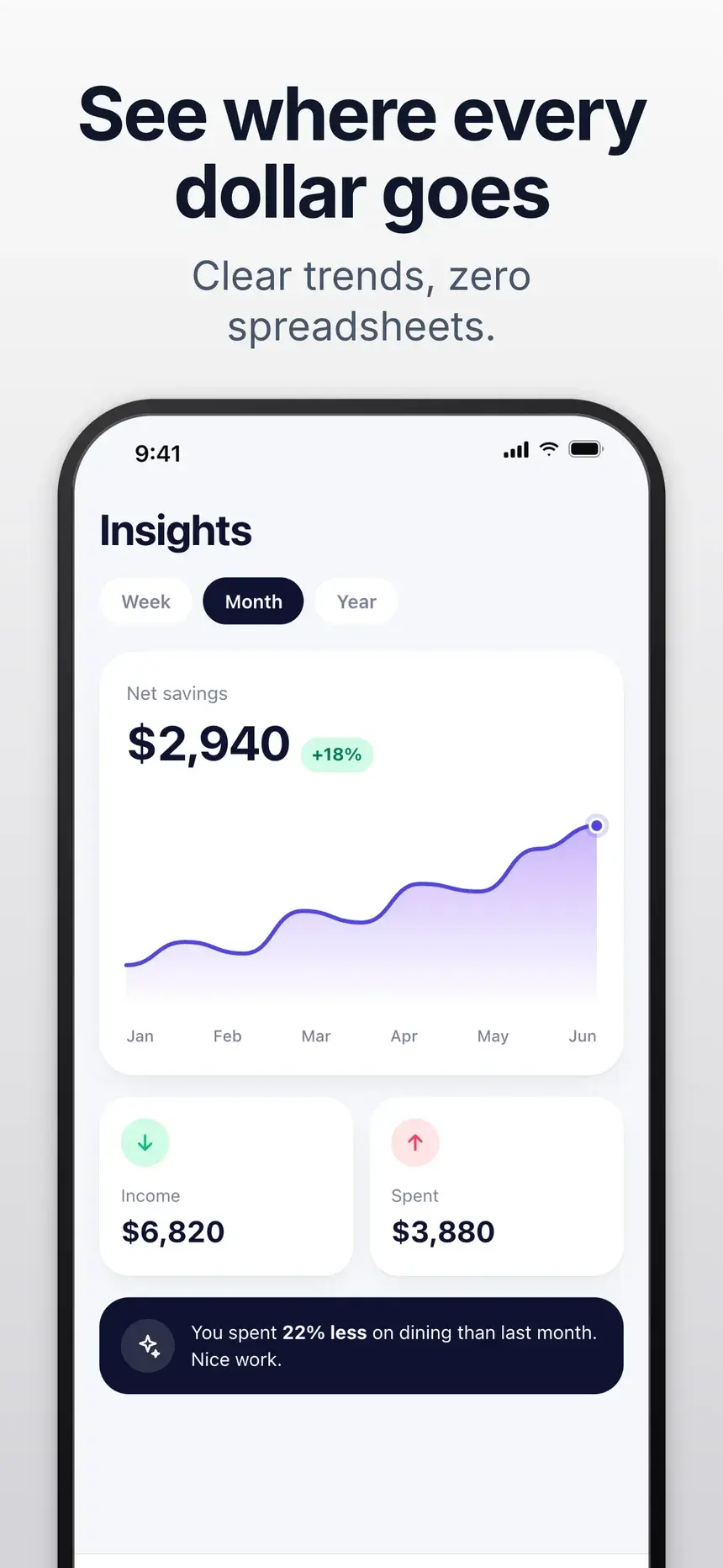
Clean Light template, slide 3: See where every dollar goes
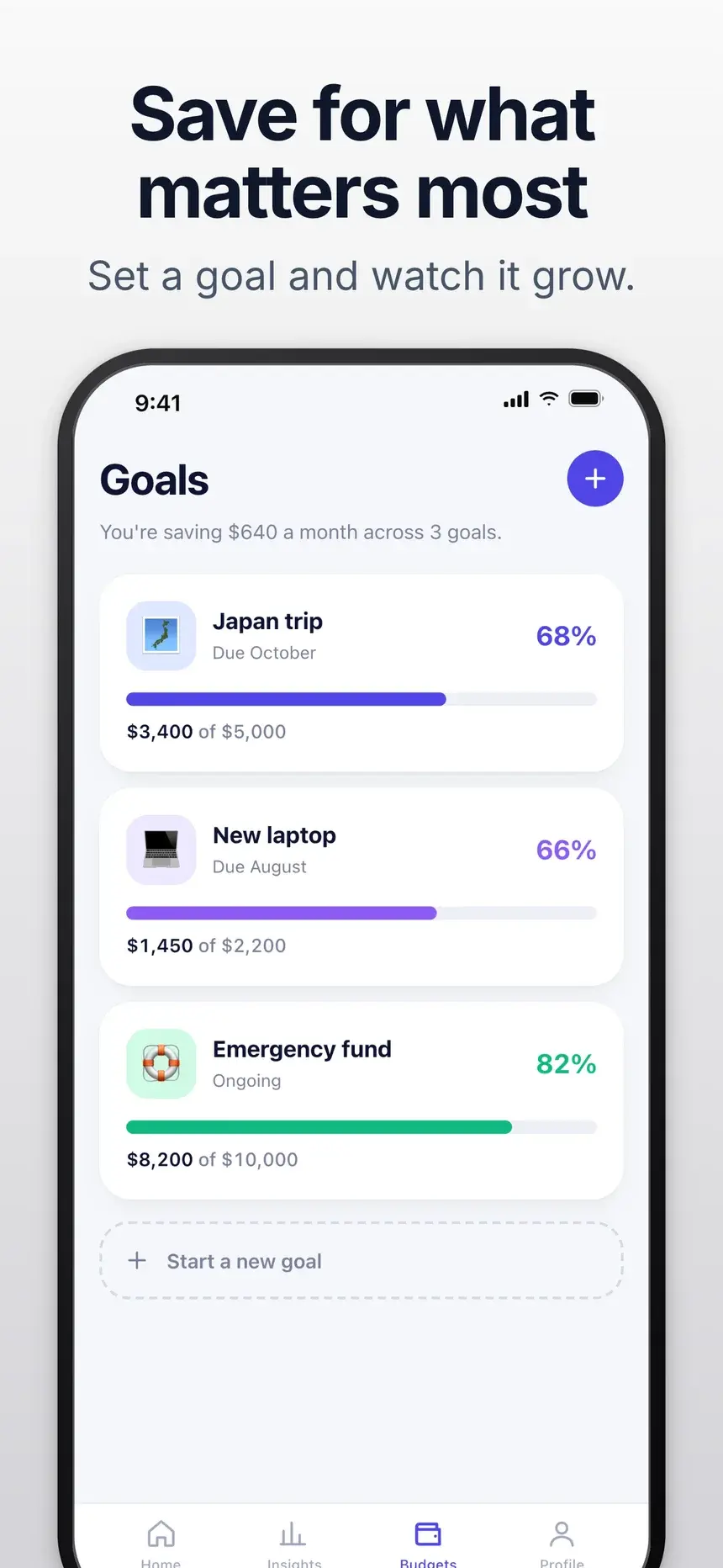
Clean Light template, slide 4: Save for what matters most

#1Clean Light

Free

Finance·shown on Penny

Headline on top and a straight phone below, on a soft light gradient.

  1. 1All your money in one calm place Balances, spending and bills at a glance.
  2. 2Budgets that actually stick Smart limits that adapt as you spend.
  3. 3See where every dollar goes Clear trends, zero spreadsheets.
  4. 4Save for what matters most Set a goal and watch it grow.

Stuck on the words? What to put on listing screenshots.

FAQ

Questions, answered.

The questions finance app makers ask most about their store screenshots.

The overview screen with balances or a budget, and a headline about control or clarity.

The App Store takes up to 10 per device size and Google Play up to 8 phone screenshots. Most visitors only see the first two or three, so put your strongest benefit first and treat the rest as proof.

Use demo data instead. Blurred numbers look like something is hidden. A demo account with realistic figures looks honest.

Start your finance listing today

Pick a template, add your screenshots, and export every App Store and Google Play size from one deck.