Guides
App Store and Google Play screenshot guides
Short reference pieces for the jobs around listing screenshots: pixel sizes, what Connect and Play Console reject, and how to export a set that uploads on the first try. New guide about once a week.
6 live · Updated October 16, 2026.
Exact pixels
Connect and Play Console sizes, not marketing device names.
What gets rejected
Transparency, mixed sizes, and exporting the inner screen instead of the canvas.
A set that ships
The minimum upload, then how to export a ZIP without a Figma file.
Latest guides
Newest first
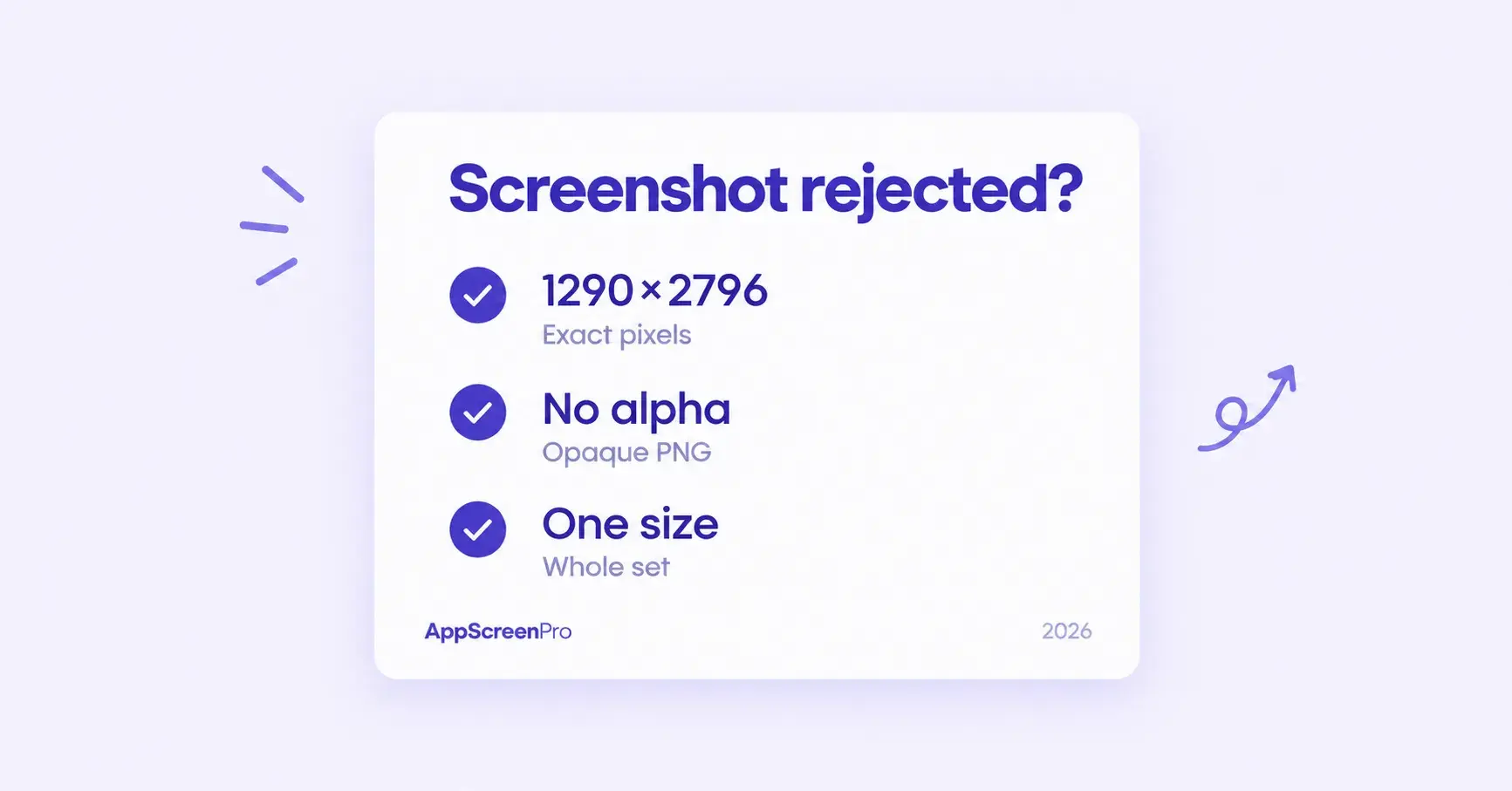 UploadsOctober 16, 2026
Why App Store Connect rejects screenshots
The usual upload failures, how to check a file before you try again, and which problems are App Review rather than a pixel error.
Read guide
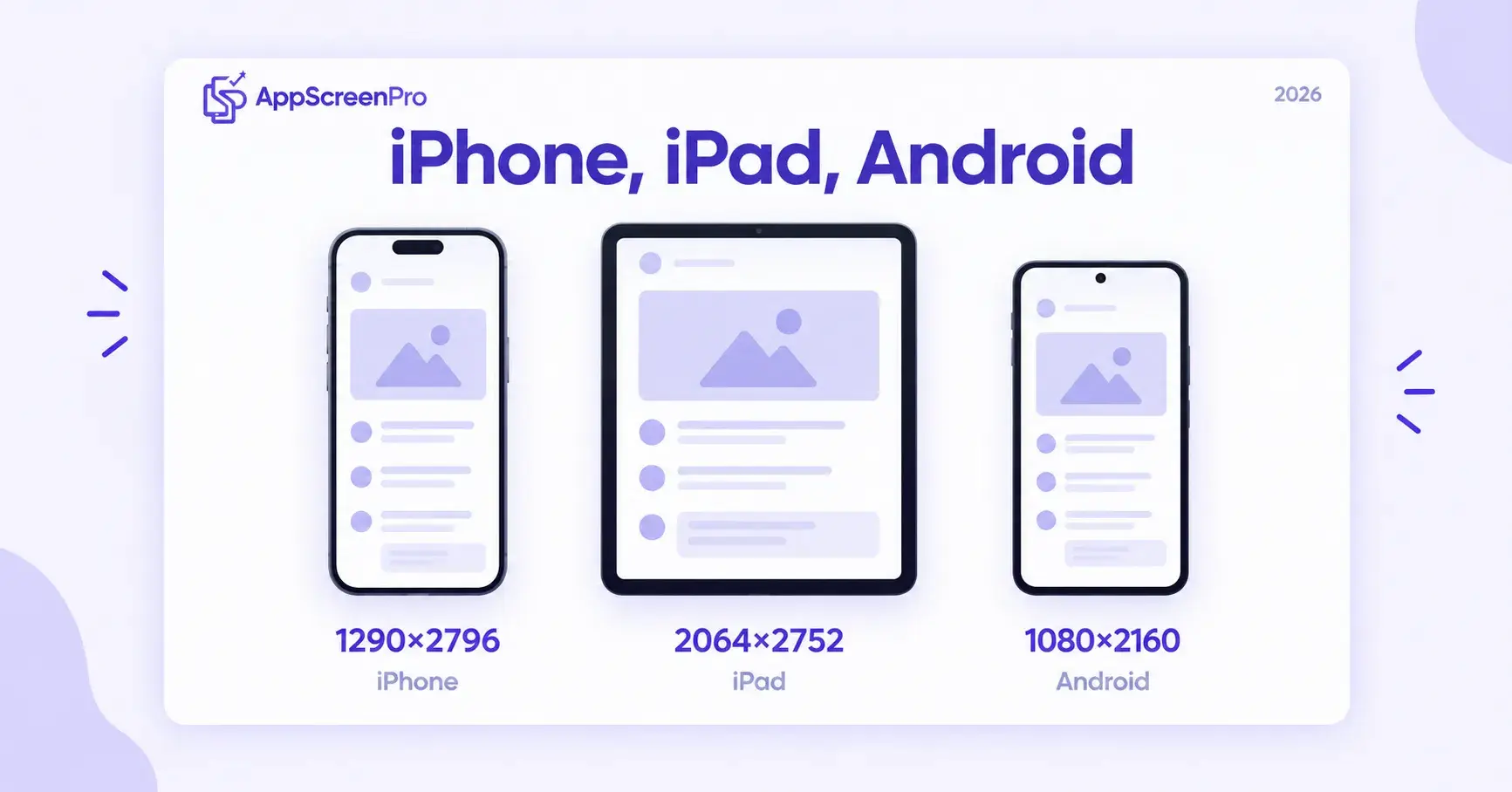 PlatformsOctober 6, 2026
iPhone, iPad, and Android listing screenshots
The same story can run on every store. The files cannot. Here is which canvas each slot needs, and when a second capture is worth it.
Read guide
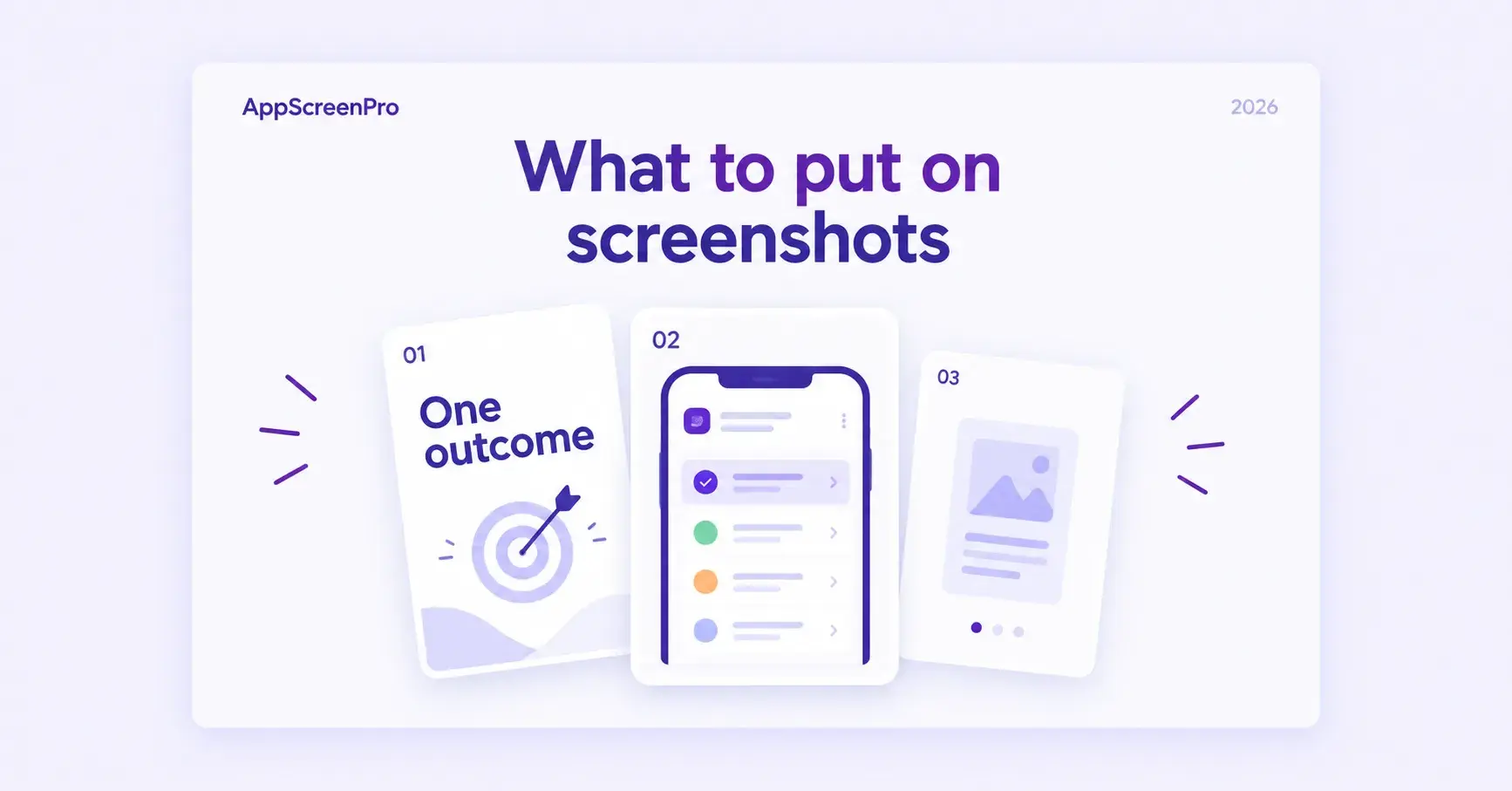 ASOSeptember 28, 2026
What to put on listing screenshots
Slide order, the first frames people actually see, and headlines that still fit after you translate them.
Read guide
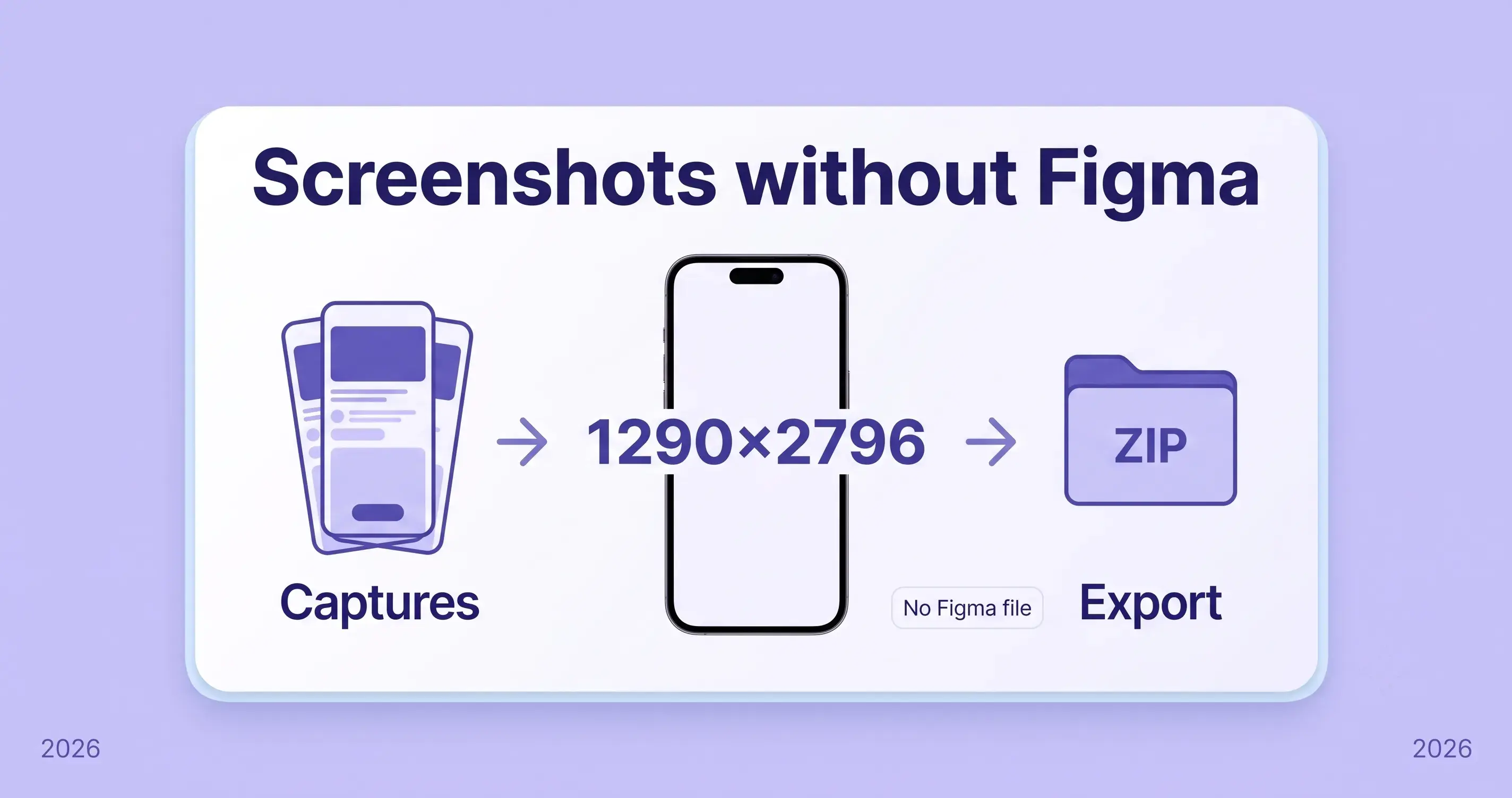 WorkflowSeptember 12, 2026
App Store screenshots without Figma
Capture screens, drop them on a store-sized canvas, write the line, and export a ZIP. Figma still wins if you already own a component library.
Read guide
 SizesSeptember 1, 2026
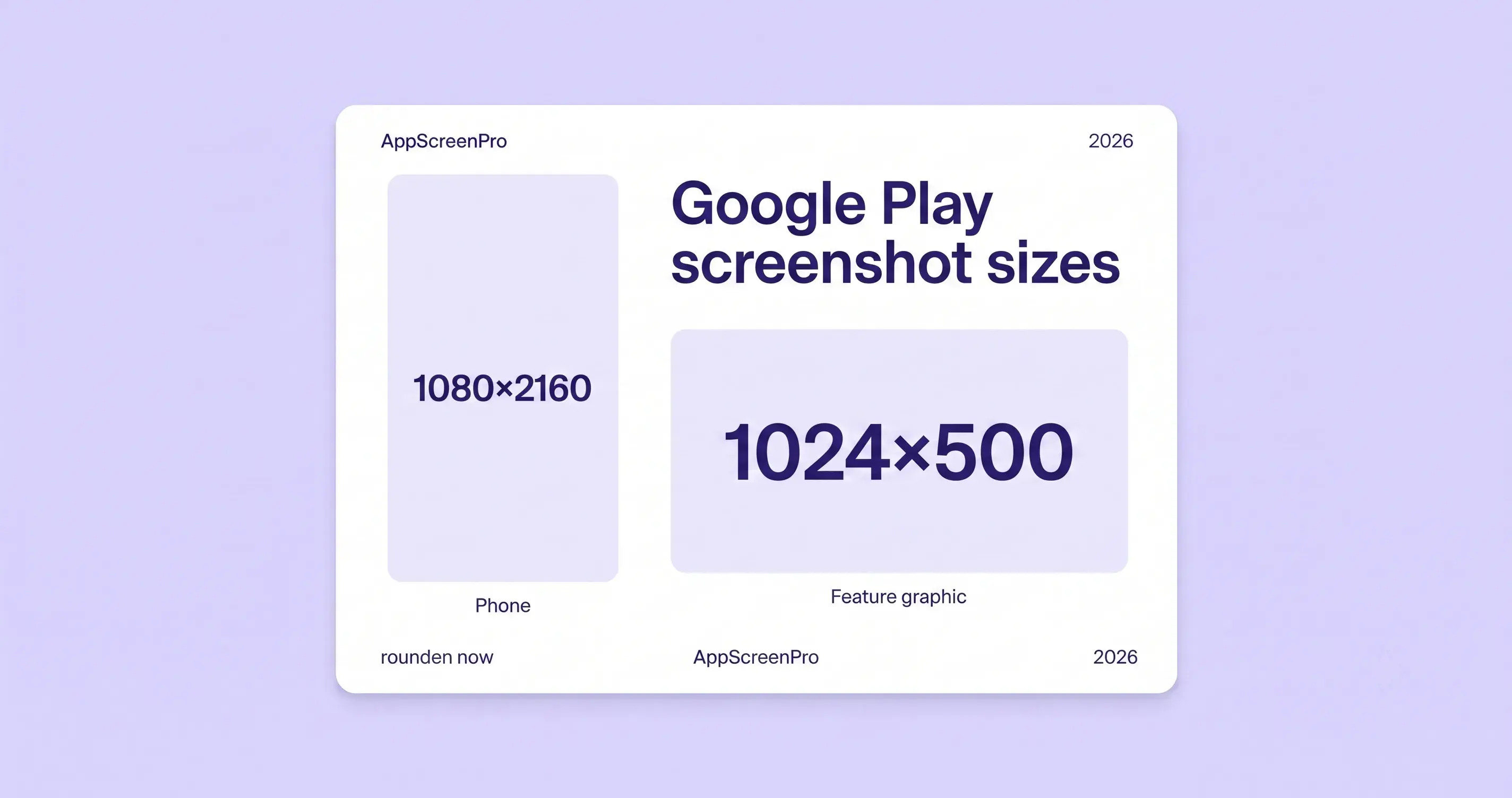
Google Play screenshot sizes in 2026
Phone, 7-inch, and 10-inch Play Console sizes, the 2:1 ratio rule, and the 1024×500 feature graphic you cannot skip.
Read guide
 SizesAugust 22, 2026
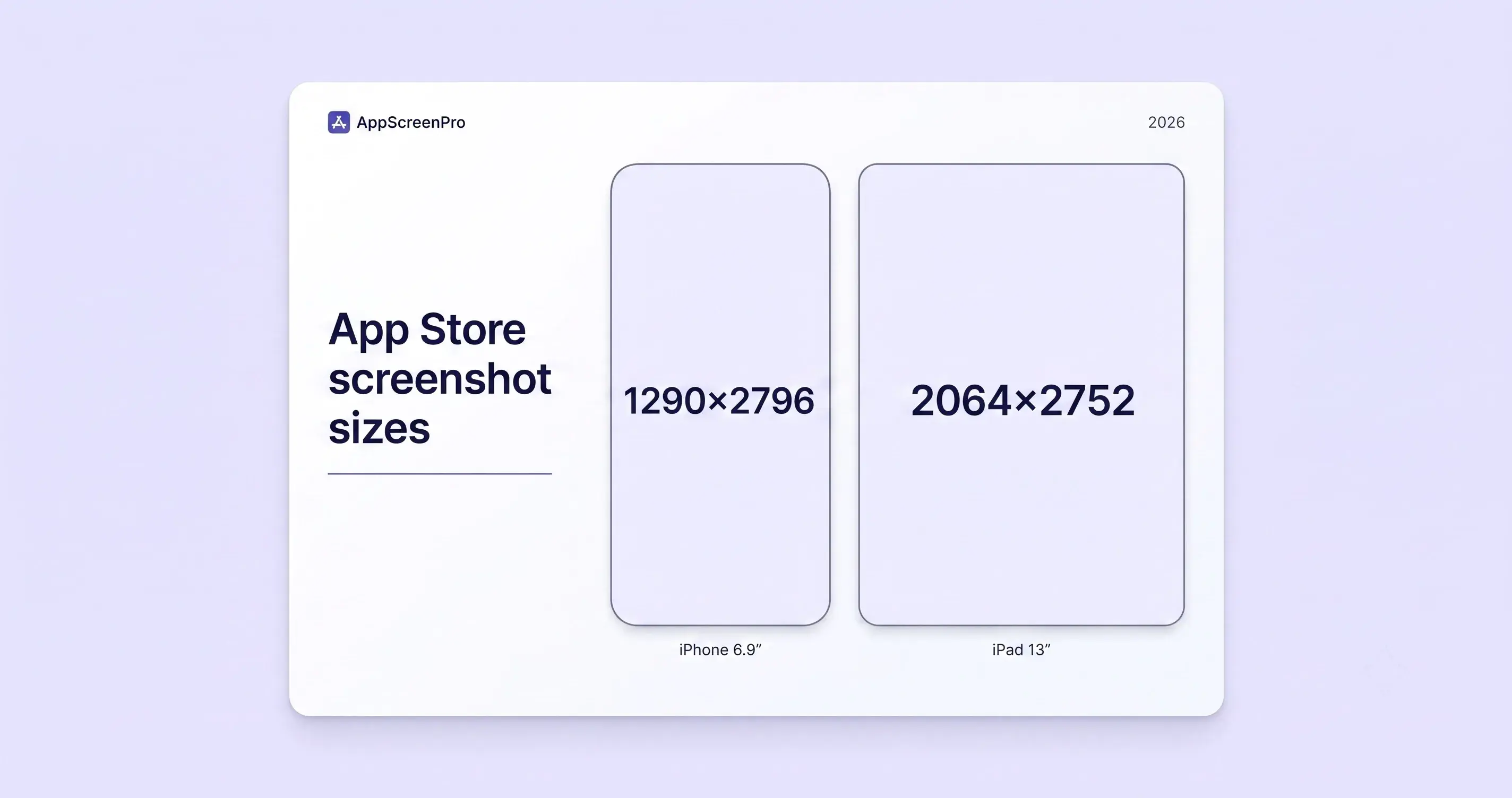
App Store screenshot sizes in 2026
The pixels App Store Connect accepts for iPhone and iPad, which 6.9-inch size to pick, and why transparent PNGs still get rejected.
Read guide
Coming next
One new page a week. Titles can shift if a spec changes first.
- PlayNext
Google Play feature graphic
The required 1024×500 banner: size, what to keep in the center, and why a phone screenshot cannot stand in for it.
- Locales
Localizing listing screenshots
Same layout, new headlines, and when the UI itself has to be recaptured for another language.
- Tests
Product page tests for screenshots
How to change slide 1 and read the result, without treating screenshots as a search-ranking trick.
Export at the right pixels
Drop in your captures, pick an iPhone, iPad, or Android preset, and download a ZIP sized for App Store Connect or Play Console.