Lifestyle templates

Lifestyle app screenshot templates

Lifestyle apps sell a nicer version of everyday life. These templates use warm color and aspirational headlines, then ground them in the screens that make the habit easy.

  • 3 templates
  • Pro, $29 once
  • App Store and Google Play
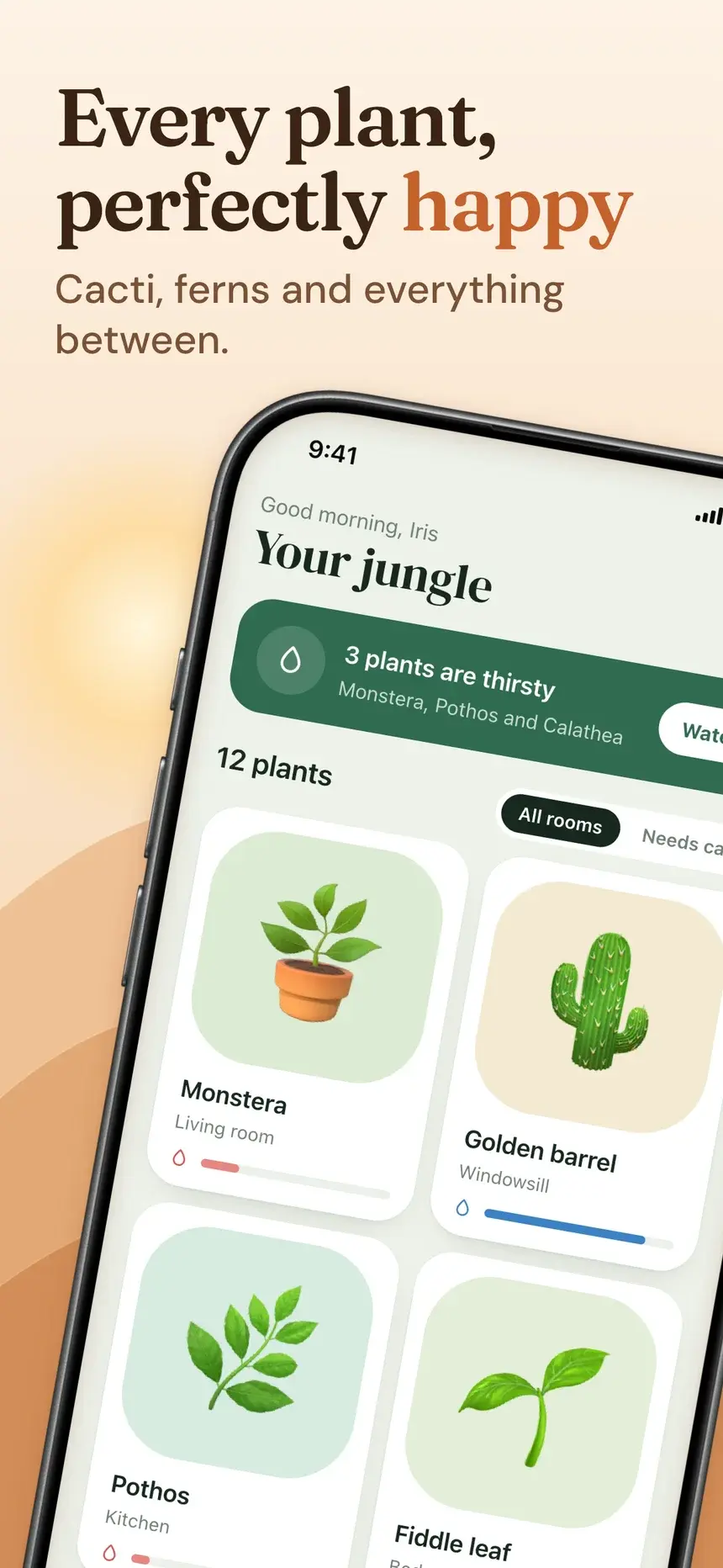
Every plant, perfectly happy
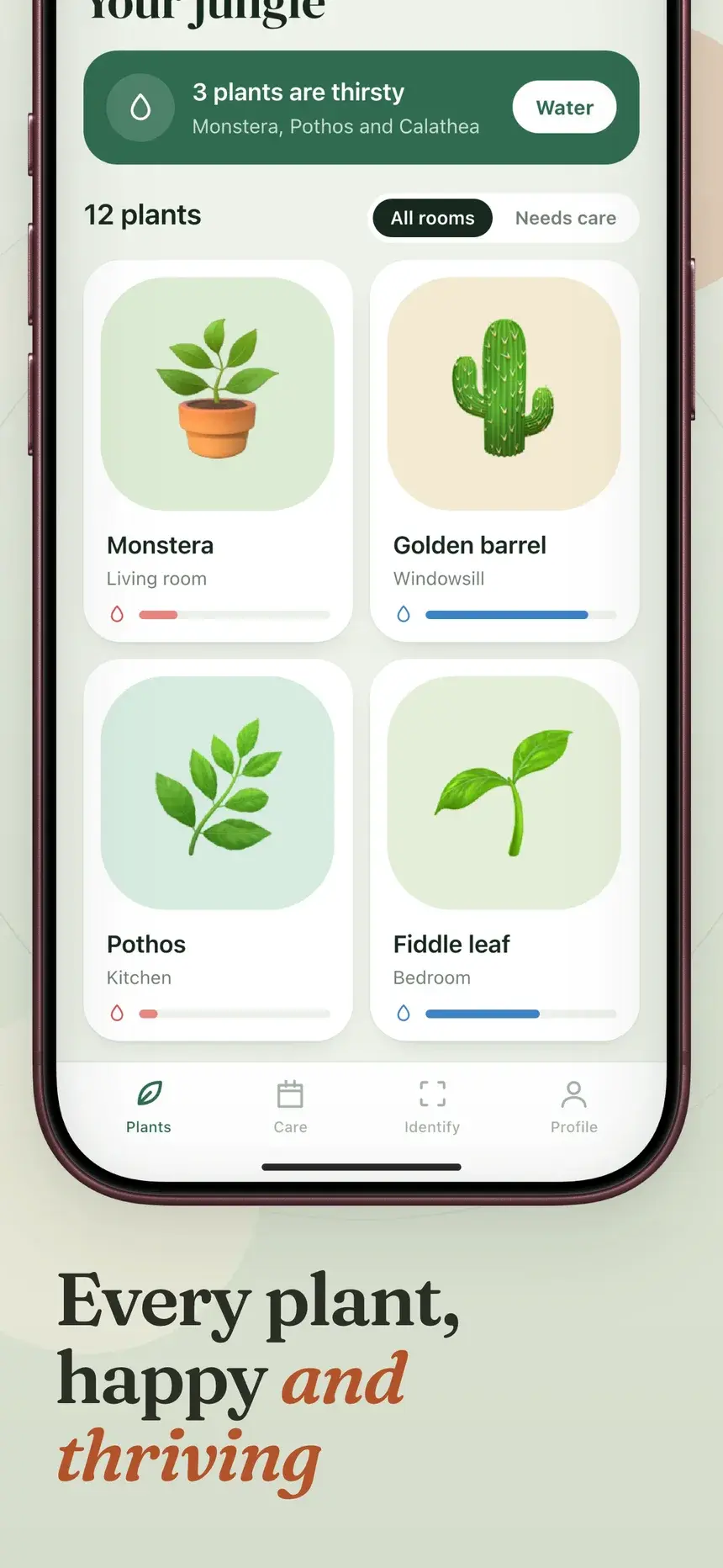
Every plant, happy and thriving
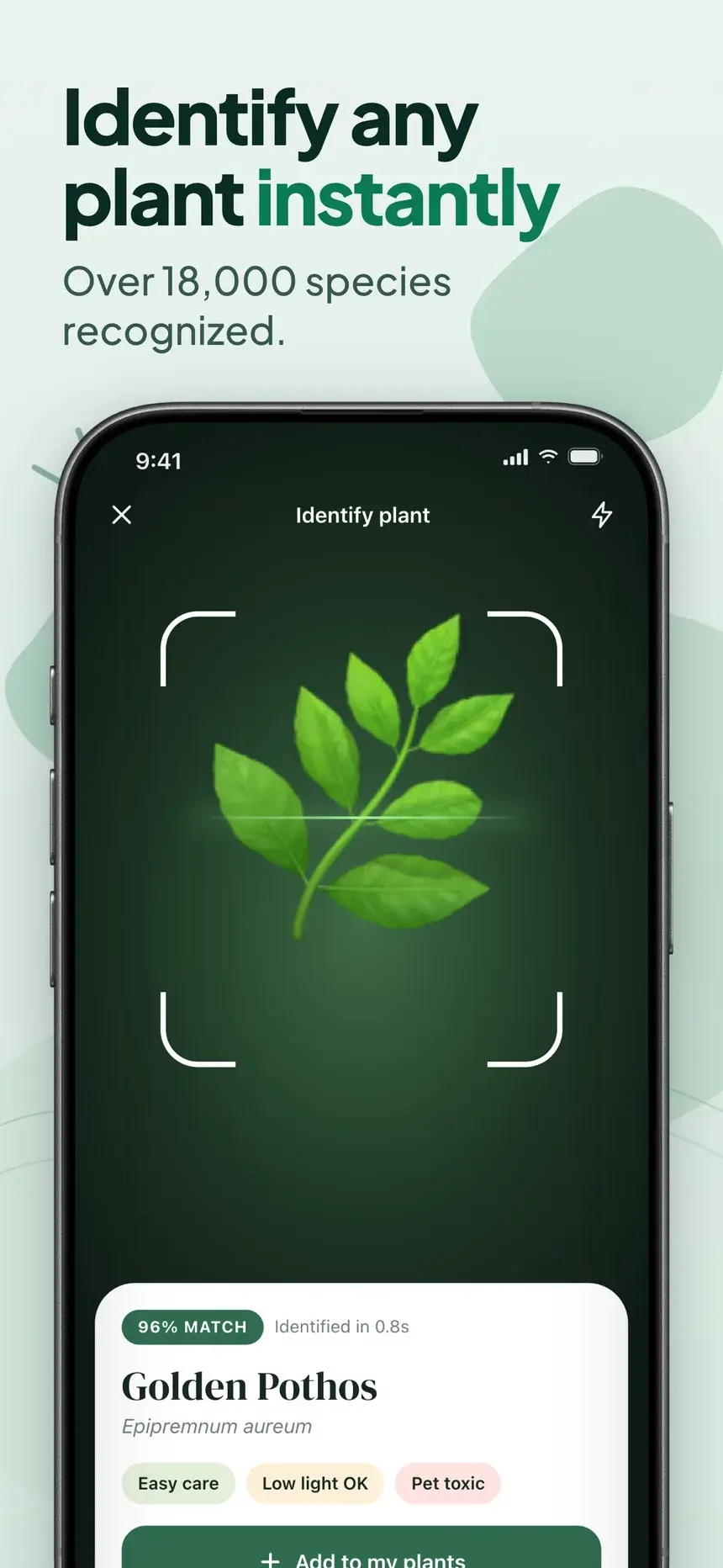
Identify any plant instantly
Know exactly what it needs
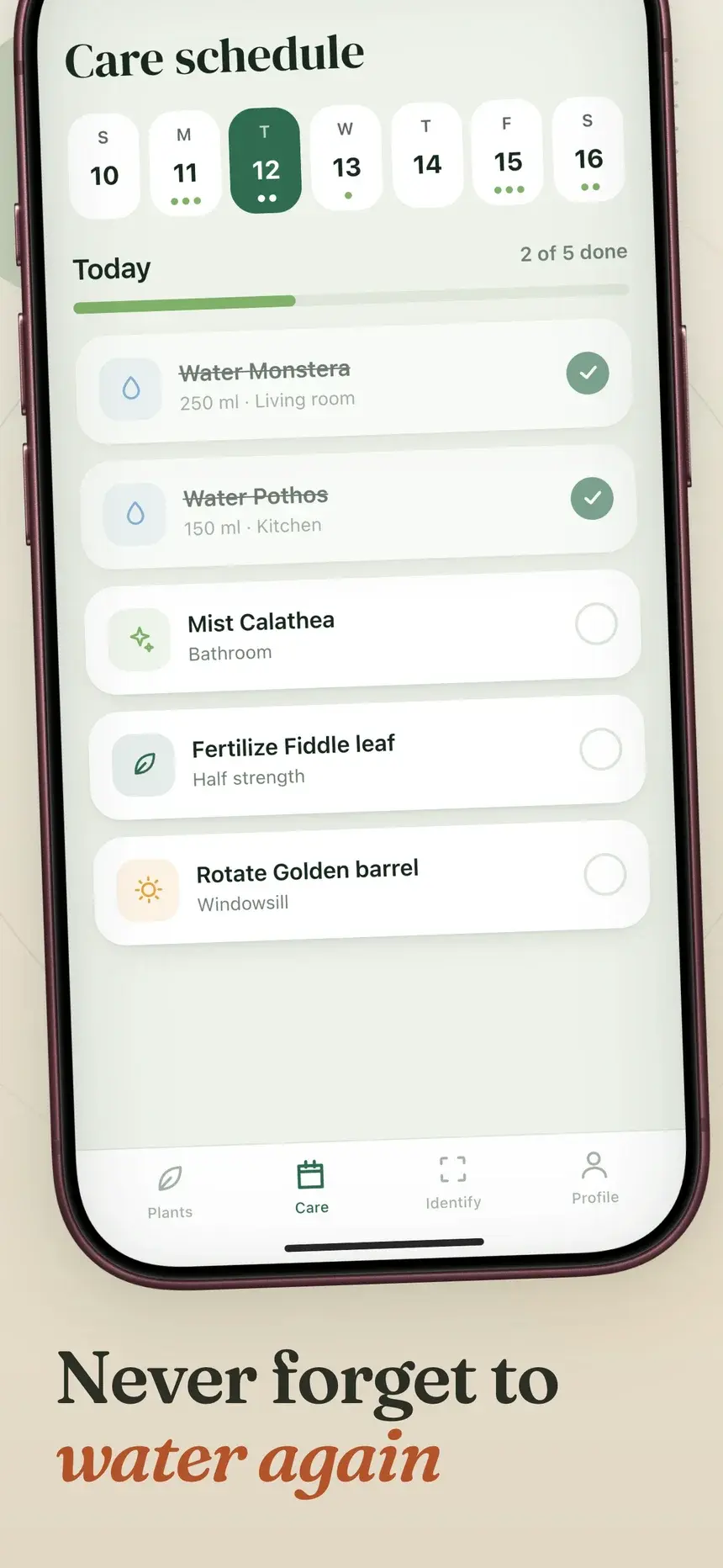
Never forget to water again

Playbook

What works in lifestyle screenshots

01

Aspiration first

"Every plant, perfectly happy" paints the picture before any feature appears.

02

Warm, specific color

Pick a palette that matches the hobby. Greens for plants, warm neutrals for home, bright for travel.

03

Show the helpful moment

The reminder, the identification, the tip. The screen where the app saves the day is the one to feature.

04

Keep it personal

Use names, photos, and content a real person would have. Generic placeholders break the spell.

Every slide, with its headline

3 lifestyle templates

Each one is shown on a demo app. Your screenshots and words replace the demo when you open it.

Desert template, slide 1: Every plant, perfectly happy
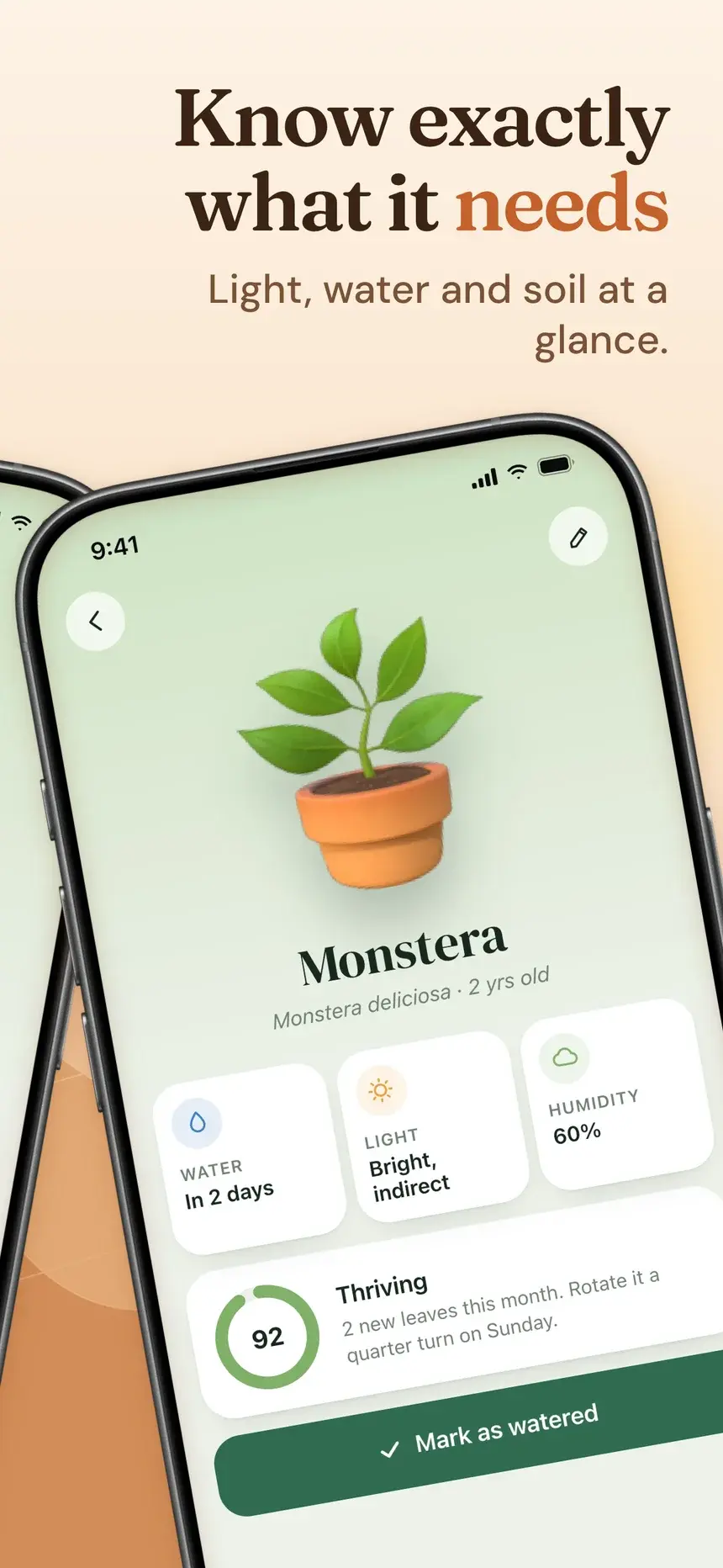
Desert template, slide 2: Know exactly what it needs
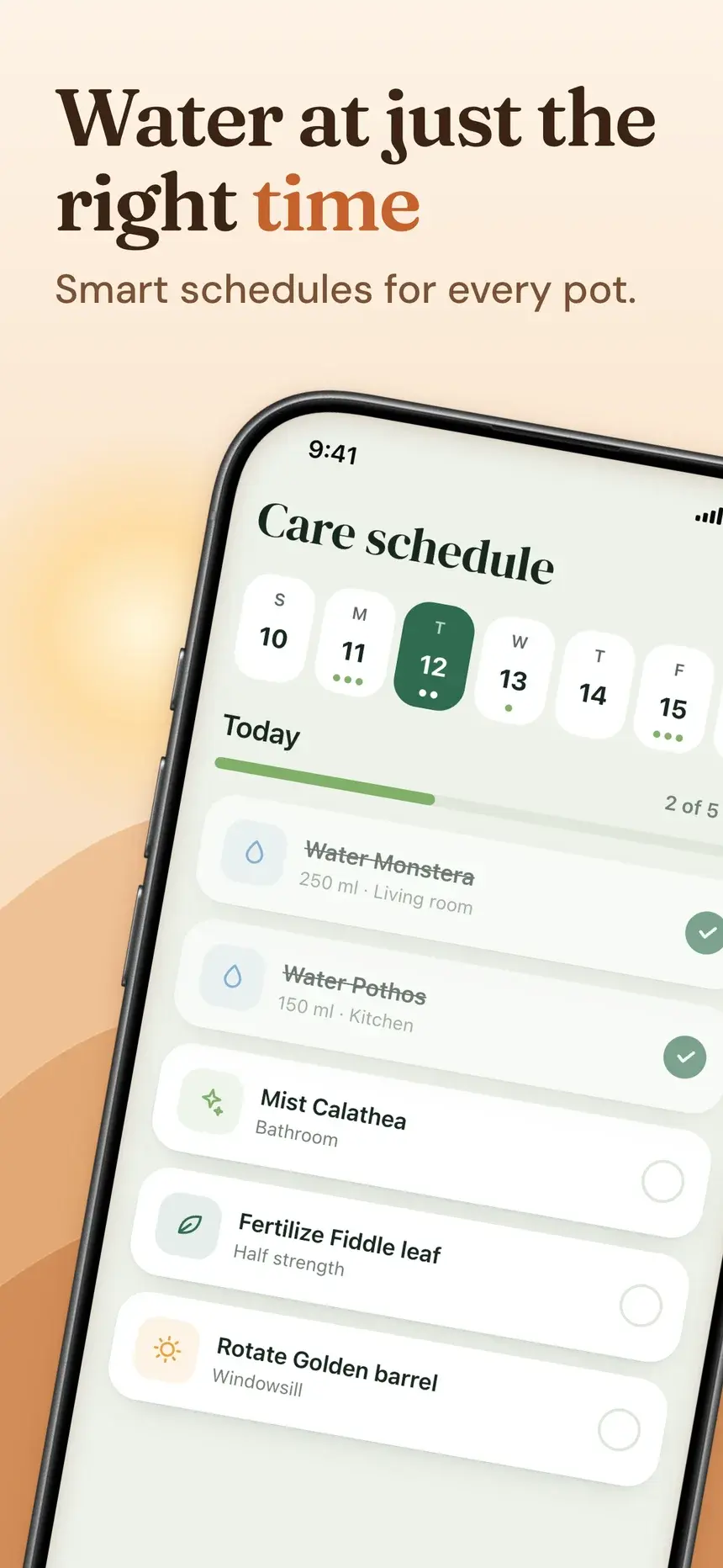
Desert template, slide 3: Water at just the right time
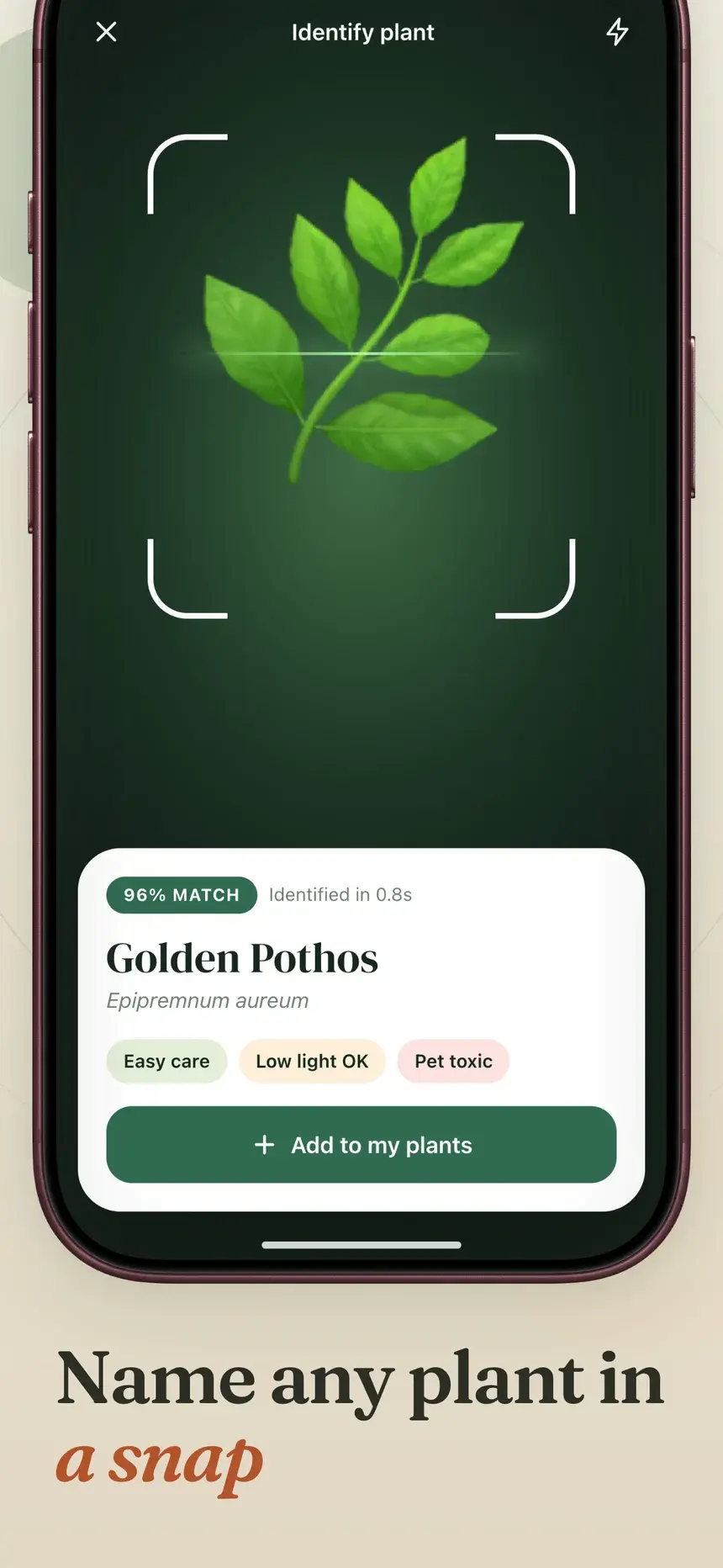
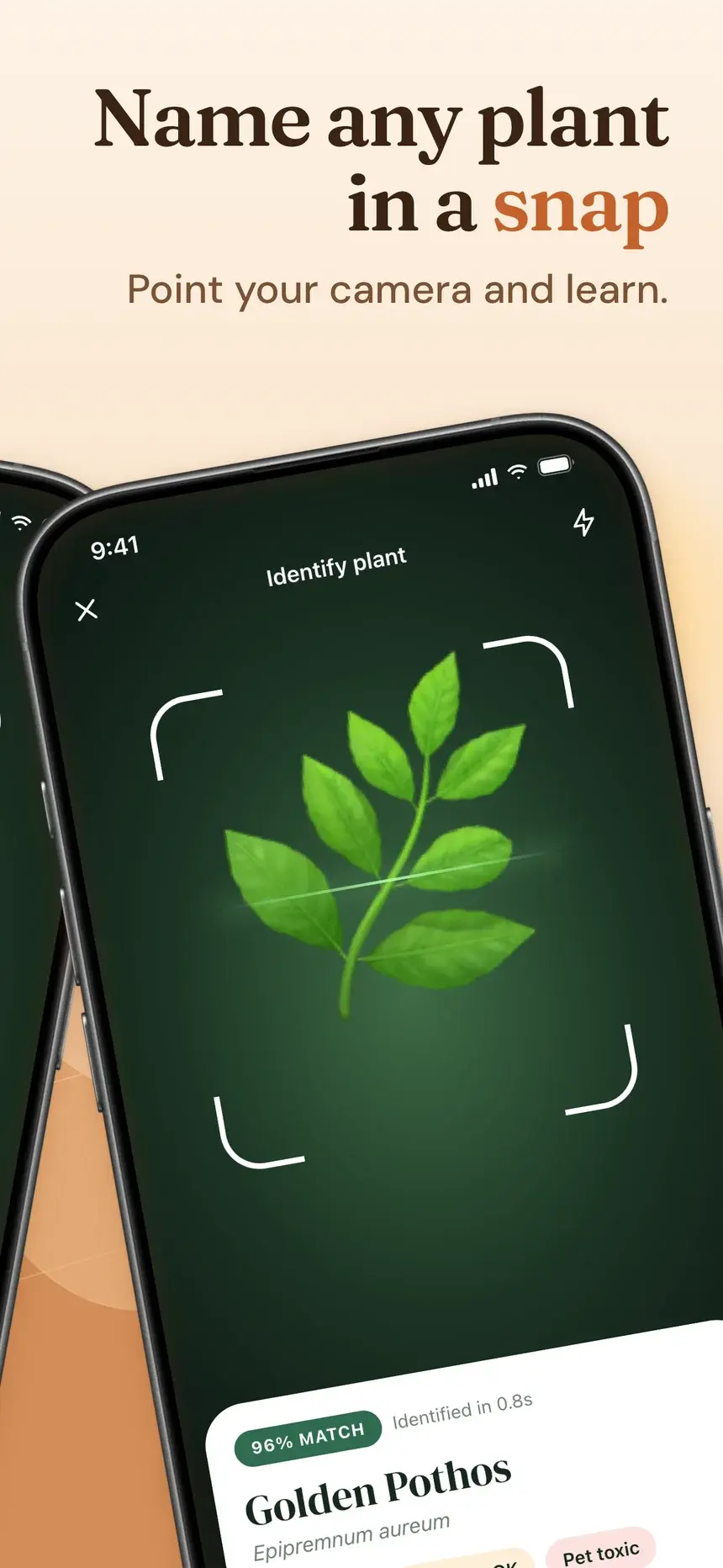
Desert template, slide 4: Name any plant in a snap

#33Desert

Pro

Lifestyle·shown on Verdant

Warm sand dunes under a pale sun, with paired phones leaning toward each other across the slides.

  1. 1Every plant, perfectly happy Cacti, ferns and everything between.
  2. 2Know exactly what it needs Light, water and soil at a glance.
  3. 3Water at just the right time Smart schedules for every pot.
  4. 4Name any plant in a snap Point your camera and learn.
Sage Studio template, slide 1: Every plant, happy and thriving
Sage Studio template, slide 2: Never forget to water again
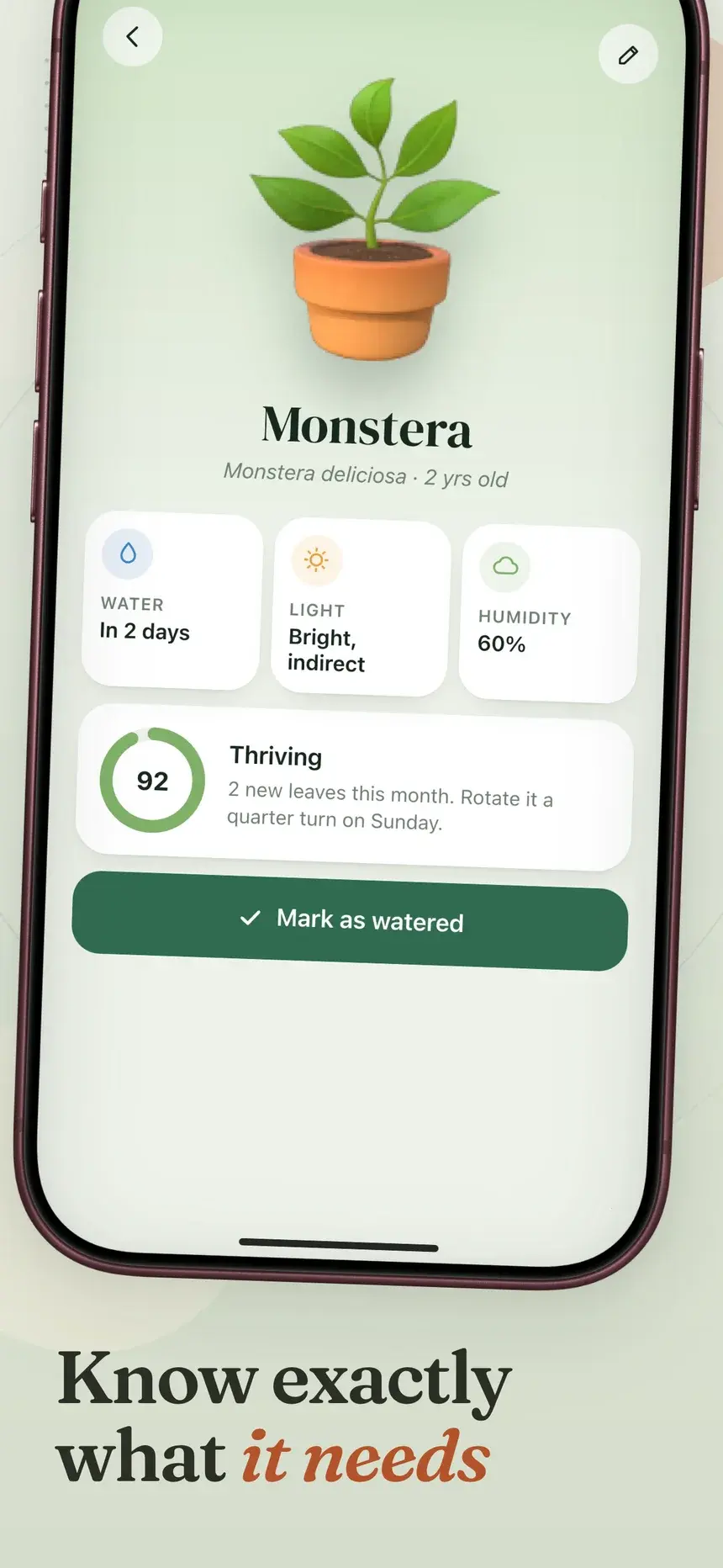
Sage Studio template, slide 3: Know exactly what it needs
Sage Studio template, slide 4: Name any plant in a snap

#7Sage Studio

Pro

Lifestyle·shown on Verdant

Sage studio slides with a serif headline under a burgundy iPhone.

  1. 1Every plant, happy and thriving Your whole jungle in one place.
  2. 2Never forget to water again Gentle reminders tuned to each plant.
  3. 3Know exactly what it needs Light, water and humidity at a glance.
  4. 4Name any plant in a snap Point your camera. We do the rest.
Evergreen Pop template, slide 1: Identify any plant instantly
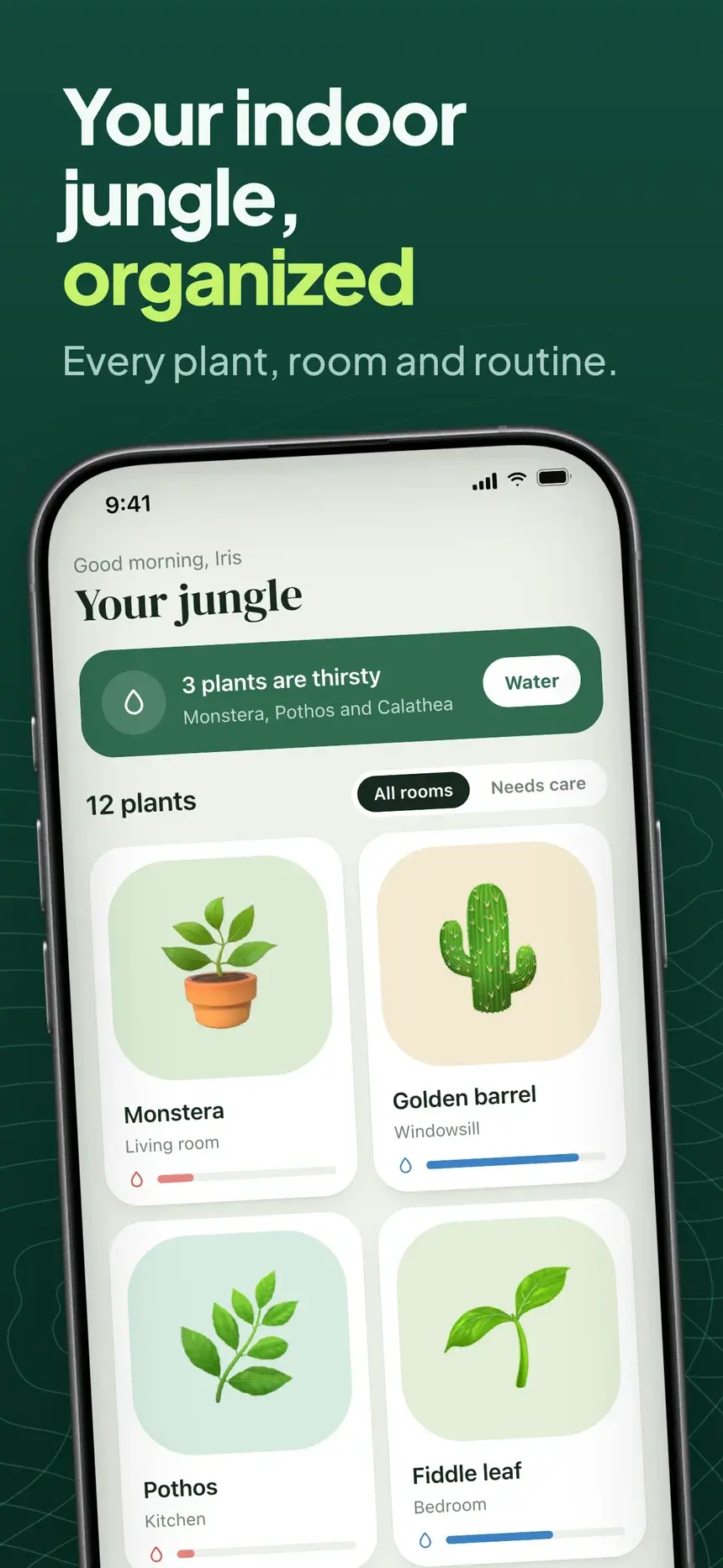
Evergreen Pop template, slide 2: Your indoor jungle, organized
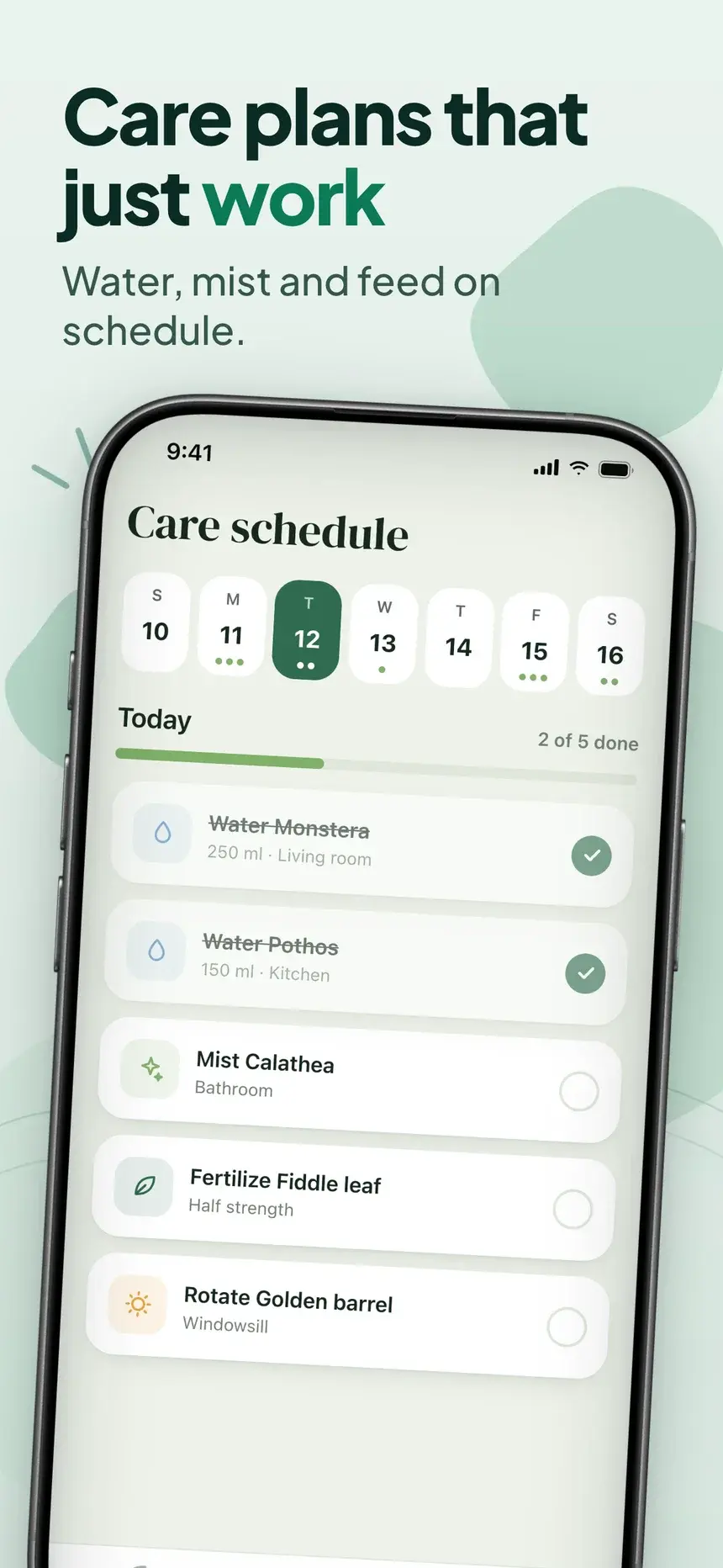
Evergreen Pop template, slide 3: Care plans that just work
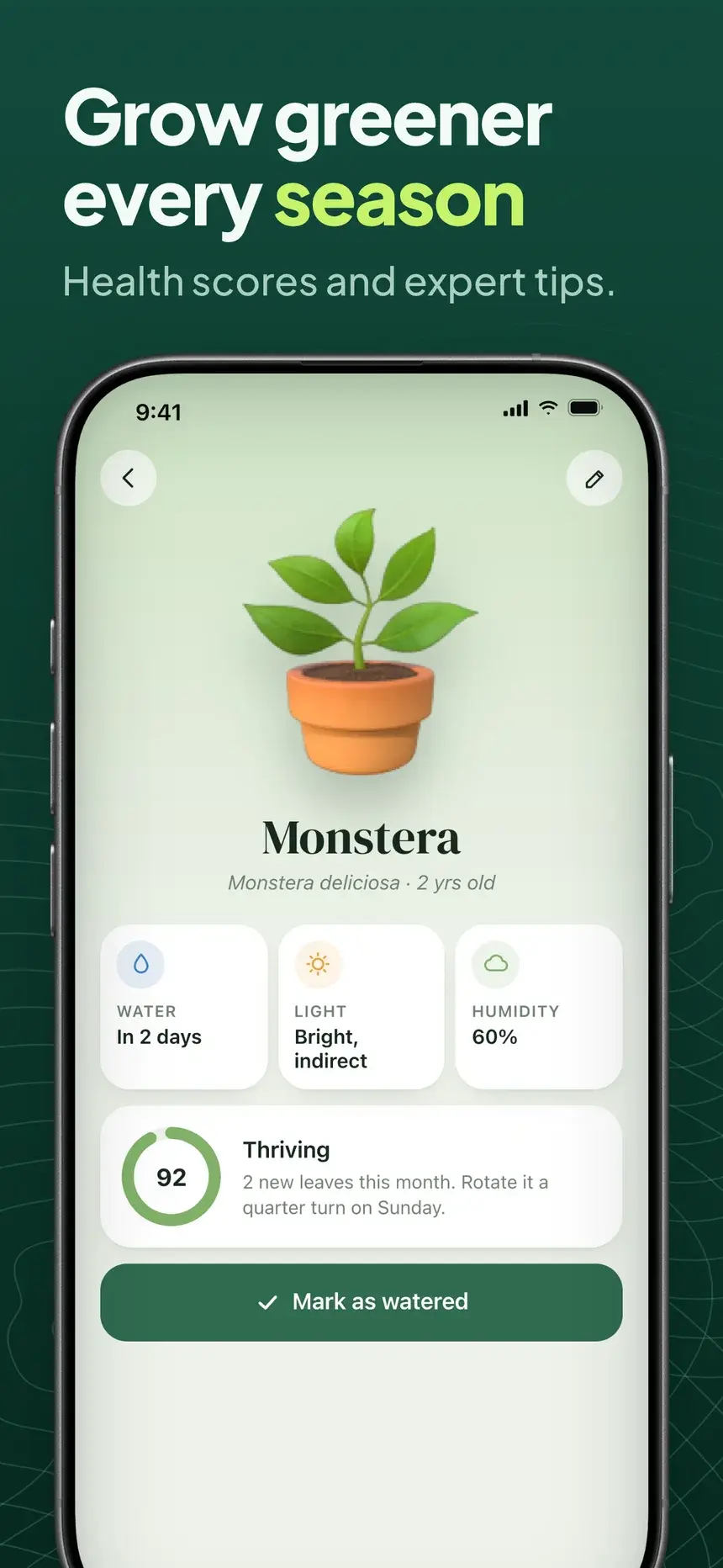
Evergreen Pop template, slide 4: Grow greener every season

#8Evergreen Pop

Pro

Lifestyle·shown on Verdant

Mint and deep evergreen slides with a subtle contour texture.

  1. 1Identify any plant instantly Over 18,000 species recognized.
  2. 2Your indoor jungle, organized Every plant, room and routine.
  3. 3Care plans that just work Water, mist and feed on schedule.
  4. 4Grow greener every season Health scores and expert tips.

Stuck on the words? What to put on listing screenshots.

FAQ

Questions, answered.

The questions lifestyle app makers ask most about their store screenshots.

The screen that captures the hobby at its best, with a headline about how life gets easier or nicer.

The App Store takes up to 10 per device size and Google Play up to 8 phone screenshots. Most visitors only see the first two or three, so put your strongest benefit first and treat the rest as proof.

Yes. Pro lets you set a photo or texture as the slide background. Keep it soft so the screenshot and headline stay readable.

Start your lifestyle listing today

Pick a template, add your screenshots, and export every App Store and Google Play size from one deck.