Productivity templates

Productivity app screenshot templates

Productivity apps compete on one promise: less friction. These templates open on the main view with a headline about time or focus, then walk through the two or three features that deliver it.

  • 5 templates
  • Pro, $29 once
  • App Store and Google Play
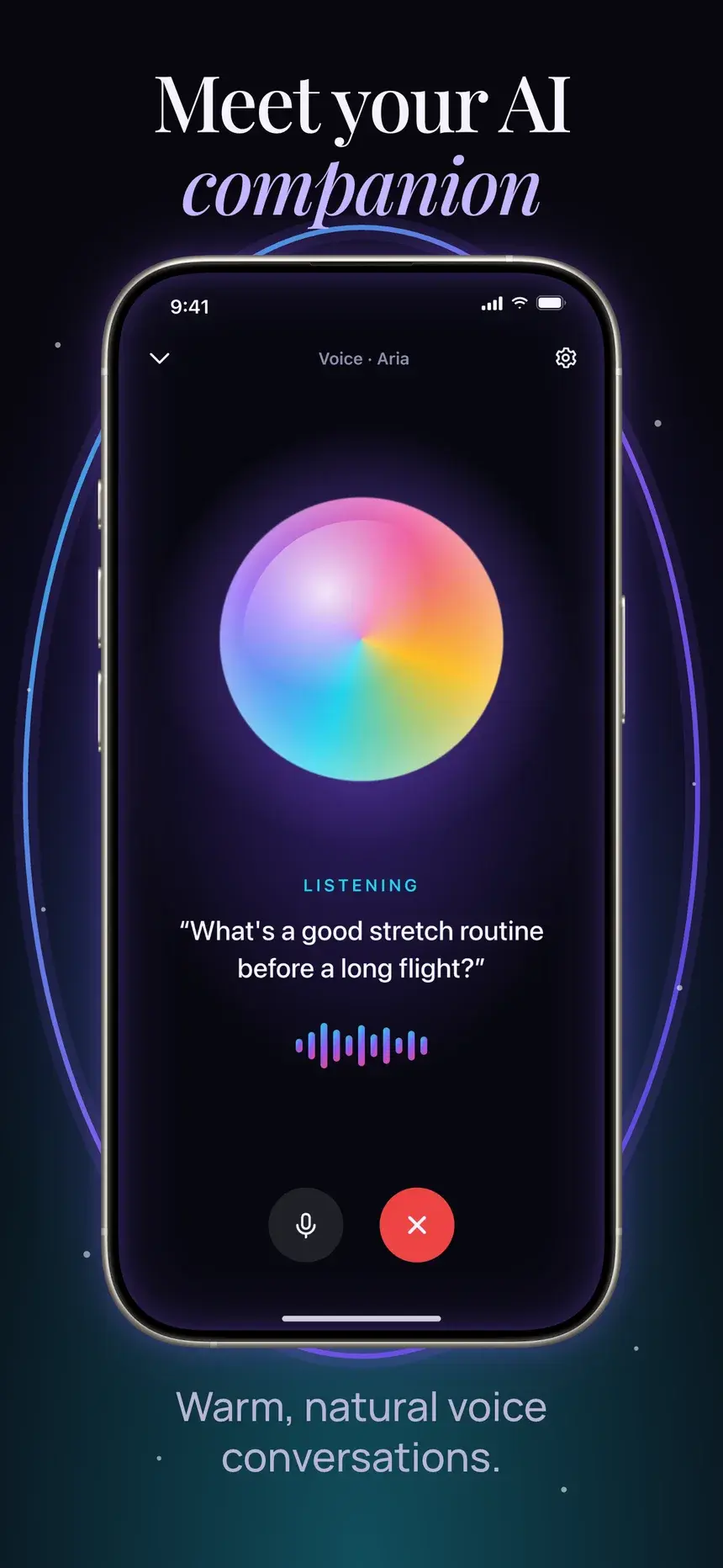
Meet your AI companion
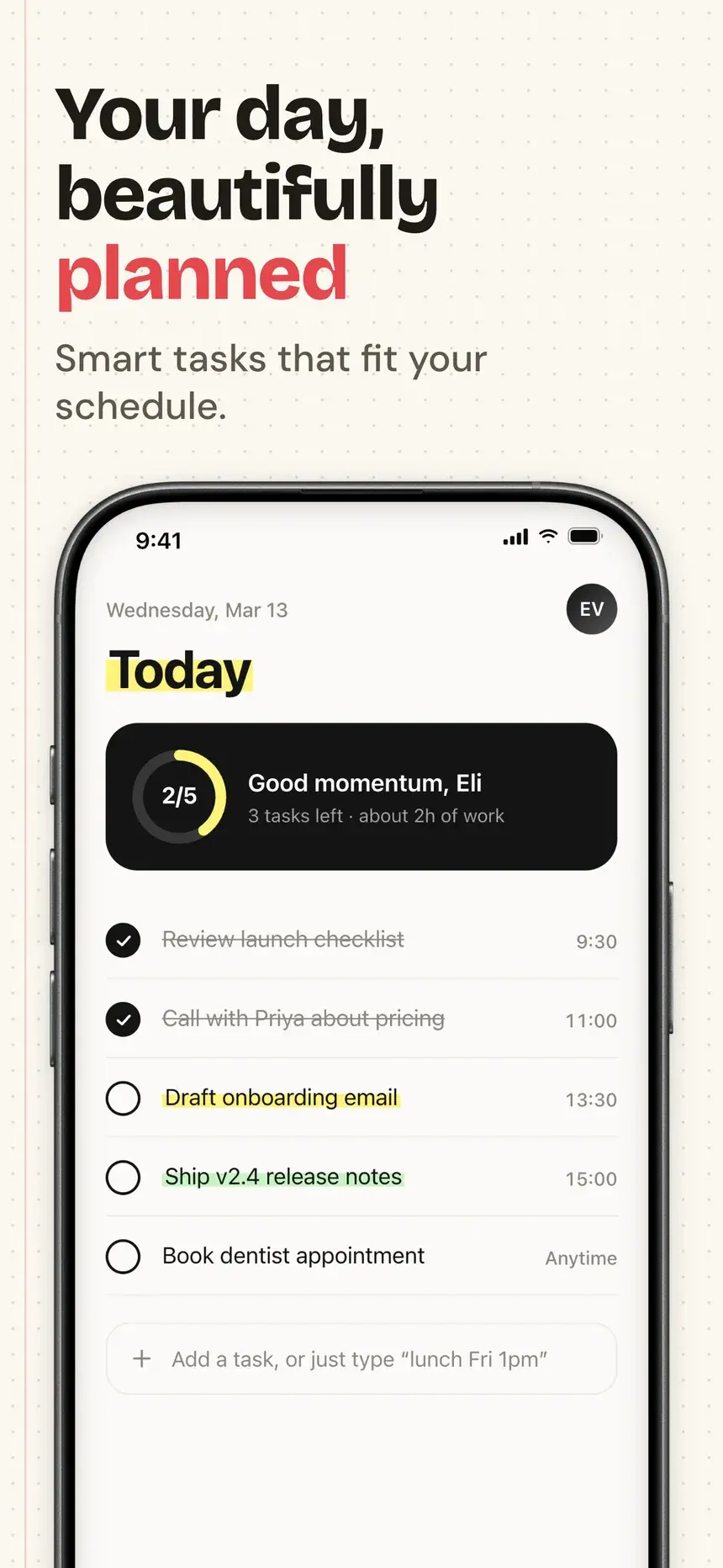
Your day, beautifully planned
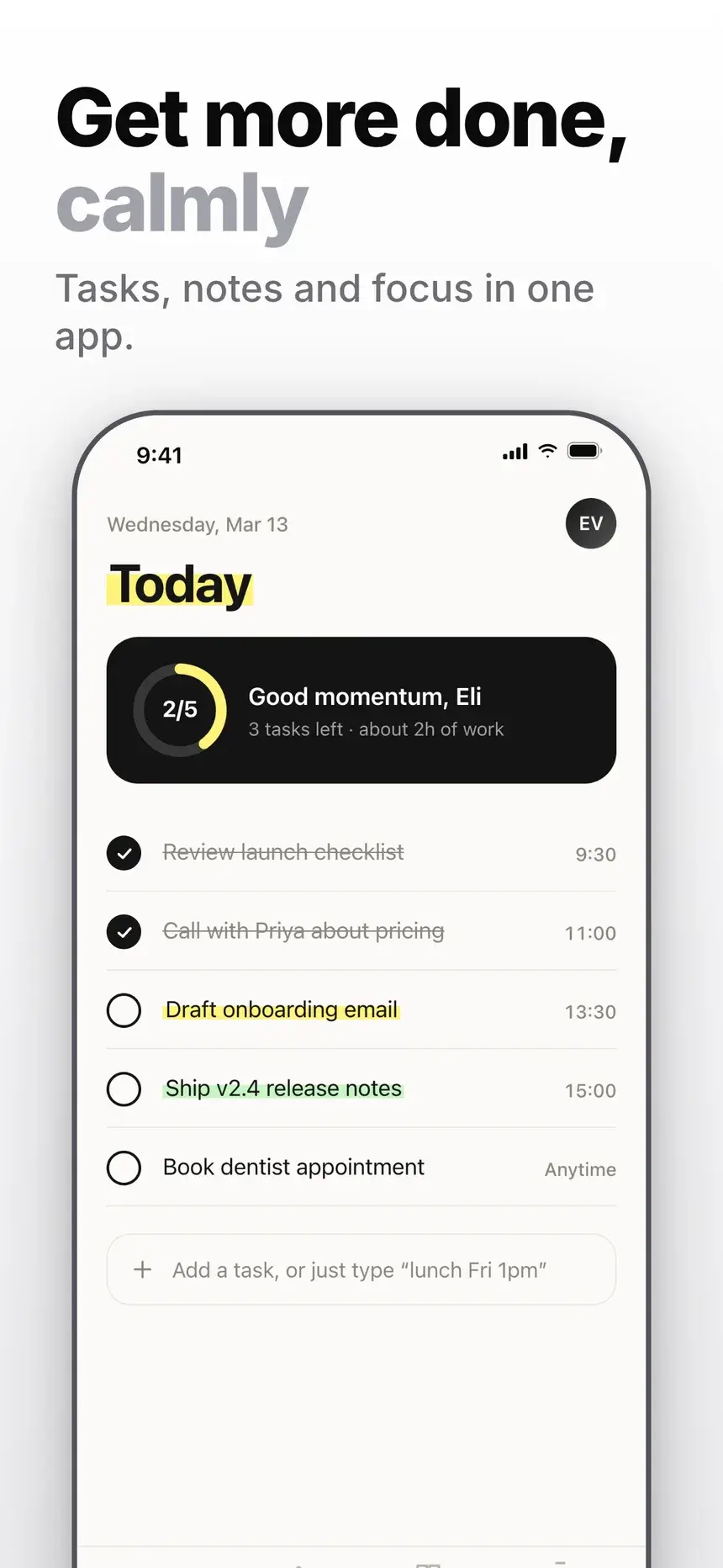
Get more done, calmly
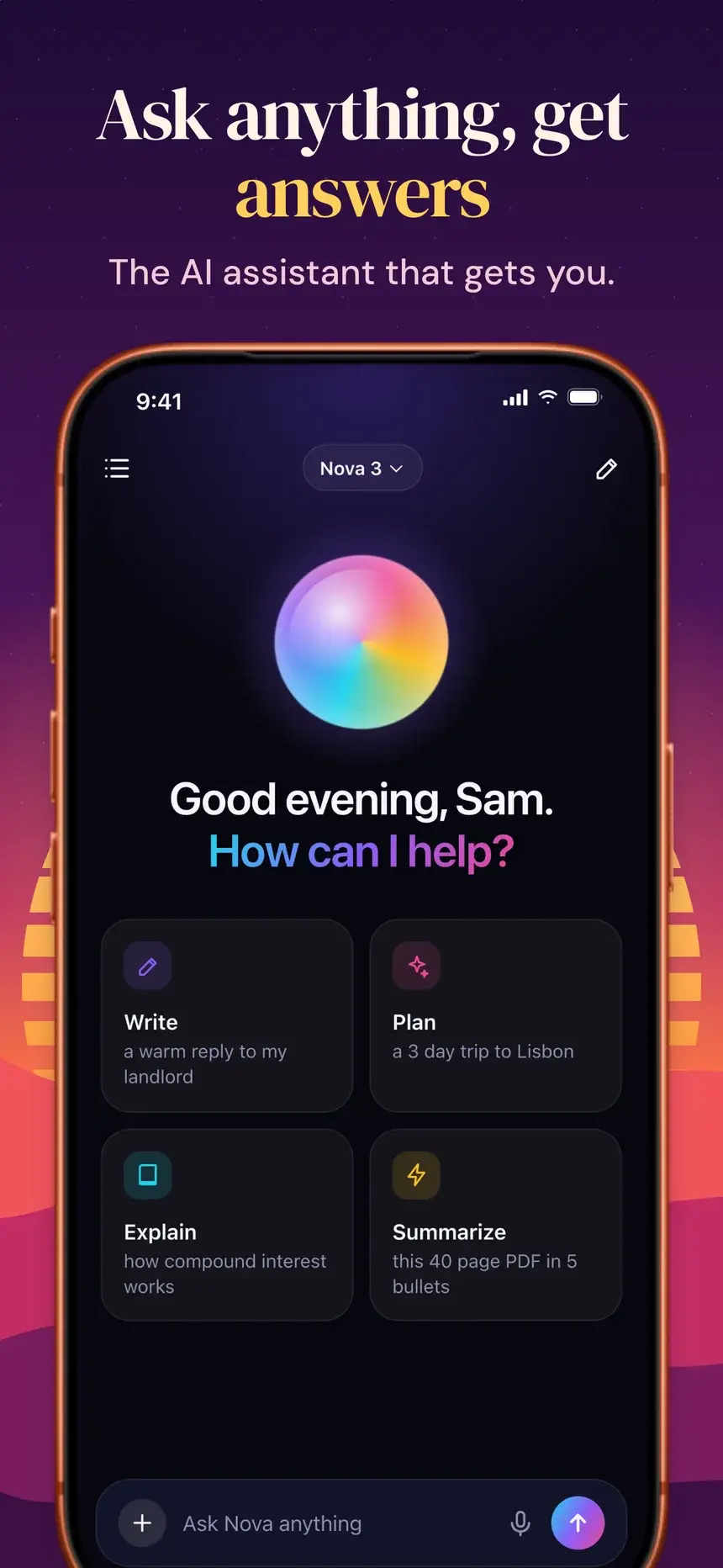
Ask anything, get answers
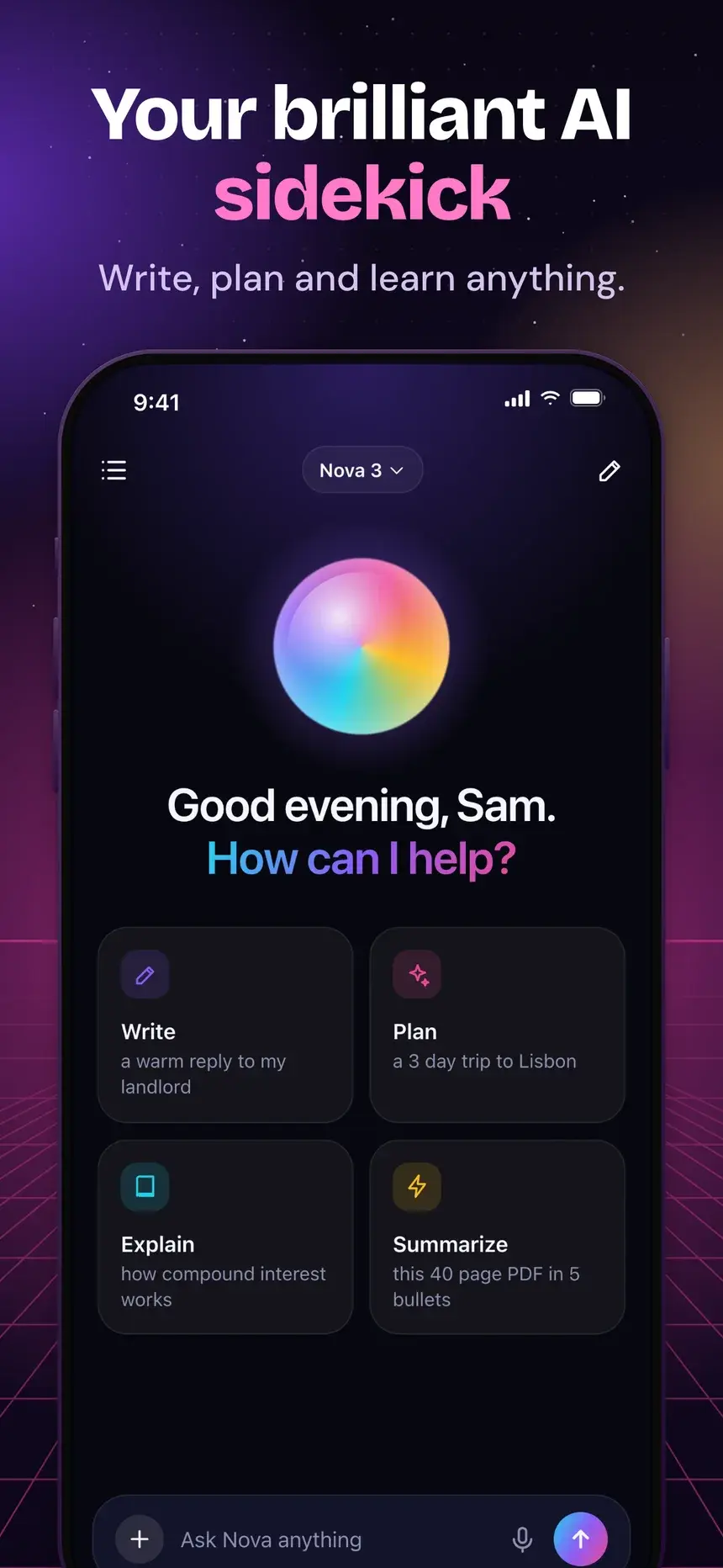
Your brilliant AI sidekick

Playbook

What works in productivity screenshots

01

Name the job

"Your whole day in one view" tells people what the app is for in one line. Feature names do not.

02

Main screen first

Show the view people will live in. Onboarding and empty states belong nowhere near slide one.

03

Speed is the benefit

Quick capture, shortcuts, and widgets are what users switch for. Give each a slide.

04

Real-looking content

Fill lists and calendars with believable tasks. Lorem ipsum makes a working app look unfinished.

Every slide, with its headline

5 productivity templates

Each one is shown on a demo app. Your screenshots and words replace the demo when you open it.

Aura template, slide 1: Meet your AI companion
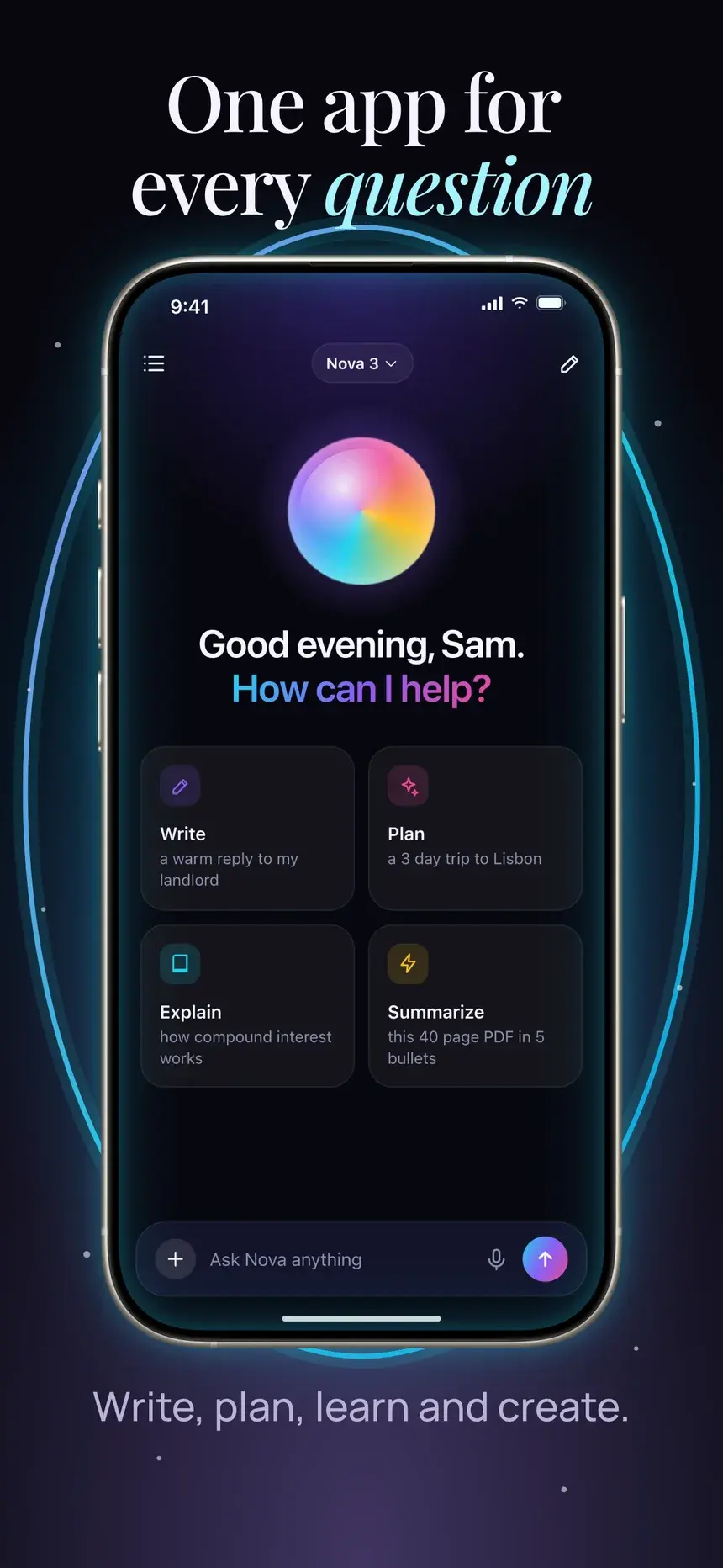
Aura template, slide 2: One app for every question
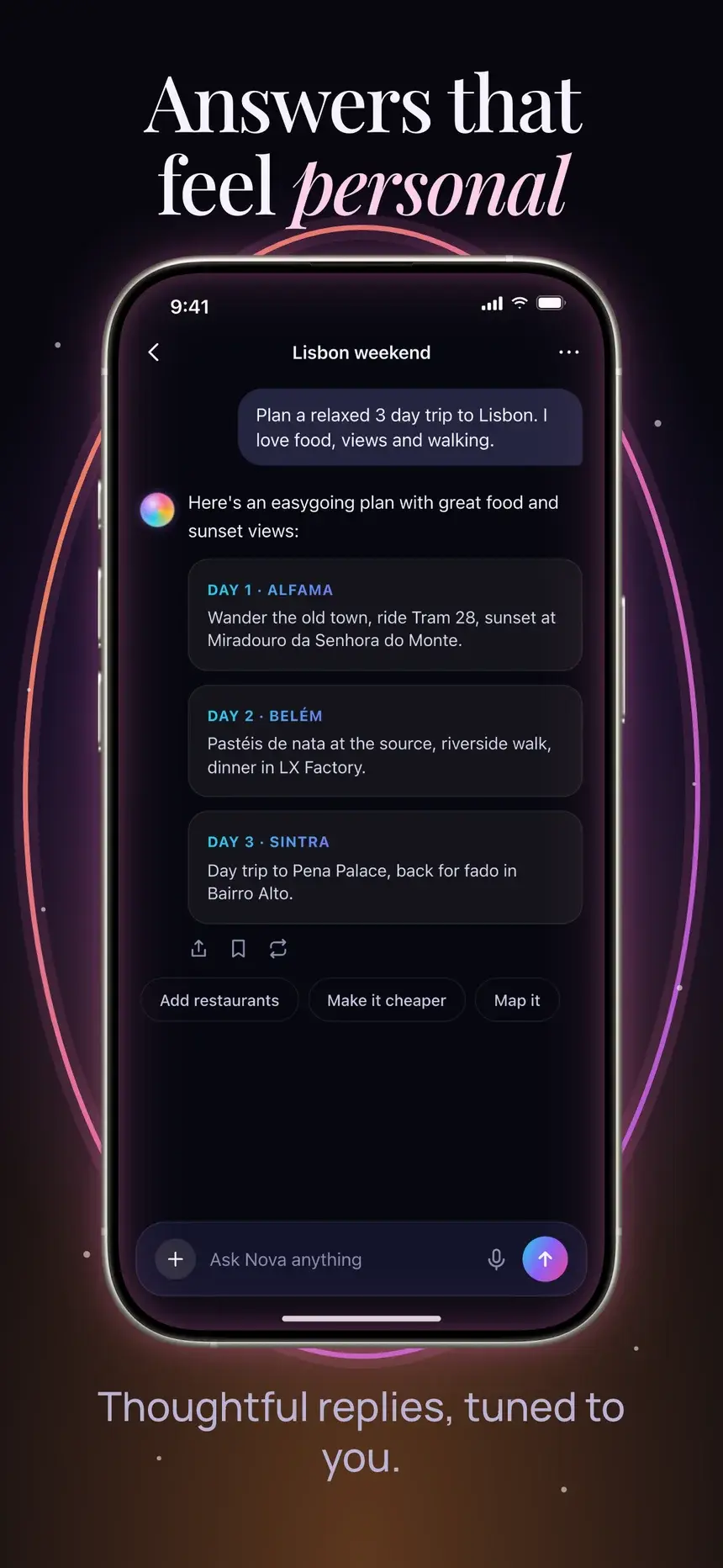
Aura template, slide 3: Answers that feel personal
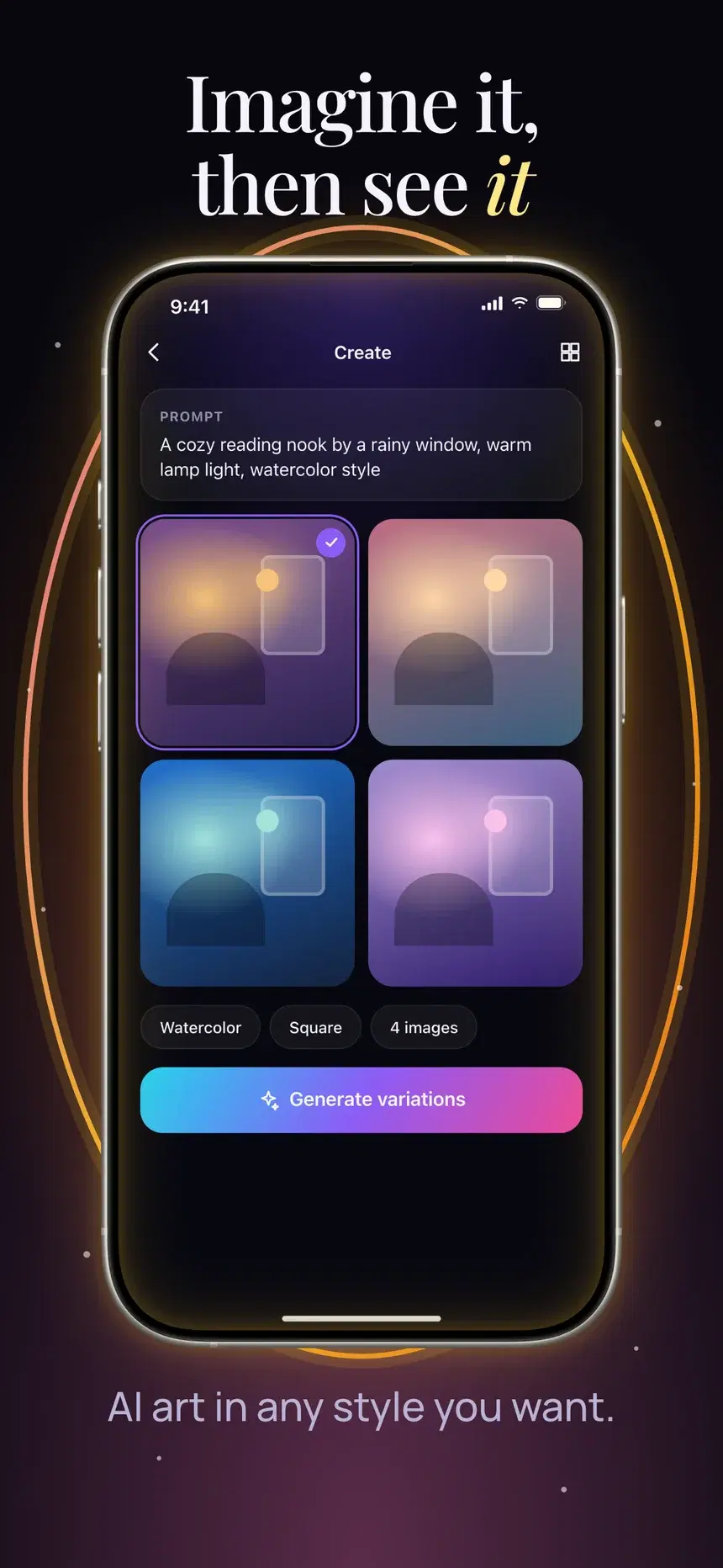
Aura template, slide 4: Imagine it, then see it

#23Aura

Pro

Productivity·shown on Nova

A serif headline, the phone floating in a glowing portal ring, the subtitle below.

  1. 1Meet your AI companion Warm, natural voice conversations.
  2. 2One app for every question Write, plan, learn and create.
  3. 3Answers that feel personal Thoughtful replies, tuned to you.
  4. 4Imagine it, then see it AI art in any style you want.
Notebook template, slide 1: Your day, beautifully planned
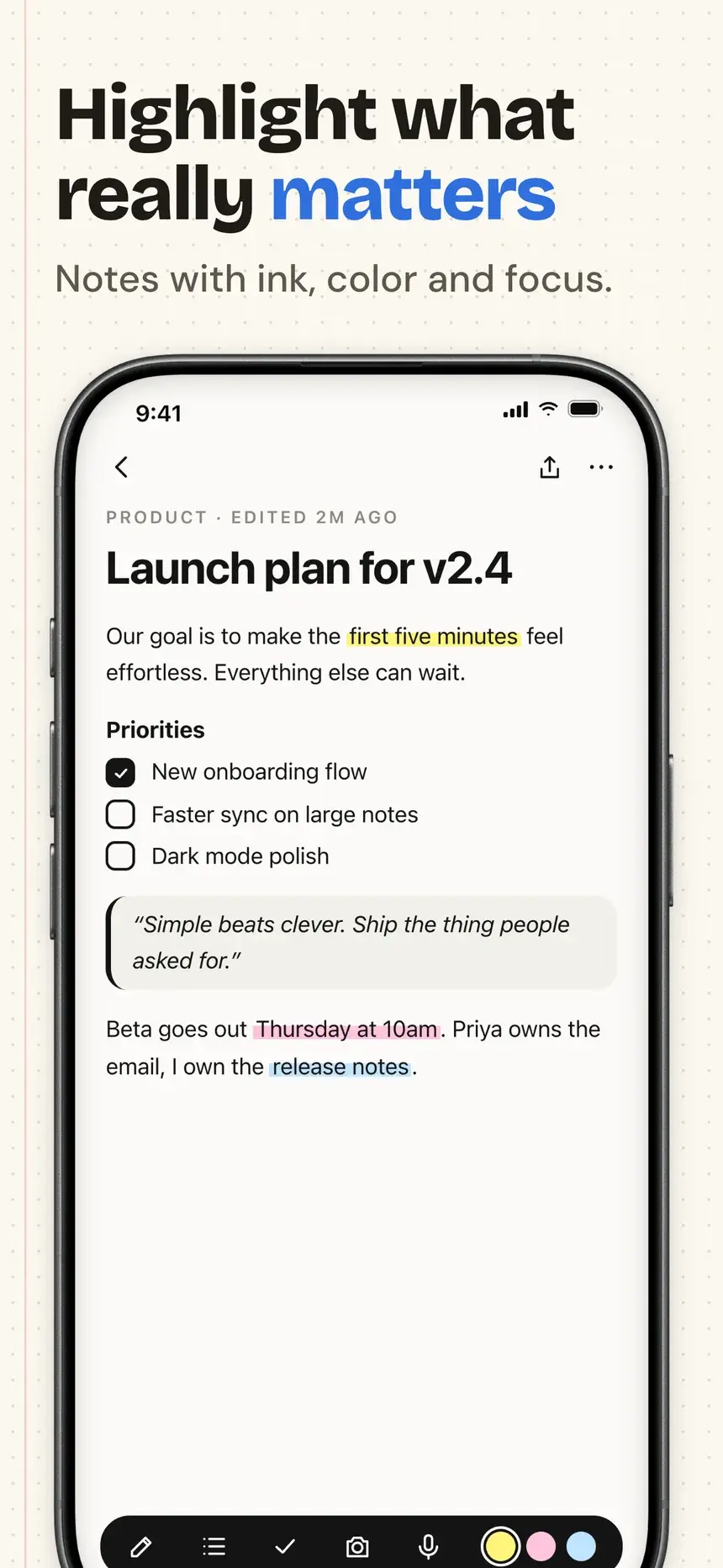
Notebook template, slide 2: Highlight what really matters
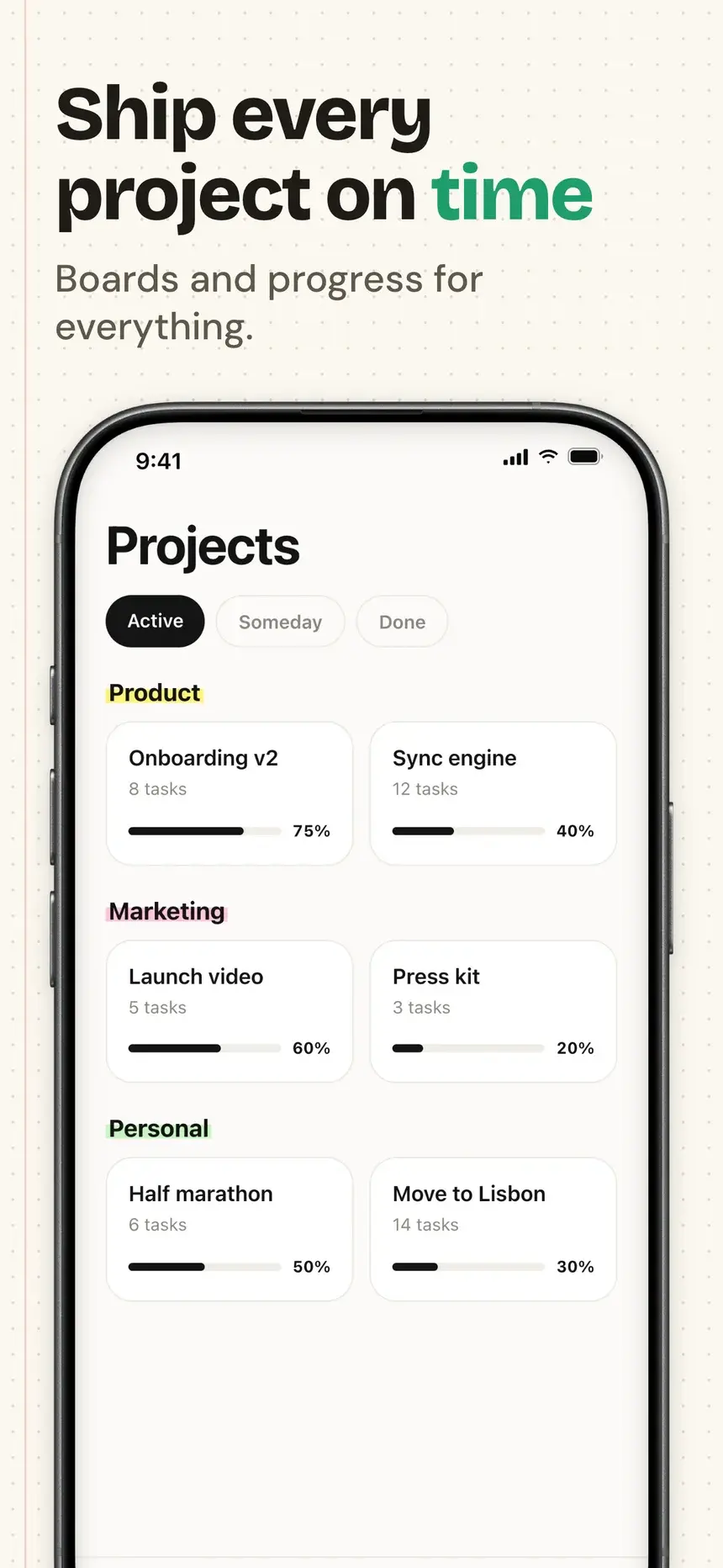
Notebook template, slide 3: Ship every project on time
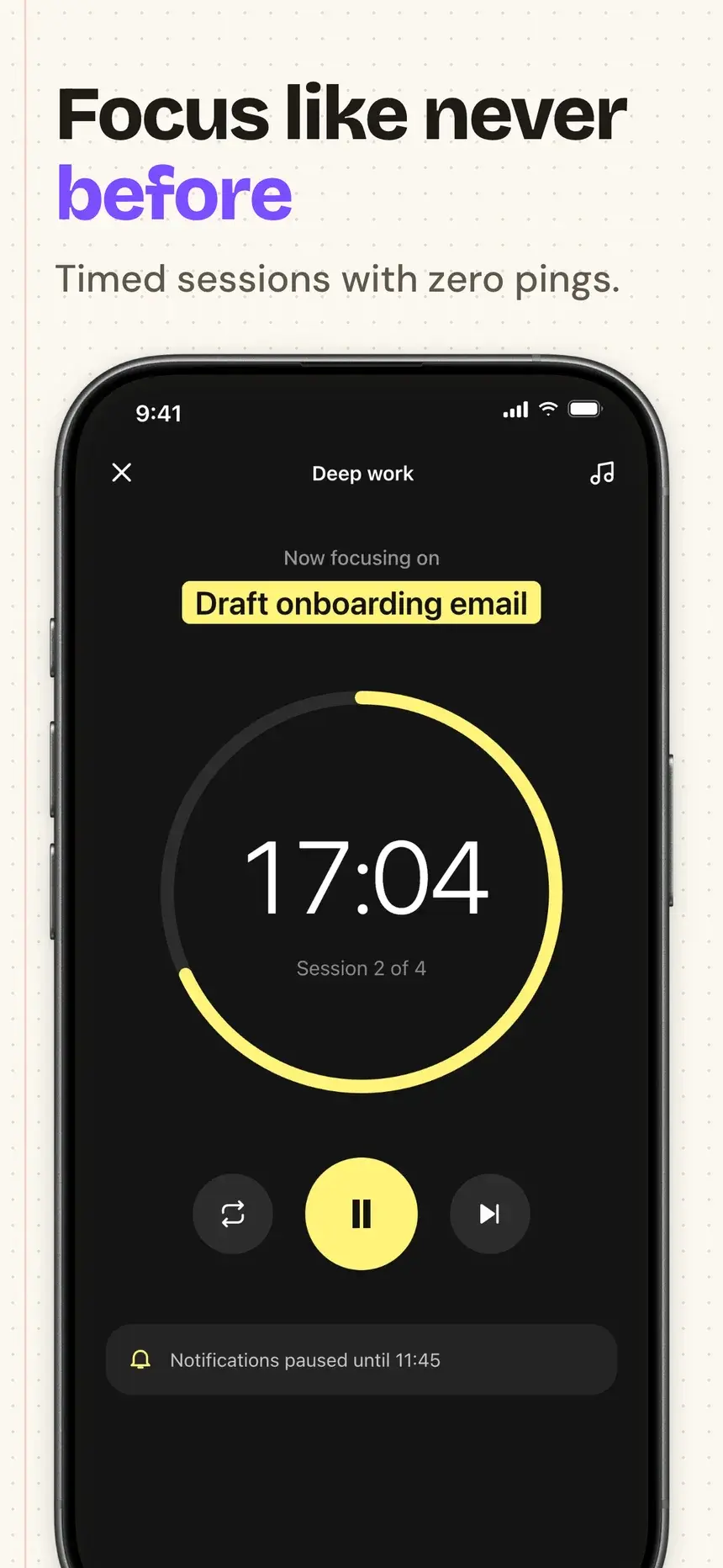
Notebook template, slide 4: Focus like never before

#30Notebook

Pro

Productivity·shown on Inkwell

Dot-grid notebook paper with the key word written in a different pen ink on each slide.

  1. 1Your day, beautifully planned Smart tasks that fit your schedule.
  2. 2Highlight what really matters Notes with ink, color and focus.
  3. 3Ship every project on time Boards and progress for everything.
  4. 4Focus like never before Timed sessions with zero pings.
Studio Mono template, slide 1: Get more done, calmly
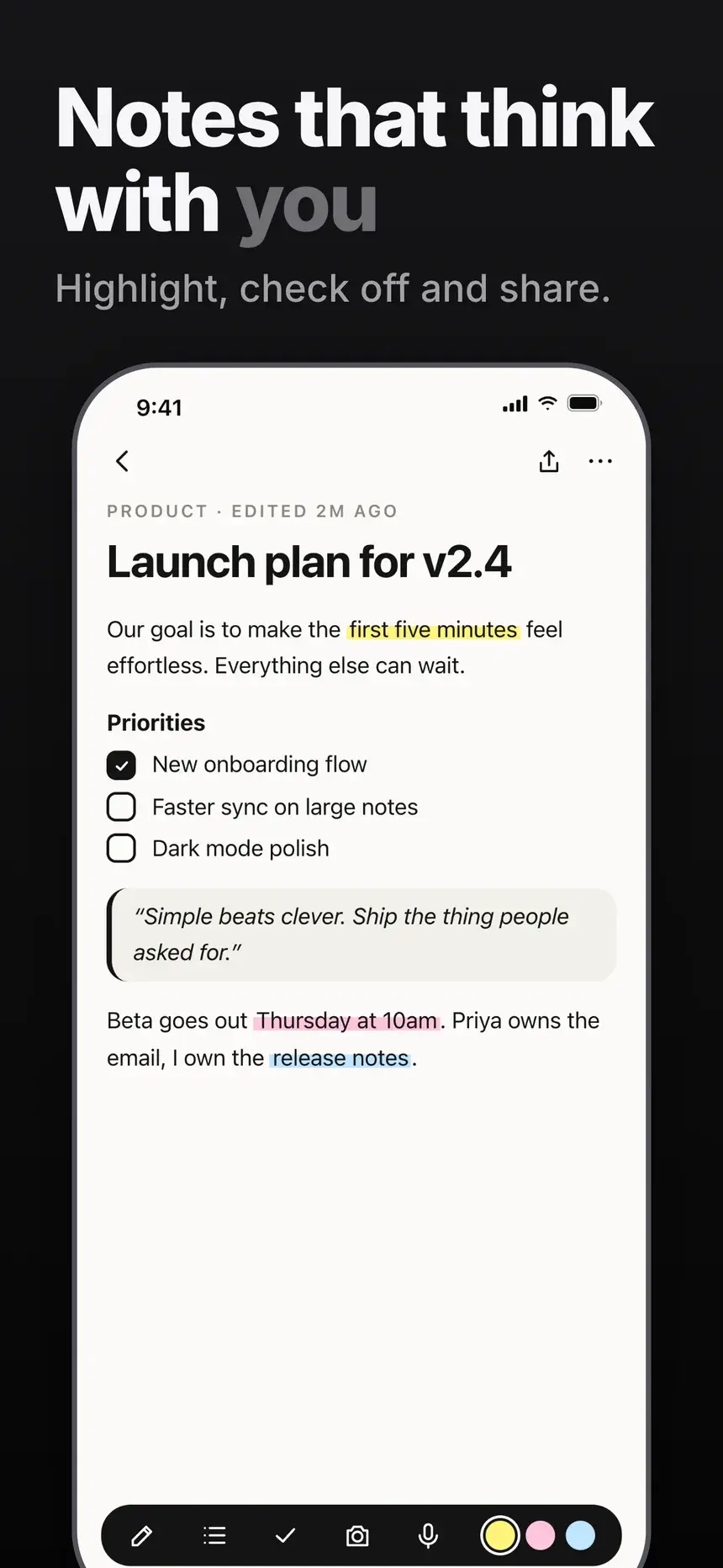
Studio Mono template, slide 2: Notes that think with you
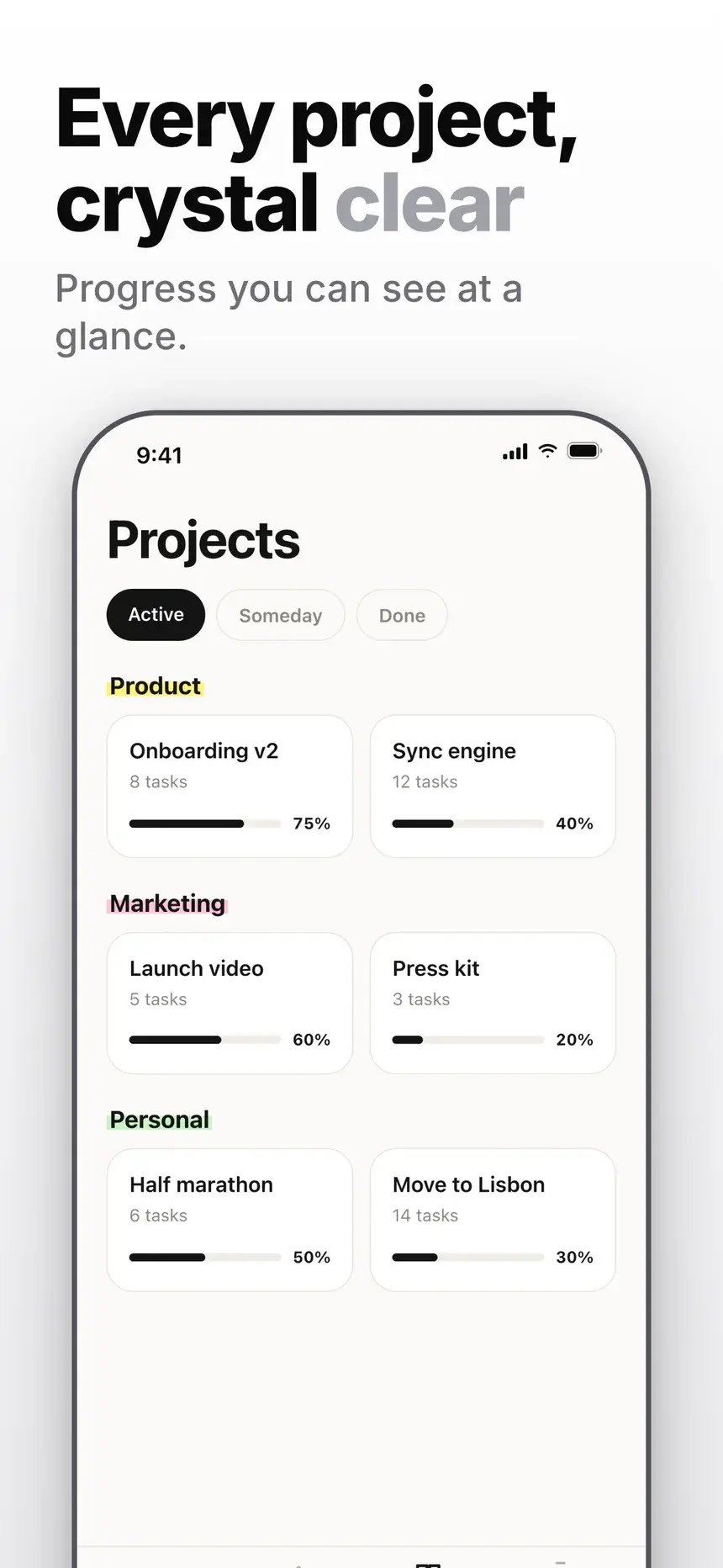
Studio Mono template, slide 3: Every project, crystal clear
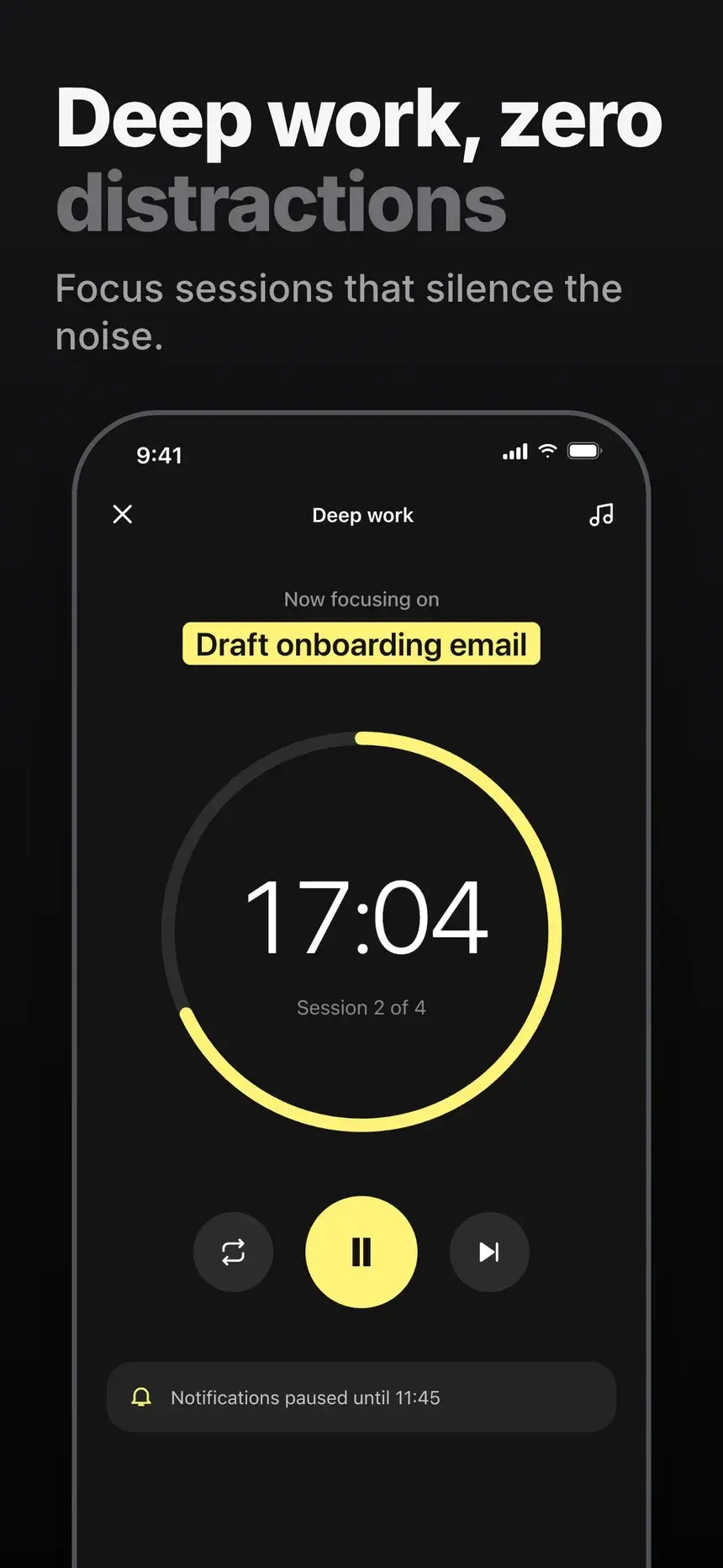
Studio Mono template, slide 4: Deep work, zero distractions

#28Studio Mono

Pro

Productivity·shown on Inkwell

Minimal white and black slides, huge tight headlines, and a frameless screen.

  1. 1Get more done, calmly Tasks, notes and focus in one app.
  2. 2Notes that think with you Highlight, check off and share.
  3. 3Every project, crystal clear Progress you can see at a glance.
  4. 4Deep work, zero distractions Focus sessions that silence the noise.
NexMind Sunset Wave template, slide 1: Ask anything, get answers
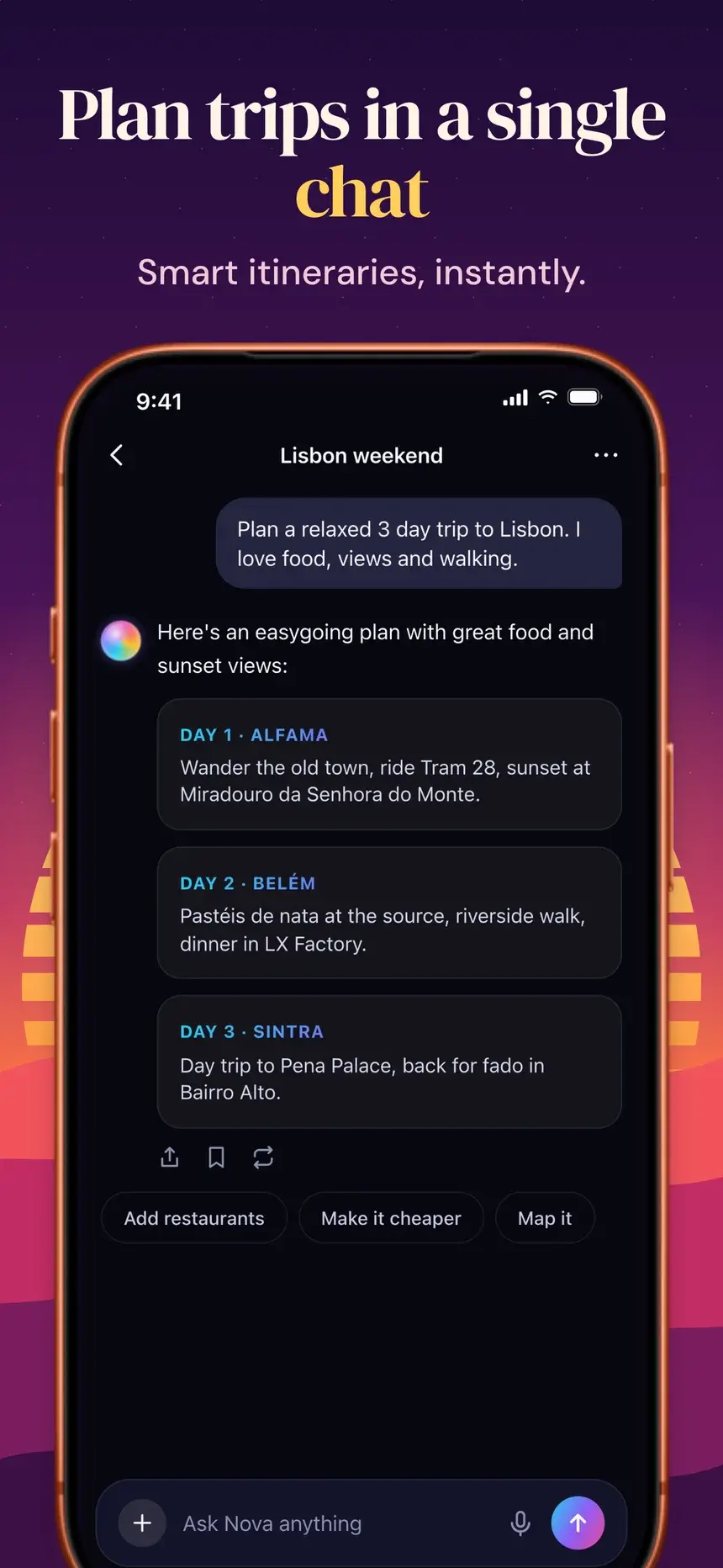
NexMind Sunset Wave template, slide 2: Plan trips in a single chat
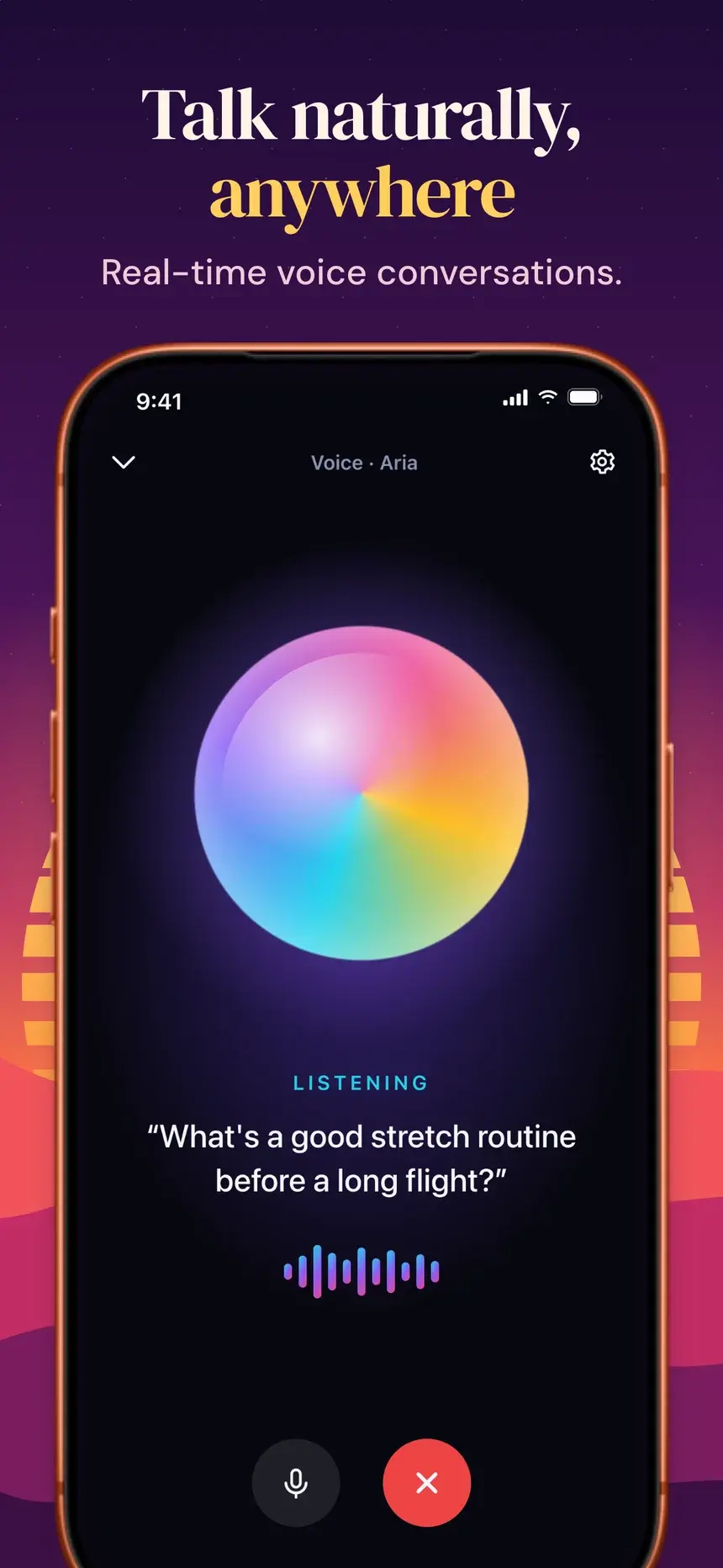
NexMind Sunset Wave template, slide 3: Talk naturally, anywhere
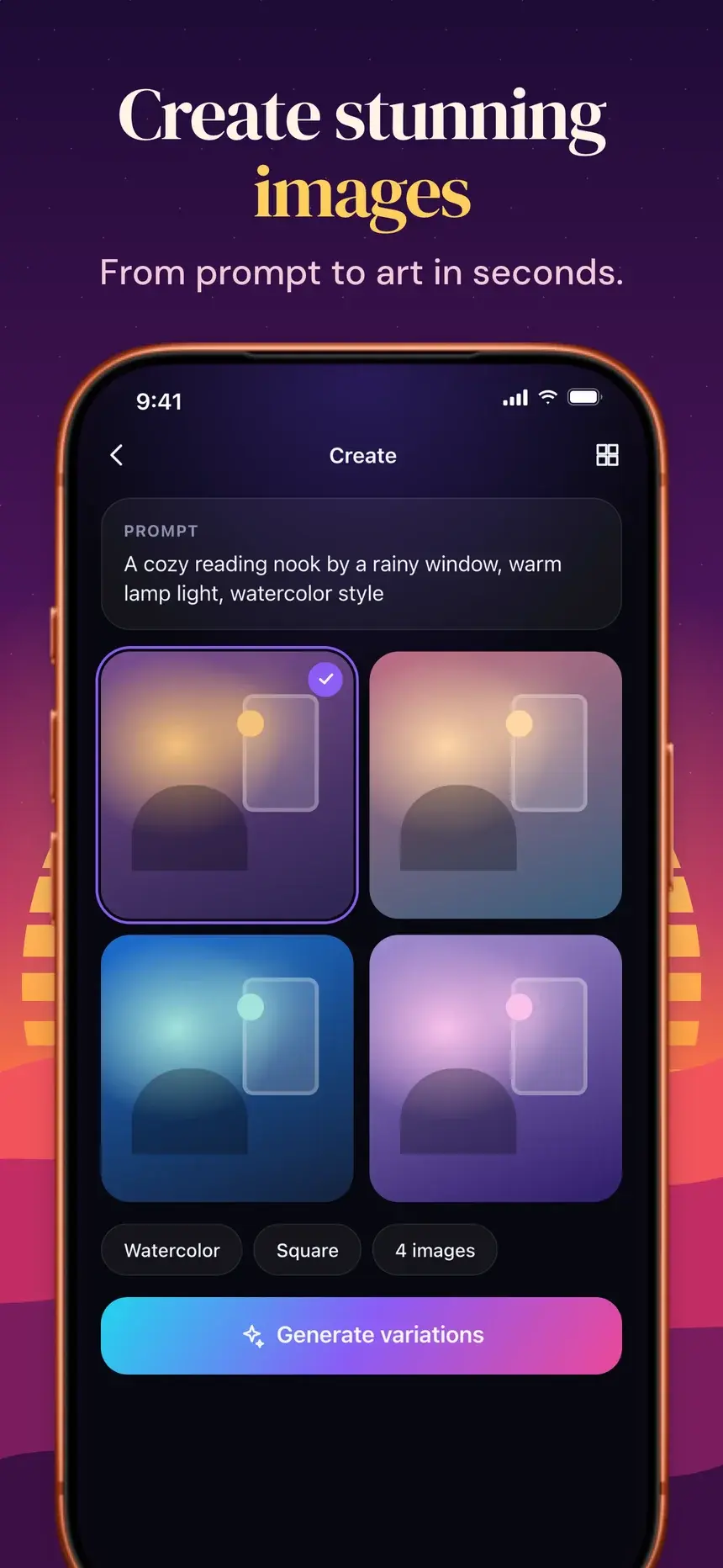
NexMind Sunset Wave template, slide 4: Create stunning images

#20NexMind Sunset Wave

Pro

Productivity·shown on Nova

Retro striped sun and layered dunes under a plum sky.

  1. 1Ask anything, get answers The AI assistant that gets you.
  2. 2Plan trips in a single chat Smart itineraries, instantly.
  3. 3Talk naturally, anywhere Real-time voice conversations.
  4. 4Create stunning images From prompt to art in seconds.
Midnight Bloom template, slide 1: Your brilliant AI sidekick
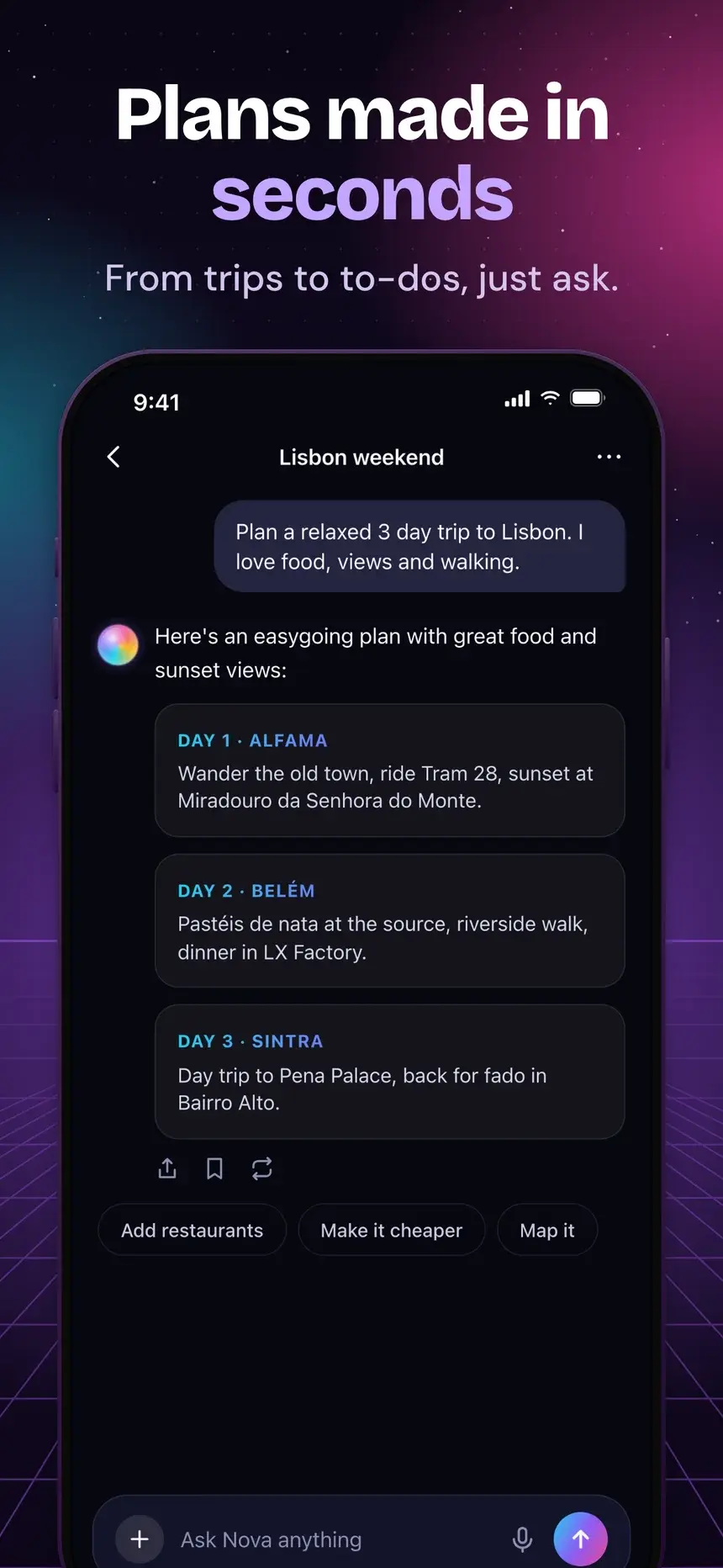
Midnight Bloom template, slide 2: Plans made in seconds
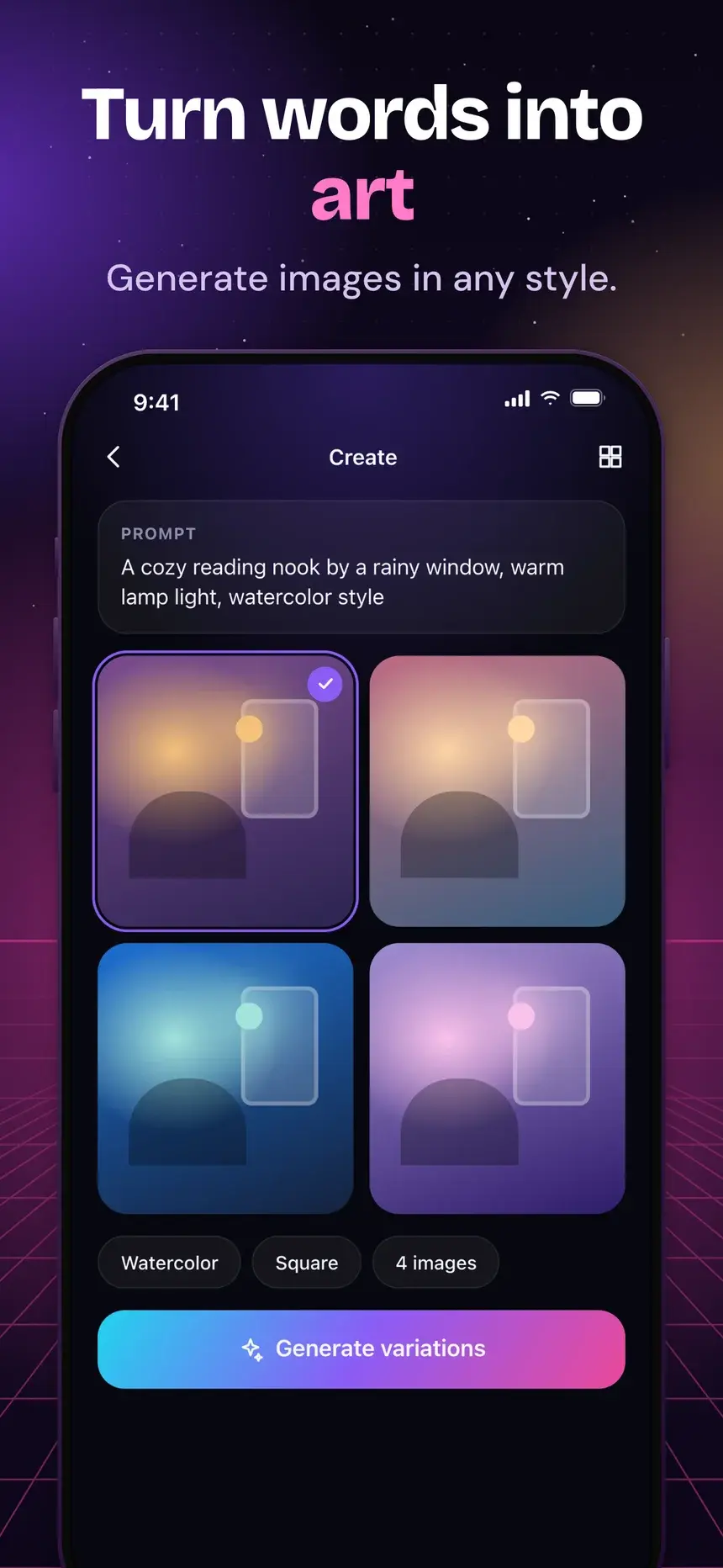
Midnight Bloom template, slide 3: Turn words into art
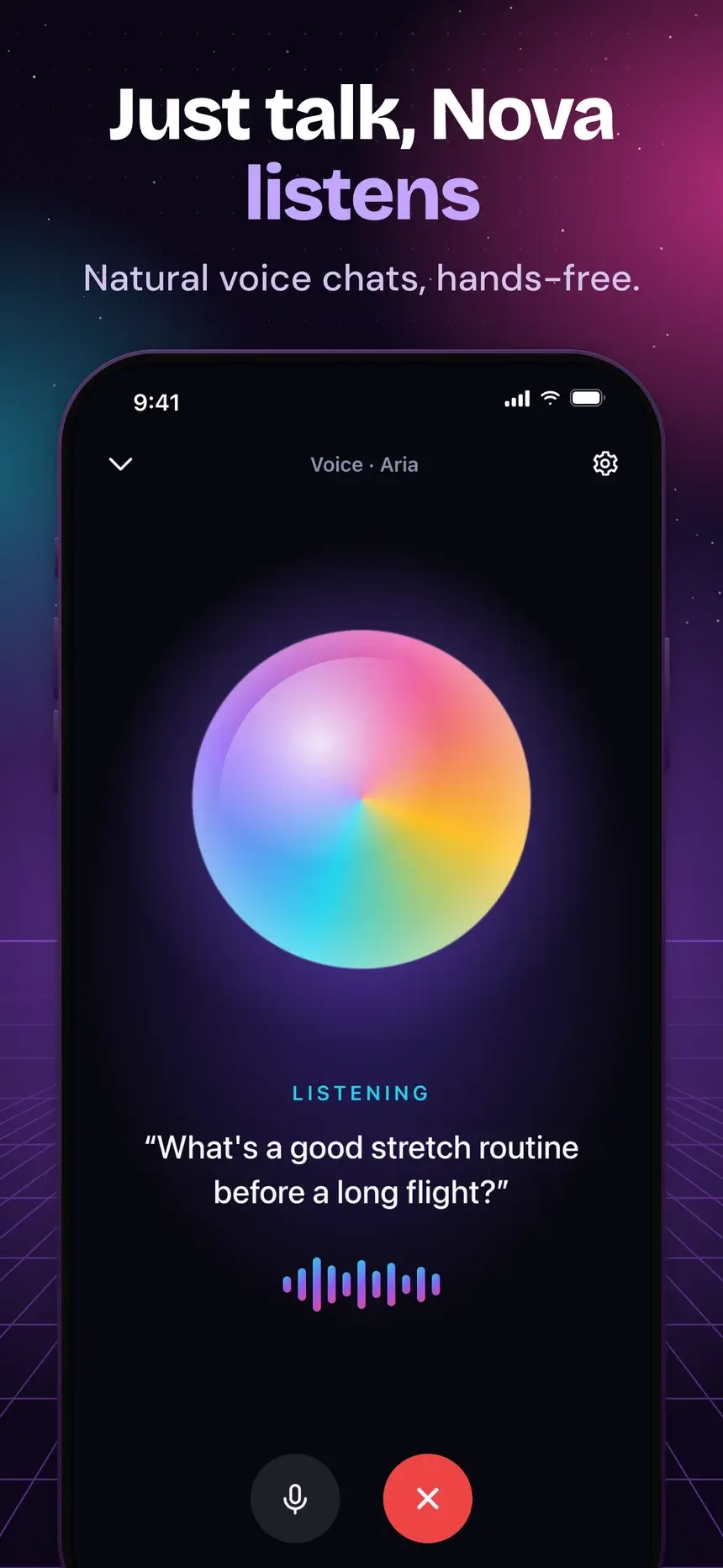
Midnight Bloom template, slide 4: Just talk, Nova listens

#11Midnight Bloom

Pro

Productivity·shown on Nova

Night stage with a glowing grid floor and a pink accent.

  1. 1Your brilliant AI sidekick Write, plan and learn anything.
  2. 2Plans made in seconds From trips to to-dos, just ask.
  3. 3Turn words into art Generate images in any style.
  4. 4Just talk, Nova listens Natural voice chats, hands-free.

Stuck on the words? What to put on listing screenshots.

FAQ

Questions, answered.

The questions productivity app makers ask most about their store screenshots.

The main view filled with realistic content, plus a headline about the time or focus the app gives back.

The App Store takes up to 10 per device size and Google Play up to 8 phone screenshots. Most visitors only see the first two or three, so put your strongest benefit first and treat the rest as proof.

The studio exports iPhone, iPad, and Android sizes from one deck. For a laptop or browser frame on social posts, use the free Mockup Generator.

Start your productivity listing today

Pick a template, add your screenshots, and export every App Store and Google Play size from one deck.