
iPhone Duo mockup
Free iPhone Duo Mockup Generator
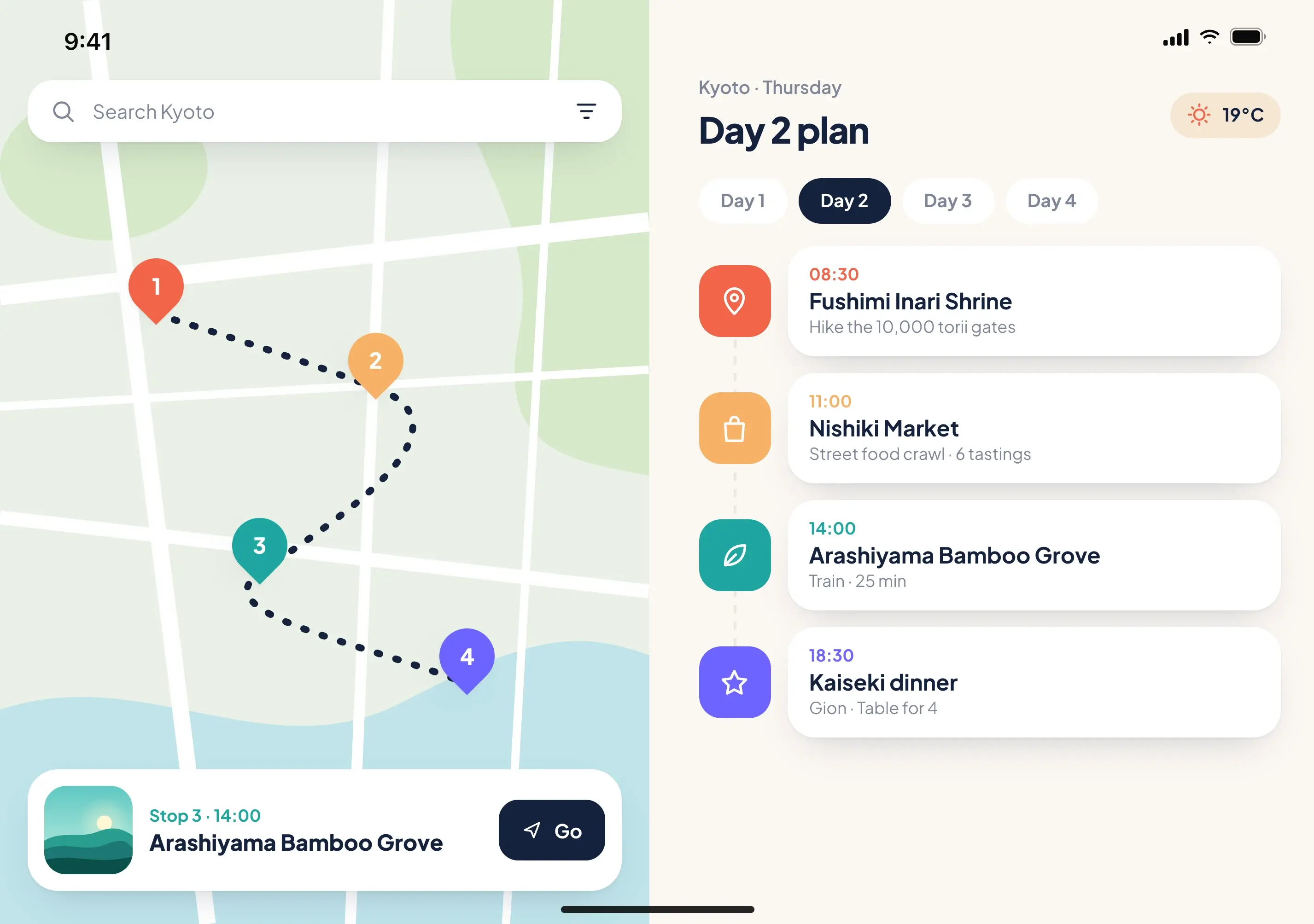
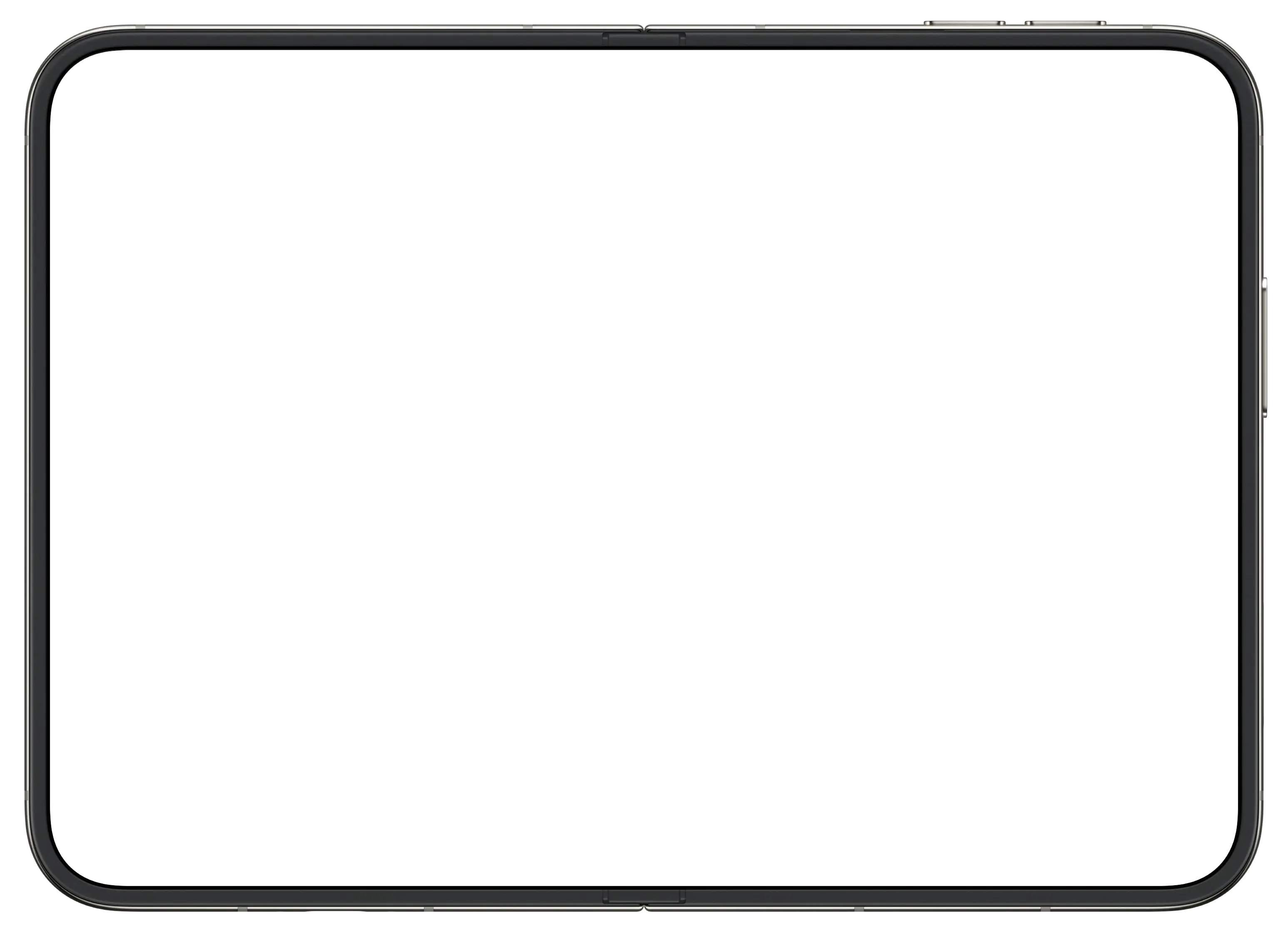
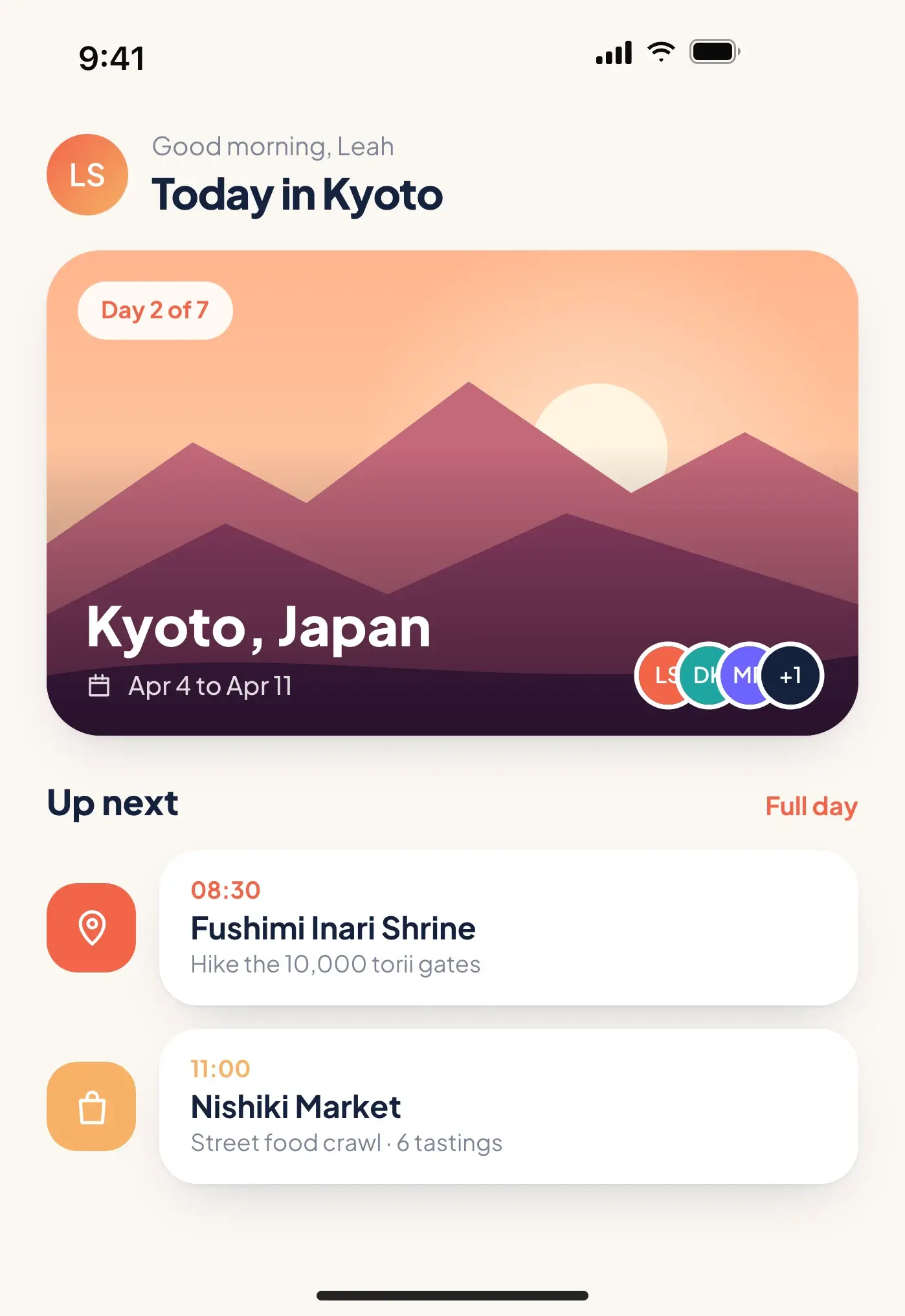
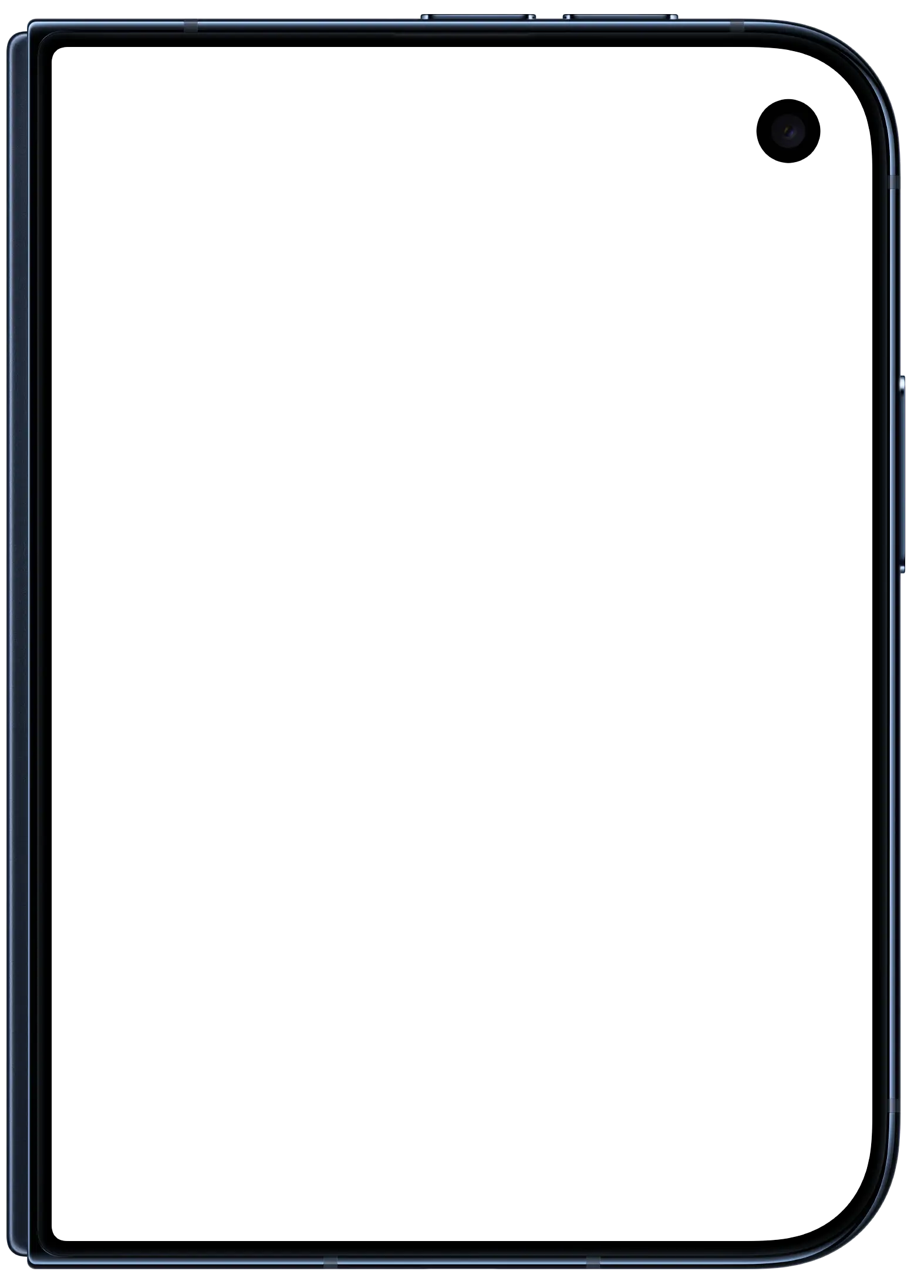
Show your app on Apple's first foldable iPhone. Put a screenshot on the big inner display, unfolded in portrait or turned sideways like a small tablet, or on the cover screen of the folded phone. Pick Midnight or Natural, place both views in one image, add your headline, and export for any social network.
- Unfolded in portrait or landscape, or folded
- Fits 2007 × 2853 inner and 1398 × 2034 cover screenshots
- Midnight and Natural finishes
Why it works
Made for scroll-stopping posts
Everything a good social image needs, in a tool that opens instantly and never asks you to sign up.
The device is yours to place
Drag, resize, rotate, and tilt it in 3D. Let a phone bleed off the edge, or stack a phone over a laptop.
Type on the image
Click any text and edit it right there. Pick from 19 fonts, adjust spacing, and color single words to make them pop.
Emojis, stickers, and logos
Add emojis, laurels, arrows, 3D stickers, or your own logo, then place them anywhere on the design.
Every social size
Square, portrait, Stories, X, YouTube, LinkedIn, Pinterest, Product Hunt, banners, or a custom size. Free, private, no watermark.
25 free devices
A mockup for every device
Each one opens the editor with that device ready. Switch any time from the Device tab.
iPhone
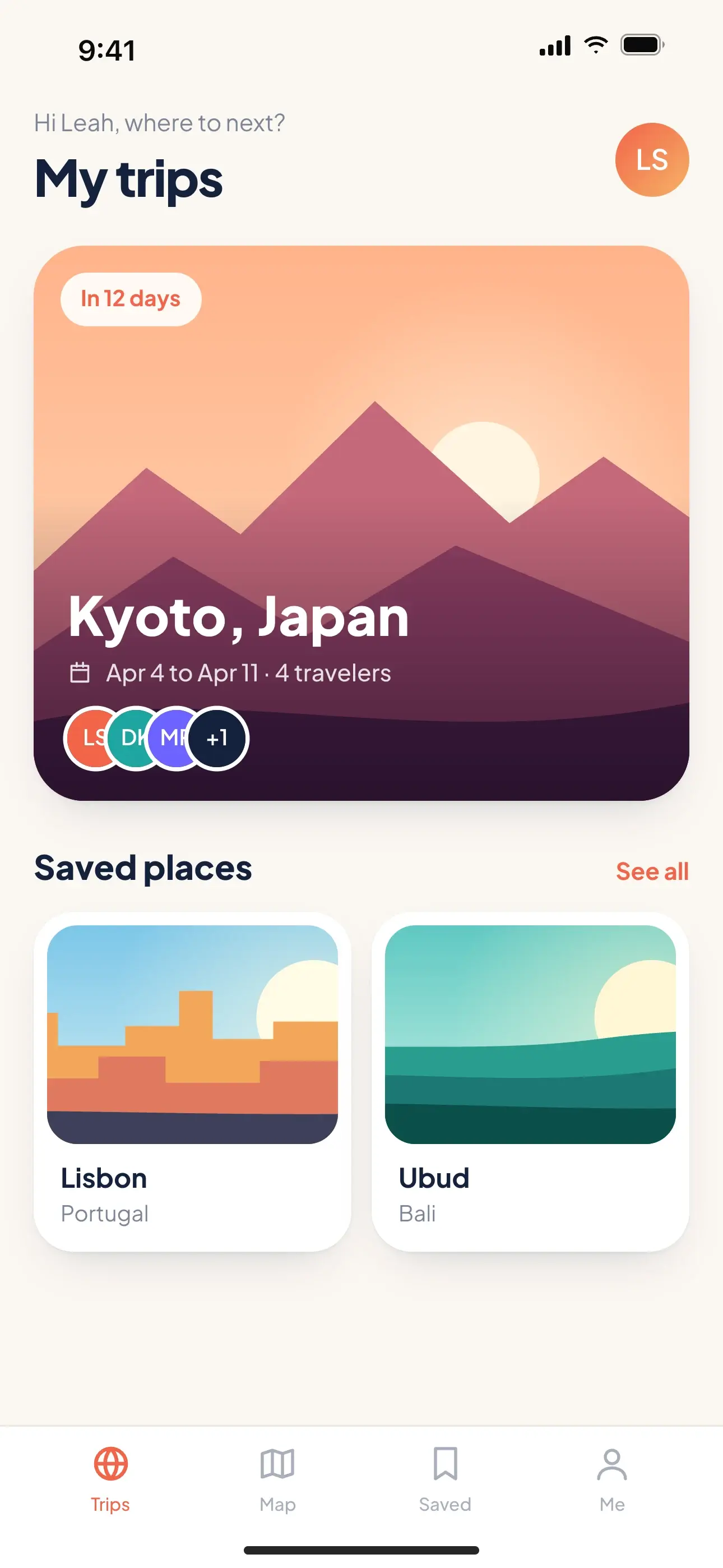
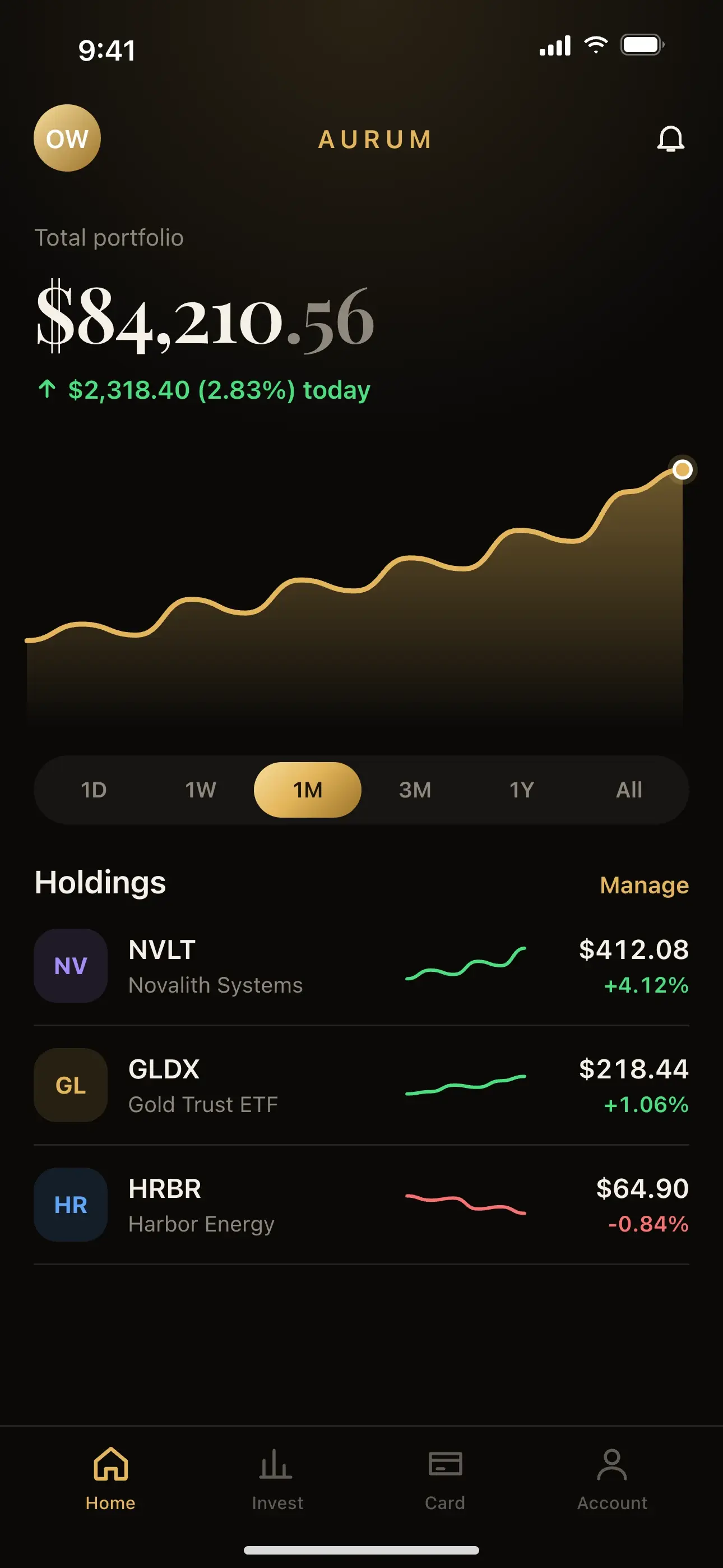
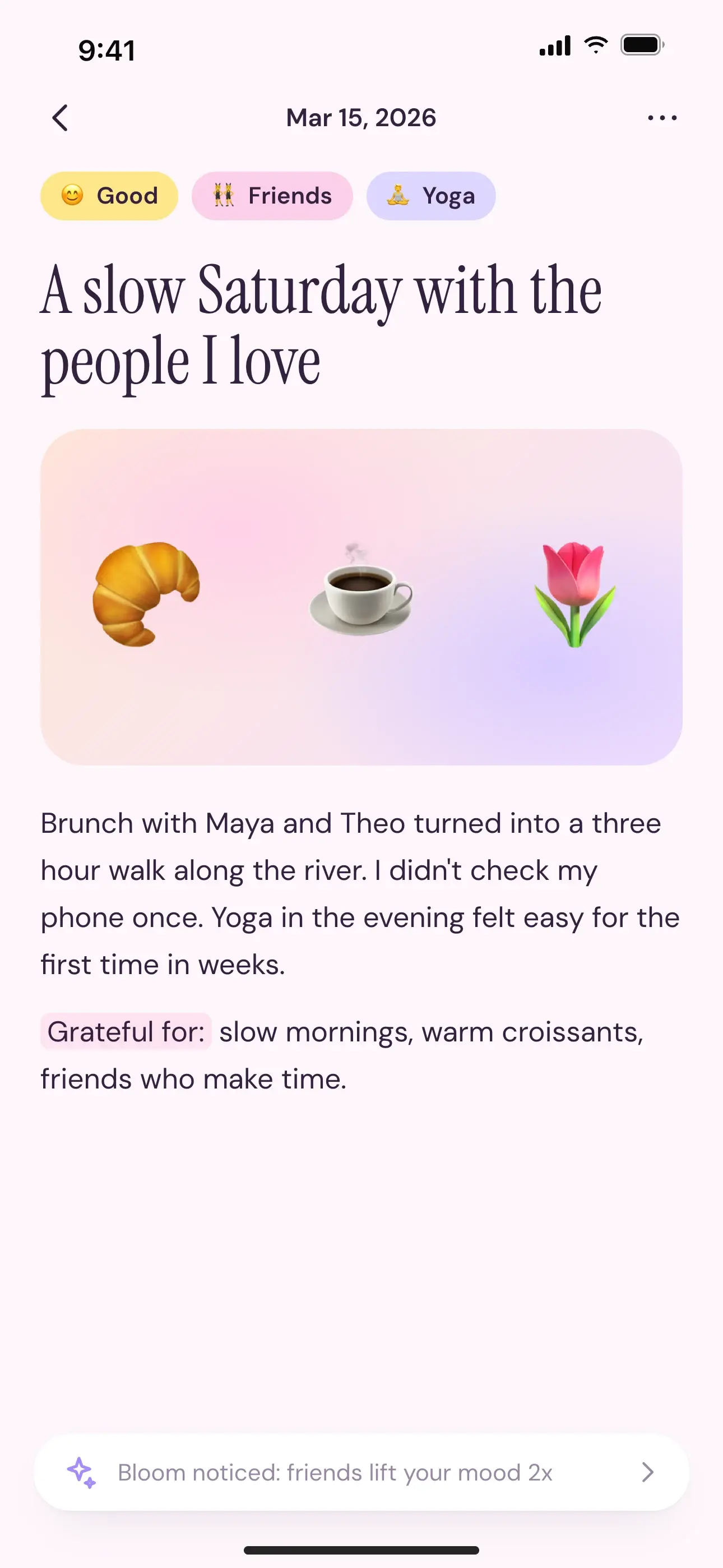
Android
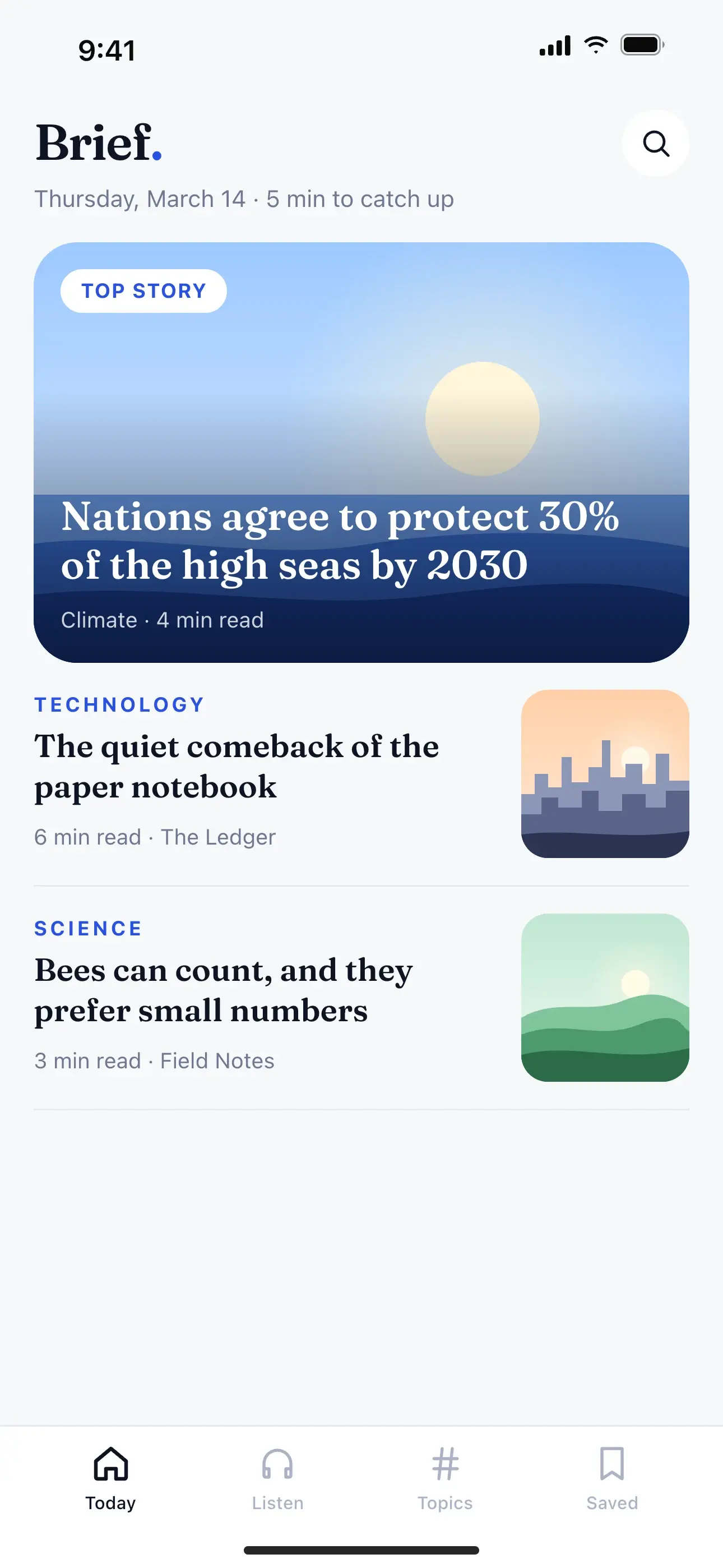
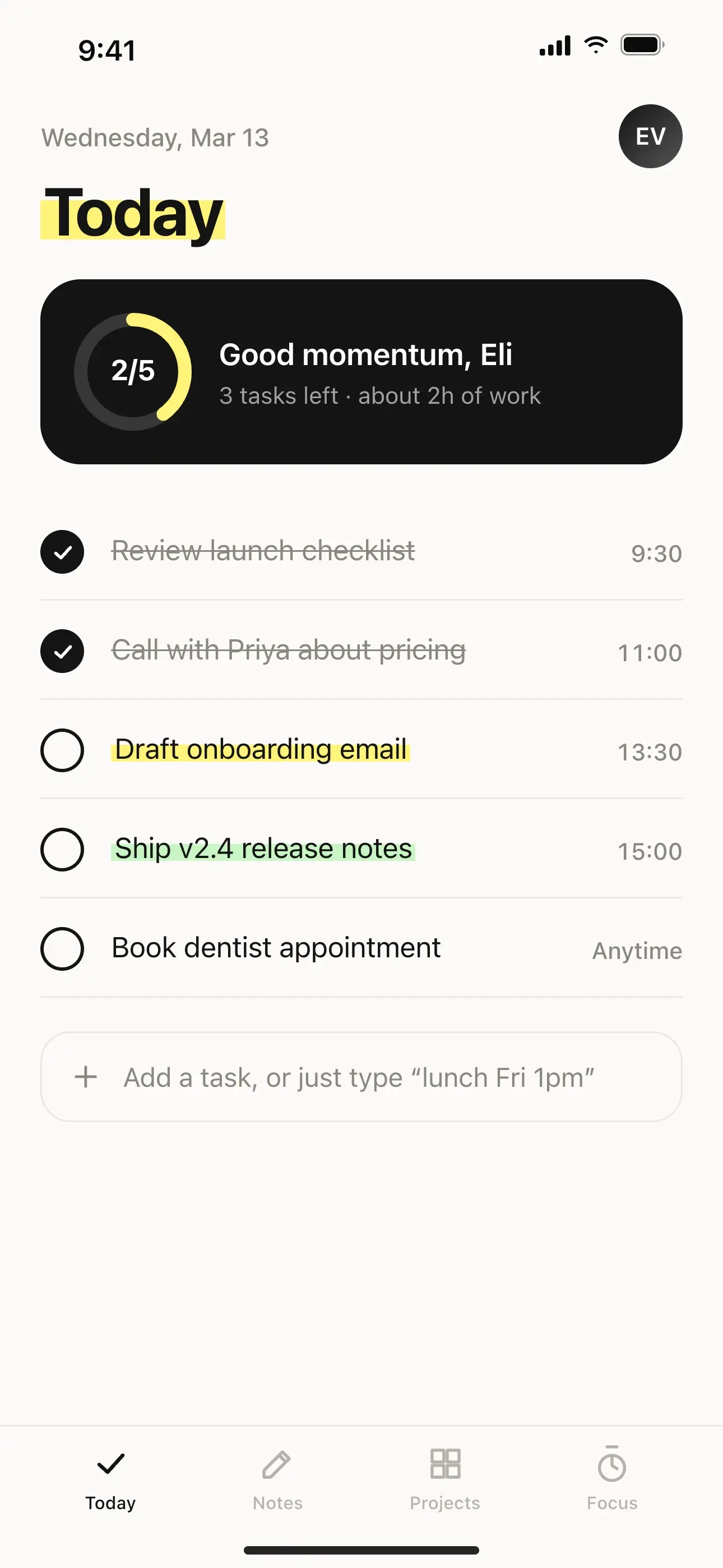
Tablet and desktop
How it works
How to make an iPhone Duo mockup
- 01
Pick a ready-made design to start from.
- 02
Drop your screenshot onto the mockup, then pick a device and tilt it.
- 03
Click the text on the image to write your message, then add emojis or stickers.
- 04
Choose the social size and copy the image, or download a PNG, JPG, or WebP.
FAQ
Questions, answered.
Sizes, privacy, devices, and the rest. Free, with no sign-up and no watermark.
The unfolded inner display takes 2007 by 2853 in portrait or 2853 by 2007 in landscape. The folded cover screen takes 1398 by 2034. Screenshots with a different shape are scaled to fill the screen and cropped at the bottom.
Yes. Drop in a wide screenshot and the unfolded iPhone Duo turns to landscape on its own. A tall screenshot keeps it in portrait.
Yes. Pick iPhone Duo or iPhone Duo folded in the Foldable tab of the Device panel, then press Add mockup for the other one and place them side by side.
Yes. Before launch, Apple's foldable was widely called the iPhone Fold. It shipped as iPhone Duo, and this mockup is modeled on it.
This tool makes images for sharing. For App Store listings, AppScreenPro Studio exports the exact iPhone Duo inner and outer display sizes Apple asks for.
Yes. Every device, design, and export size is free to use, with no sign-up and no watermark.
No. Mockups are drawn in your browser. Your images stay on your device and are saved only in this browser so you can pick up where you left off.
Yes. You can use exported images in social posts, ads, landing pages, and press kits. Device names belong to their owners, so avoid implying that a manufacturer endorses your product.
Need store-ready screenshots too?
AppScreenPro Studio designs and exports App Store and Google Play screenshots at the exact sizes the stores expect, with device frames, style presets, and callouts.
Open the Studio