
iPhone 14 Pro mockup
Free iPhone 14 Pro Mockup Generator
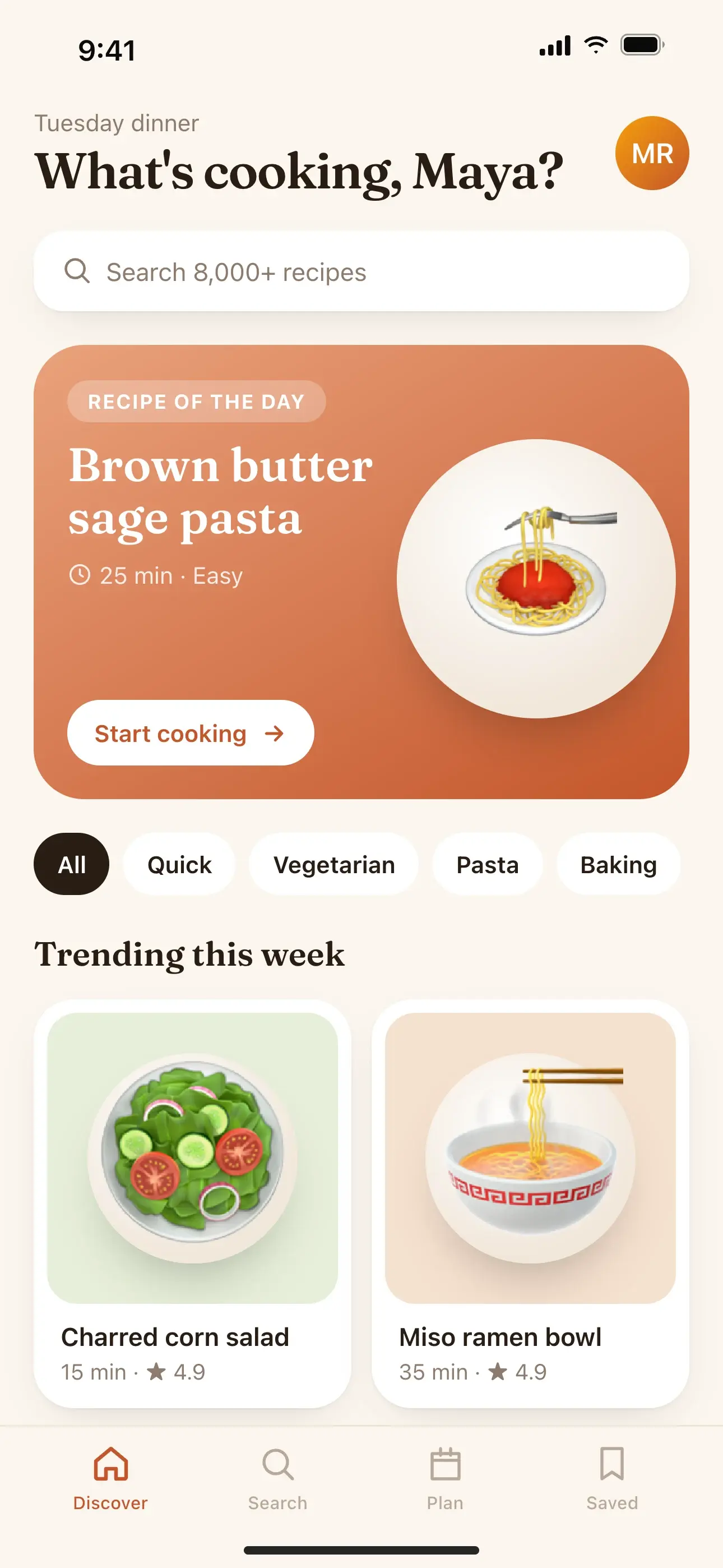
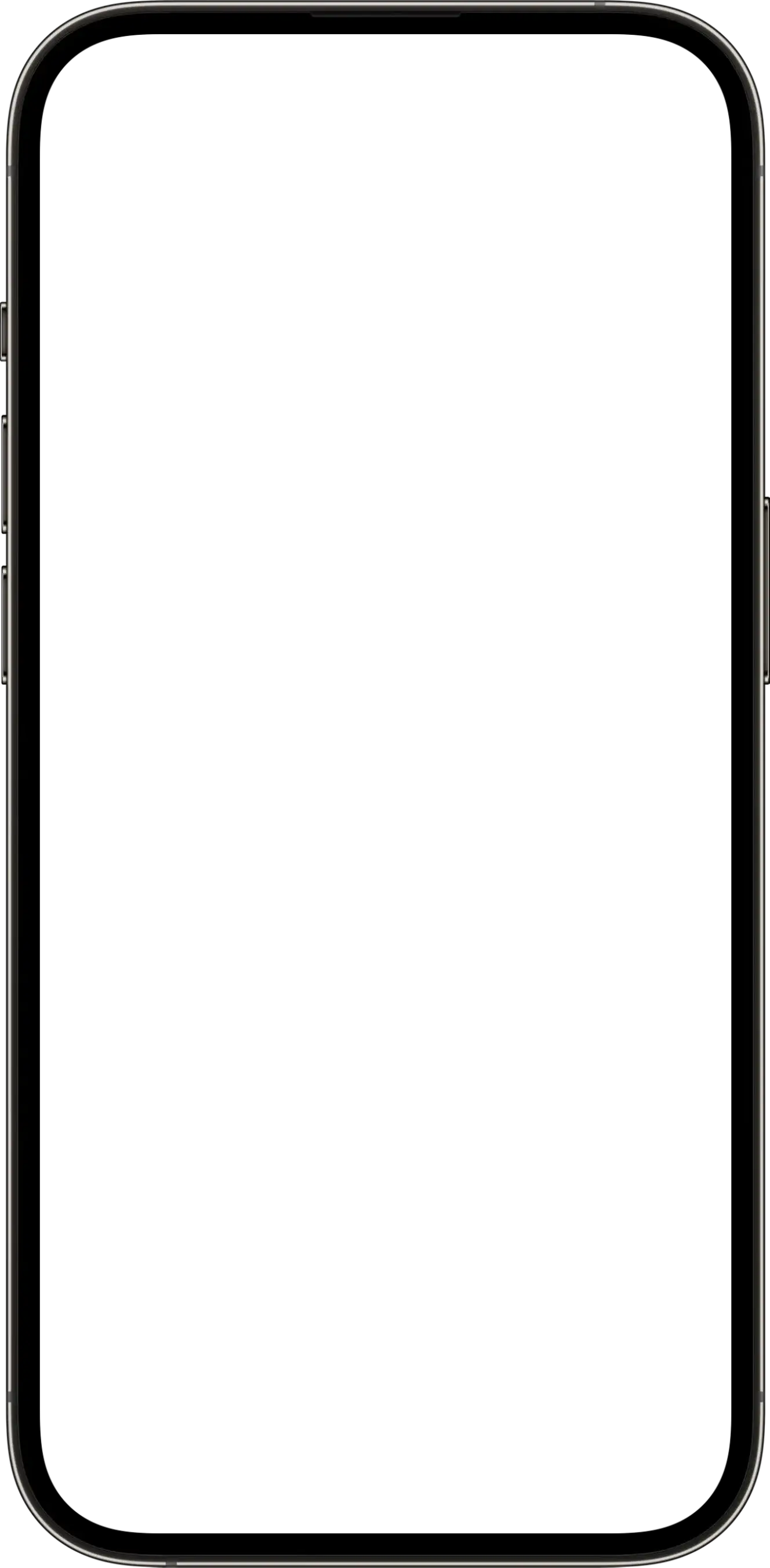
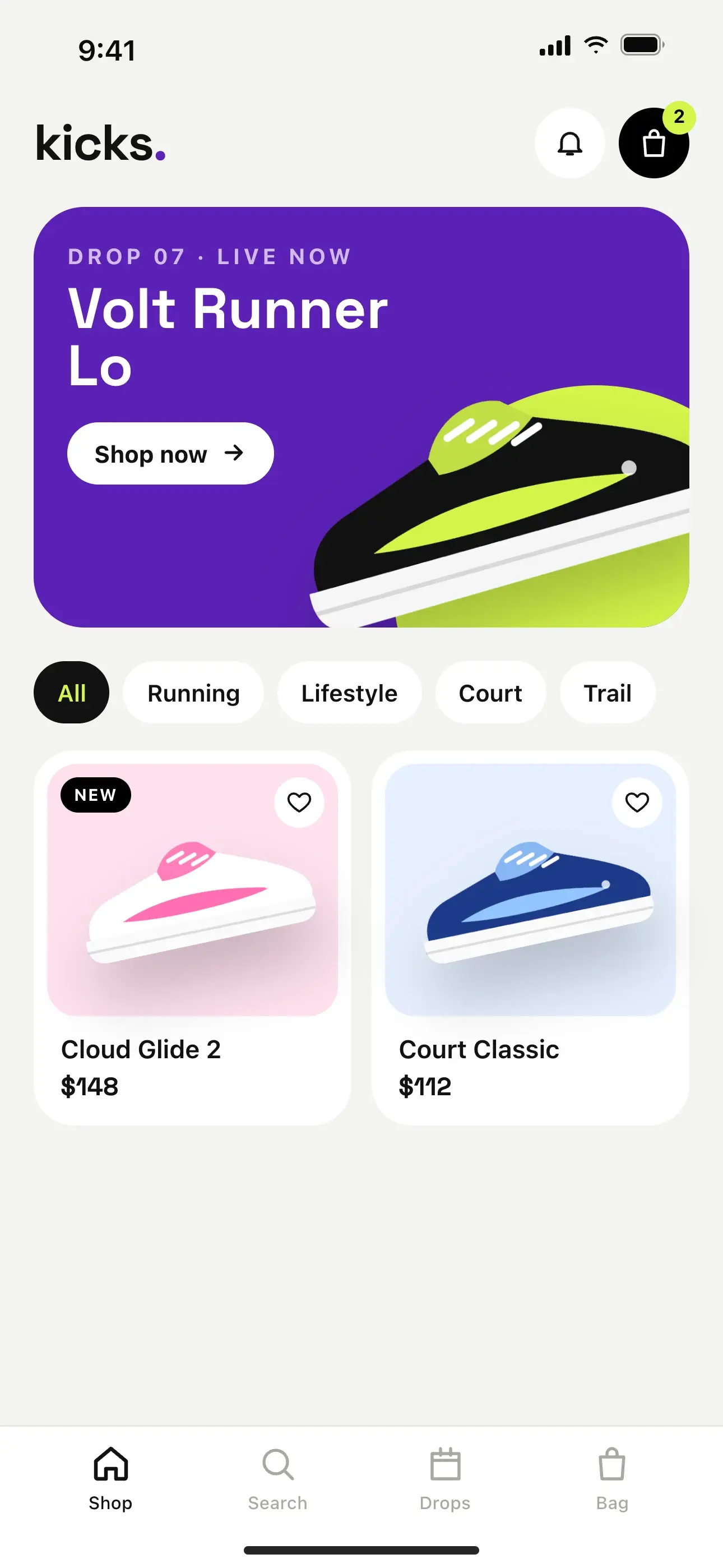
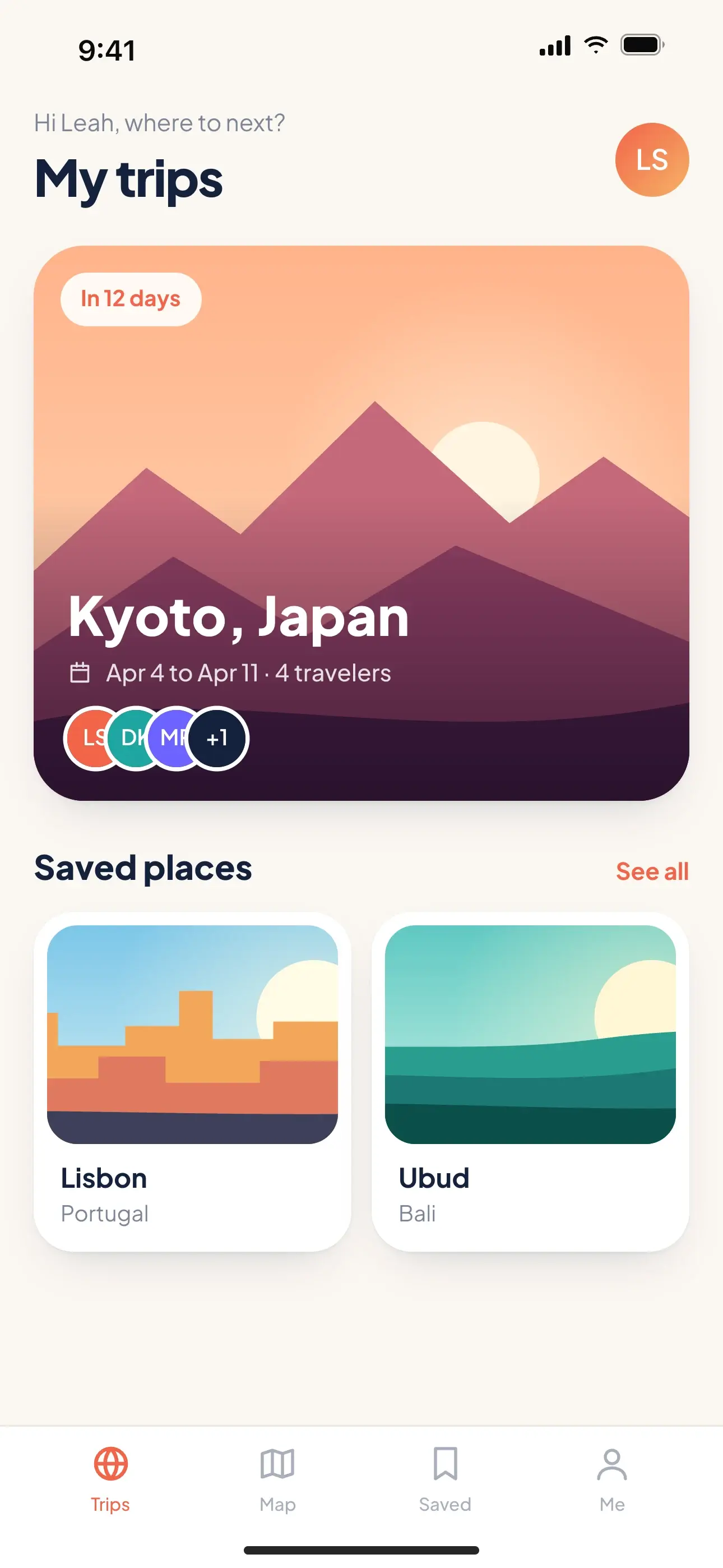
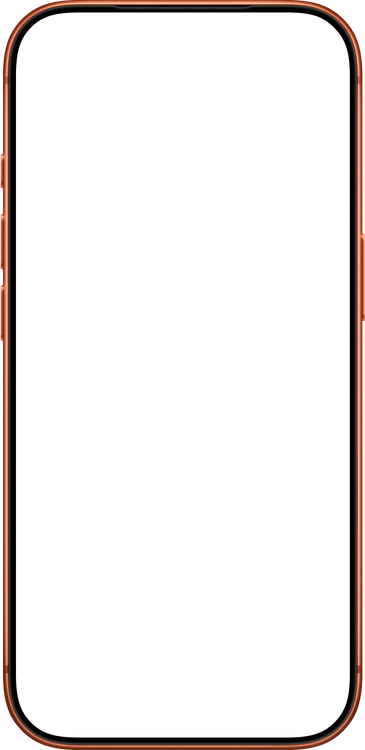
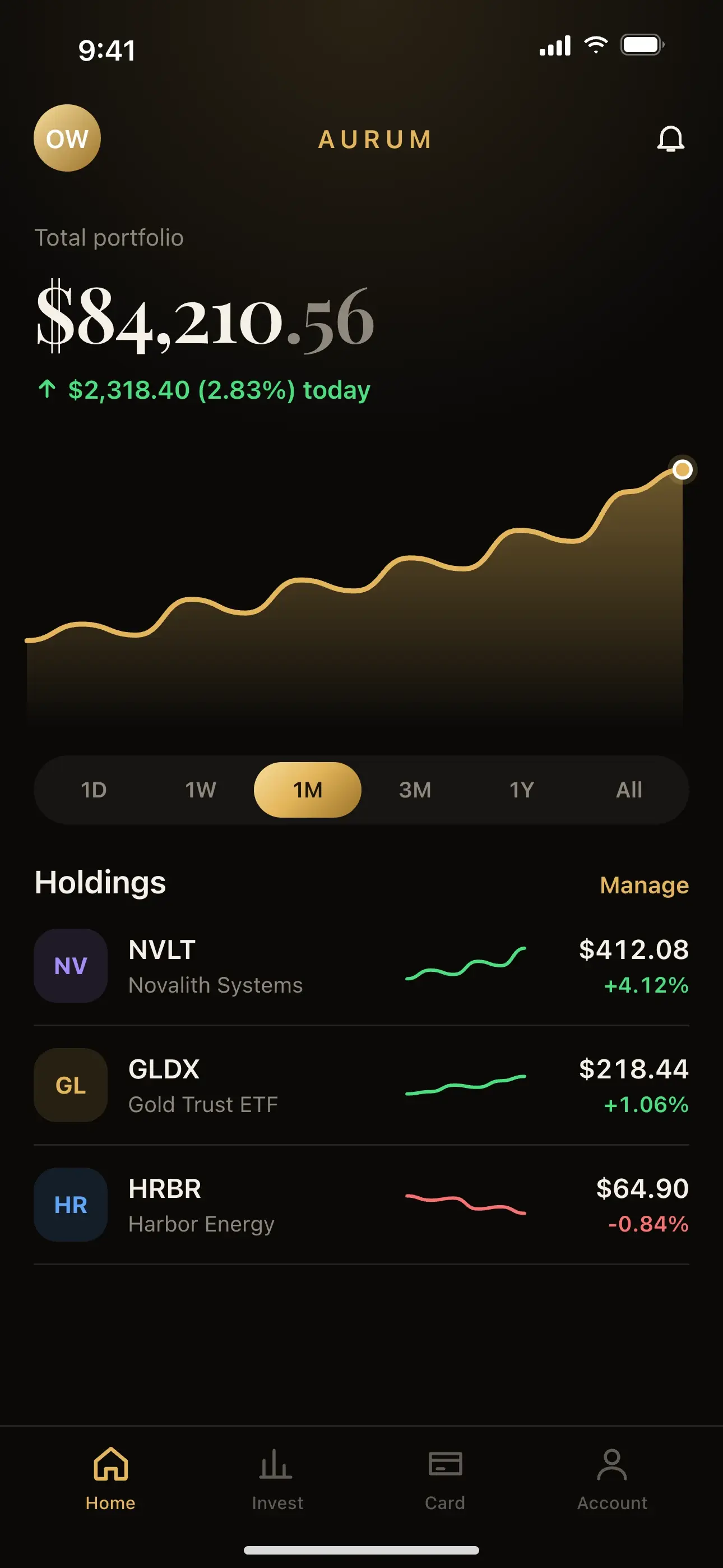
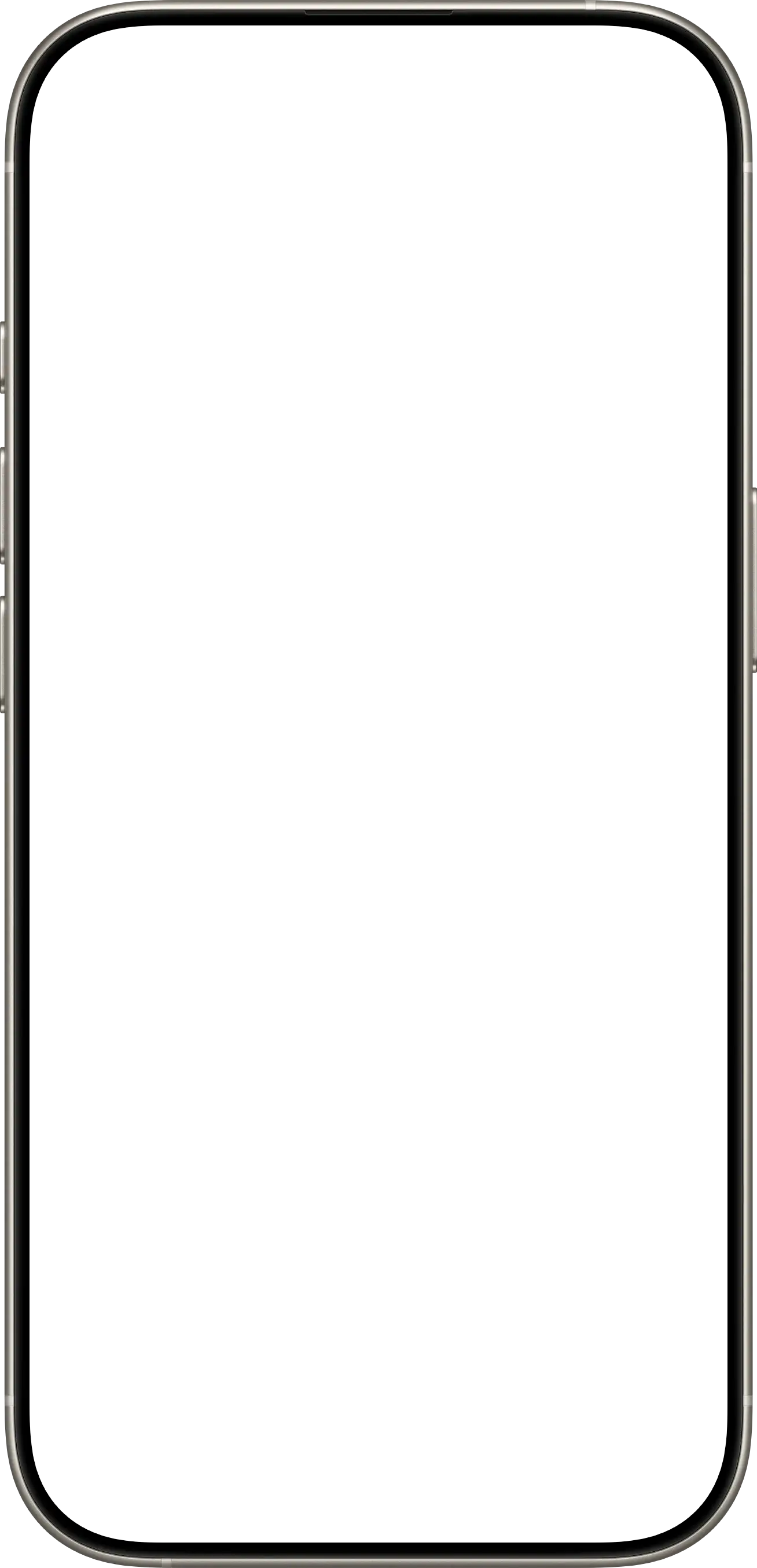
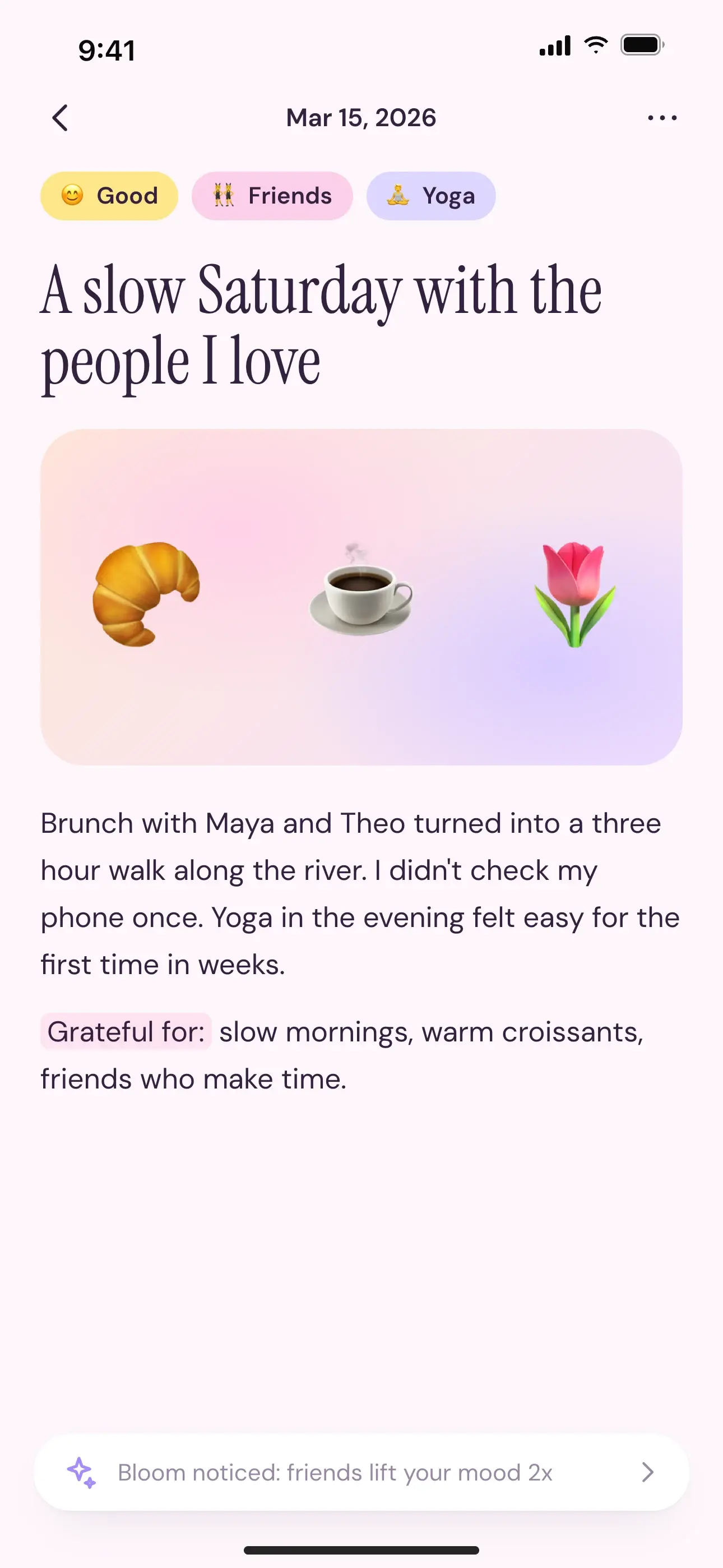
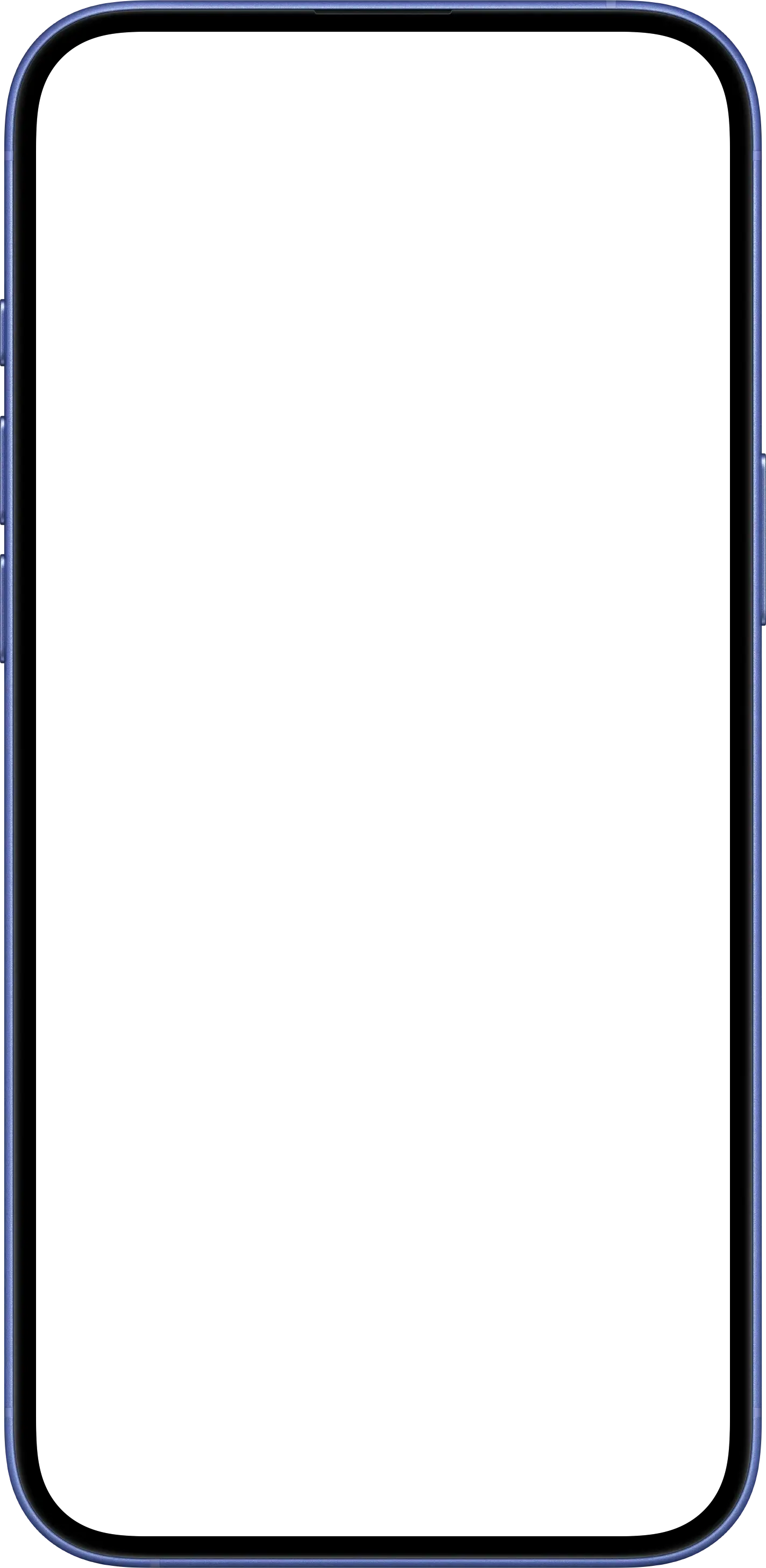
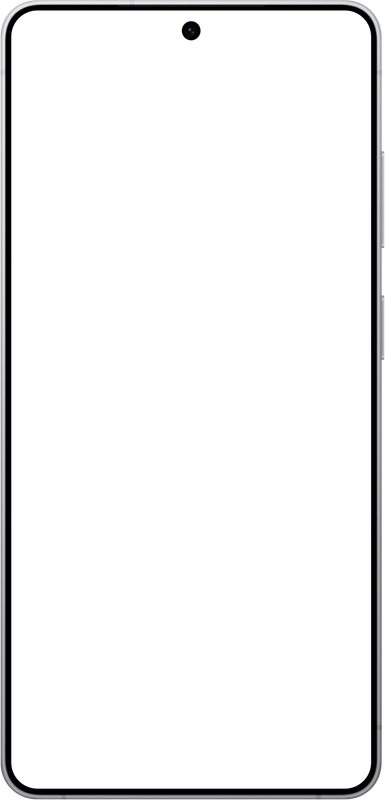
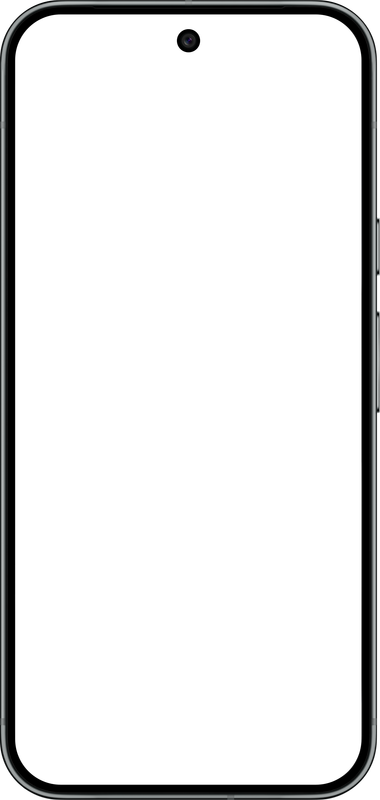
Show your app on a realistic iPhone 14 Pro in Space Black, the first iPhone with the Dynamic Island. The dark frame makes bright screenshots glow and looks sharp on any background.
- Space Black finish
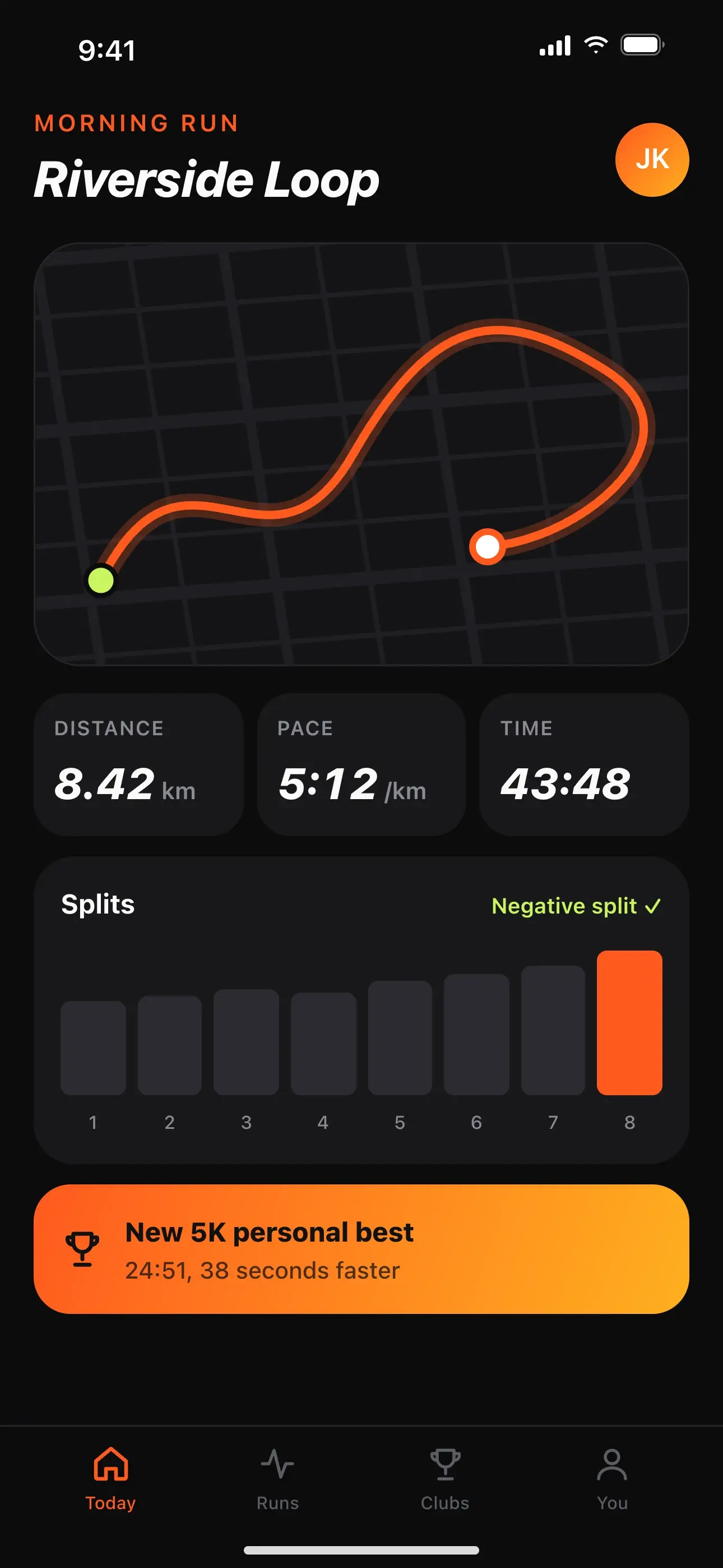
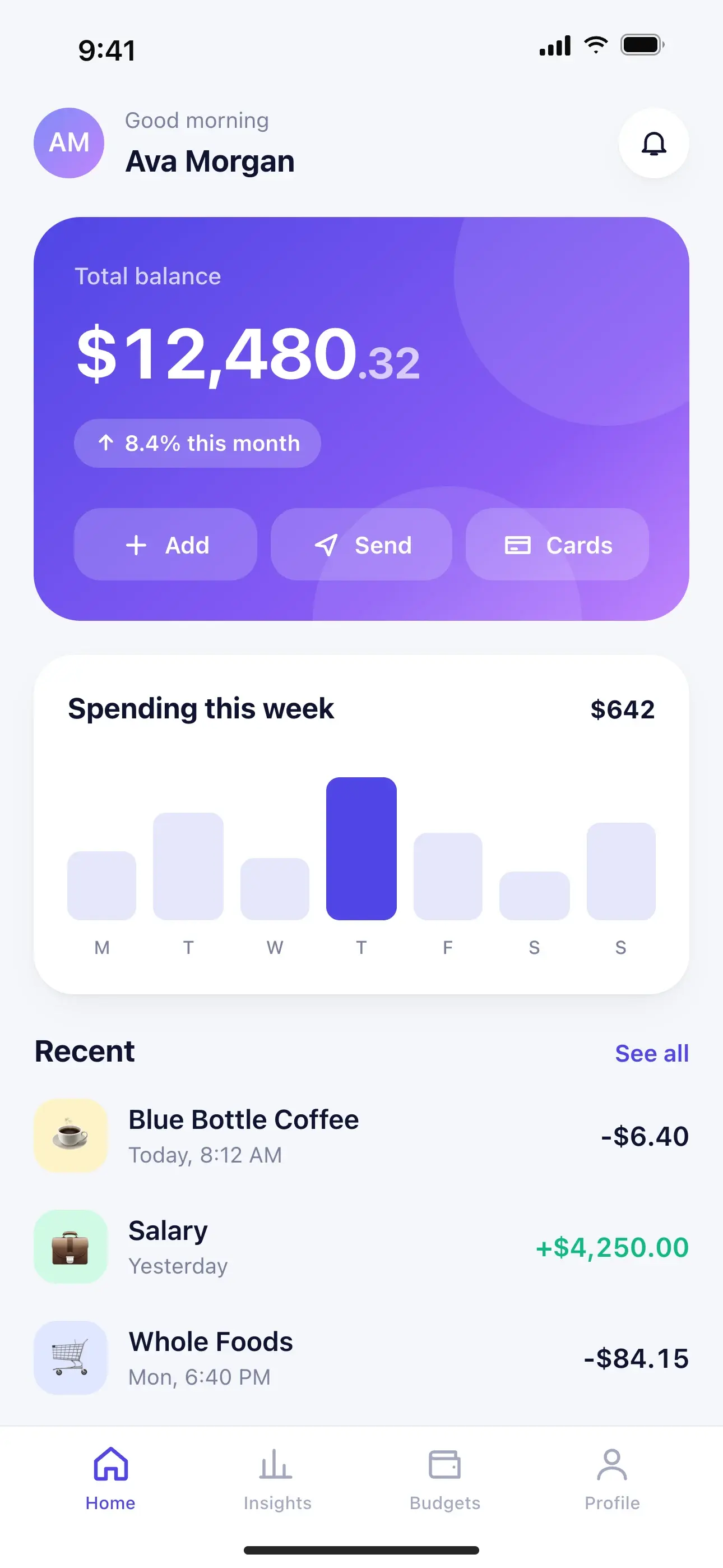
- Fits 1179 × 2556 screenshots
- Dark frame that makes screens glow
Why it works
Made for scroll-stopping posts
Everything a good social image needs, in a tool that opens instantly and never asks you to sign up.
The device is yours to place
Drag, resize, rotate, and tilt it in 3D. Let a phone bleed off the edge, or stack a phone over a laptop.
Type on the image
Click any text and edit it right there. Pick from 19 fonts, adjust spacing, and color single words to make them pop.
Emojis, stickers, and logos
Add emojis, laurels, arrows, 3D stickers, or your own logo, then place them anywhere on the design.
Every social size
Square, portrait, Stories, X, YouTube, LinkedIn, Pinterest, Product Hunt, banners, or a custom size. Free, private, no watermark.
20 free devices
A mockup for every device
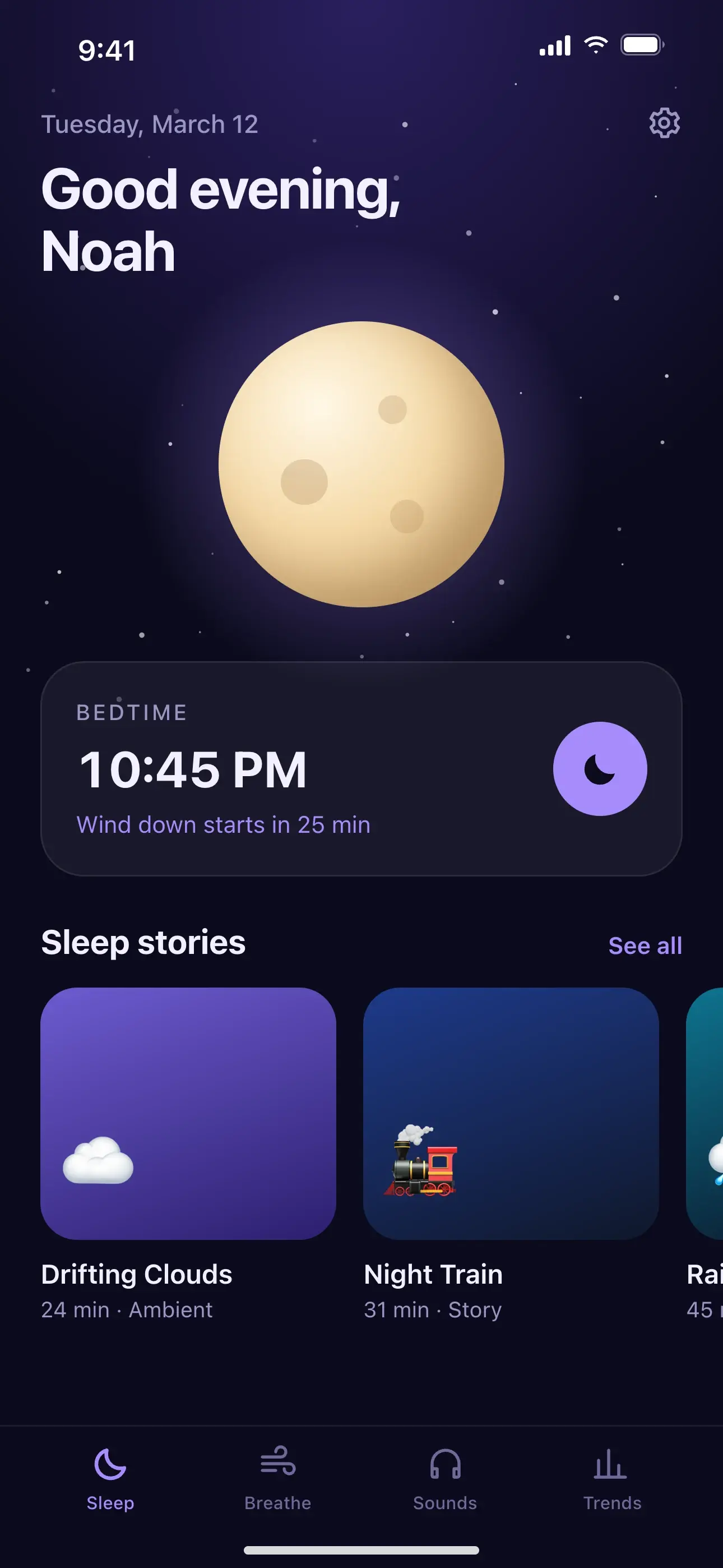
Each one opens the editor with that device ready. Switch any time from the Device tab.
iPhone
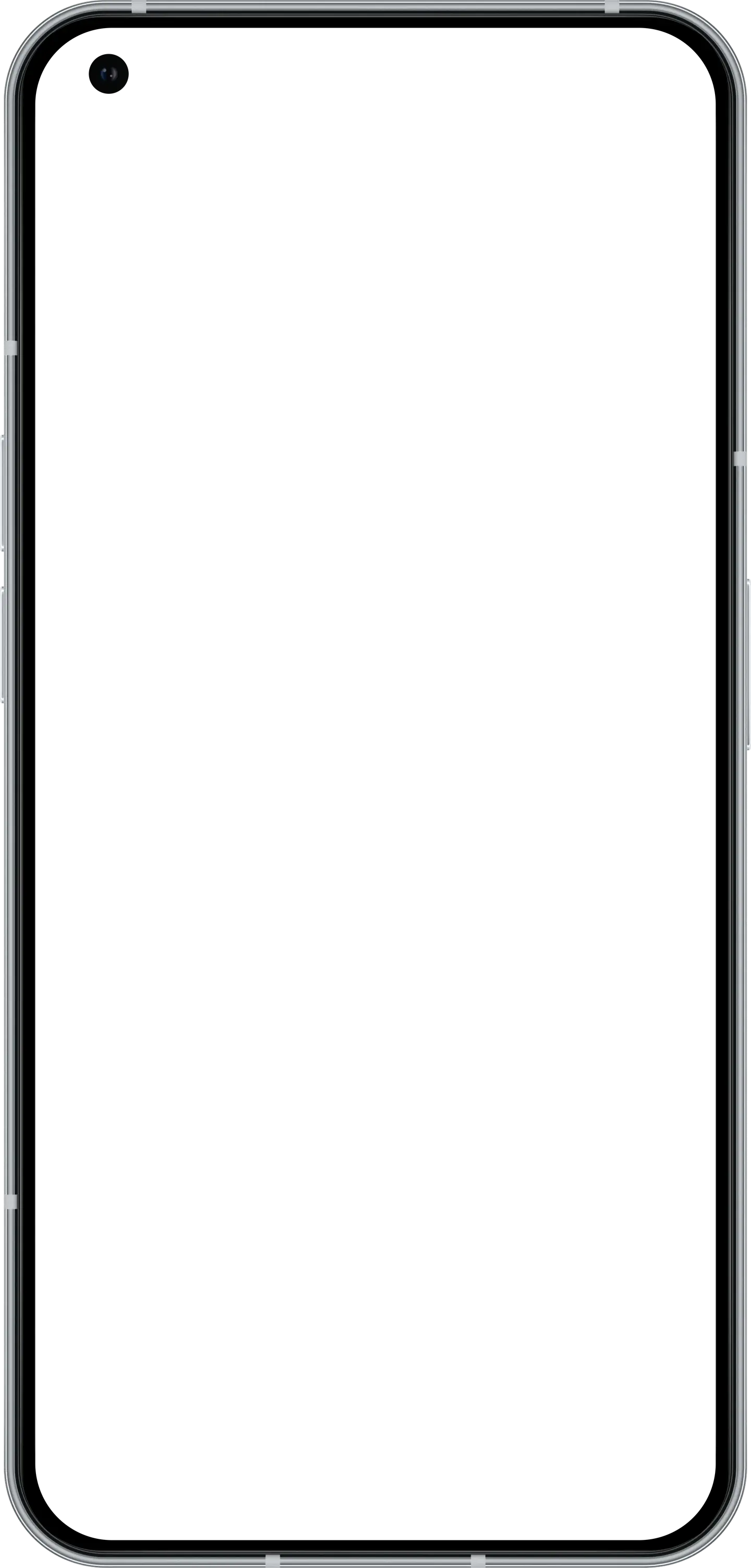
Android
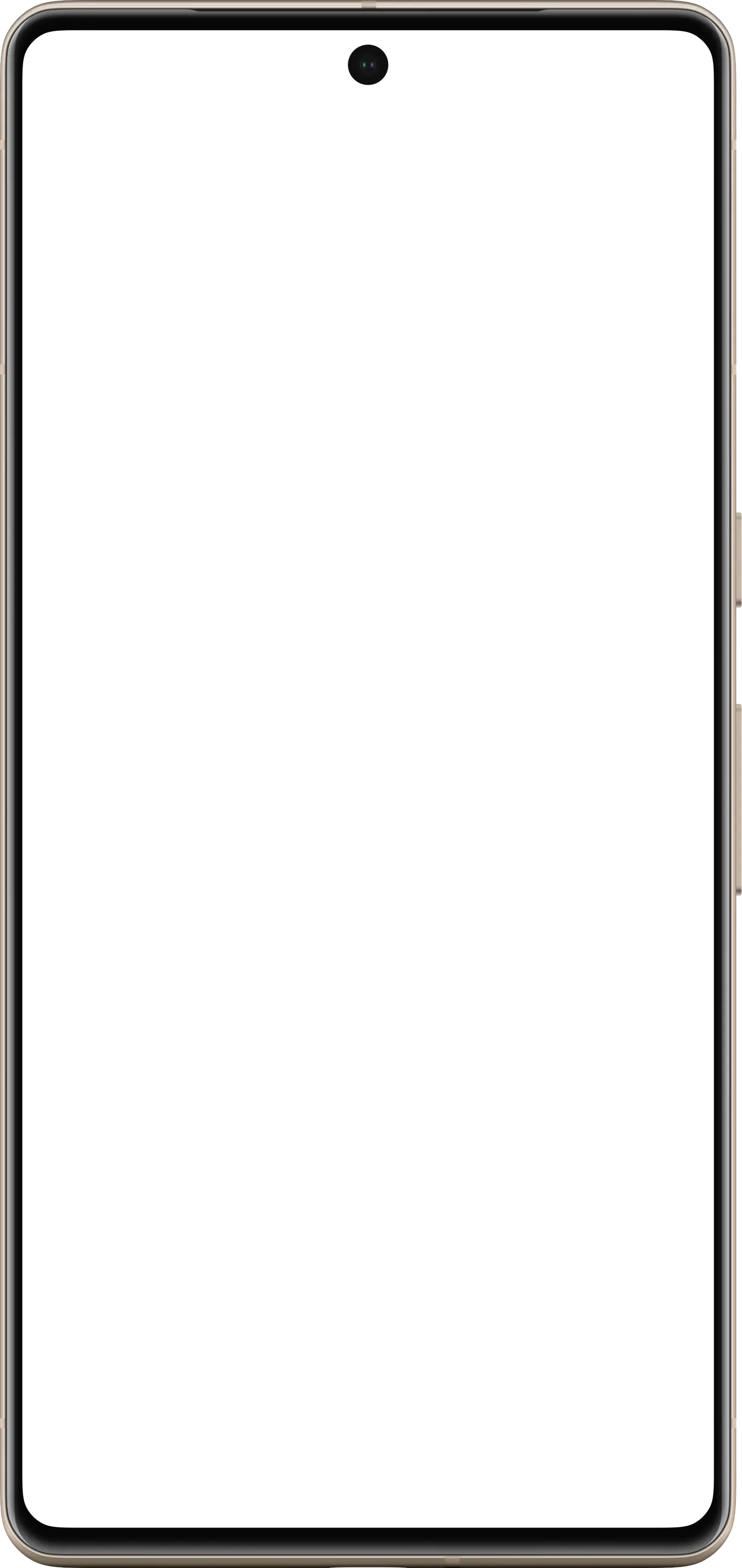
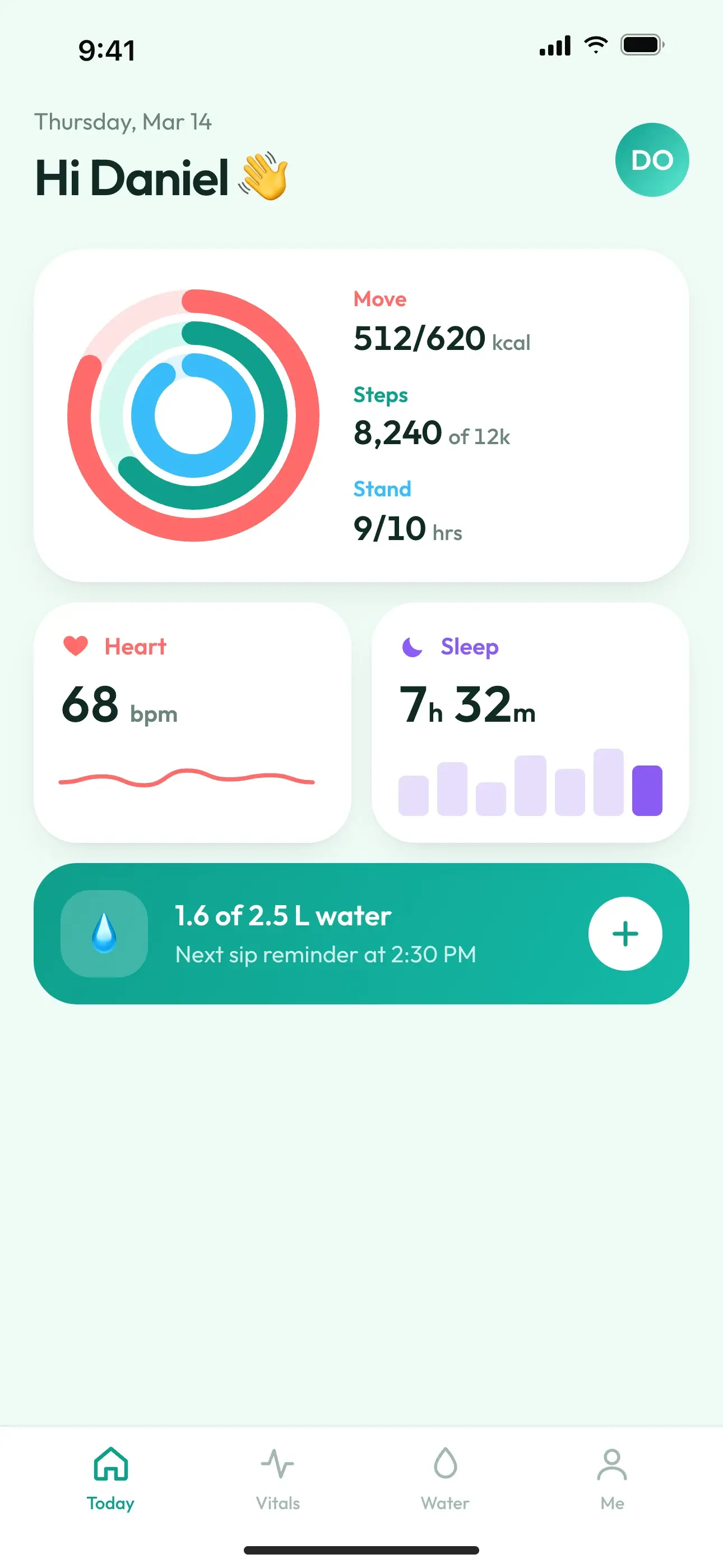
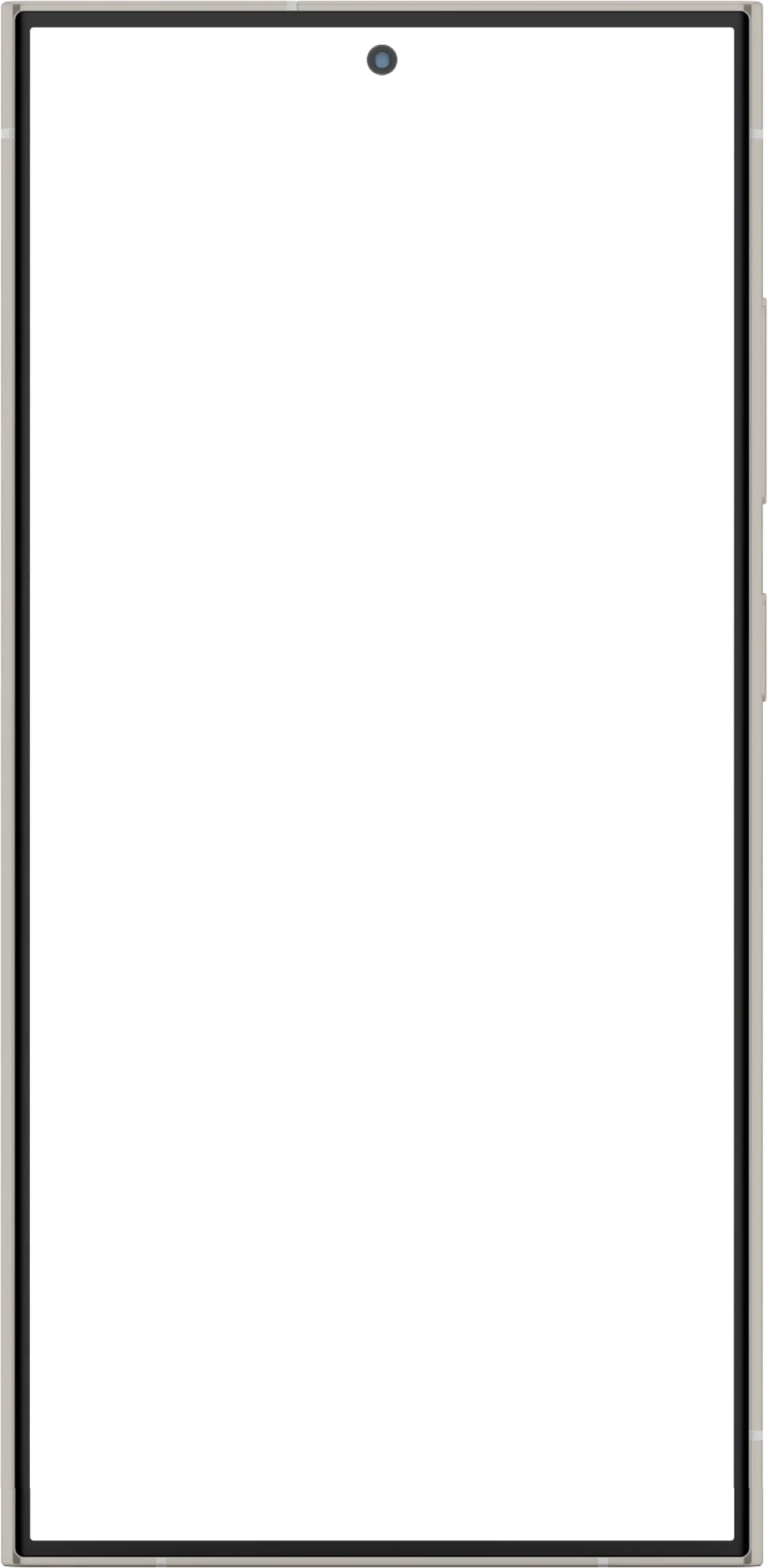
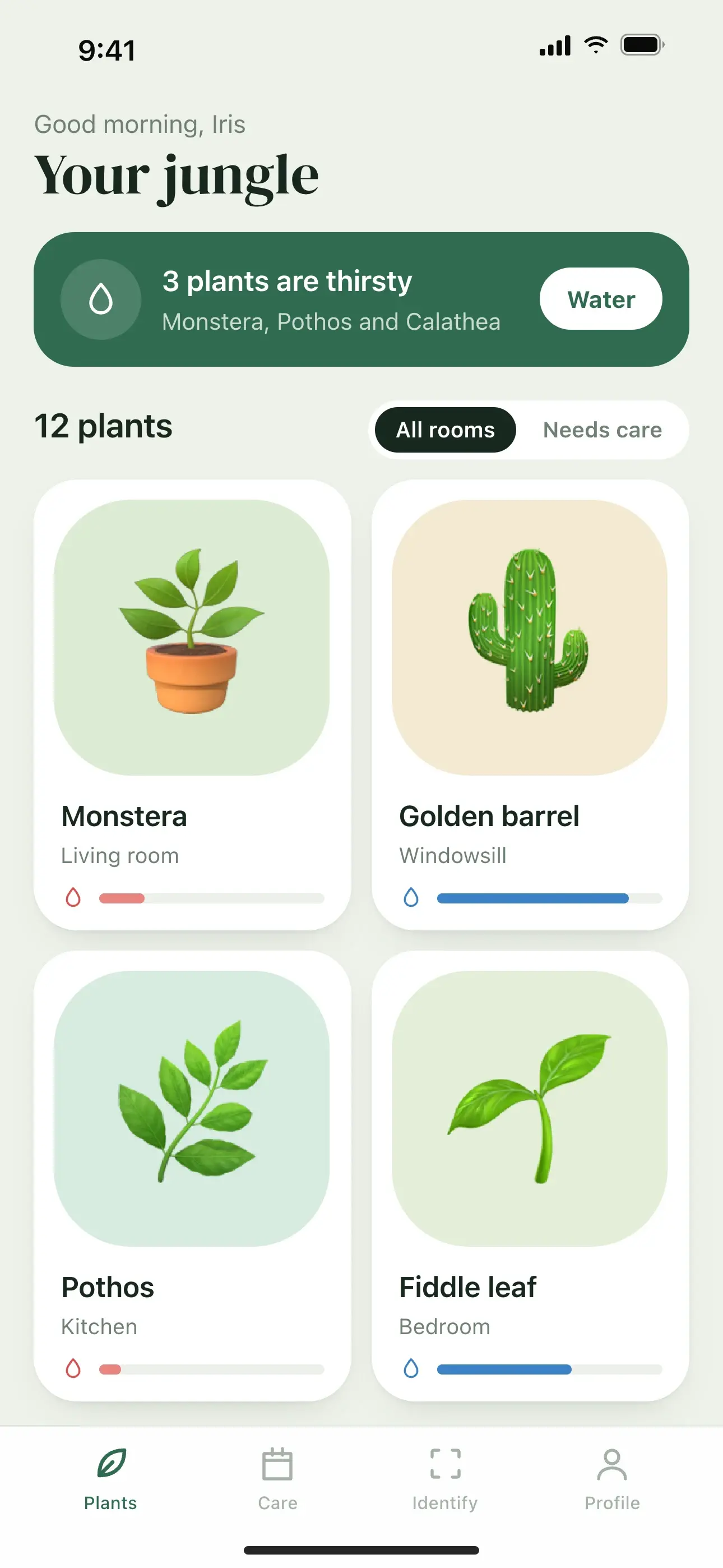
Tablet and desktop
How it works
How to make an iPhone 14 Pro mockup
- 01
Pick a ready-made design to start from.
- 02
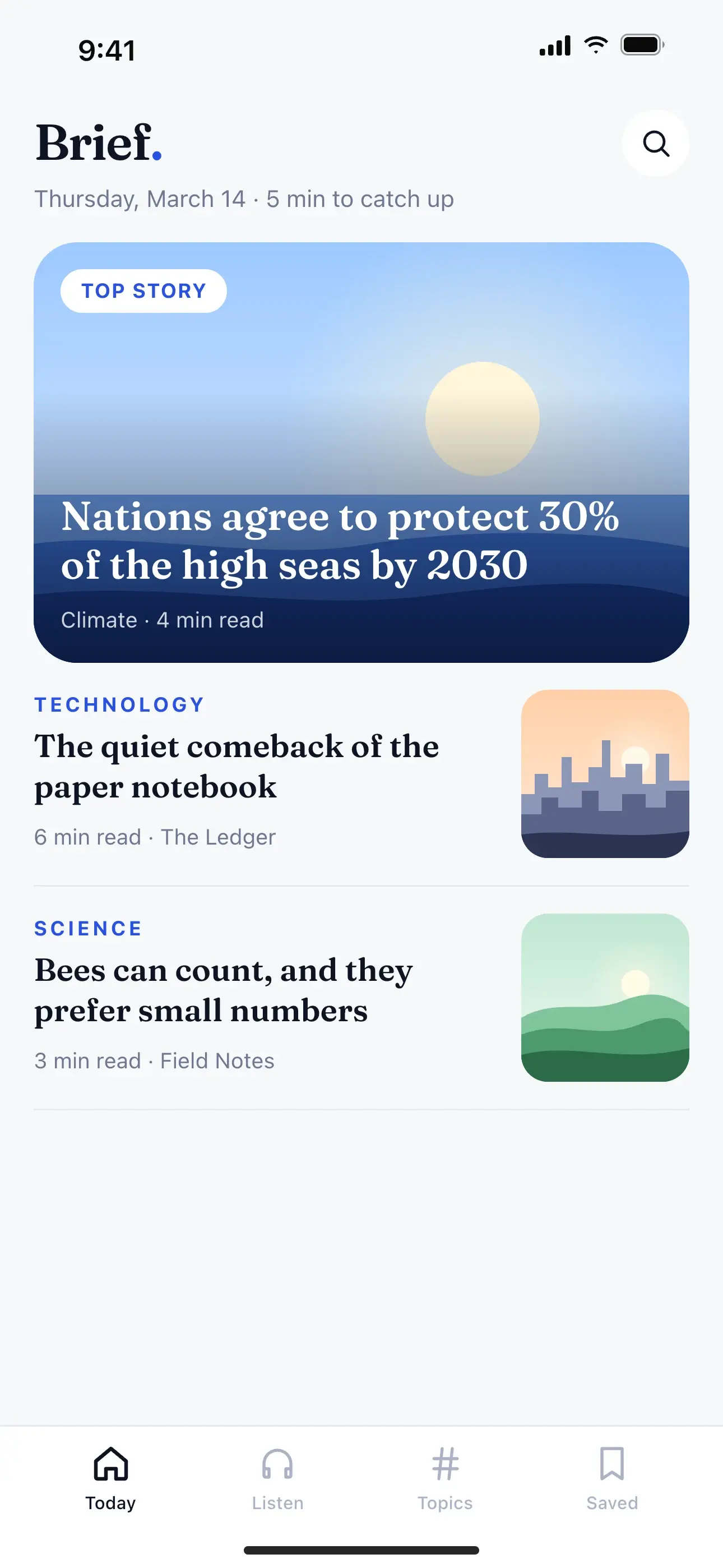
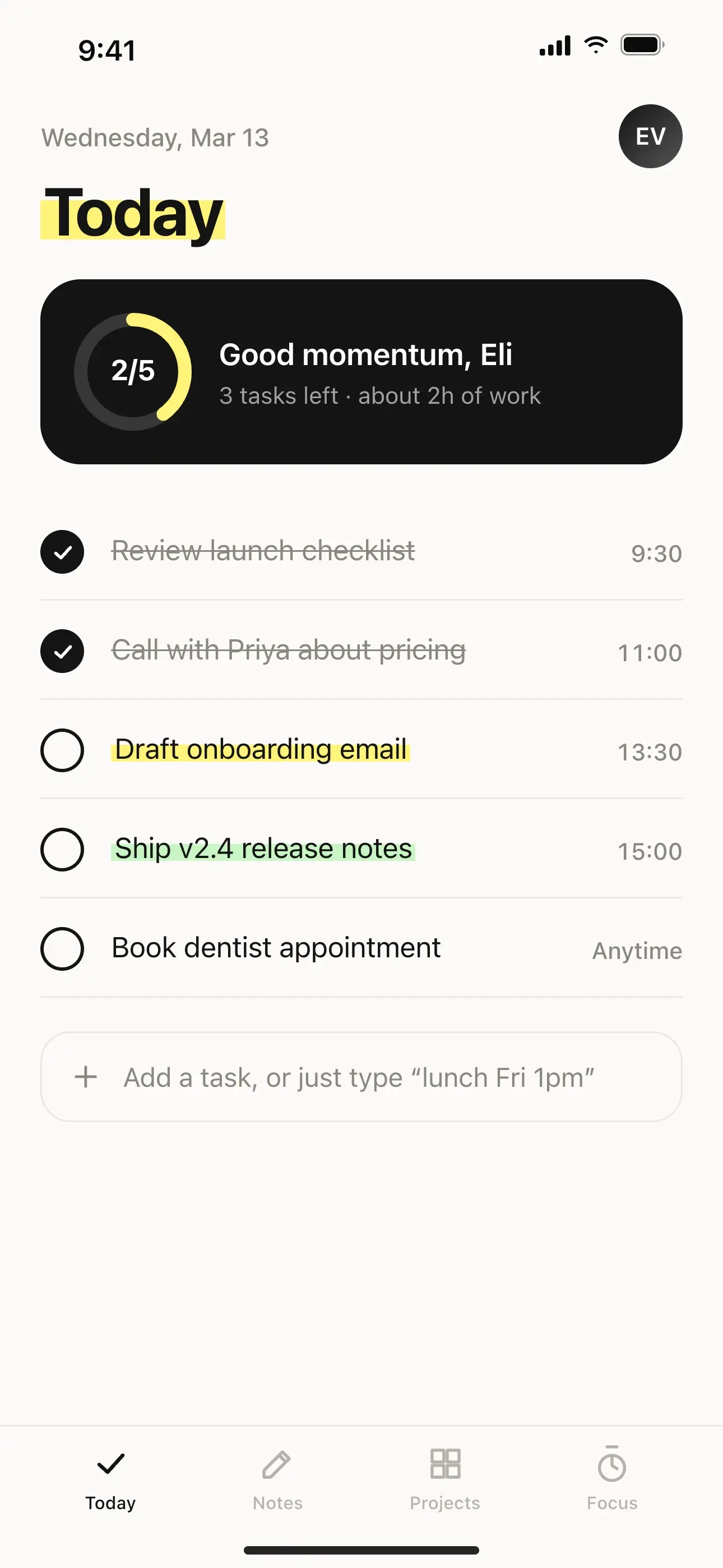
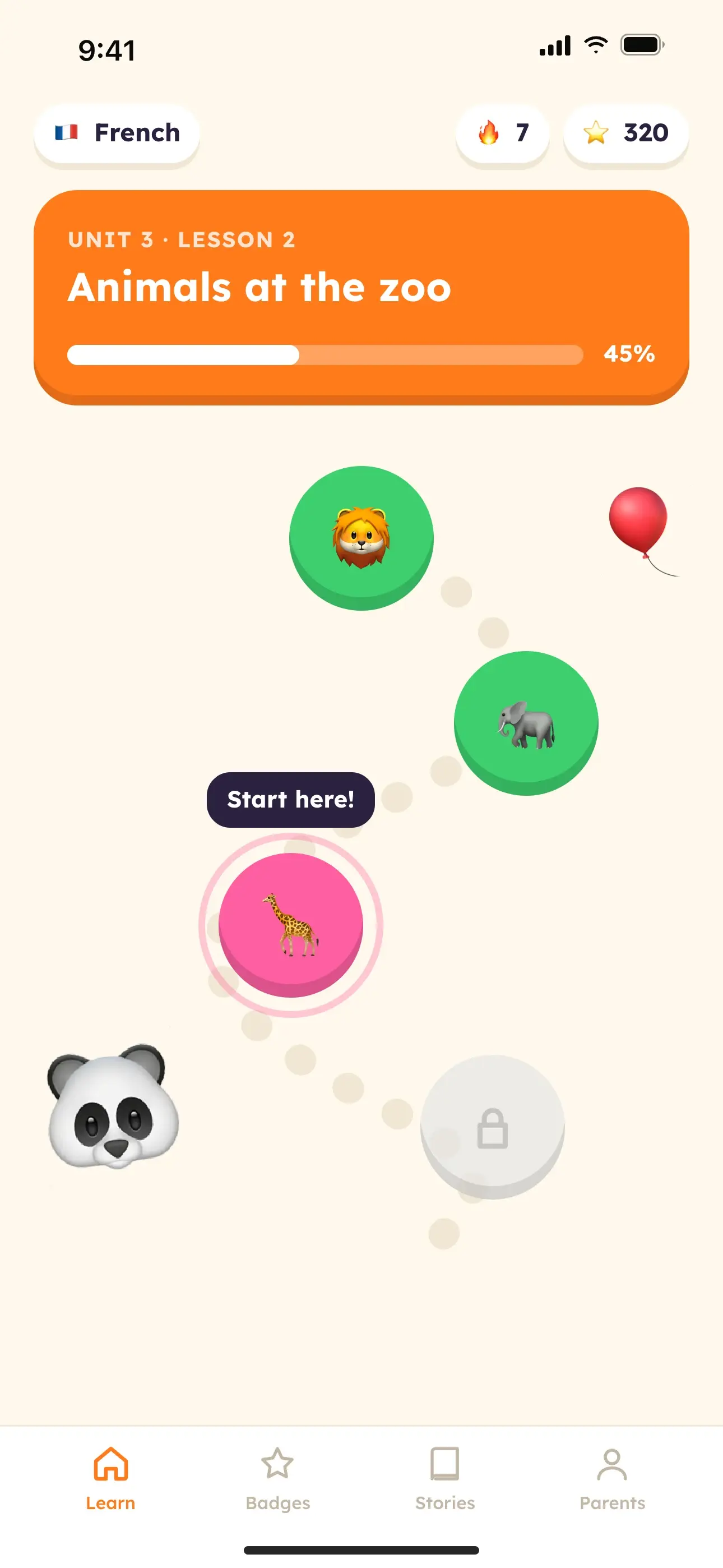
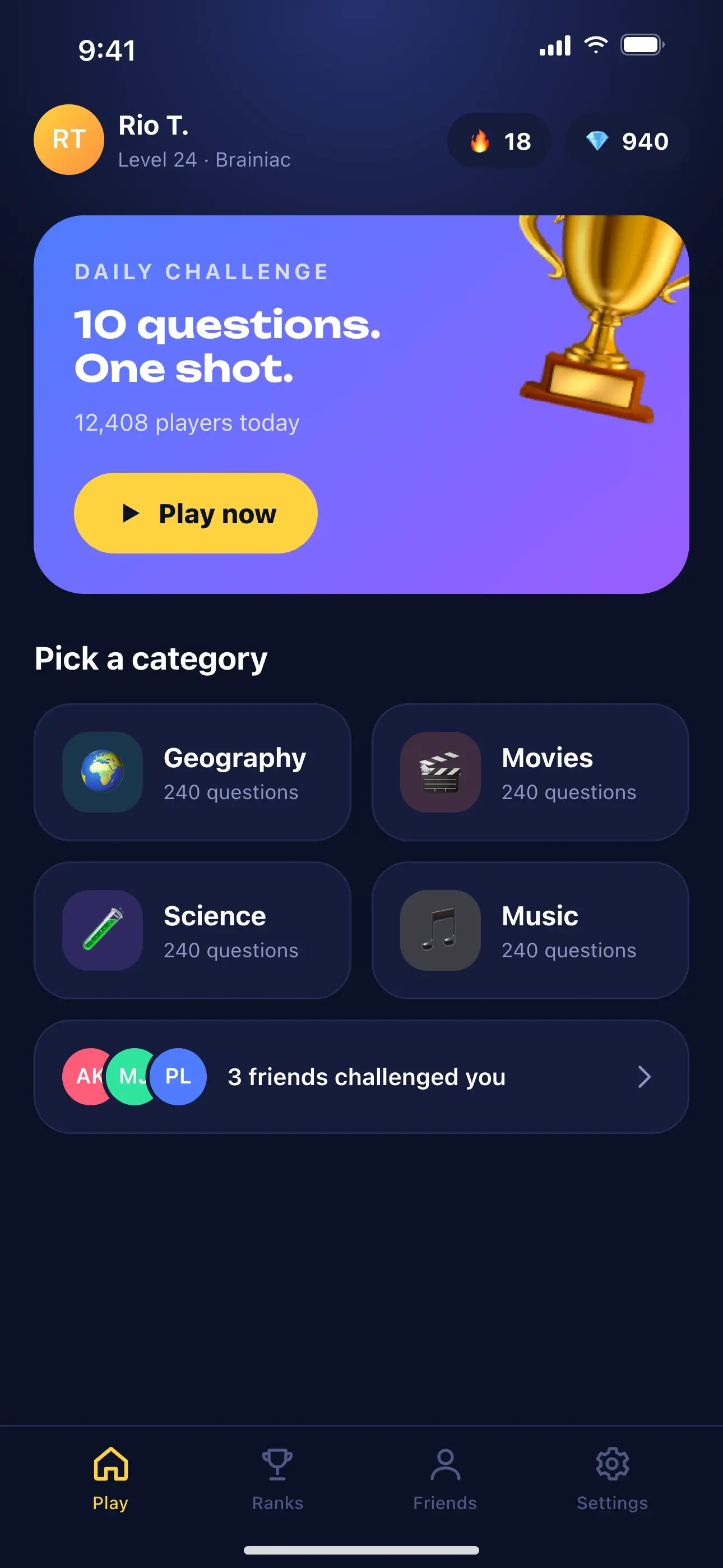
Drop your screenshot onto the mockup, then pick a device and tilt it.
- 03
Click the text on the image to write your message, then add emojis or stickers.
- 04
Choose the social size and copy the image, or download a PNG, JPG, or WebP.
FAQ
Questions, answered.
Sizes, privacy, devices, and the rest. Free, with no sign-up and no watermark.
Yes. Pro Max screenshots have the same proportions and are scaled to fill the screen.
Yes. Every device, design, and export size is free to use, with no sign-up and no watermark.
No. Mockups are drawn in your browser. Your images stay on your device and are saved only in this browser so you can pick up where you left off.
Yes. You can use exported images in social posts, ads, landing pages, and press kits. Device names belong to their owners, so avoid implying that a manufacturer endorses your product.
Need store-ready screenshots too?
AppScreenPro Studio designs and exports App Store and Google Play screenshots at the exact sizes the stores expect, with device frames, style presets, and callouts.
Open the Studio