
Instagram showcase
App Screenshot Posts for Instagram
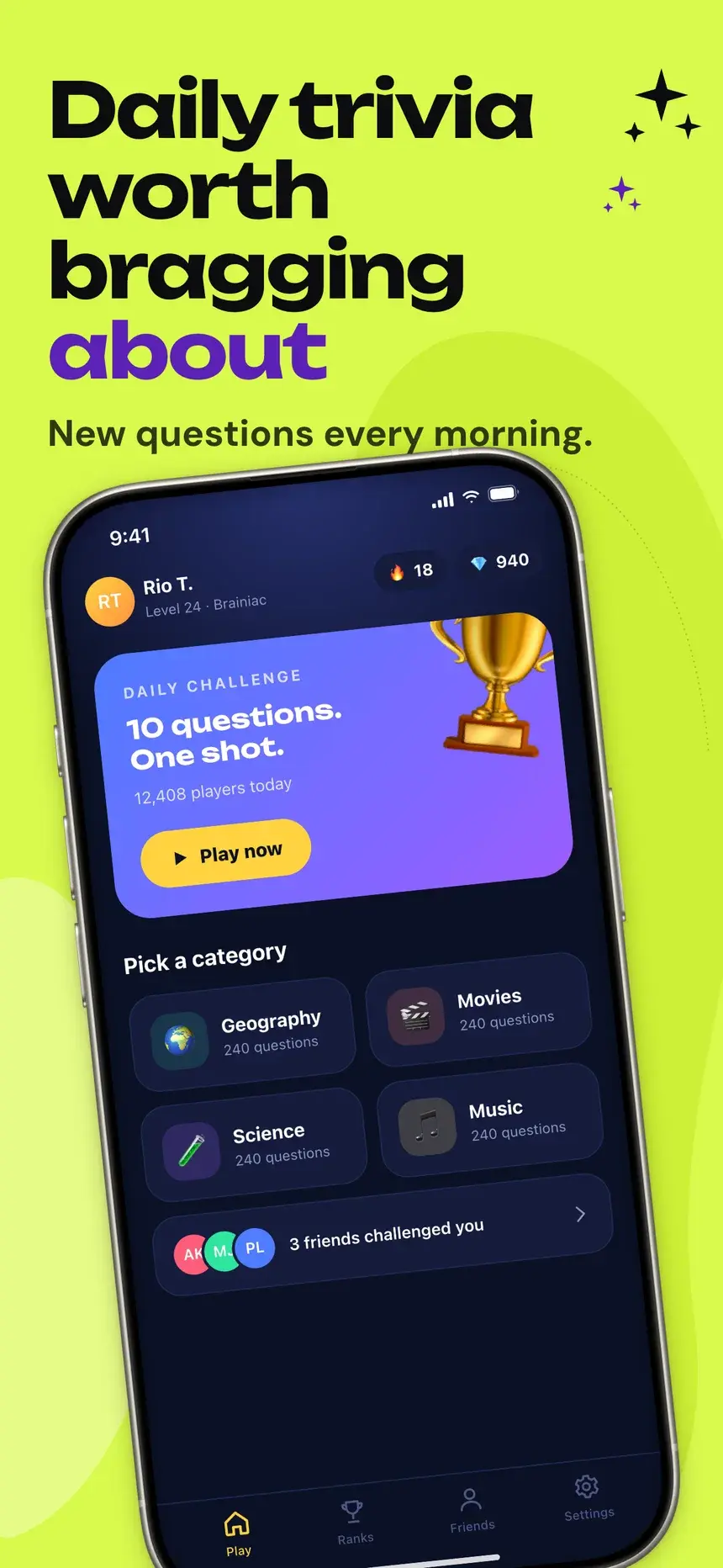
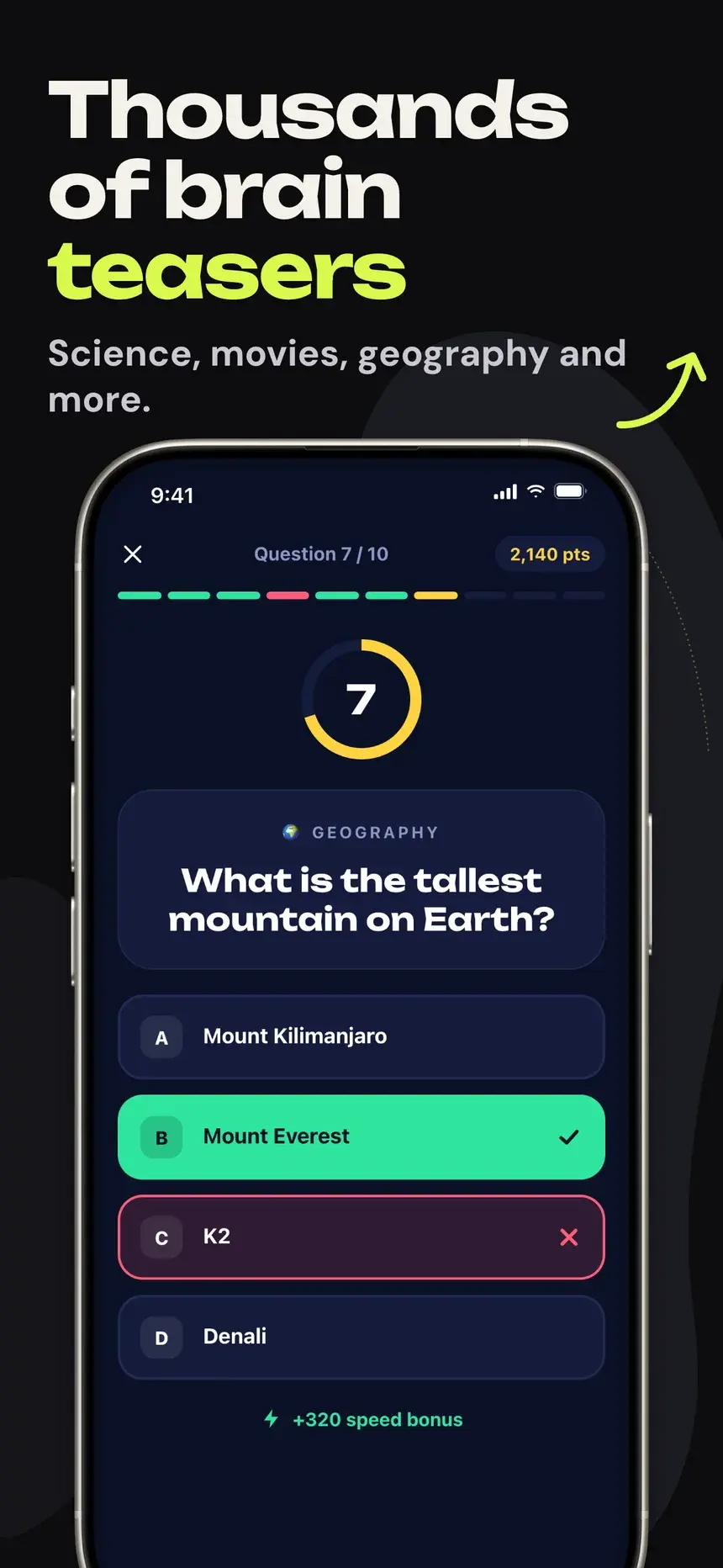
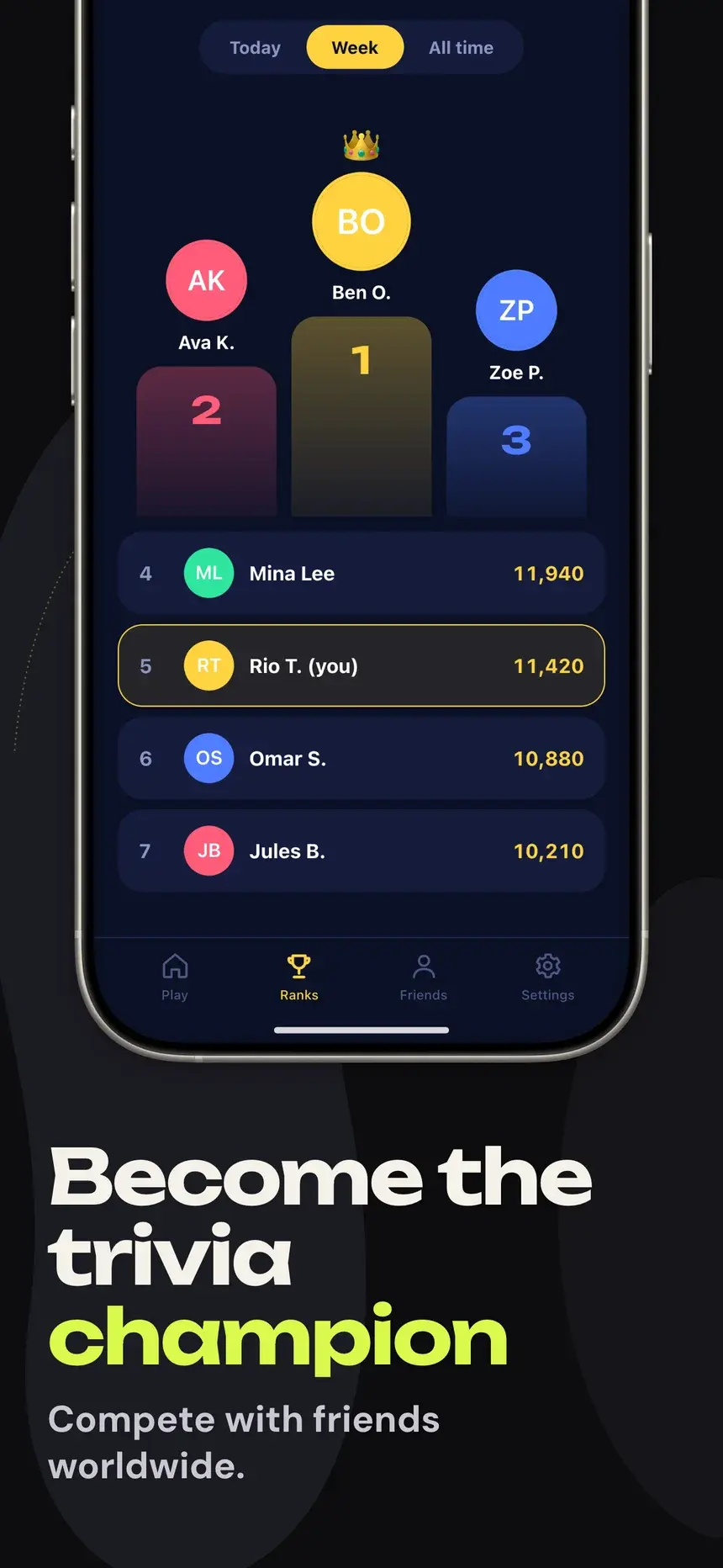
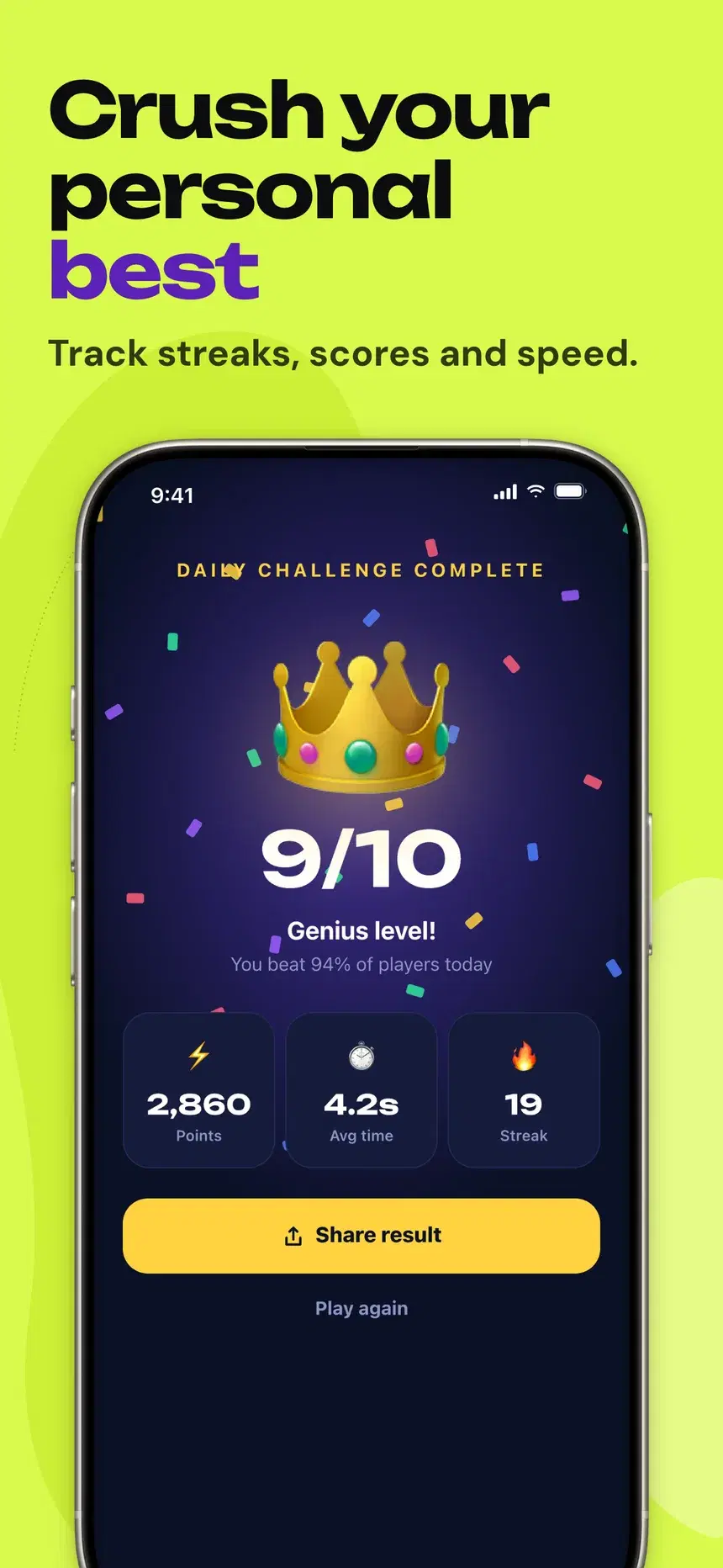
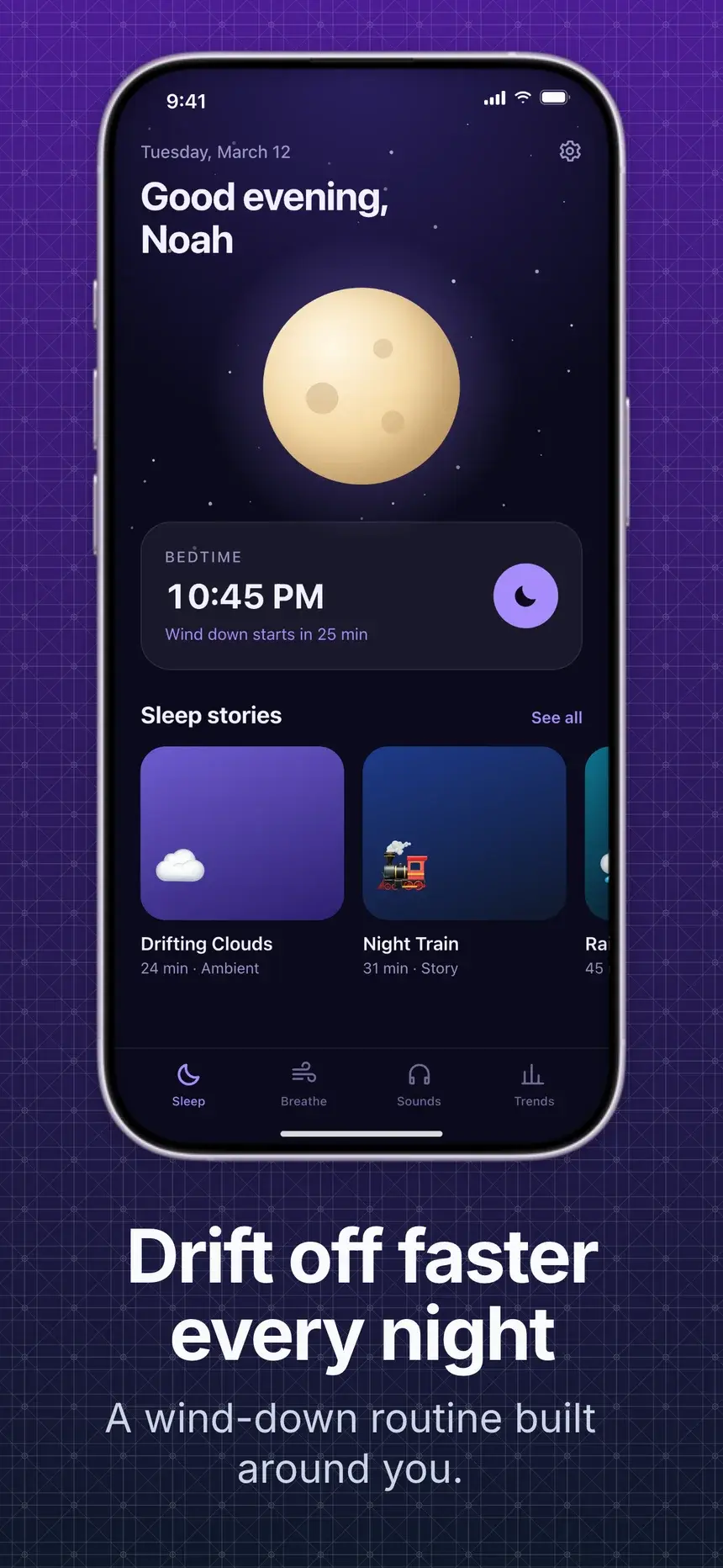
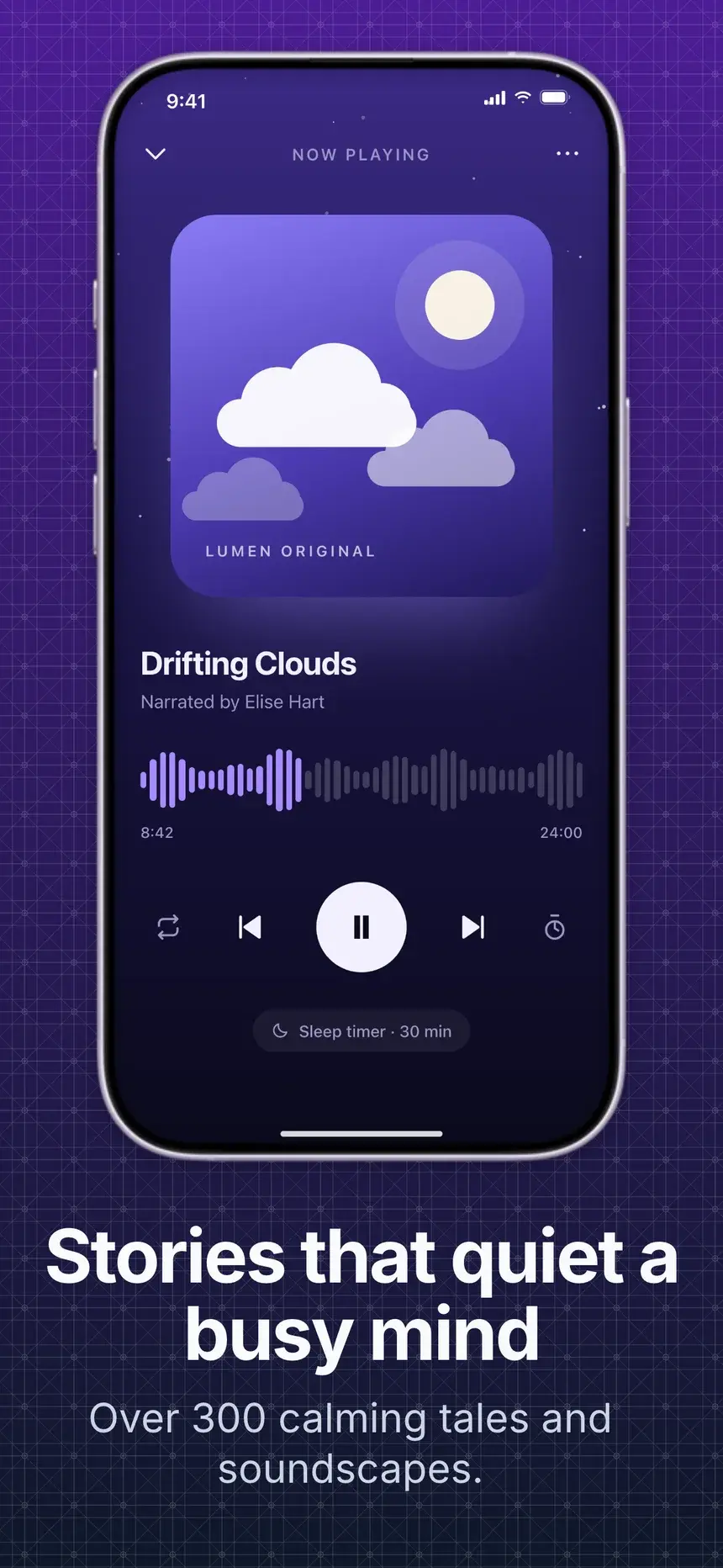
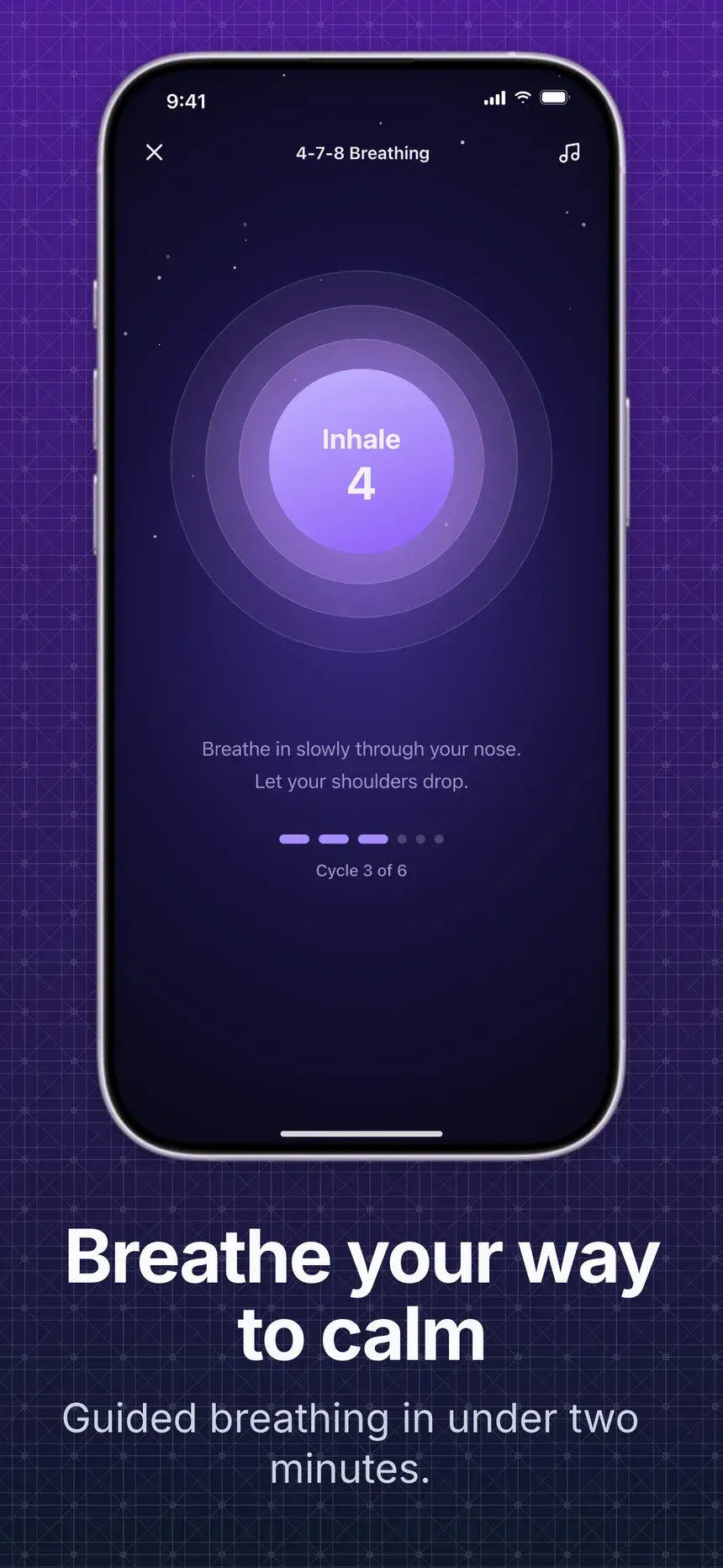
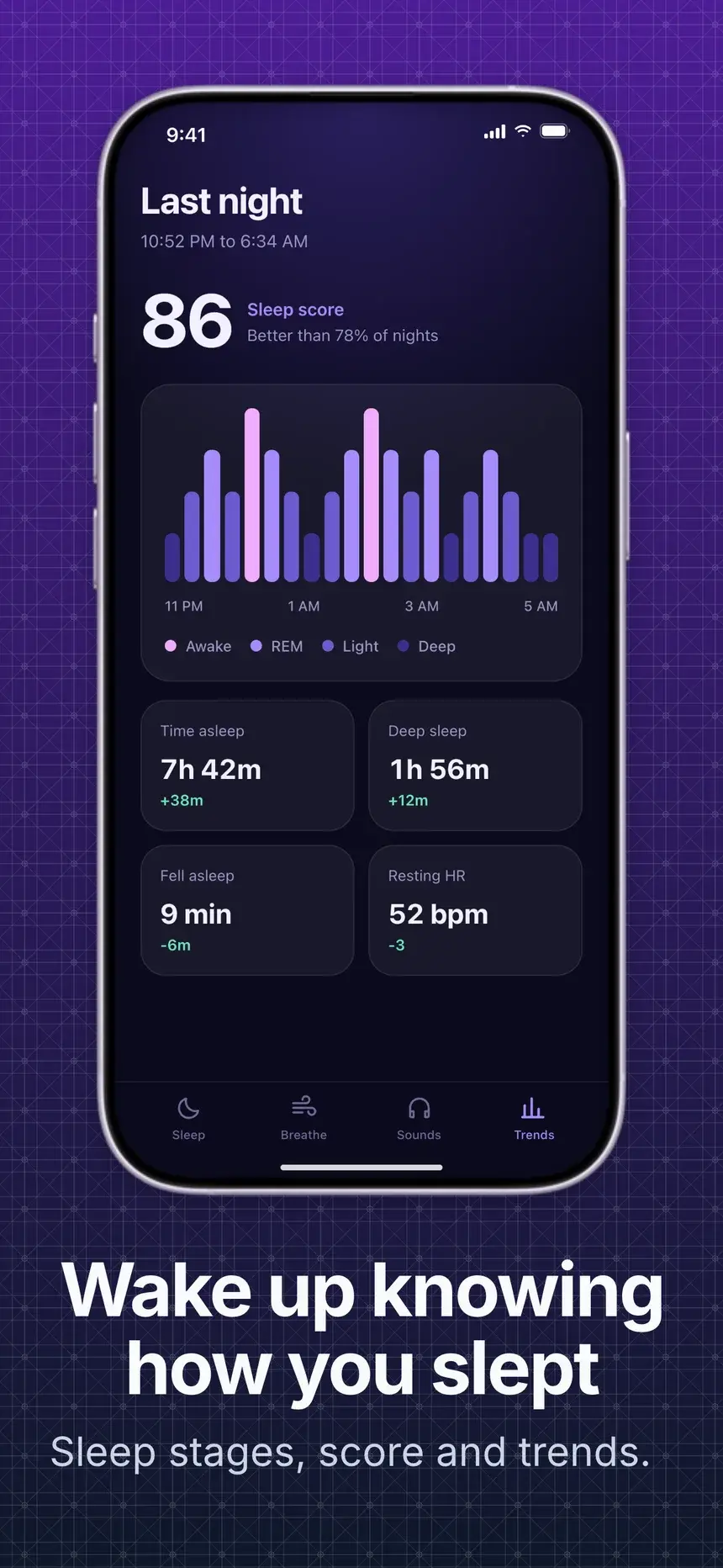
Show your app in the feed with a square or portrait post. Curve your screens into a gentle arc or fan them out, pick a bold background, and add a short headline that reads at a glance.
- Opens at 1080 × 1080, switch to 4:5 portrait in one click
- Arc and fan layouts made for square posts
- Bold backgrounds that pop in the feed
Why it works
Built for sharing your app
Drop in your store screenshots and get a polished image in seconds. No design tool, no account.
Layouts that sell the story
Even row, big center with smaller sides, stagger, stairs, arc, and a tilted fan. Every preset is a starting point you can fine tune.
Sized for where you post
One click sizes for X, LinkedIn and Open Graph, Instagram square and portrait, Product Hunt, or a wide banner. Or type your own size.
Private by design
Your screenshots never leave the browser. The image is drawn locally, so there is no upload, no account, and no watermark.
Copy or export
Copy the image straight to your clipboard to paste into a post, or download a PNG, JPG, or WebP at 1x or 2x.
8 layouts
One click to a new story
Start from a layout, then fine tune the gap, size falloff, stagger, arc, and tilt.
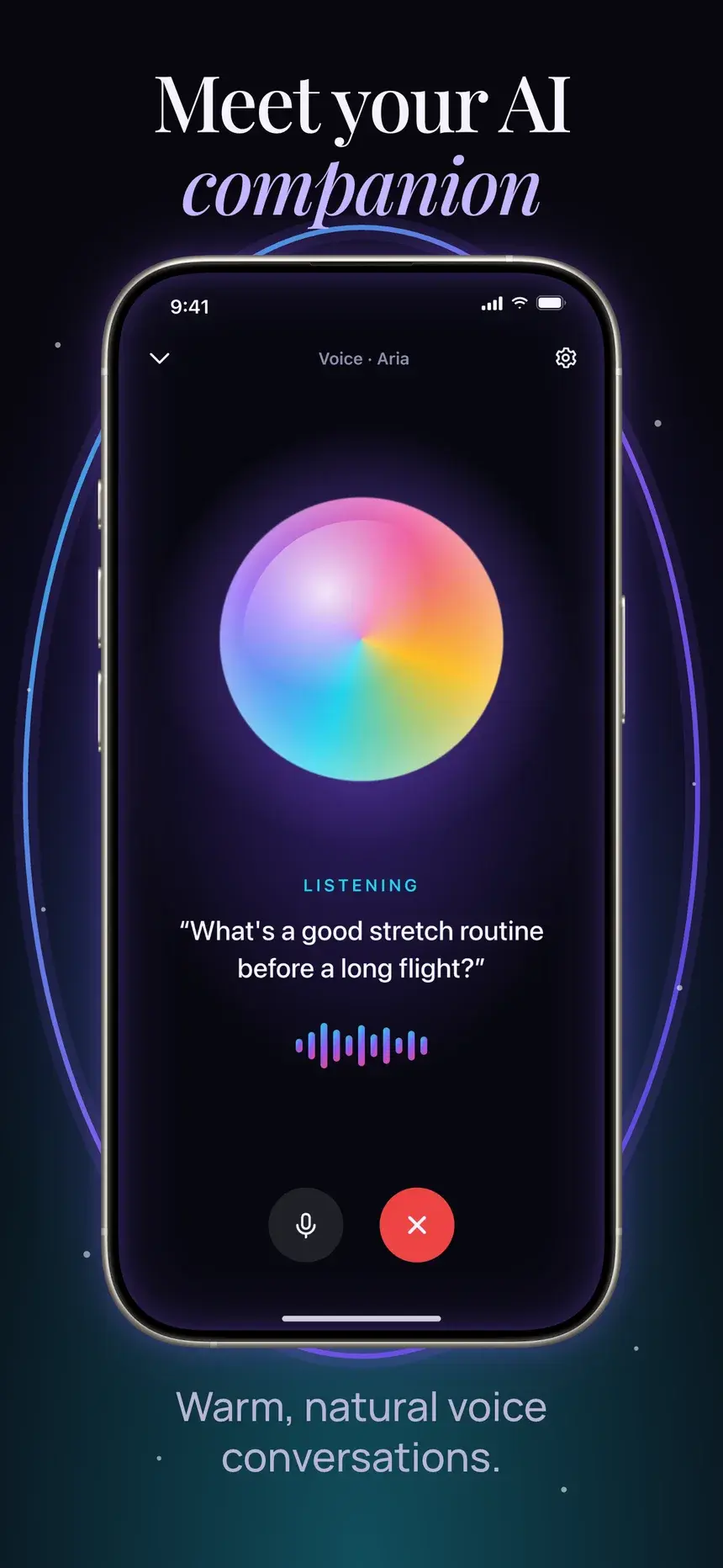
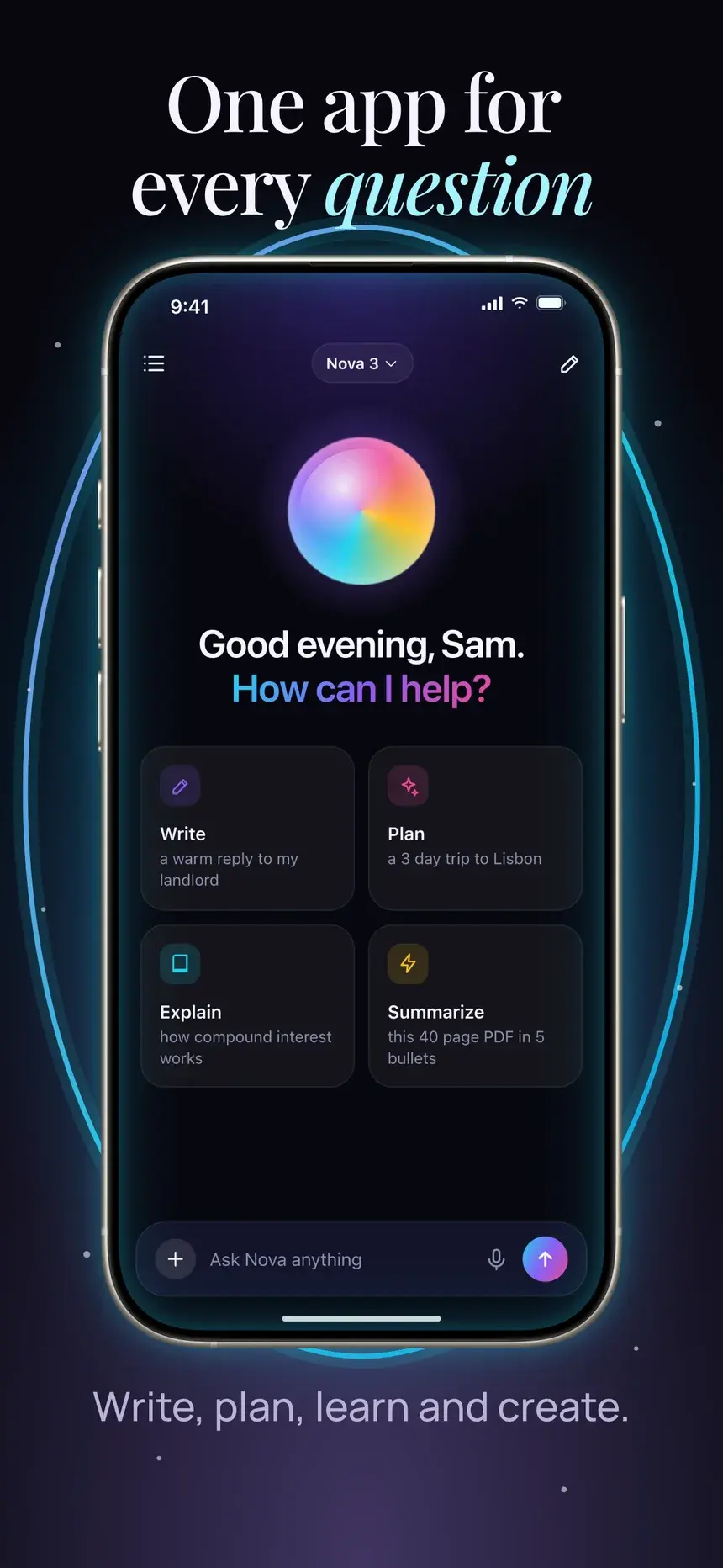
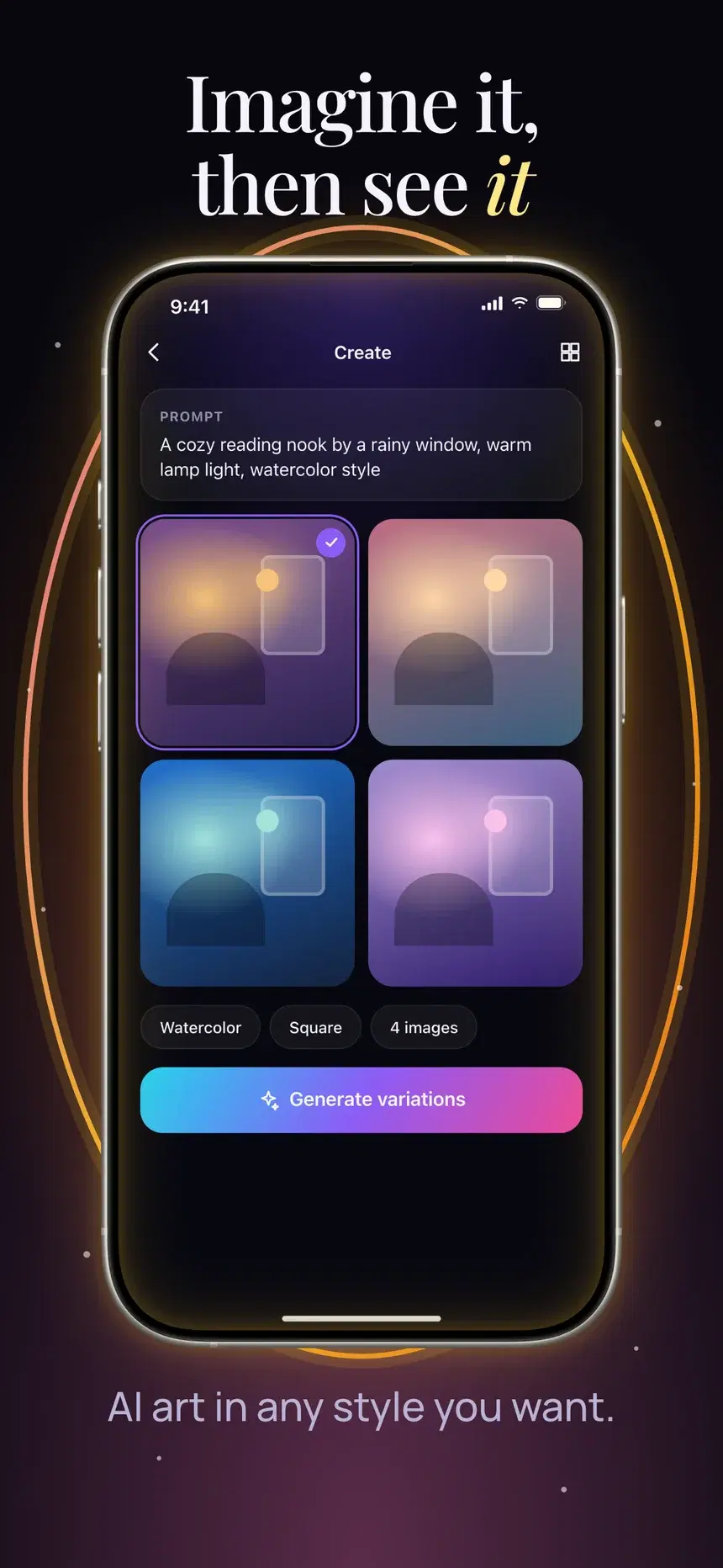
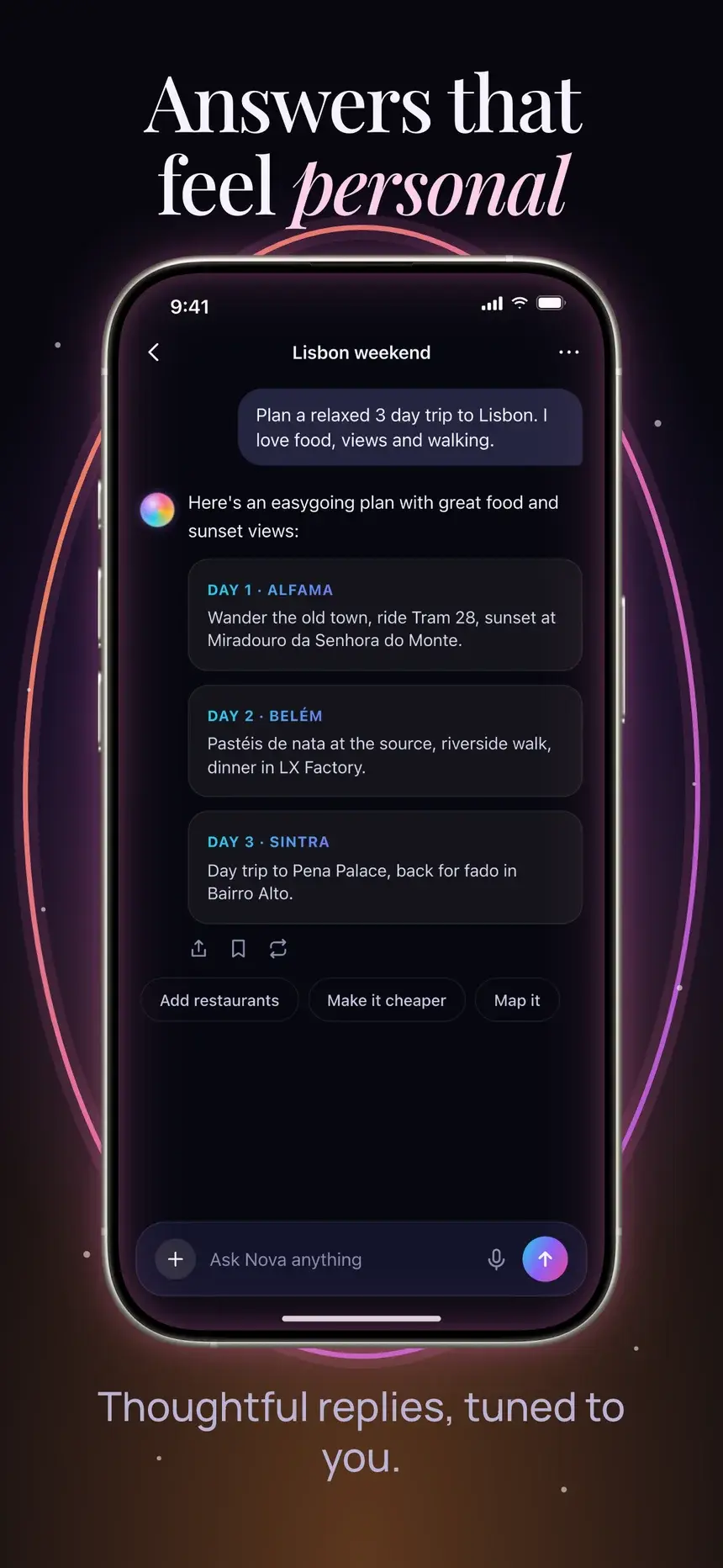
Row
Even row, same size
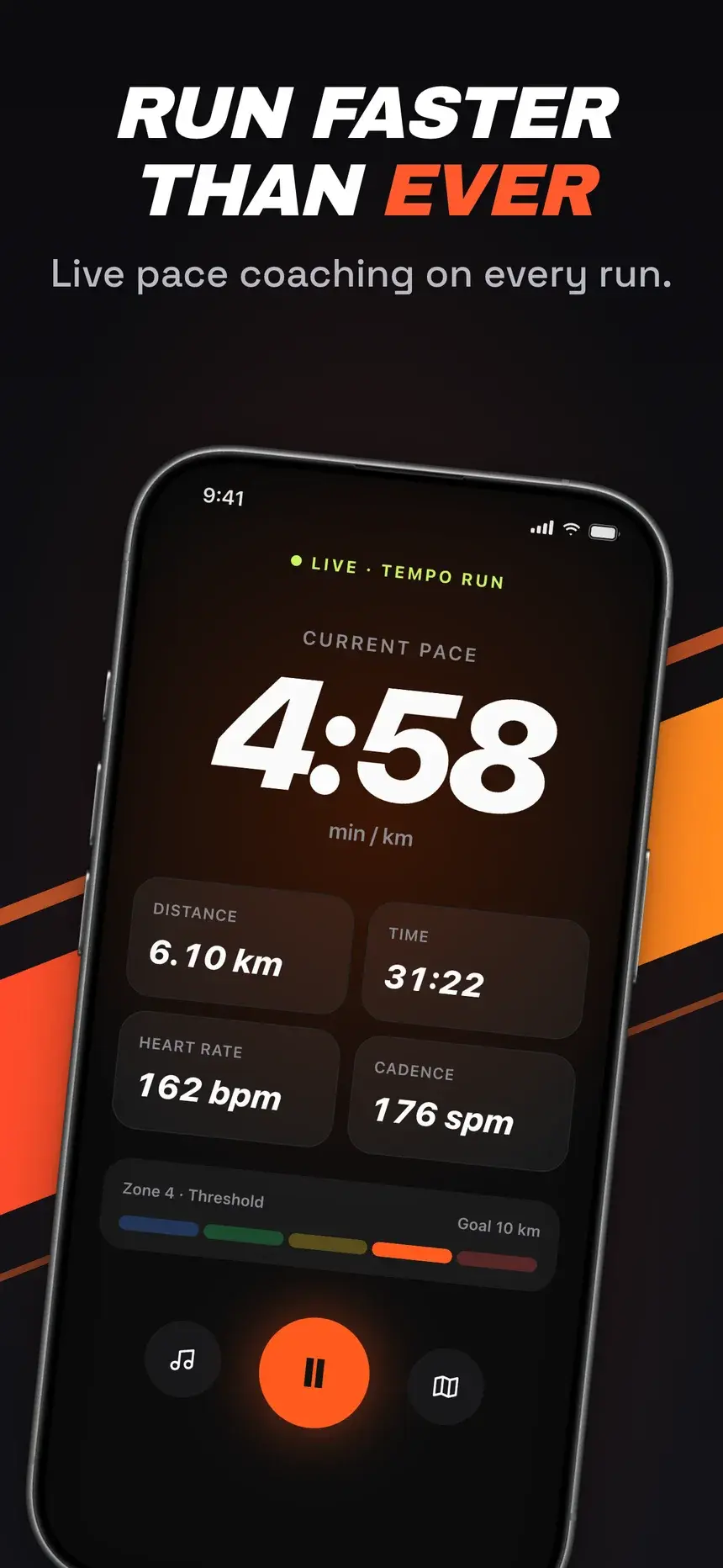
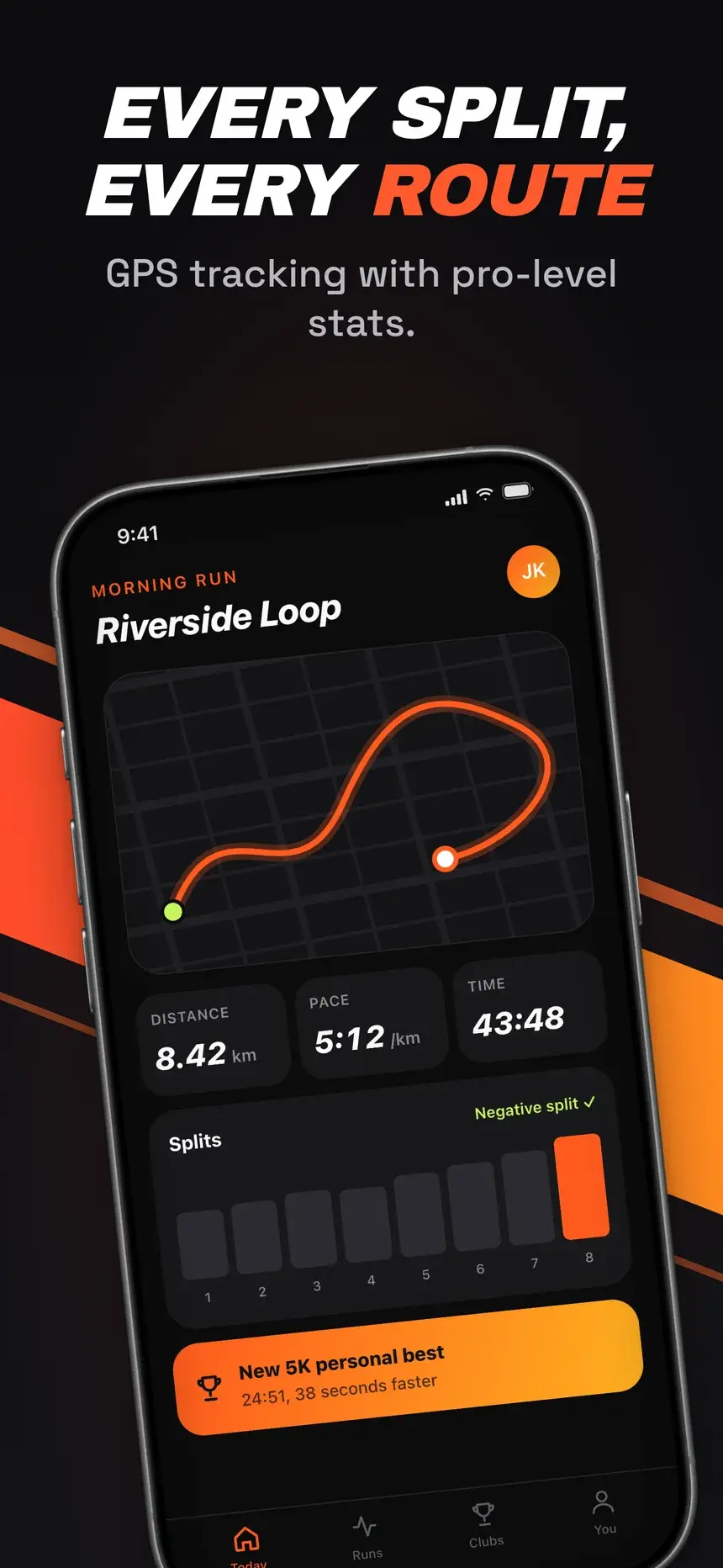
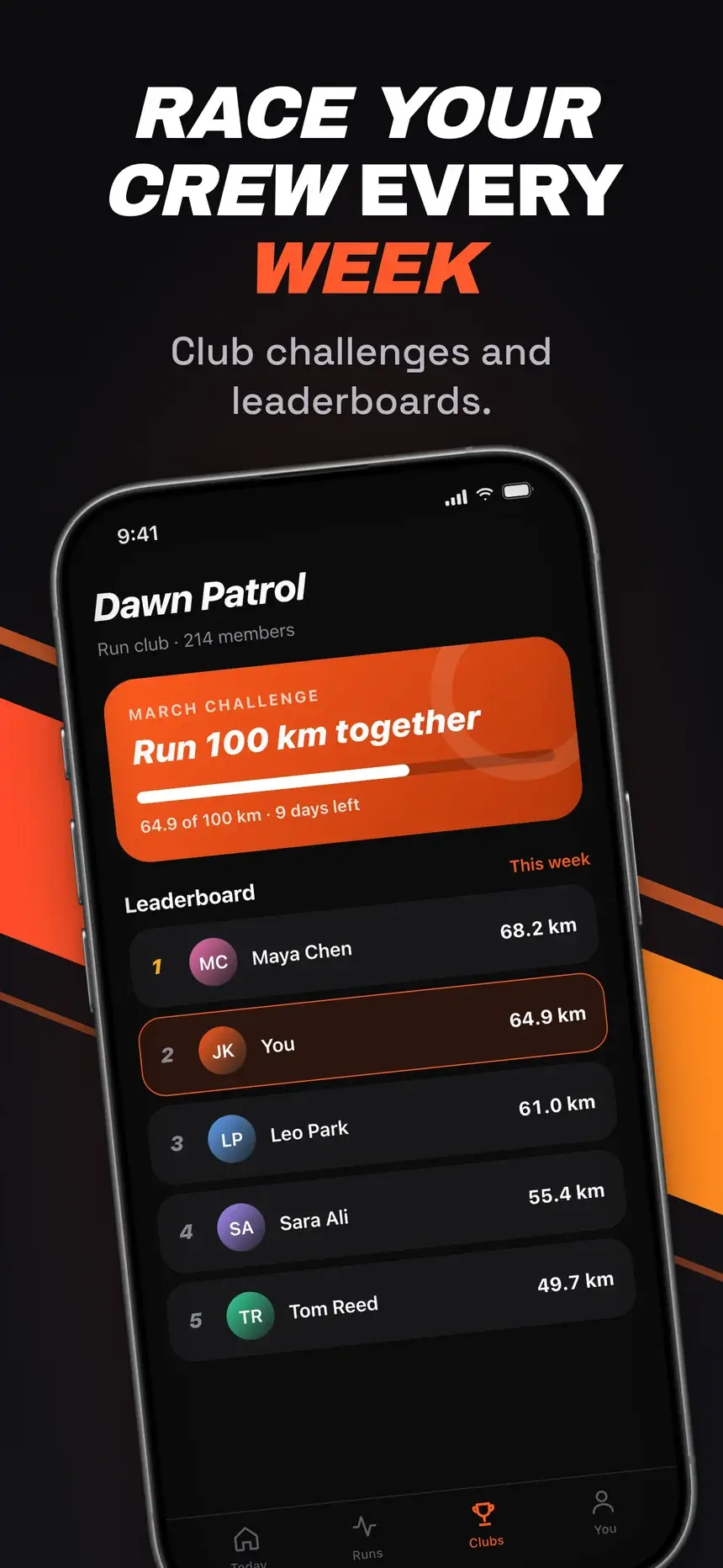
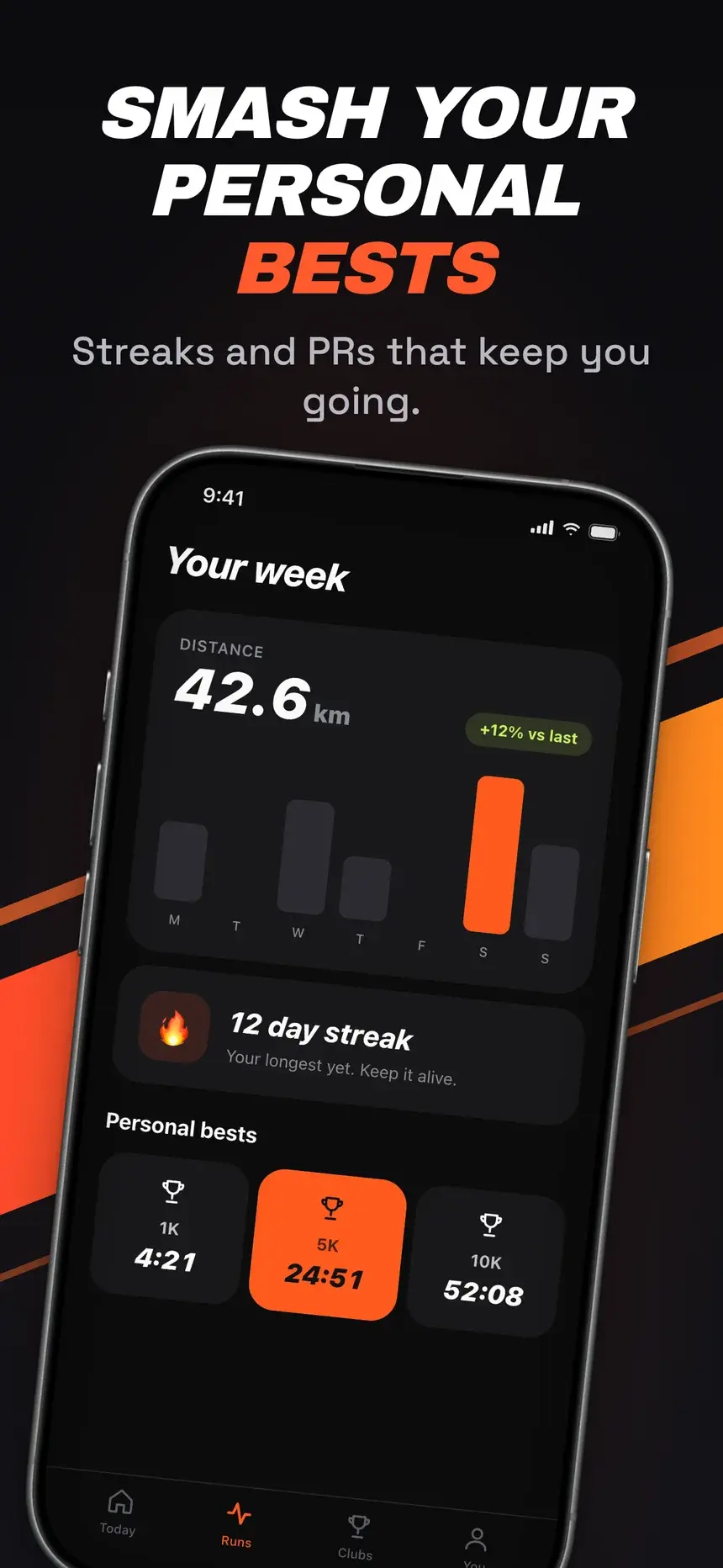
Focus
Big center, smaller sides
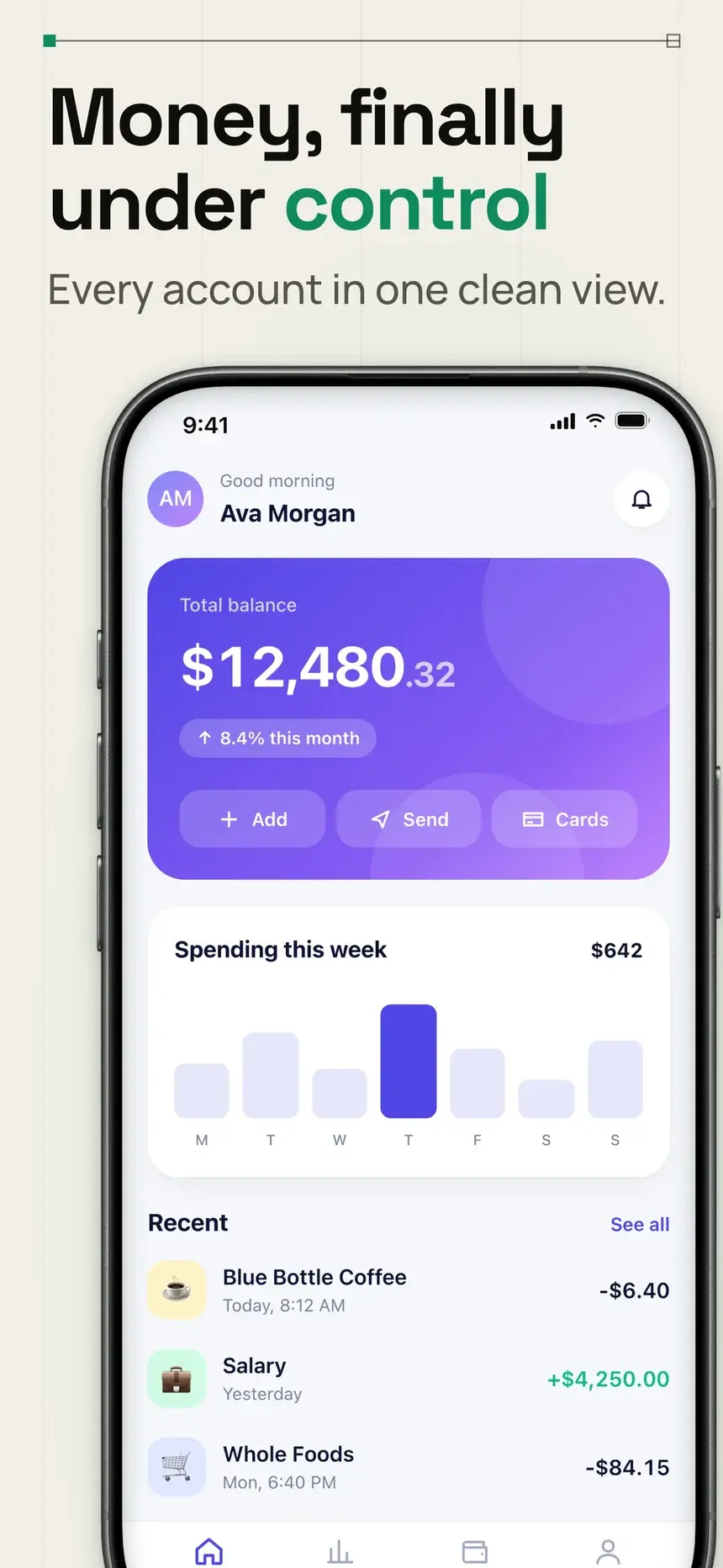
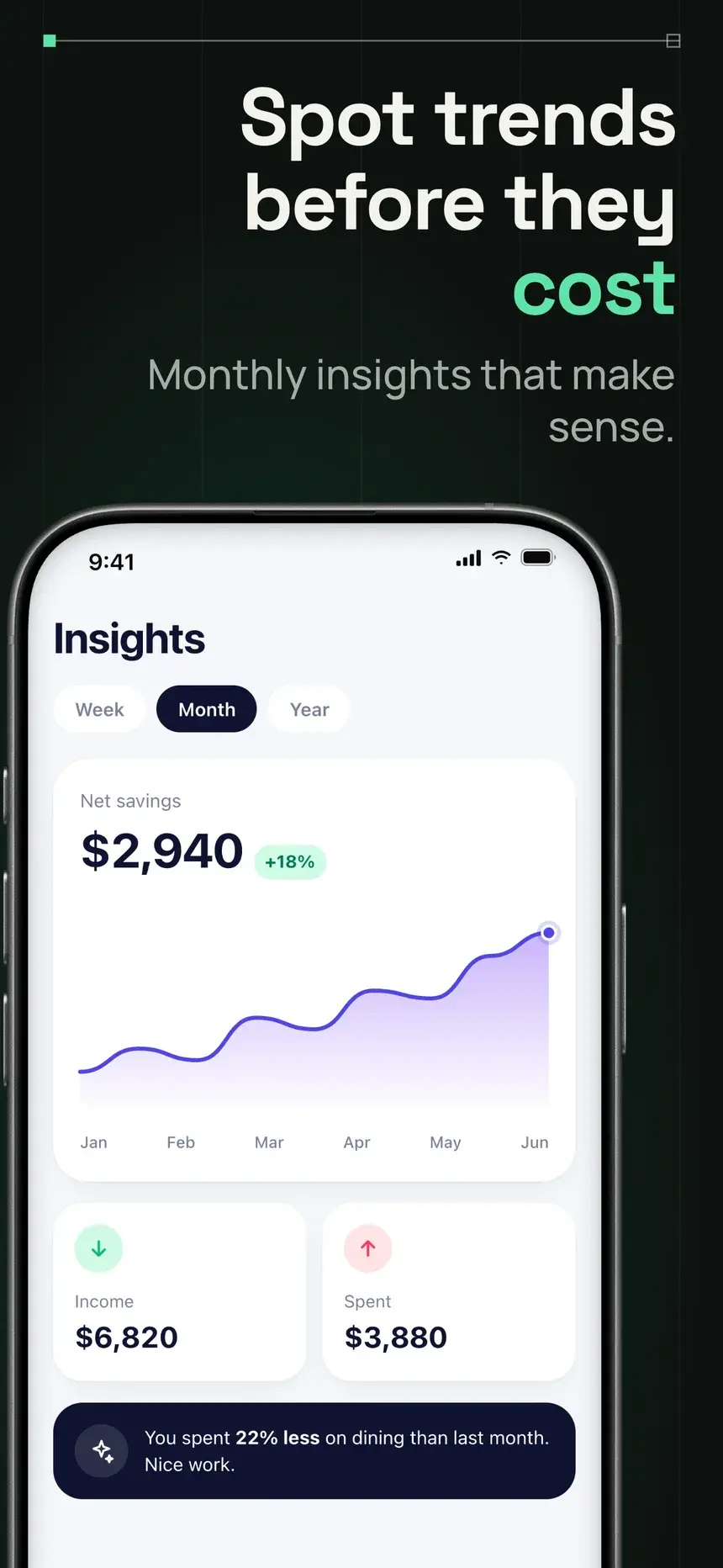
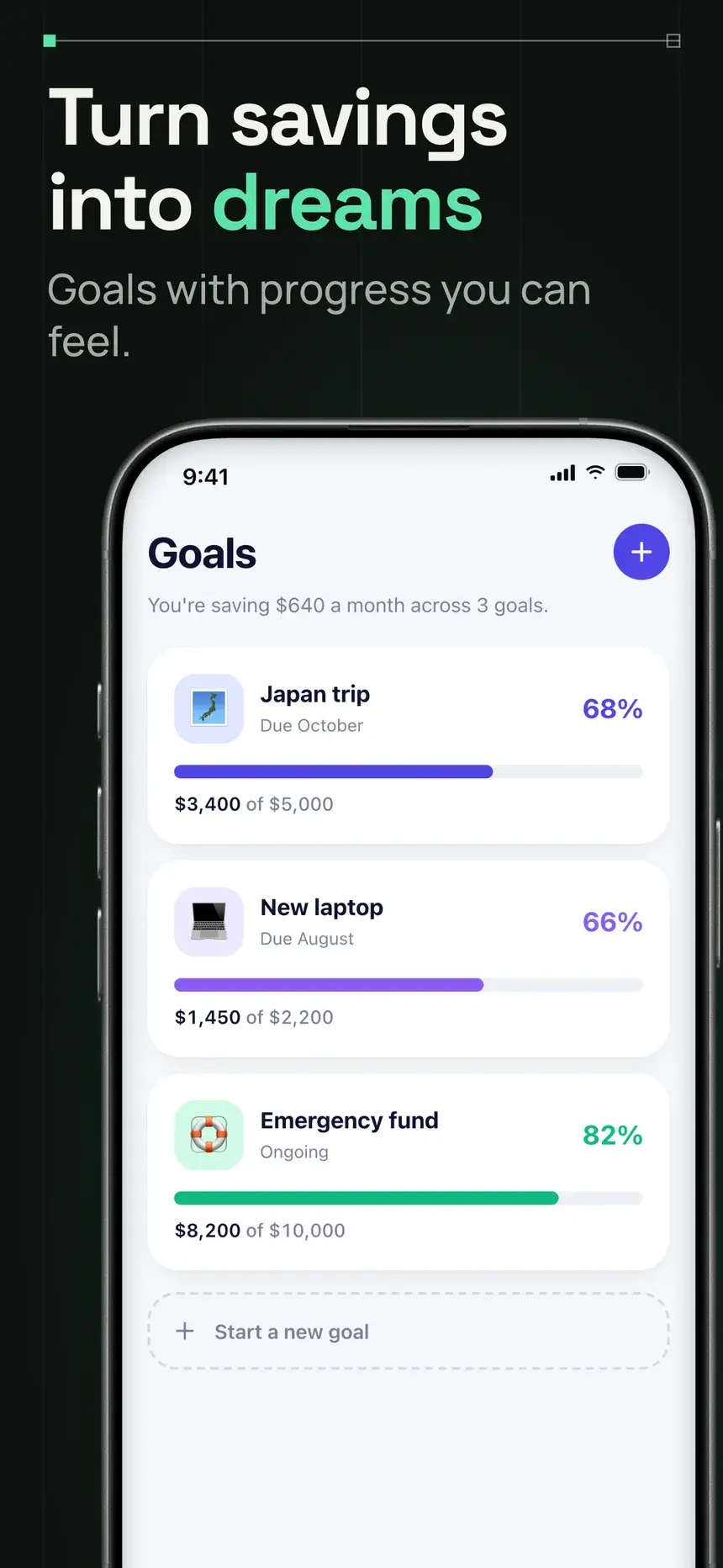
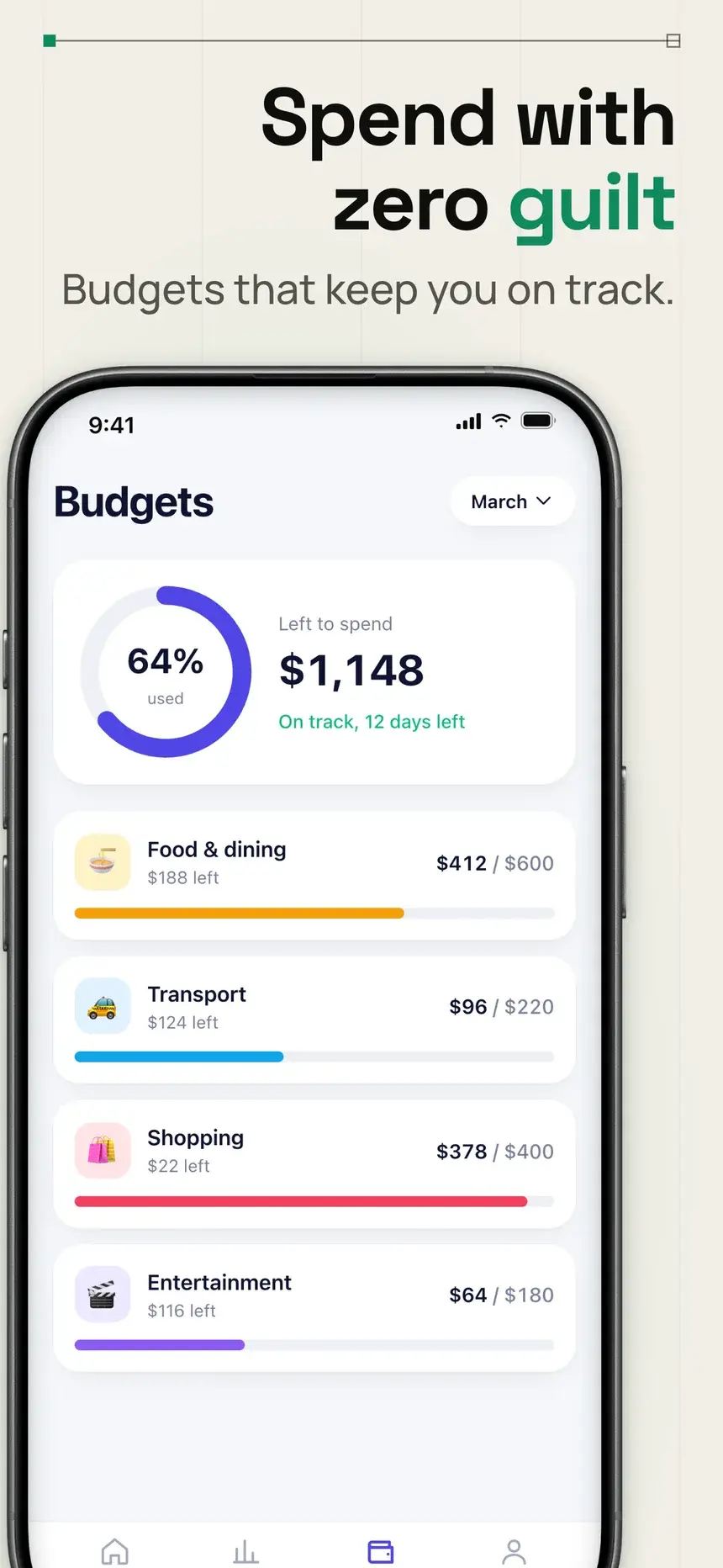
Rising
Focus, bottom aligned
Overlap
Focus with overlap
Stagger
Alternate up and down
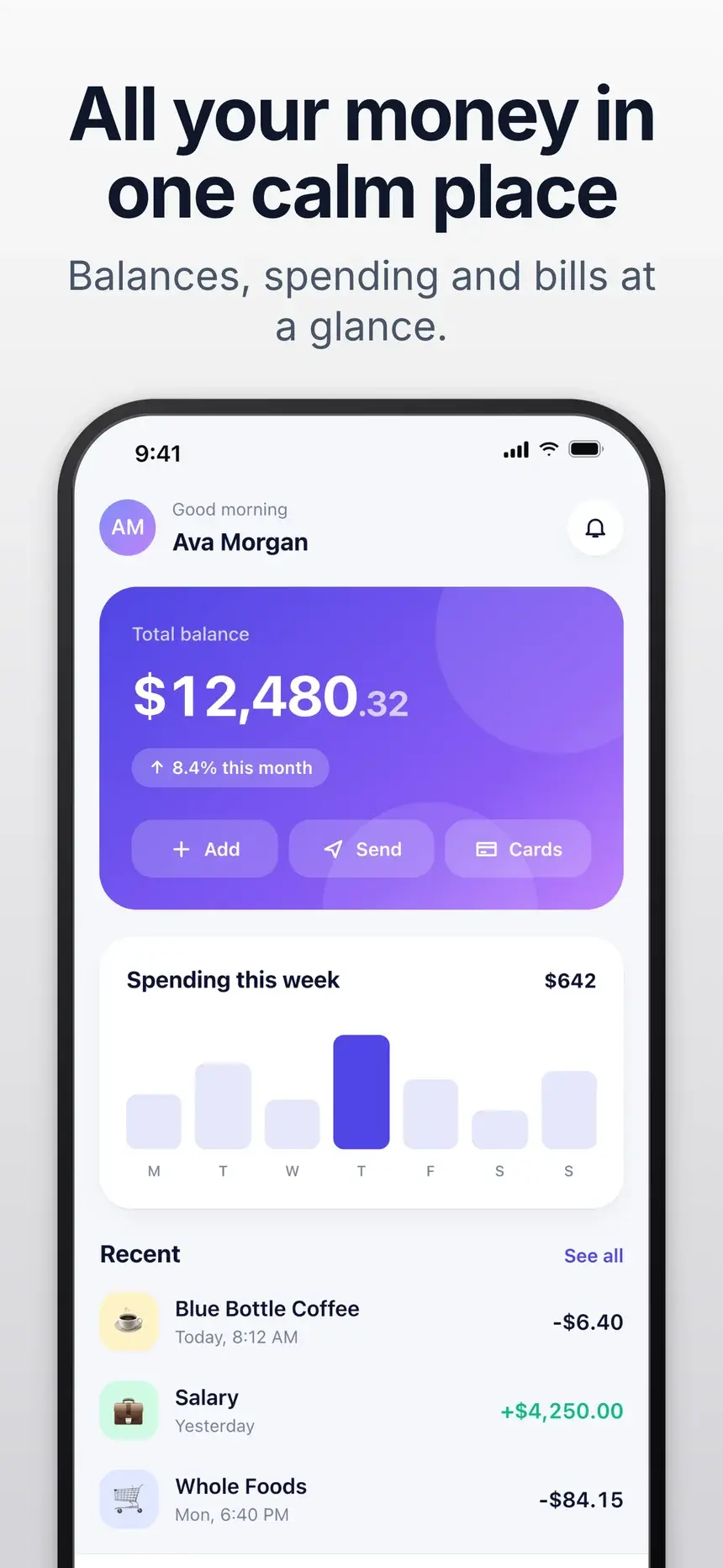
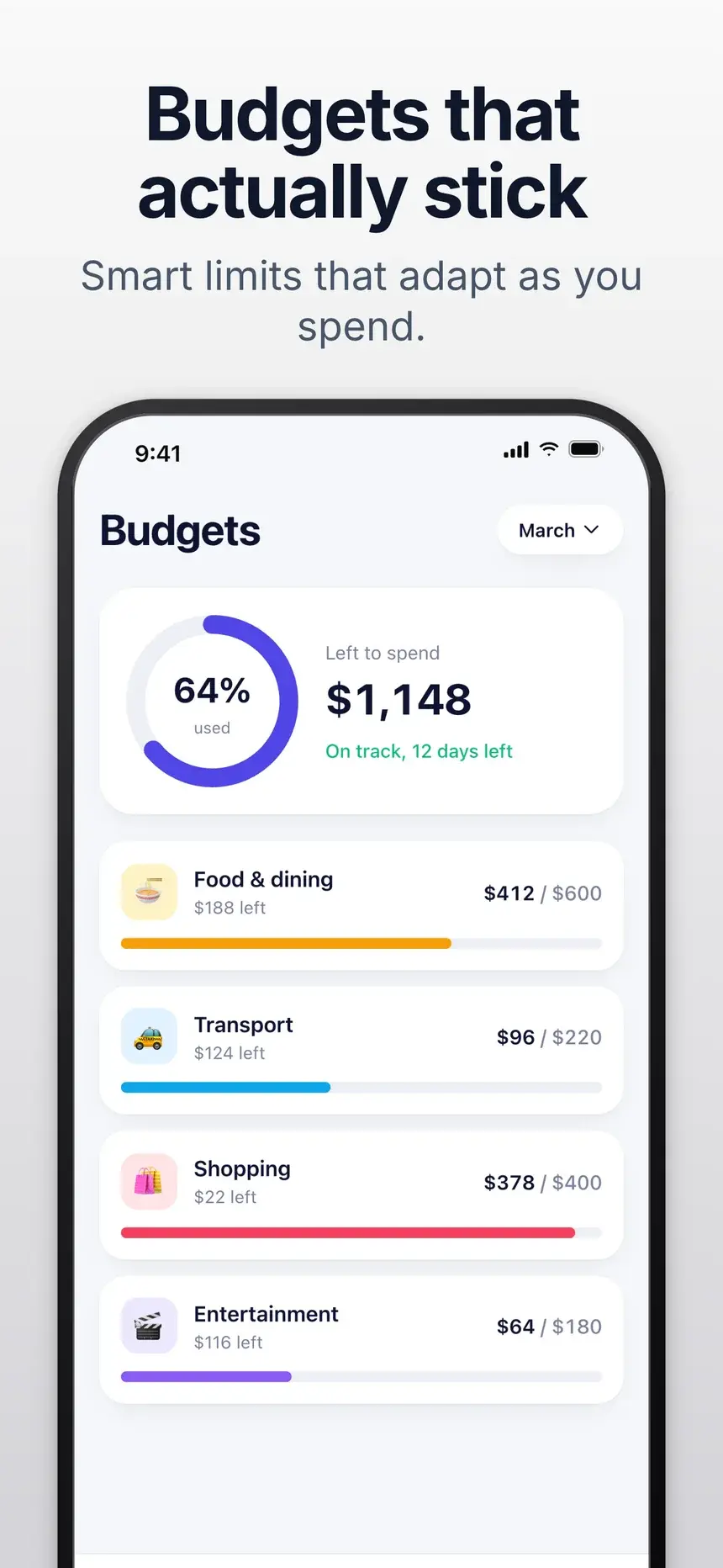
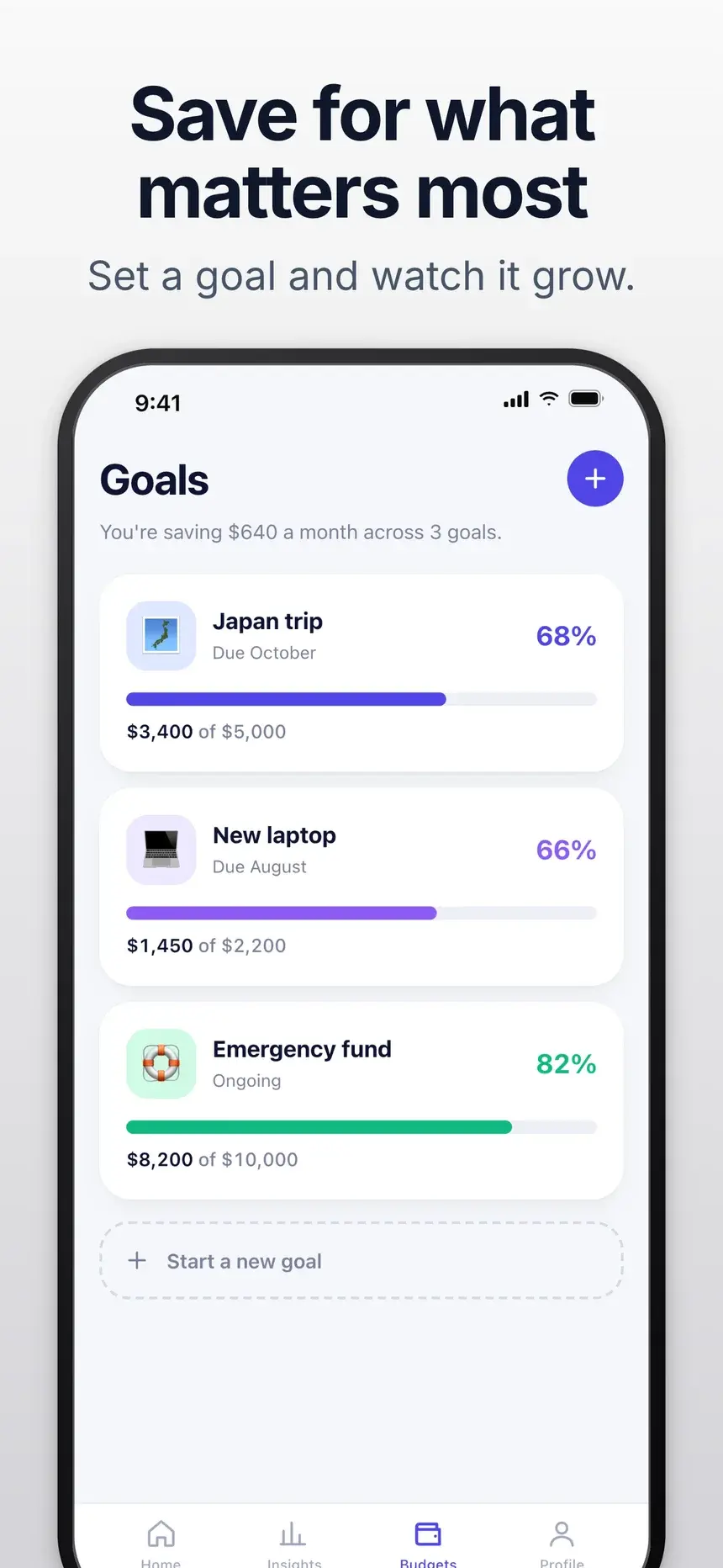
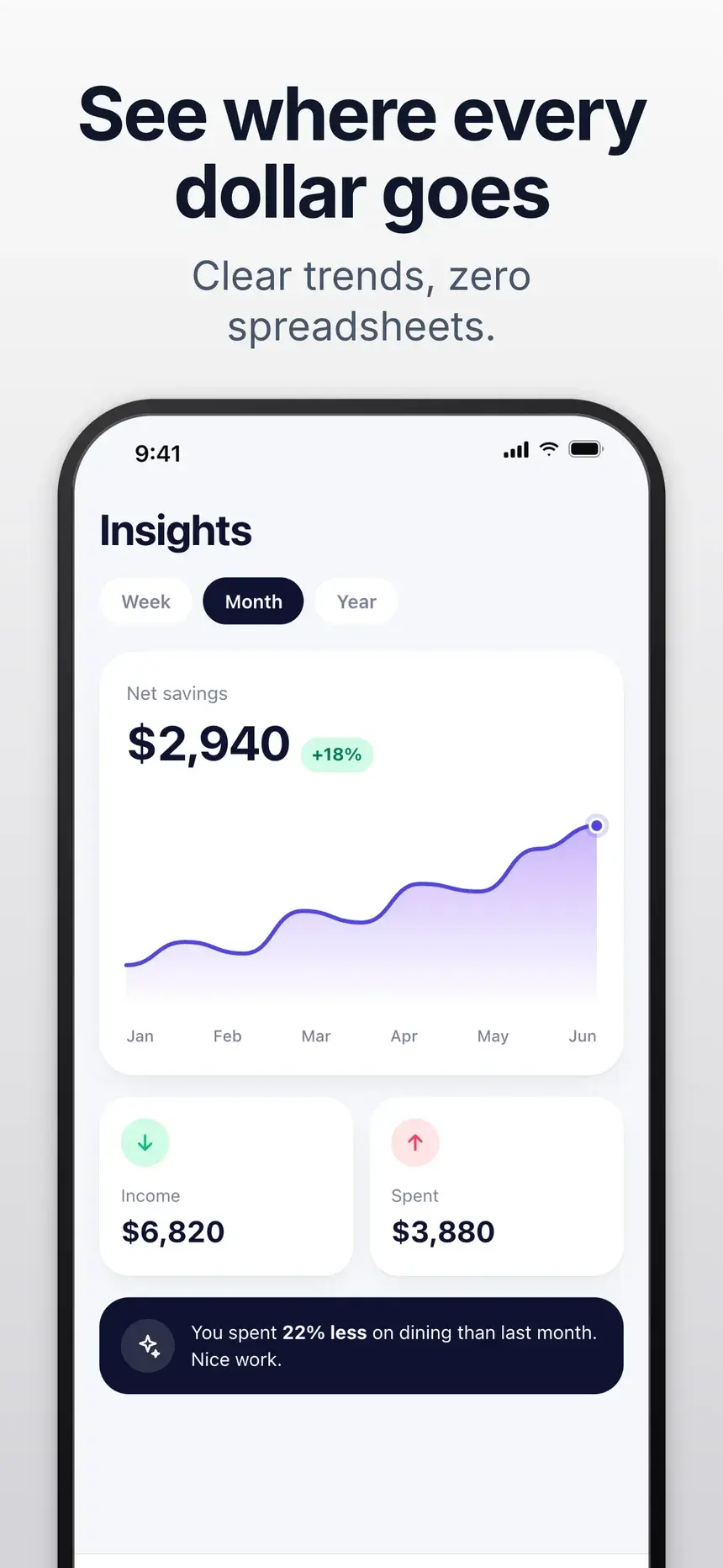
Stairs
Step down left to right
Arc
Smile curve
Fan
Tilted, overlapping
Made for where you post
The right size for every channel
Each one opens the editor at the right size with a layout that suits it.
How it works
How to make an Instagram showcase image
- 01
Drop your App Store screenshots in, or paste them from the clipboard. Up to 10 at a time.
- 02
Pick a layout, then tune the gap, size falloff, tilt, arc, corners, and shadow.
- 03
Choose a background and add an optional headline.
- 04
Copy the image or download it for your post, README, or press kit.
FAQ
Questions, answered.
Sizes, layouts, privacy, and the rest. Free, with no sign-up and no watermark.
Portrait 1080 by 1350 (4:5) takes up more of the feed, while square 1080 by 1080 works everywhere. Both are one click in the size menu.
Yes. There is no sign-up, no watermark, and no limit on exports.
No. Everything is processed in your browser with the canvas API. Your images stay on your device.
Yes. Your screenshots, layout, colors, headline, and export choices are saved in your browser, so a reload or a return visit picks up where you left off. Nothing is sent to a server. Use Clear to remove the screenshots.
Need store-ready screenshots too?
AppScreenPro Studio designs and exports App Store and Google Play screenshots at the exact sizes the stores expect, with device frames, style presets, and callouts.
Open the Studio